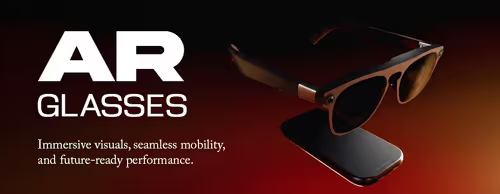
AR Glasses — A Private Screen You Can Wear 👓
XREAL One AR Glasses (1)

How to Choose AR Glasses
The right pair comes down to what you'll plug them into, how big and clear the virtual screen is, and comfort. Compatibility is the make-or-break factor, so check the connection type against your phone, laptop or console first. The notes below cover the decisions that matter.
Most display glasses connect over USB-C with DisplayPort Alt Mode and mirror the screen of a compatible phone, laptop, handheld or console. Devices without video-out over USB-C may need a separate adapter or dock. Always check the listed connection method against the device you want to use.
Compatibility depends on whether your device can output video over its USB-C port (or through a supported adapter). Many recent phones, laptops and handhelds support this; some consoles and older phones need an adapter. Confirm your specific device is supported on the product page before buying.
AR display glasses give you a private virtual screen while you can still see your surroundings, and are worn like glasses. VR headsets fully enclose your view for immersive 3D worlds and are bulkier. Choose AR glasses for a portable personal screen; choose VR for room-scale immersion.
AR glasses project a virtual screen that appears like a large display a few metres in front of you; product specs usually quote an equivalent size and resolution. Brightness matters for use in lit rooms, and a sharper panel makes text and gaming easier on the eyes. Compare these specs across models.
Because you wear them on your face, weight and fit affect how long you can use them comfortably. Many models include adjustable nose pads and support insert lenses for spectacle wearers. If you wear glasses, check whether prescription inserts are available before buying.