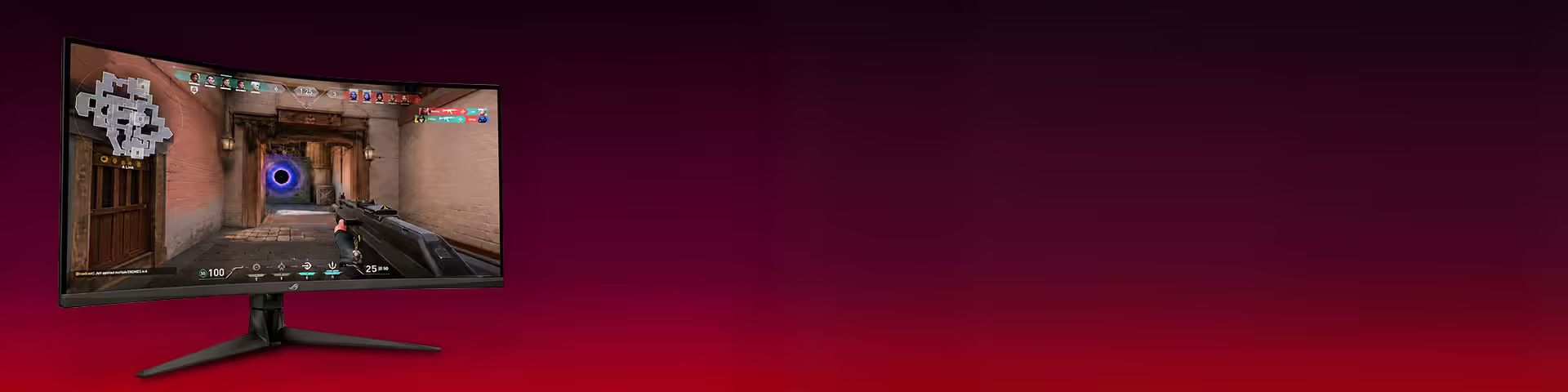
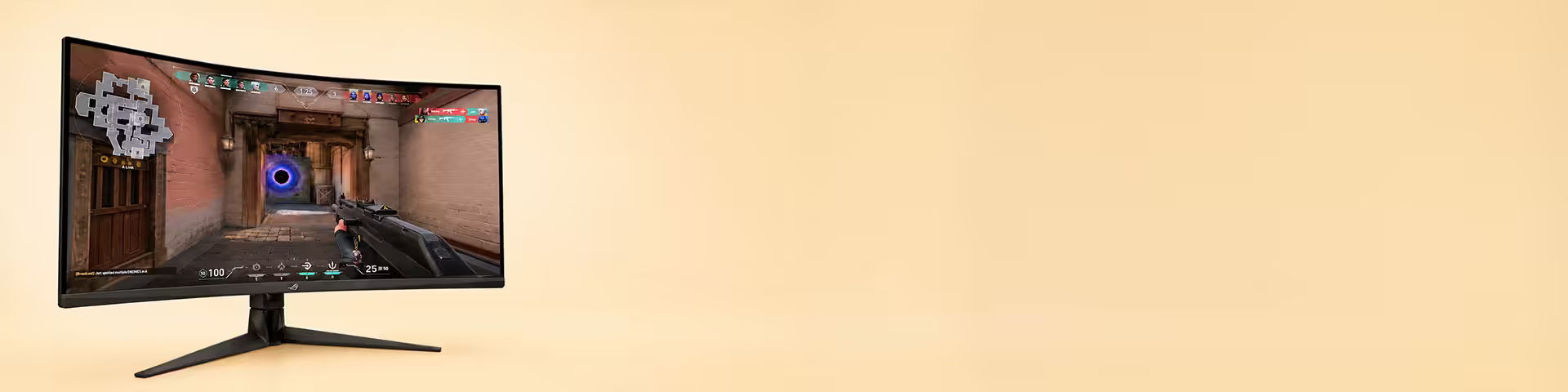
Explore the best OLED monitors for gaming, streaming, and professional photo/video editing — featuring deep blacks, vibrant color accuracy, 4K/HDR support, and ultra-fast refresh rates. 🎮🎨
Compare top OLED screens for low input lag, wide color gamut, and superior contrast. Find the ideal OLED monitor for creators and gamers with guidance on resolution, HDR performance, connectivity, and price. ✅
OLED Monitors — Best OLED Gaming & Professional Displays | 4K HDR 🖥️✨
Discover top OLED monitors for gaming, content creation, and home theater. Learn about 4K HDR OLED displays, true blacks, color accuracy, and high refresh rates to find the perfect OLED monitor for your needs. 🎮🎨📺
OLED monitors deliver true blacks, infinite contrast, and exceptional color accuracy — ideal for photographers, video editors, and cinephiles. With ultra-fast response times and vivid HDR performance, OLED displays offer immersive visuals for gaming and media. Keywords: OLED monitors, true blacks, HDR, color accuracy.
Compared to LCD/LED panels, OLED provides deeper blacks, wider viewing angles, and faster pixel response. LCDs can be brighter and cheaper, but OLED wins for contrast, color depth, and motion clarity. Consider burn-in risk and brightness trade-offs when choosing between OLED and LCD. Keywords: OLED vs LCD, OLED display, pixel response.
For gamers, OLED gaming monitors offer low input lag, high refresh rates, and vibrant HDR for competitive and cinematic play. Creators benefit from wide color gamut and accurate color reproduction for photo and video editing. Movie lovers get cinematic contrast and lifelike scenes. Keywords: OLED gaming monitor, color accurate monitor, HDR movies.
When shopping, prioritize resolution (4K OLED or 1440p), refresh rate (120Hz+ for gaming), HDR certification, connectivity (HDMI 2.1, DisplayPort), panel size, and factory color calibration. Check warranty, burn-in protection features, and power efficiency. Keywords: 4K OLED monitor, HDMI 2.1, high refresh rate, buying guide.
Extend your OLED monitor's lifespan by using automatic dimming, screen savers, pixel shift, and avoid prolonged static UIs at max brightness. Keep firmware updated and use proper brightness settings for long-term performance. Keywords: OLED lifespan, burn-in prevention, monitor care.