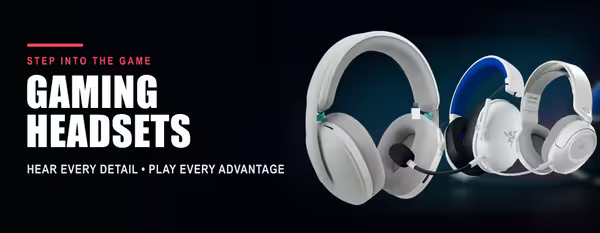
Corsair Gaming Headsets 🎧
Corsair Gaming Headsets — Wired, Wireless & RGB (5)
How to Choose a Corsair Headset
Corsair headsets differ mainly by connection, mic quality, comfort tier and how deeply they use iCUE software. Decide whether you want wired or wireless, which platforms you game on, and how much you care about surround sound and RGB — then match a model to that. The guide below covers the key decisions.
Wired USB or 3.5mm models are the simplest, lowest-latency choice for desktop play — no charging needed. Wireless models free you from the cable for console and couch gaming, and Corsair's low-latency slipstream wireless aims to keep response tight. Choose by where you game and whether you mind charging.
Many Corsair headsets work across PC and consoles, but support varies by model and connection — wired 3.5mm is the most universal, while USB and wireless support depends on the headset. Always check the listed platform compatibility on the product page before buying for a specific console.
Corsair's iCUE software (PC) lets you tune EQ, enable surround sound and sync RGB lighting across your Corsair gear. If you already run a Corsair keyboard or mouse, a Corsair headset slots into the same control panel. If you don't use software tweaks, a simpler wired model may be all you need.
All Corsair gaming headsets include a microphone for team chat, with noise reduction to keep your voice clear. Higher-tier models step up to broadcast-grade or detachable mics better suited to streaming and content creation. Match the mic tier to whether you just chat or also record.
Corsair headsets use memory-foam ear cushions and adjustable headbands for extended comfort, with premium models adding plusher materials and lighter frames. If you game in long stretches, prioritise cushion comfort and weight over extra features you may rarely touch.


