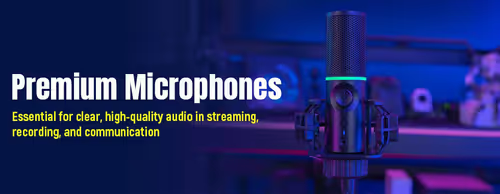
Microphones 🎤
Podcast & Streaming Microphones (22)


How to Choose a Microphone
The right mic comes down to how you connect it, how noisy your room is, and what you're recording. Start with USB versus XLR, then weigh condenser against dynamic for your space. The points below cover the decisions that change how clean and professional you sound.
A USB mic plugs straight into your PC and is ready in minutes — ideal for streaming, calls and getting started. An XLR mic needs a separate audio interface or mixer but gives you better upgrade paths and is the studio standard. If you just want to sound good on stream now, USB; if you're building a serious recording setup, XLR.
Condenser mics are sensitive and detailed, capturing every nuance — great in a quiet, treated room but they also pick up fans, keyboards and echo. Dynamic mics are less sensitive and reject more of the room, so they're often better for gaming and streaming in an untreated space. Pick by how noisy your room actually is.
The polar pattern is the shape of what the mic hears. Cardioid picks up mostly what's in front and ignores the sides and rear — the right choice for solo streaming and voice. Omnidirectional hears all around (for a group), and bidirectional captures front and back (for interviews). Most solo creators want cardioid.
A boom arm positions the mic close to your mouth and off the desk, which improves clarity and frees up space. A pop filter softens hard "p" and "b" sounds. A shock mount stops desk bumps and typing vibrations reaching the mic. None are essential to start, but a boom arm and pop filter make the biggest audible difference.
Get the mic close to your mouth and speak across it slightly rather than straight into it. Choose a cardioid pattern and, in a noisy room, a dynamic mic. Software noise suppression (built into many streaming and chat apps) cleans up the rest. Good placement beats software — fix the position first.