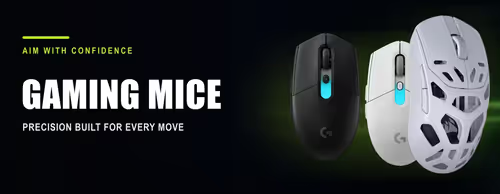
Gaming Mice 🖱️
A gaming mouse is built for fast, precise aiming: a high-accuracy optical sensor, low-latency switches, a shape that suits your grip and, on wireless models, a 2.4 GHz link that is as quick as a cable. This shelf holds every gaming mouse we stock — from a first budget upgrade with RGB to ultra-light esports mice under 60 g.
The choices that matter are wired or wireless, weight and shape (small symmetrical mice for claw and fingertip grips, larger ergonomic shapes for palm grip), sensor and DPI range, polling rate, and the number of programmable buttons. Battery life and a charging dock or USB-C cable round out a wireless pick.
Evetech stocks gaming mice from Razer, Logitech G, SteelSeries, Corsair, HyperX, Glorious, Turtle Beach, Lorgar, Marvo and more, all with local warranty and fast delivery across South Africa. Pair one with a mouse pad from Mouse Accessories, or find quiet everyday mice under Office Mice.