Mini PCs — Compact Desktop Computing 🖥️
Small Form Factor Mini PCs (20)


How to Choose a Mini PC
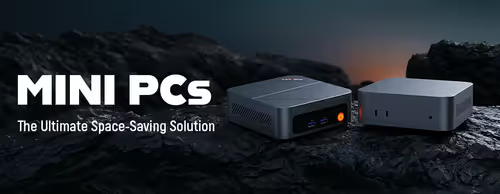
The right mini PC comes down to what you'll run on it and how much you can upgrade later. Decide whether it's a media box, an office machine or a compact gaming-capable PC, then match the processor, memory and storage to that role. The guide below covers the decisions that matter.
Mini PCs run a full desktop operating system, so they handle office apps, web browsing, video calls, 4K media playback and light gaming on integrated graphics. They're ideal as a media centre, a digital-signage or POS box, a home-server, or a tidy second machine. For heavy 3D gaming or rendering, a tower with a discrete GPU is the better tool.
8GB of RAM covers basic browsing and media; 16GB is the comfortable sweet spot for multitasking and office work. Storage is almost always M.2 NVMe — fast and quiet. Check whether the unit uses upgradeable SO-DIMM memory and a spare drive slot, as some compact models have memory soldered on.
Integrated graphics handle older, indie and esports titles at modest settings, plus cloud gaming streamed over a good connection. Demanding AAA games at high settings need a discrete GPU, which most mini PCs don't have. Treat gaming as a light bonus rather than the main reason to buy one.
Most mini PCs include a VESA bracket so you can mount the unit to the back of a monitor or under a desk, hiding it completely. Check the ports you rely on — HDMI/DisplayPort outputs for dual screens, enough USB, and wired Ethernet if Wi-Fi isn't reliable where it lives.
A mini PC gives you desktop flexibility and a tidy footprint, but you supply your own monitor, keyboard and mouse. A laptop adds portability and a built-in screen; a tower adds expandability and discrete-GPU power. Pick a mini PC when you want a permanent, space-saving desktop that draws little power.