Mac vs Chromebook — 2026 Decision Guide
MacBook vs Chromebook. — Two different answers to the same question.
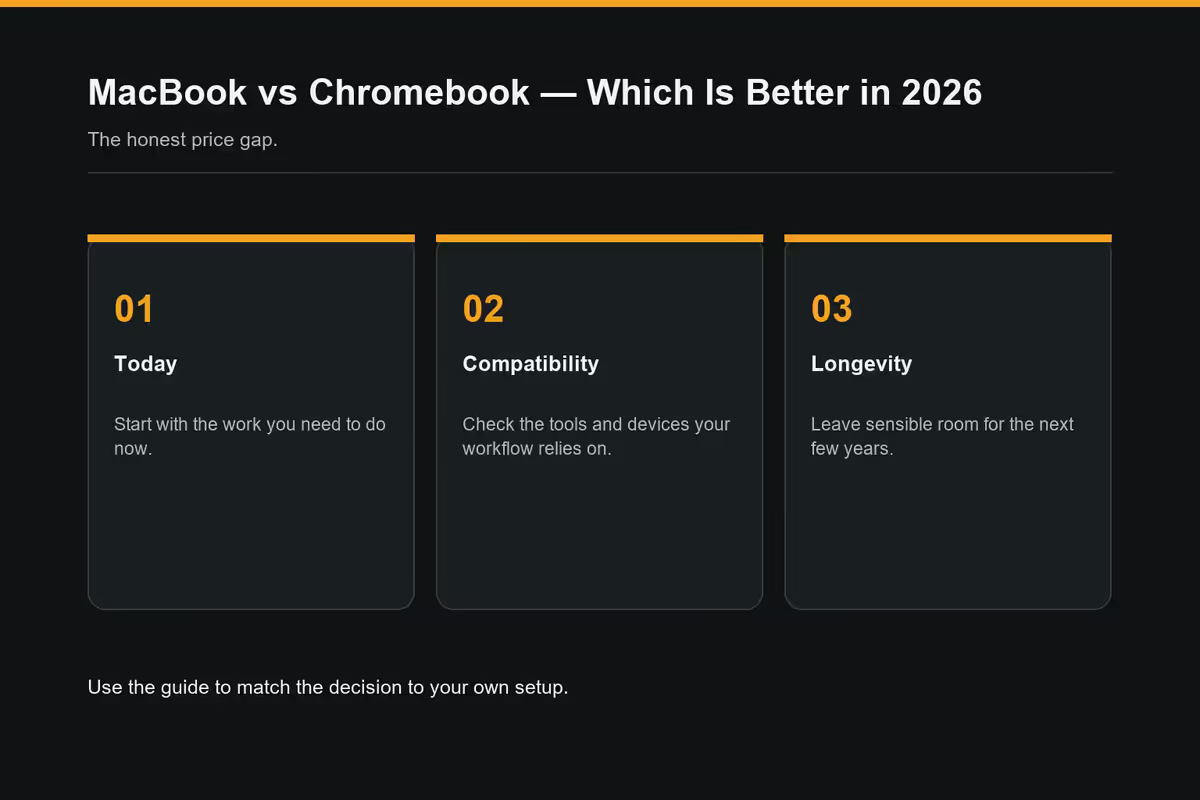
One costs three times more. The other can't run Final Cut Pro. The honest 2026 split is sharper than either camp admits — and it depends entirely on the eight hours you spend in front of the screen each day.
- SA price gap
- 3-4x
- ChromeOS updates
- 10 yrs
- macOS lifespan
- 8 yrs
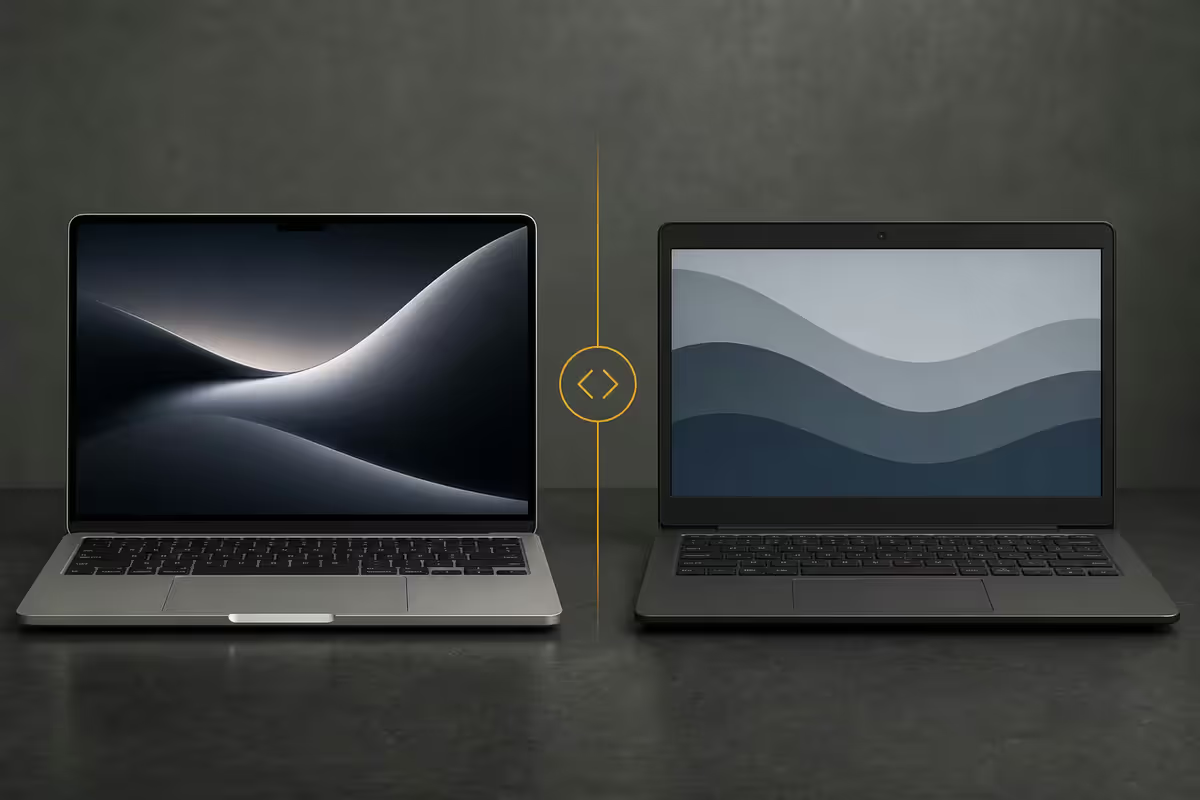
macOS vs ChromeOS — two different workflows
The MacBook-vs-Chromebook argument feels like a spec sheet question and it's really a workflow question. macOS is a traditional desktop OS that happens to have excellent web support. ChromeOS is a web-first OS that has slowly added Android and Linux app support. Which is right for you depends almost entirely on where you spend your day.
On macOS, the model is desktop apps with persistent state. You open Final Cut Pro and your project lives locally; Logic loads instruments from disk; Xcode compiles using local frameworks. The cloud is an enhancement, not the foundation. macOS Sequoia in 2026 polishes window management, Continuity with iPhone, and a deeply integrated Apple Intelligence layer — but the bones are still the same Unix-derived OS Apple shipped in 2001.
On ChromeOS, the model inverts. The browser is the OS. Tabs are applications. Files default to Google Drive. Settings live in your Google account. Reset the device and 90 seconds later you're back at full productivity. ChromeOS in 2026 is materially more capable than the 2018 version that earned it the "just a browser" reputation — Android apps via Google Play, full Linux dev containers, GPU-accelerated video codecs — but the philosophical centre is unchanged.
| Workflow | macOS | ChromeOS |
|---|---|---|
| Documents (Docs/Sheets/Slides) | Web or native | Native experience |
| Microsoft 365 | Full Office apps | Web + Android apps |
| Video editing | Final Cut, Premiere, DaVinci | Web tools, Kdenlive (Linux) |
| Music production | Logic Pro, Ableton, Pro Tools | Limited — BandLab web only |
| Photo editing (RAW) | Lightroom Classic, Affinity | Lightroom Android, web tools |
| Software development | Native Unix, full Xcode | Linux container, web IDEs |
| Browser-based work | Excellent | Native habitat |
| Boot time / wake | 5-8 sec wake | Instant (2-3 sec) |
| Setup on new device | 15-30 min | 90 seconds |
Offline capability — the honest 2026 assessment
The "Chromebook needs internet" critique was fair in 2014 and is mostly false in 2026. Google has spent the last decade hardening offline support across its product line; the gap has narrowed dramatically. But there are real edges that remain.
What works offline on Chromebook in 2026: Google Docs, Sheets, Slides (full editing with sync on reconnect), Gmail (read, draft, send-when-online), Drive (any starred file), Google Keep, every installed Android app from Google Play, every Linux developer app in the container, all media playback (downloaded films from Netflix, Spotify, YouTube Premium), Snapseed photo editing, and an offline games library.
What doesn't work or is limited: some Microsoft 365 features in the web version (full offline requires the Android apps), most cloud-only web SaaS (Notion, Figma — though Figma Mirror partially helps), any tool that's a pure web app with no offline mode (most CMS dashboards), and creative pro tools that simply don't exist on ChromeOS in any form.
On macOS, almost everything works offline by default — that's the desktop OS heritage. The exceptions are cloud-only services (Figma, Notion, web Slack) where macOS and ChromeOS share the same limitation: no internet, no work.
App ecosystems compared
This is where the gap is widest and where Apple's 25-year head start in desktop computing is most obvious. macOS has the Mac App Store plus the entire universe of direct-download apps from developer websites. ChromeOS has the Google Play Store (Android apps), the Chrome Web Store (web apps and extensions), and Linux apps via the developer container.
For productivity and office work, the gap closes to almost zero. Microsoft 365 web is excellent. Google Workspace runs natively. Slack, Zoom, Teams, Webex all work in both environments. WhatsApp Web works fine on both. If you live in productivity software, the OS barely matters anymore.
For creative and pro applications, the gap is canyon-wide. Final Cut Pro, Logic Pro, Pro Tools, Lightroom Classic, Photoshop, Illustrator, Cinema 4D, Maya, Blender (native) — all macOS-native. ChromeOS has Android equivalents and Linux Blender, but the workflow quality and plugin ecosystems aren't comparable.
For development, MacBook leads more than people realise. Native Unix shell, Homebrew, Xcode for iOS, full Docker support, ARM and x86 emulation. Chromebook with Linux developer mode handles Python, Node, Rust, Go and web dev — but with rough edges around Docker performance and GPU access.
The SA price gap — let's be honest about it
In rand terms, the price gap is the single most important variable in this decision. SA prices for both lines in mid-2026:
| Tier | Chromebook | MacBook |
|---|---|---|
| Entry (basic productivity) | R6,500-R9,500 (Acer, Lenovo, HP basic) | R23,000+ (Air M-series) |
| Mid (premium build, good screen) | R10,000-R14,000 (Chromebook Plus tier) | R28,000-R35,000 (Air higher RAM) |
| High (creator / power user) | R15,000-R18,000 (Pixelbook-class, IdeaPad Pro) | R45,000-R65,000 (Pro 14"/16") |
| Maxed-out spec | ~R20,000 (top Chromebook Plus) | R85,000-R130,000 (Pro M-Max/Ultra) |
The price gap isn't a small premium — it's a fundamentally different category. R23,000 vs R6,500 is the difference between a single-laptop family and three Chromebooks for the kids. Whether the gap is justified depends on what you actually do with the laptop.
ChromeOS Flex on old hardware
If you have a Windows laptop from 2018 that's become painful to use, ChromeOS Flex is the most interesting underdog in this comparison. It's the official Google-supported version of ChromeOS designed to install on existing PC and Mac hardware, free of charge.
A 2017 ThinkPad that creaks under Windows 11 boots ChromeOS Flex in 8 seconds, runs cleanly on 4GB of RAM, and gives the hardware another 2-3 years of useful life as a secondary or kids' device. The catch: ChromeOS Flex doesn't include the Google Play Store, so no Android apps. It's pure web + Linux container.
For SA households juggling multiple kids' schoolwork on tight budgets, ChromeOS Flex installed on second-hand Dell or Lenovo business laptops (R2,500-R4,000 on the SA used market) is one of the highest-value moves available — and it doesn't require buying any new hardware at all.
Who each laptop actually suits
Chromebook is the right answer when:
- You're buying a laptop for a primary or high-school student.
- Your work happens in Google Workspace or Microsoft 365 web.
- You need a reliable secondary travel laptop with great battery life.
- You want a kitchen / family laptop that anyone can pick up.
- You're cost-conscious and you genuinely don't need pro-grade apps.
- You're a non-technical user who's been burned by Windows malware.
MacBook is the right answer when:
- You earn your living in Final Cut Pro, Logic Pro, Lightroom Classic or similar pro apps.
- You're an iOS, Android (with Android Studio) or full-stack web developer.
- You're locked into the Apple ecosystem (iPhone, iPad, AirPods) and value Continuity.
- You travel with the laptop and need the battery + display + speakers MacBooks deliver.
- You produce content (podcasts, video, photography) at a serious level.
- You'll keep the laptop 7+ years and want resale value at the end.
5-year longevity comparison
A 2026-purchased MacBook will receive macOS updates through approximately 2033-2034 (Apple supports 7-8 years of major OS upgrades on M-series Macs, longer on security updates). A 2026 Chromebook ships with Google's 10-year auto-update policy guaranteeing ChromeOS updates through at least 2036.
In raw years of supported software life, the Chromebook actually wins. The catch: MacBook hardware is built to higher mechanical standards (aluminium unibody, premium hinge, premium screen panels) and tends to last the full software window in good condition. Many Chromebooks at the entry tier feel battered by year 4-5 even when ChromeOS still updates.
Practical lifespan: entry Chromebook 4-5 years of daily use, premium Chromebook Plus 6-7 years, MacBook Air 7-9 years, MacBook Pro 8-10 years. Compare cost per year of useful life: an R6,500 entry Chromebook over 4 years is R1,625/year. An R28,000 MacBook Air over 8 years is R3,500/year. The cost gap shrinks per year but doesn't close.
Key takeaways
- Chromebook for browser-first users; MacBook for desktop-app pros — and the line between them is mostly about what apps you can't live without.
- SA price gap is real and 3-4x at the entry tier. R6,500 vs R23,000+ is the honest starting point.
- Offline capability on Chromebook is much better than its reputation — Docs, Sheets, Gmail, Android apps all work offline.
- ChromeOS Flex on old Dell or Lenovo hardware is the highest-value move for budget-conscious SA households.
- Chromebook gets 10-year guaranteed updates; MacBook gets 7-8. Hardware longevity favours MacBook, software window slightly favours Chromebook.
Frequently asked questions
Is a Chromebook good enough to replace a MacBook in 2026?
For students, casual users and browser-first workers, yes. For creators using Final Cut, Logic, Lightroom Classic or developers needing native tooling, no — MacBook wins decisively.Can Chromebooks work offline?
Yes. Docs, Sheets, Gmail, Drive, Android apps and Linux apps all work offline. The real gap is creative pro tools that don't exist on ChromeOS.What's the SA price difference?
Chromebook entry around R6,500, premium Chromebook Plus up to R18,000. MacBook Air starts R23,000, MacBook Pro starts R45,000. A 3-4x multiple at entry tier.Which has better app ecosystem?
MacBook by a wide margin for native desktop apps. Chromebook has Google Play, web apps and Linux apps. For browser-first work the gap closes; for desktop pro apps it's enormous.How long do MacBooks vs Chromebooks last?
MacBook gets 7-8 years of macOS updates and 8-10 years of useful life. Chromebook gets 10 years of guaranteed ChromeOS updates. Hardware-wise MacBook builds tend to last longer mechanically.Can I run Microsoft Office on a Chromebook?
Yes — Microsoft 365 Web works fully, with offline support for Word, Excel and PowerPoint via the Microsoft 365 Android app. No native Win32 desktop apps but the web versions cover 90% of typical use.Is ChromeOS Flex worth it on old hardware?
For a sluggish 5-year-old Windows laptop, yes — transformative. 8-second boot, 4GB RAM is enough, 2-3 more years of useful life. No Google Play (no Android apps) is the trade-off.Which is better for coding?
MacBook for serious dev work — native Unix, Homebrew, Xcode, Docker. Chromebook with Linux dev mode handles Python, Node and web dev but with rough edges around containers and GPU.
Get the Evetech app
Exclusive app-only prices, daily flash sales, and free delivery on orders over R4,000 — download the app and start saving.