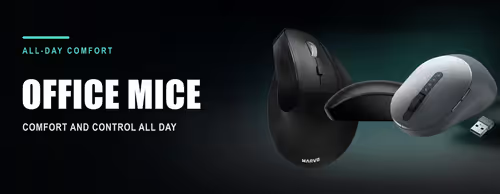
Office & Productivity Mice 🖱️
An office mouse is about comfort and convenience over long days: quiet clicks, a shape that keeps your wrist relaxed, and wireless or Bluetooth so it works with a desktop, laptop or tablet without fuss. This shelf holds the everyday and productivity mice — from a basic wired three-button mouse to premium multi-device, silent and vertical designs.
The main choices are connection (USB dongle, Bluetooth, or both), size and shape (compact and ambidextrous, contoured right-hand, or vertical and ergonomic), and features such as silent buttons, side-scroll, multi-device switching and rechargeable batteries.
Evetech stocks office mice from Logitech (MX Master, MX Anywhere, Pebble, Signature and Lift), HP, Dell, Promate and Marvo, all with local warranty and fast delivery across South Africa. Need it with a keyboard? See Keyboard & Mouse Combos; competitive players should look at Gaming Mice.