Monitor Accessories 🖥️
Monitor Stands & Accessories (17)


How to Choose Monitor Accessories
The right accessories depend on three things: how you want to mount the screen, what it needs to connect at full quality, and how you protect it. Sizing them to your specific monitor — its VESA pattern, weight and supported cable standards — matters more than picking the most expensive option. The guide below covers each decision.
Most monitors use the VESA mounting standard, commonly a 75×75mm or 100×100mm hole pattern on the back. Check your monitor's pattern and weight, then pick an arm rated for that weight with a matching VESA plate. Some ultrawide or curved screens are heavier or lack VESA holes, so confirm before buying.
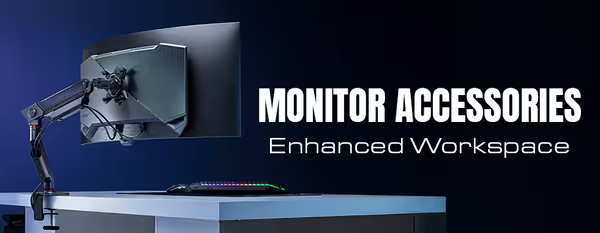
A monitor arm clamps to the desk, frees the space underneath and gives full height, tilt and swivel adjustment — ideal for ergonomics and multi-monitor layouts. A riser or stand is simpler and cheaper, lifts the screen to eye level and adds storage beneath. Choose an arm for flexibility and desk space, a stand for a fixed, budget-friendly lift.
For high-refresh or 4K, you generally want DisplayPort 1.4 or HDMI 2.1, and the cable's version must match what both your monitor and graphics card support. An older or low-spec cable can cap your resolution or refresh rate. Buy a cable rated for the resolution and refresh rate you actually run.
A privacy filter narrows the viewing angle so people beside you can't read the screen — useful in offices or shared spaces. An anti-glare filter cuts reflections from windows or overhead lights, which eases eye strain in bright rooms. Both fit over the panel; check the filter is sized for your exact screen dimensions.
Clips, sleeves, under-desk trays and the routing channels built into many arms keep cables off the desk and out of the way. A tidy run is easier to clean around and less likely to snag. Group cables loosely so you can still unplug a device without unthreading the whole bundle.