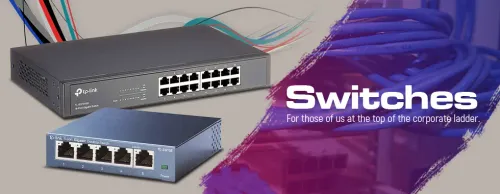
Network Switches — More Wired Ports, Less Lag ⚙️
Gigabit & PoE+ Network Switches (14)


How to Choose a Network Switch
Start with how many devices you need to wire and whether you need any control over the network. A home setup is usually well served by a simple gigabit unmanaged switch; an office, camera system or home lab benefits from managed features and PoE. Count your ports, leave room to grow, and match the speed to your gear.
Unmanaged switches are plug-and-play with no setup, perfect for adding ports at home or in a gaming setup. Managed switches let you create VLANs, set QoS priorities and monitor traffic, which matters in an office, a camera network or a home lab. Smart (web-managed) switches sit in between, offering key features through a simple web page.
Count every wired device — PC, console, TV, NAS, printer, access point — then add headroom for growth. Five- and eight-port switches suit a desk or media corner; sixteen or twenty-four ports suit an office or a busy household. Buying a size up avoids running out and chaining a second switch later.
Gigabit (1Gbps) is the standard for homes and most offices and handles large file transfers and 4K streaming comfortably. If you move very large files between devices, run a fast NAS, or have a multi-gig internet line, look for 2.5Gbps or higher uplink ports so the switch isn't the bottleneck. Avoid old Fast Ethernet (100Mbps) switches today.
Power over Ethernet sends power and data down one cable, so devices like IP cameras, Wi-Fi access points and VoIP phones don't need a separate plug. PoE+ supplies more power for hungrier devices. If you're wiring cameras or APs, a PoE switch removes a lot of cabling — check the total power budget covers all your devices.
A switch gives gaming devices a stable, low-latency wired connection, which beats Wi-Fi for consistency — but it can't raise your internet line speed. It improves local network speed between your own devices and frees you from Wi-Fi congestion. For lower ping online, a wired link through a switch helps; for more bandwidth, upgrade the line.