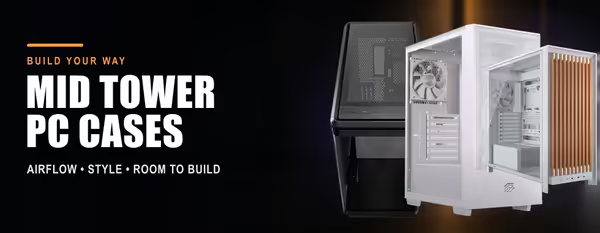
Mid Tower PC Cases 🖥️
A mid tower is the standard size for a gaming or workstation build: it takes a full ATX motherboard (many take E-ATX), a long graphics card, a 240–360 mm radiator and a full-size power supply, without the footprint of a full tower. This shelf holds every mid tower case we stock, from budget mesh boxes to premium dual-chamber glass showpieces.
The choices that matter are airflow (mesh front versus glass), motherboard support (ATX or E-ATX), GPU length and cooler height clearance, radiator support for AIO cooling, included fans and their connectors, and the panoramic or dual-chamber layouts that hide cables and show the build. Colour, RGB and USB-C on the front panel are the extras.
Evetech stocks mid tower cases from Corsair, Lian Li, Fractal Design, Cooler Master, Antec, Deepcool, ASUS, MSI, Gamdias, Xigmatek, Gamemax, EINAREX and more, all with local warranty and fast delivery across South Africa. Building small? See Mini-ITX & Micro-ATX Cases; going big or custom-loop, see Full Tower Cases.