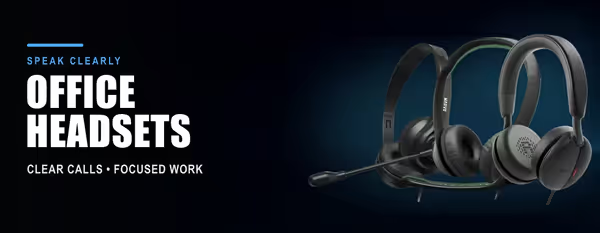
Office & Call Headsets 🎧
An office headset is built for talking all day: a noise-cancelling boom mic that keeps your voice clear on Teams, Zoom and calls, a light comfortable fit, and plug-and-play USB or wireless connection to a laptop or PC. This shelf holds the headsets people buy for work, contact centres and study.
The choices that matter are connection (USB-A, USB-C, 3.5 mm or Bluetooth/wireless dongle), mono or stereo, mic quality (noise-cancelling, boom or retractable), all-day comfort and weight, and battery life on wireless models. Call controls on the cable or earcup and Teams/Zoom certification are the extras.
Evetech stocks office headsets from Logitech, Dell, HP and Marvo, all with local warranty and fast delivery across South Africa. For game chat and positional audio see Gaming Headsets; for listening only see Headphones.