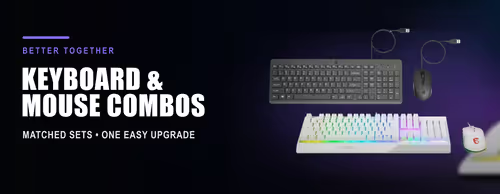
Keyboard & Mouse Combos ⌨️🖱️
A keyboard and mouse combo gives you both essentials in one box, matched by the same brand and usually sharing one wireless receiver. It is the simplest way to kit out a new PC, an office desk or a family computer without pairing two separate devices — and it costs less than buying the two apart.
Combos come in three flavours: wired sets for a fixed desk that never need batteries, wireless sets with a single 2.4 GHz USB dongle for both devices, and Bluetooth or multi-device sets that switch between a laptop, tablet and desktop. Gaming combos add RGB lighting, a higher-DPI mouse and sometimes a headset or mouse pad in the bundle.
Evetech stocks combos from Logitech, HP, Dell, Marvo, Gamdias, Promate and MSI, all with local warranty and fast delivery across South Africa. Want to pick each piece yourself? Standalone boards are under Gaming Keyboards and Office Keyboards, and mice under Gaming Mouse.