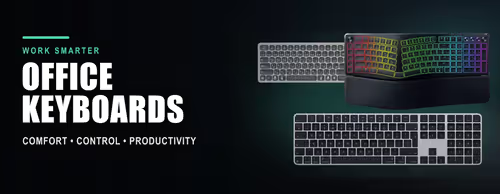
Office & Productivity Keyboards ⌨️
An office keyboard is built for hours of typing rather than split-second key presses: quieter keys, a slimmer profile and, on most models, wireless or Bluetooth so your desk stays tidy. This shelf holds the boards people buy for work, study and home admin — from a basic wired full-size keyboard to premium multi-device boards that switch between a PC, laptop and tablet.
The main choices are connection (USB dongle, Bluetooth, or both), size (full-size with a number pad, or compact and travel-friendly) and feel (low-profile scissor keys for quiet typing, or an ergonomic split or vertical layout for wrist comfort). Backlighting, rechargeable batteries and Mac-specific layouts are the extras worth checking.
Evetech stocks office keyboards from Logitech, HP, Dell, Apple, Promate and Marvo, all with local warranty and fast delivery across South Africa. If you also need a mouse, the Keyboard & Mouse Combos shelf pairs them in one box; gaming boards live under Gaming Keyboards.