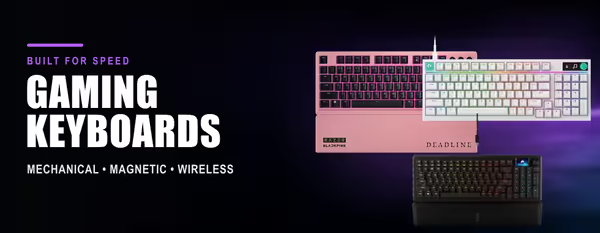
Gaming Keyboards — Mechanical & Wireless
Your keyboard is where every command begins — the right gaming keyboard delivers faster response times, greater precision and lasting comfort during long gaming sessions. Switch type, keyboard layout and connection technology all affect performance, so choose the features that match how you play. 🎮
Mechanical gaming keyboards offer the crisp, consistent keystrokes many gamers prefer, with full-size, tenkeyless (TKL) and compact layouts available. Choose between wired and low-latency wireless keyboards, then explore features such as hot-swappable switches, RGB lighting and dedicated media keys. ⌨️✨
Evetech stocks affordable gaming keyboards from leading brands at every price point, backed by local warranty and fast nationwide delivery across South Africa. Compare mechanical keyboards, layouts and switches below to find the perfect keyboard for gaming, work and everyday typing. 🚚🇿🇦