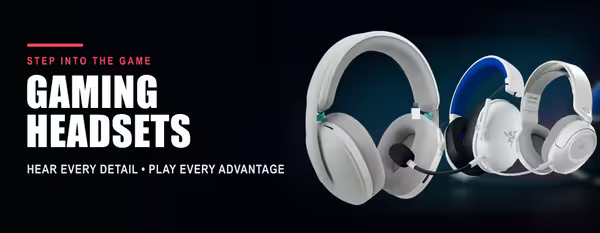
Gaming Headsets 🎧
A gaming headset puts positional audio and a clear mic in one piece of kit — hear footsteps and direction, talk to your squad, and stay comfortable through a long session. This shelf holds every gaming headset we stock, wired and wireless, for PC, PlayStation, Xbox and Switch.
The choices that matter are platform (PC/console licensing and the connector — USB, 3.5 mm or a wireless dongle), wired versus 2.4 GHz wireless with Bluetooth on the side, mic quality (detachable, retractable or flip-to-mute), comfort and weight for long sessions, and battery life on wireless models. Surround/spatial audio, ANC and RGB are the extras.
Evetech stocks gaming headsets from Razer, SteelSeries, Corsair, Logitech G, HyperX, Turtle Beach, PDP, MSI, Marvo and Lorgar, all with local warranty and fast delivery across South Africa. Looking for buds instead? See Earbuds; work and call headsets live under Office Headsets.