MAC GUIDE
MacBook Air vs MacBook Pro.
An honest comparison from people who use both — for South African buyers in 2026.
- MacBook Air
- R28k+
- MacBook Pro
- R43k+
- Air vs Pro %
- 90 / 65
Design and build
Both laptops use the same precision-machined aluminium chassis Apple has refined since 2021, with the same MagSafe 3 charging port, Touch ID power button and 1080p Center Stage webcam. The differences are subtle but real: the MacBook Air is noticeably thinner and lighter — 1.13 cm thick at 1.24 kg for the 13-inch — making it the easier Mac to throw into a bag and forget about. The MacBook Pro is 1.55 cm thick at 1.55 kg in 14-inch trim, and the 16-inch jumps to 2.16 kg. You feel that weight on a long commute or a flight.
Build quality on both is identical — same hinge feel, same trackpad, same Magic Keyboard. The Pro adds backlit shortcut keys and slightly deeper key travel, but only enthusiasts will notice. Where the Pro pulls ahead visibly is colour selection: Space Black is exclusive to the Pro and resists fingerprints better than the Air's Midnight finish.
Performance: M5 vs M5 Pro vs M5 Max
For everyday work — Safari, Mail, Pages, Photos, light Lightroom, Zoom calls — the M5 in the MacBook Air is indistinguishable from the M5 Pro in the MacBook Pro. Both feel instant. Both run hours of video calls without breaking 50°C. Both compile small projects in seconds.
The gap opens under sustained heavy load. The Air is fanless — when you push it hard for more than a minute or two (long 4K exports, complex Xcode builds, Blender renders), the chip throttles to keep temperatures down. The Pro has actual fans and a heat pipe system, so it holds its peak performance for hours. In a 10-minute Final Cut Pro export, the Pro can finish 25-40% faster than the Air on the same M5-class chip.
The M5 Pro chip itself is roughly 50% more CPU cores, 2-3× the GPU cores, and significantly more memory bandwidth than the base M5. The M5 Max adds even more. If your work is photo/video/code/3D — and especially if you run multiple heavy apps at once — that's where you feel the upgrade.
Display: Liquid Retina vs Liquid Retina XDR
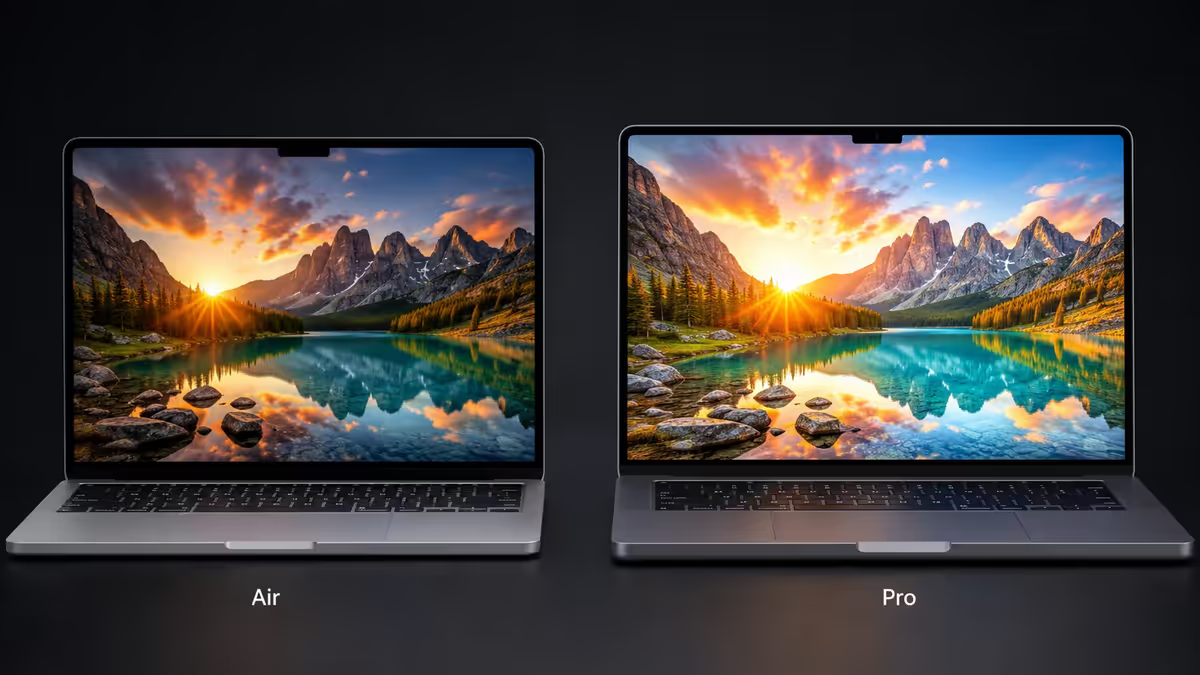
This is the upgrade most people underestimate. The MacBook Air's Liquid Retina display is sharp, accurate, and bright enough for indoors at 500 nits peak. It's a great panel. The MacBook Pro's Liquid Retina XDR uses a mini-LED backlight that hits 1,000 nits sustained and 1,600 nits peak for HDR, with ProMotion (120 Hz variable refresh rate) for buttery-smooth scrolling and animations.
In side-by-side use, three differences stand out. HDR content on the Pro — Netflix, Apple TV+, Lightroom — looks dramatically punchier. Outdoor visibility on the Pro is markedly better in bright Cape Town sun or on a Highveld balcony. And once you've used ProMotion for a week, the Air's 60 Hz feels noticeably slower — though the Air's display alone is fine if you've never used 120 Hz.
Battery and thermals
Both Macs have ridiculous battery life by Windows-laptop standards. Apple rates the 13-inch Air at 18 hours of video playback and the 15-inch at 18 hours; the 14-inch Pro at 22 hours, the 16-inch at 24 hours. Real-world mixed use (browser, Slack, video calls, light editing) lands at 8-12 hours for the Air and 10-14 hours for the Pro.
The Pro pulls ahead more when you're actively pushing it. Because the Air thermally throttles under sustained load, its battery drains faster proportionally — a 30-minute Final Cut export can drain 15-20% of the Air's battery but only 10-12% of the Pro's. For mobile creative work away from a wall socket, the Pro's headroom is genuinely useful.
Ports, webcam and speakers
The MacBook Air gives you MagSafe 3, two Thunderbolt 4 ports, and a headphone jack. The MacBook Pro gives you MagSafe 3, three Thunderbolt 4 (M5 Pro) or Thunderbolt 5 (M5 Max) ports, a full-size HDMI port, an SDXC card slot, and a headphone jack.
For most people the Air's two Thunderbolt ports are fine — one for charging, one for an external display or dock. Photographers and videographers regularly miss the SD slot on the Air; if you're constantly pulling cards from a camera, the Pro saves you carrying a dongle.
Speakers on the Pro are noticeably better — six drivers with force-cancelling woofers and Dolby Atmos versus the Air's four-speaker setup. For watching films on a flight or doing casual music listening at a desk, the Pro sounds richer and louder. Both have the same 12 MP Center Stage webcam, the same Touch ID, the same studio-quality mics.
Quick comparison
| Spec | MacBook Air | MacBook Pro |
|---|---|---|
| Chip | M5 | M5 Pro / M5 Max |
| Display | Liquid Retina, 500 nits | Liquid Retina XDR, 1,600 nits peak |
| Refresh rate | 60 Hz | ProMotion 120 Hz |
| Weight (smallest) | 1.24 kg | 1.55 kg |
| Battery (rated) | up to 18 hours | up to 24 hours |
| Cooling | Fanless | Active fans + heat pipes |
| Ports | 2× TB4, MagSafe | 3× TB, HDMI, SDXC, MagSafe |
| Speakers | 4-speaker | 6-speaker w/ force-cancelling woofers |
| Sizes | 13″ / 15″ | 14″ / 16″ |
| Starting price (SA) | from R27,999 | from R42,999 |
Price in South Africa
Apple's pricing in South Africa in 2026 tracks the US strip dollar plus VAT and import duty, so expect a 15-20% premium over US prices. Approximate starting prices for the M5 generation, configured with 16 GB RAM and 256 GB storage:
- MacBook Air 13″ — from R27,999
- MacBook Air 15″ — from R32,999
- MacBook Pro 14″ (M5 Pro) — from R42,999
- MacBook Pro 14″ (M5 Max) — from R59,999
- MacBook Pro 16″ (M5 Pro) — from R57,999
Storage and RAM upgrades from Apple are expensive — a jump from 16 GB to 32 GB RAM is around R5,500, and 256 GB to 1 TB storage is around R8,000. Configure carefully because you can't upgrade later. For most buyers, 16 GB RAM and 512 GB storage is the right starting point — 256 GB fills uncomfortably fast.
Who should buy which
MacBook Air
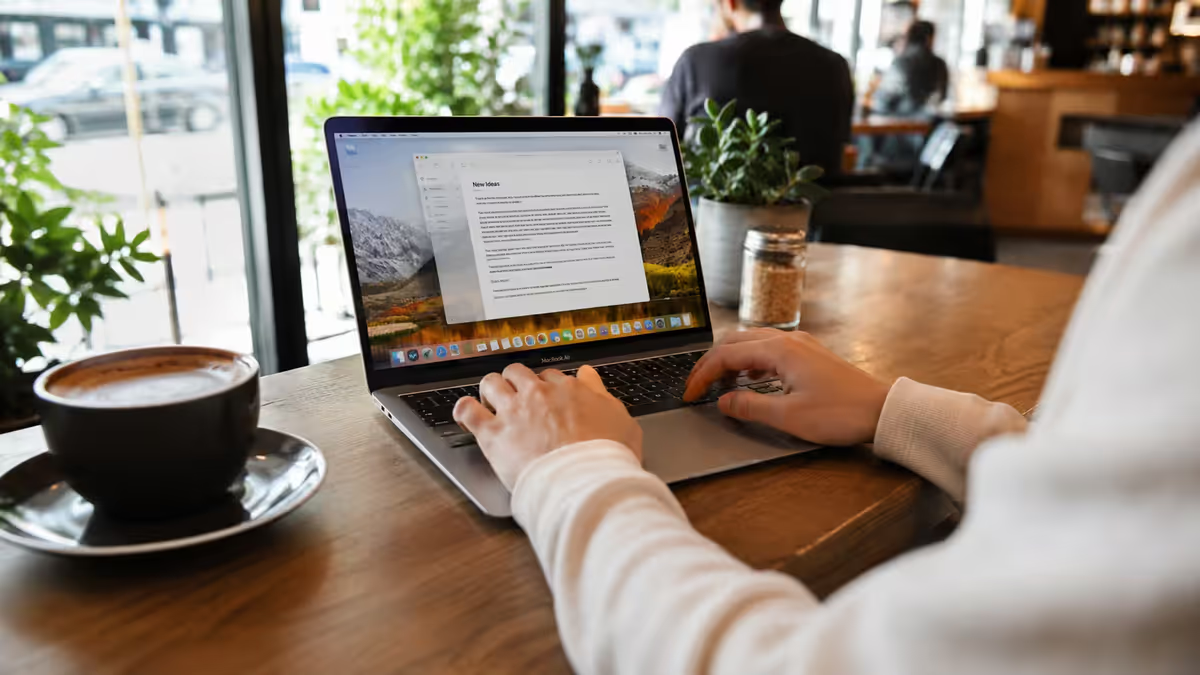
- Mostly do web, email, office work, writing, school or university
- Carry your laptop daily and value light weight
- Edit photos in Lightroom or do casual video edits
- Want the cheapest Mac that doesn't feel cheap
- Prefer silent operation with no fan noise ever
MacBook Pro
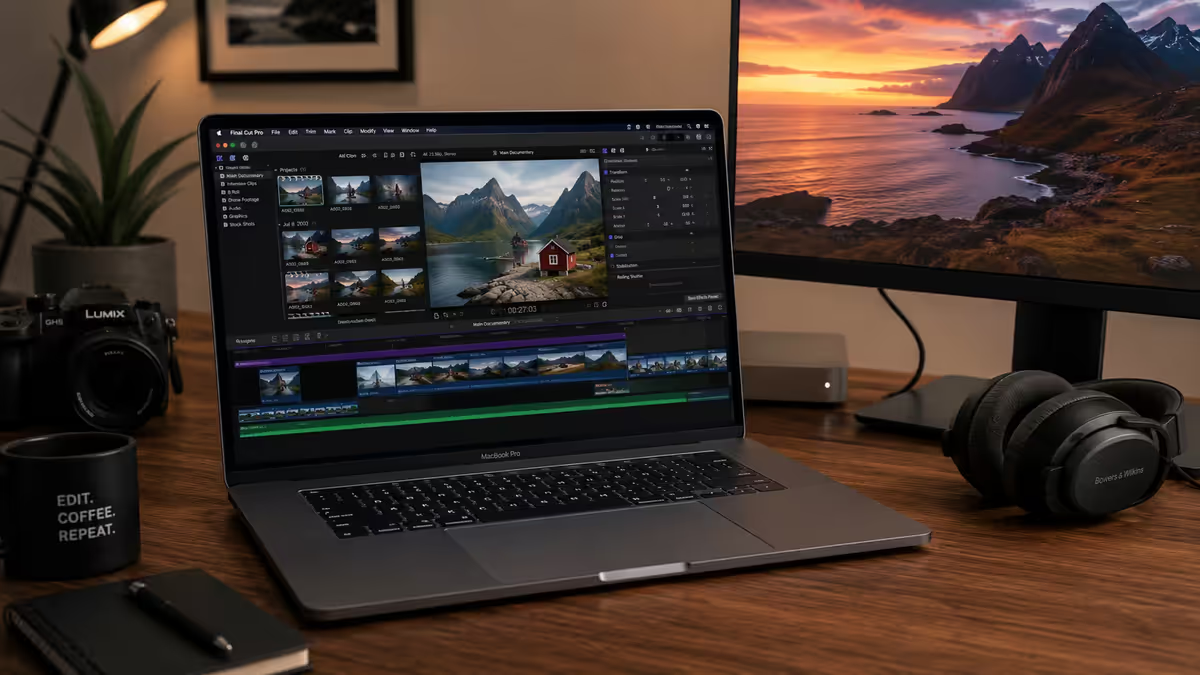
- Edit video professionally, compile large codebases, or run 3D / ML workloads
- Want ProMotion 120 Hz and a brighter HDR display
- Need more than 2 ports, HDMI, or an SD card slot
- Want a desktop replacement that handles the 16-inch experience
- Will keep the laptop 5-7 years and want maximum headroom
Key takeaways
- For most buyers — students, office workers, writers, casual creatives — the MacBook Air is the right Mac.
- The MacBook Pro is worth the premium only if you do sustained creative or technical work where the M5 Pro/Max chip, mini-LED display or extra ports actually help you.
- Whichever you buy, spend up to 16 GB RAM and 512 GB storage minimum — you can't upgrade either later.
- The display difference (XDR vs Liquid Retina, ProMotion vs 60 Hz) is the upgrade most people underestimate.
- Both run cool, quiet and last all day — Apple Silicon makes the worst case for either machine still excellent.
Frequently asked questions
Is the MacBook Air powerful enough for most people?
Yes. For web browsing, office work, university assignments, light photo editing in Lightroom, casual video calls and even moderate Final Cut Pro use, the MacBook Air with M5 handles it all without breaking a sweat. The Air only struggles under sustained heavy load like long video exports or compiling large codebases, where its fanless design causes thermal throttling.What's the real difference between M5 and M5 Pro?
The M5 Pro chip in the MacBook Pro has roughly 50% more CPU cores, two to three times the GPU cores, and significantly more memory bandwidth than the standard M5. In day-to-day work you won't notice. In Final Cut Pro exports, Xcode compiles, Blender renders or running local AI models, the M5 Pro is meaningfully faster.Can you game on a MacBook?
Casually, yes — modern Macs run a small but growing list of native AAA titles like Resident Evil 4, Death Stranding and Cyberpunk 2077 with surprisingly good performance, especially on the MacBook Pro. For the full gaming library, you still want a Windows PC or gaming laptop.How much MacBook RAM do I need?
16 GB is the new minimum and Apple ships it as standard. 16 GB handles everyday work fine. Step up to 24 GB if you run multiple heavy apps at once, or 32 GB if you work with large video projects or local AI models.Is MacBook Pro worth the extra money over Air in South Africa?
Only if you do work that benefits from sustained performance — video editing, code compilation, 3D rendering, machine learning. For everyday work, the Air gives you 90% of the Pro experience at 65% of the price.Does the MacBook Pro really last longer on battery?
Yes — Apple rates the 16-inch MacBook Pro at up to 24 hours, vs 18 hours for the 15-inch Air. In real mixed use, expect 10-14 hours from the Pro and 8-12 hours from the Air.How much MacBook storage do I need?
256 GB fills up fast. 512 GB is the realistic minimum for most people. Go 1 TB if you store video projects, large photo libraries, or virtual machines locally. Apple's storage upgrades are expensive, so plan ahead — you can't add storage later.
Get the Evetech app
Exclusive app-only prices, daily flash sales, and free delivery on orders over R4,000 — download the app and start saving.