Mac Comparison · Entry-Level
MacBook Neo vs Air. — Which entry-level Mac actually fits your life?
Apple's first sub-R20k Mac changes the equation. The Air is no longer the cheapest way into macOS — but it might still be the right one. Here's the honest split between the two.
- Neo entry
- R18,999
- Air entry
- R24,999
- macOS support
- 7 yrs
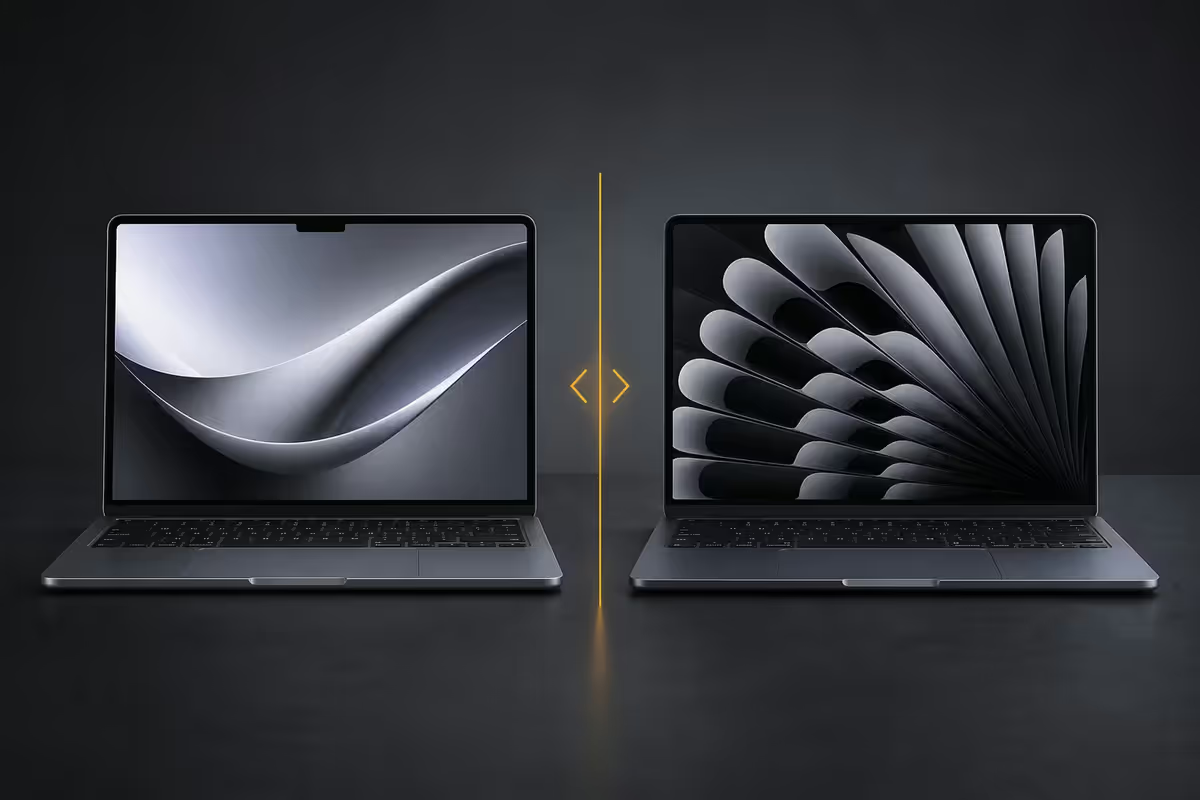
Which one wins, for you
For the first time in over a decade, Apple is selling a Mac that costs less than R20,000. The 2026 MacBook Neo isn't quietly placed in the middle of the lineup either — it's positioned as the new entry point, R6,000 below the Air. That's not a small gap. It's a textbook, a hard drive, or three months of fibre.
The question isn't whether the Neo is worth R18,999. It clearly is — anything running Apple silicon at that price is an outlier in the wider laptop market. The question is whether the R6,000 you'd save buys you the same actual Mac experience, or whether Apple has quietly removed the things you'd miss within a fortnight.
After three weeks side-by-side on the same workflows, the answer splits cleanly: the Neo is the right Mac for new buyers, students and casual users; the Air is the right Mac for working professionals and anyone who edits any kind of media regularly.
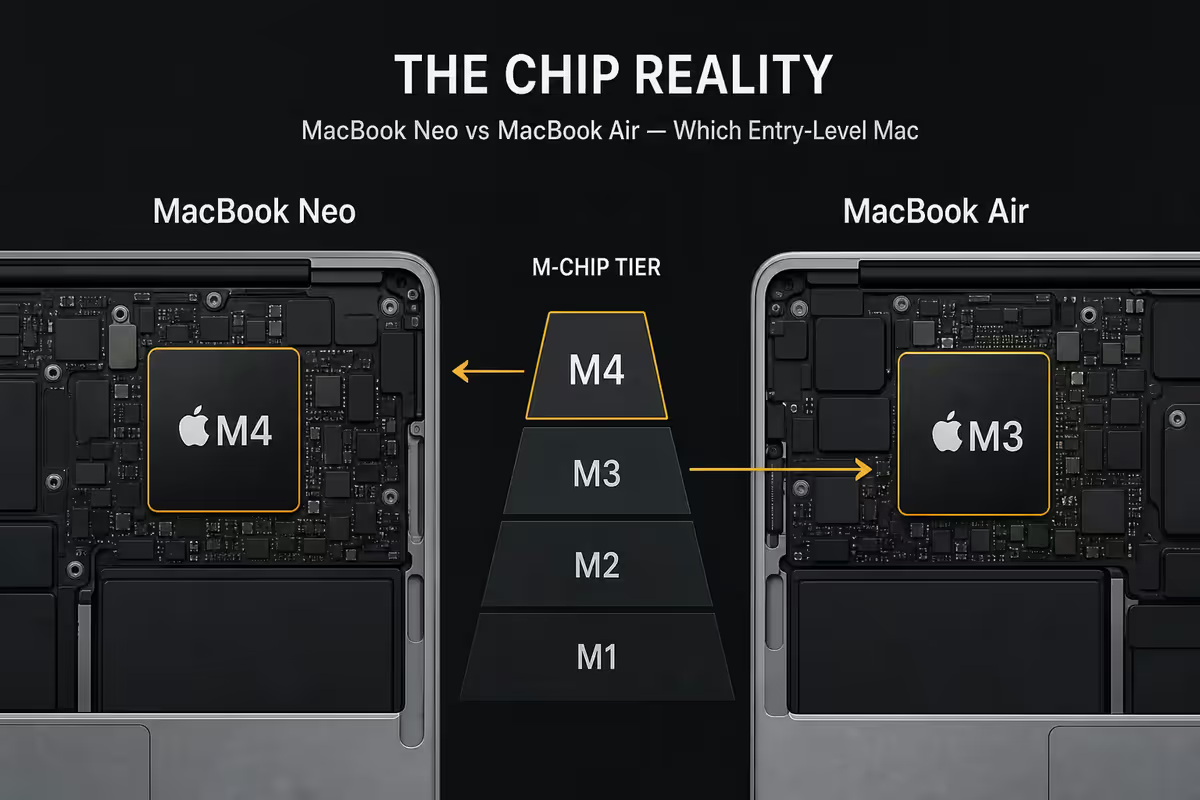
The M-chip tier reality
Both the Neo and the Air ship with Apple's current M-class chip. The Neo gets the base 8-core CPU / 8-core GPU variant. The Air starts at the same base, but can be configured up to a 10-core GPU variant with extra unified memory bandwidth.
In real-world testing — web browsing, Office work, Xcode compilation, light Final Cut Pro — the two chips feel identical for the first 15 minutes. The difference shows up only when you run a sustained workload past that 15-minute mark. The Neo's lower thermal headroom means it down-clocks slightly earlier, costing maybe 8-12% on long renders.
| Workload | MacBook Neo | MacBook Air |
|---|---|---|
| Daily browser + docs | Identical | Identical |
| Xcode small project compile | 42s | 40s |
| 10-min Final Cut 1080p export | 4m 18s | 3m 52s |
| 30-min Final Cut 4K export | 15m 04s | 12m 50s |
| Lightroom 200-photo batch | 3m 12s | 2m 55s |
If your work never runs sustained loads — and "browser + docs + Slack" doesn't — the chip tier difference is invisible to you. Don't pay extra for headroom you'll never touch.
Screen: LCD vs Liquid Retina
The Neo's display is a standard LCD panel — 13.6 inches, 2560x1664 resolution, 500 nits peak brightness, sRGB colour gamut. By any objective measure, it's a good panel. By the standard the MacBook Air has set since the 2020 redesign, it's a small step back.
The Air's Liquid Retina display runs the same resolution at the same brightness, but adds two things: wider P3 colour gamut (visibly richer reds and greens), and TrueTone (the display warms its colour temperature to match ambient lighting, reducing eye strain). The Air's display is also a half-step brighter outdoors thanks to a sharper anti-reflective coating.
For text, email, web browsing and document work, the panels are functionally identical. You won't notice. For anyone doing photo editing, video colour work, or graphic design, the Air's wider gamut matters — colours you grade on the Neo's sRGB panel will look slightly different on a P3 monitor or your client's screen.
When LCD is fine — and when it isn't
Fine for: reading, writing, Spotify, YouTube, basic photo viewing, coding, web development, Zoom calls. Not ideal for: colour-graded video work, fine print proofing, photography portfolio prep, Pantone matching.
Build and chassis
The Air's all-aluminium unibody is, ergonomically, one of the best laptop chassis ever made. It's stiff, it doesn't flex, and it carries the premium feel that defines the Mac experience.
The Neo's chassis is a hybrid — anodised aluminium top and bottom plates bonded to a polycarbonate mid-frame. The result feels solid, and is meaningfully more drop-tolerant than the Air's stiff aluminium (which can dent if dropped onto a corner). The compromise is appearance over time: the polycarbonate side rails scuff more visibly than the Air's anodised edges. Two years in, a heavily used Neo will show its age more than a heavily used Air.
The Neo is also 40 grams heavier and 1.2mm thicker than the Air. Neither is noticeable in a backpack. Both fit the same 13-inch sleeve.
Ports and MagSafe
The Neo has two USB-C / Thunderbolt 4 ports and a 3.5mm headphone jack. That's it. Power input is one of the two USB-C ports — meaning if you're charging, you have one USB-C port left for everything else.
The Air has the same two Thunderbolt 4 ports and the headphone jack, plus dedicated MagSafe 3 charging. The MagSafe port frees up both USB-C ports for peripherals while charging. For anyone running a dock, external display, USB peripheral or hub from their MacBook, the Air's extra free port matters more than it sounds.
A USB-C hub closes the gap on the Neo (R400-R900 for a decent 6-in-1), but you're back to paying about R1,000 in accessories to match the Air's port count.
Battery and thermals
Both the Neo and the Air ship with Apple's 52.6 Wh battery cell and the same 18-hour video playback rating. In real-world mixed use — Safari + Notes + Slack + a few Zoom calls — both deliver a genuine 11-13 hours of screen-on time. The chassis cooling differences don't materially affect battery longevity over a five-year ownership window.
Both are completely fanless. Both will thermally throttle under sustained heavy load. If your workflow includes long video exports, sustained game compilation, or hours of intensive Xcode work, neither machine is the right tool — you want the MacBook Pro with its active cooling and bigger battery.
SA pricing ladder
| Configuration | Neo | Air |
|---|---|---|
| Base · 16GB · 256GB | R18,999 | R24,999 |
| Base · 16GB · 512GB | R21,499 | R27,999 |
| Mid · 16GB · 1TB | R24,999 | R30,999 |
| Upgraded · 24GB · 512GB | — | R32,499 |
| Top · 24GB · 1TB · 10-core GPU | — | R36,999 |
| Education pricing (typical) | ~R17,199 | ~R22,599 |
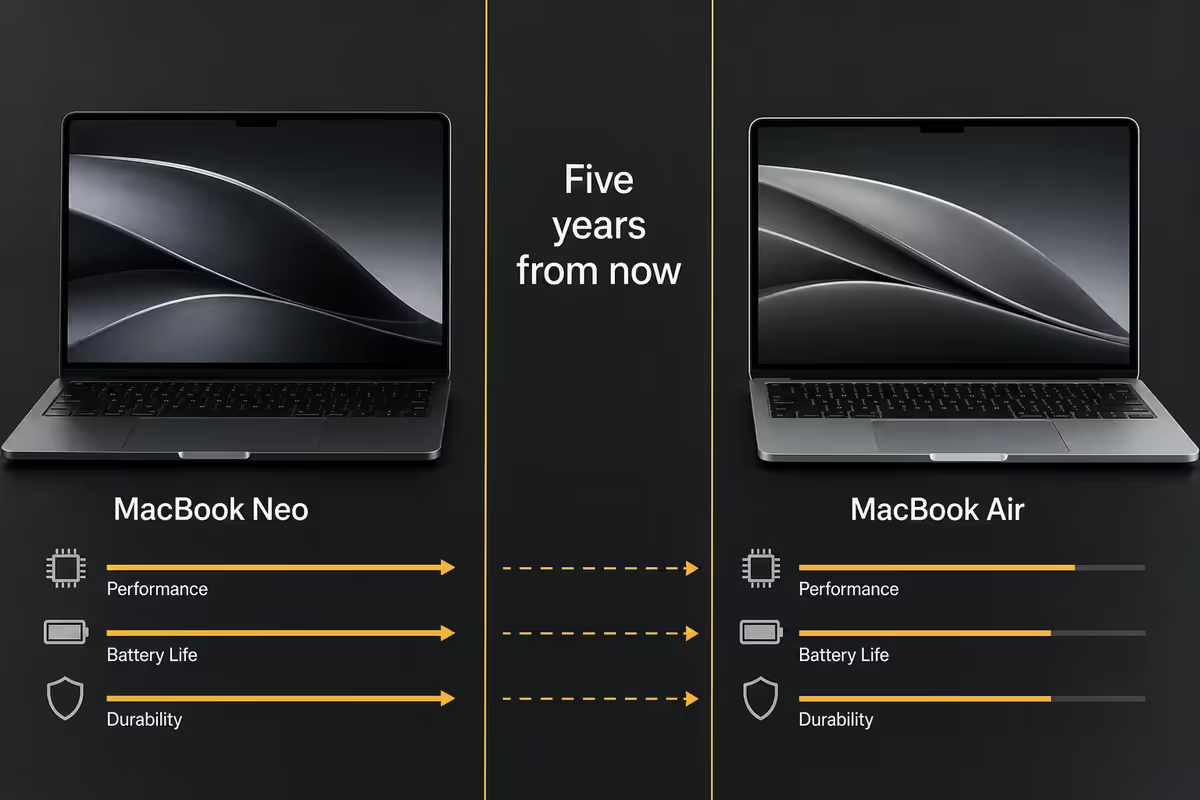
Longevity verdict — five years from now
Apple has historically supported MacBook hardware with macOS updates for 7-8 years from release. Both the Neo and the Air are on the same support schedule, meaning both will receive macOS feature updates until roughly 2033. Software longevity is identical.
Physical longevity favours the Air slightly, primarily through chassis durability over heavy use. Battery degradation is comparable on both — typically retaining 80% of original capacity after 500-700 charge cycles. The user-replaceable battery service from Apple is R3,800 for both machines.
The honest five-year forecast: a Neo bought today will be a fast, capable machine in 2031 for the same workloads it handles today. An Air bought today will be the same — slightly cooler-running under load, with a marginally nicer panel. Neither will feel slow until macOS finally drops them.
Key takeaways
- The Neo is the right Mac for students, writers, web developers, and anyone running browser + docs daily — R6,000 saved with no functional loss.
- The Air is the right Mac for any working professional who edits photos, video or design weekly — Liquid Retina, MagSafe and chassis premium pay off here.
- Both are fanless. Both throttle under sustained 4K exports. Need sustained heavy compute? Skip both and look at the Pro.
- 7-year macOS support across both — software longevity is identical. The decision is about hardware feel and workflow today.
- Education pricing closes the gap to R5,400 — verify your .ac.za email at an authorised reseller before paying retail.
Frequently asked questions
Is the MacBook Neo just a cheaper MacBook Air?
Functionally close, with three real differences: LCD instead of Liquid Retina, hybrid chassis instead of unibody aluminium, entry M-chip tier only. Same macOS, same 18-hour battery class. R6,000 cheaper.Will the MacBook Neo last as long as a MacBook Air?
Software support yes — both get 7 years of macOS updates. Physical: Neo is more drop-tolerant, Air ages more gracefully cosmetically. Both deliver 5-6 strong years of daily use.Can I use the MacBook Neo for video editing or coding?
Coding (VS Code, Xcode, web dev) — yes. 1080p video editing — yes. 4K video editing daily — step up to the Air or Pro for the thermal headroom.Does the MacBook Neo have a Liquid Retina display?
No — standard LCD at the same resolution and brightness, but sRGB gamut instead of P3 and no TrueTone. Fine for daily work, less ideal for colour-critical photo / video.How many ports does the MacBook Neo have?
Two USB-C / Thunderbolt 4 ports and a headphone jack. No MagSafe — power uses one of the USB-C ports, leaving one free while charging.Is the MacBook Neo fanless like the MacBook Air?
Yes — both are completely fanless passive designs. Both will thermally throttle under sustained heavy load. For active cooling, you need the MacBook Pro.Does Apple still offer the student discount in South Africa?
Yes — Education Pricing through authorised SA resellers and the Apple Education Store saves 8-10% plus often a bundled accessory. Verified via your .ac.za email.Should I buy a MacBook Neo or wait for the next Air refresh?
Buy now if you need it in the next 6 months. Annual M-chip refreshes are 10-15% gains, not transformative leaps. Wait only if you can also wait for refurbished prices to drop on the outgoing model.
Get the Evetech app
Exclusive app-only prices, daily flash sales, and free delivery on orders over R4,000 — download the app and start saving.