Honest Mac vs Windows Comparison
MacBook Neo vs Windows under R15,000. — Where the money actually goes.
Same R15,000 budget, two very different machines. The R15,999 MacBook Neo trades raw specs for aluminium build, ~18-hour battery and 7 years of free OS updates. The R13,000 Lenovo, Acer, ASUS or HP throws more RAM, more ports and a touchscreen at you instead.
- MacBook Neo price
- R15,999
- Windows equiv.
- ~R13k
- free macOS upgrades
- 7 yrs
The contenders at R15,000
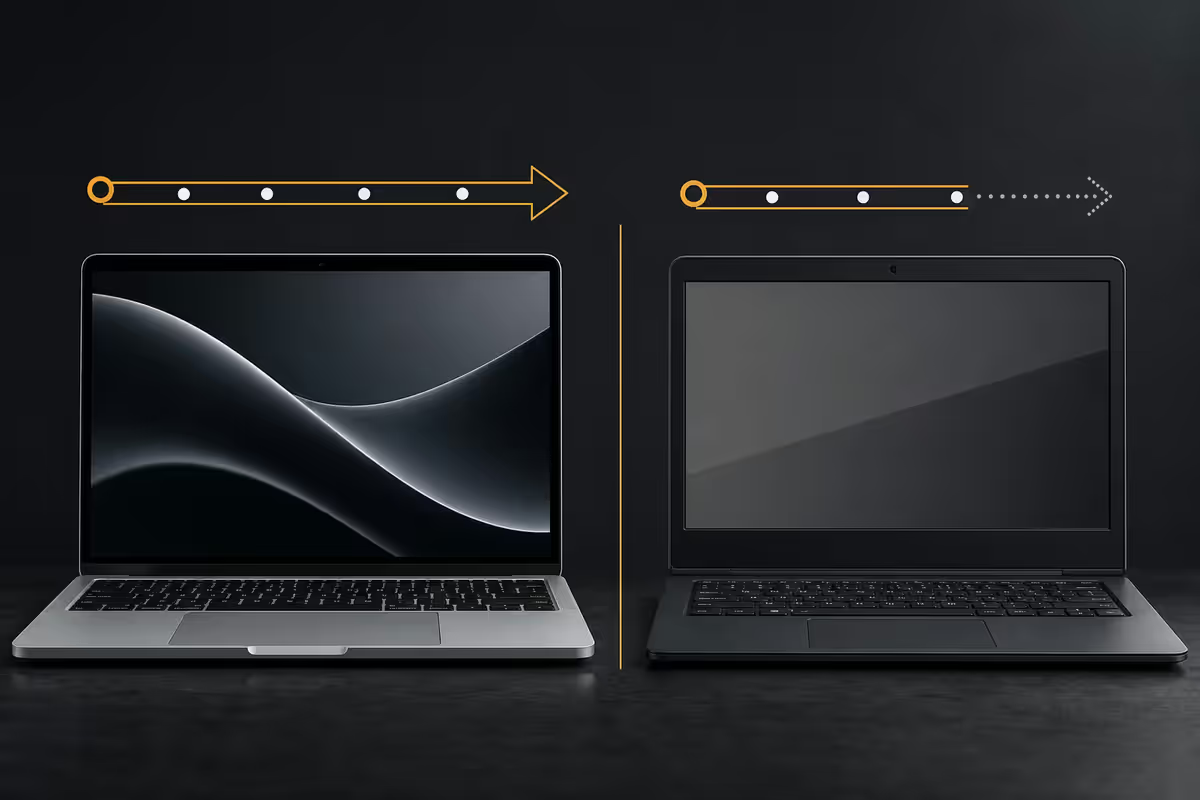
The MacBook Neo is Apple's hypothetical 2026 entry laptop — the position the original 12-inch MacBook held in spirit. M5 base chip, 13.6" Liquid Retina display, fanless aluminium unibody, ~1.0 kg. The Windows side has four serious R13-15k contenders this year:
| Laptop | Configuration | SA price |
|---|---|---|
| MacBook Neo | M5, 16GB, 512GB SSD | R15,999 |
| Lenovo IdeaPad Slim 5 14 | Ryzen 7 8845HS, 16GB, 512GB | R13,499 |
| Acer Aspire 5 15 | Core Ultra 5 125U, 16GB, 512GB | R12,999 |
| ASUS Vivobook 15 OLED | Ryzen 7 8845HS, 16GB, 1TB, OLED | R14,499 |
| HP Pavilion Plus 14 OLED | Core Ultra 5 125U, 16GB, 512GB, OLED | R14,899 |
The Mac is the only machine on this list without an OLED option, and the most expensive by R1,100-R3,000. So what makes it the long-term value pick? It's almost entirely build, battery and longevity.
Build & materials — where the price difference goes
Pick up a MacBook Neo and a Lenovo IdeaPad Slim 5 side by side and you'll feel the gap in five seconds. The Mac is a single CNC-machined aluminium slab with no flex anywhere. The Lenovo is plastic-bodied with an aluminium top lid — better than the cheap-plastic feel of older budget laptops, but the keyboard deck still flexes if you press hard, and the hinge is rated for fewer open/close cycles.
This isn't a snobbish detail — it determines how the laptop ages. Plastic hinges crack, keyboard decks deform from palm pressure, and rubber feet peel off. The MacBook Neo's unibody chassis still feels new after 5 years of daily use. The R13k Lenovo, used the same way, will be on its second hinge.
Battery, display & trackpad — the daily-driver triangle
Three things you touch every hour of using a laptop: battery (how often you hunt for a plug), display (what you look at) and trackpad (how you navigate). Here's where the gap is real.
Battery. The MacBook Neo delivers 16-18 hours of mixed real-world use — browsing, Office, Zoom, video. The Windows contenders here range from 7-10 hours real. That's not marketing claims, that's daily reality. The Mac you charge overnight; the Lenovo you carry a charger for.
Display. The Mac's 13.6" Liquid Retina (2560x1664, 500 nits, P3 colour) is excellent but IPS LCD. The ASUS Vivobook OLED and HP Pavilion Plus OLED at this price tier offer 2.8K OLED panels with infinite contrast and DCI-P3 — genuinely better for video and photo work. This is one place where Windows is honestly ahead at R15k.
Trackpad. Not close. Apple's Force Touch trackpad is the gold standard — large, glass surface, precise haptic clicks across the whole area. Windows R13-15k trackpads have improved but still rattle, mis-track during palm rejection, and have small click zones. If you don't use a mouse, this matters daily.
The longevity argument — 7 years of free upgrades
Apple's track record on OS updates is the cleanest differentiator. The MacBook Air M1 launched in 2020 with macOS Big Sur (11). In 2026 it's still receiving macOS Sequoia (15) updates — that's six free major versions, with security patches expected to continue another 2-3 years. The MacBook Neo bought today should follow the same arc into 2033.
Windows is also free to upgrade on supported hardware, but Microsoft's compatibility cutoffs have been less predictable. Windows 11 stranded millions of perfectly capable Intel 7th-gen machines mid-lifecycle for TPM and CPU-generation reasons. Windows 12 is rumoured to push the cutoff again to require an NPU for full Copilot+ features.
There's also the hardware longevity story. Apple Silicon laptops have no fan in the Air/Neo class, so there's no fan bearing to fail. The SSD is soldered (less flexible, but also no SATA cable to come loose). The battery in a MacBook is rated for 1,000 cycles to 80%; mainstream R13-15k Windows laptop batteries are typically rated 500-800 cycles. After 4 years of daily charging, the Mac battery is at ~80% original capacity; the Windows machine is often below 60%.
App ecosystem — honest gaps and wins
Five years ago this was where Mac lost decisively. Today it's mostly even, with a few specific gaps.
What runs natively on Apple Silicon (no compromises):
- Microsoft 365 — Word, Excel, PowerPoint, Outlook, Teams (feature parity with Windows).
- Adobe Creative Cloud — Photoshop, Lightroom, Premiere Pro, Illustrator, After Effects.
- Productivity — Slack, Zoom, Notion, Discord, WhatsApp, Spotify, Chrome, Firefox, Brave.
- Dev tools — VS Code, JetBrains IDEs, Xcode, Docker Desktop, Node, Python, Rust toolchains.
- Creative — Final Cut Pro, Logic Pro, Affinity Suite, DaVinci Resolve, Figma desktop.
What's still Windows-only or compromised on Mac:
- Most PC games with anti-cheat — Valorant, Fortnite, Apex Legends, Call of Duty multiplayer.
- Niche SA business apps — older Pastel/Sage Pastel, specific accounting packages, certain industrial CAD.
- AutoCAD (Mac version exists but lags Windows in features).
- Visual Studio Enterprise (use VS Code or Rider on Mac instead).
- Some university-mandated lab software still ships Windows-only installers.
Who each one actually suits
Buy the MacBook Neo if you:
- Want a laptop that still feels premium in 2030.
- Travel between campus, work and home daily and hate carrying chargers.
- Do design, photo, video, music or development work.
- Plan to keep the laptop 5+ years and value silent fanless operation.
- Use iPhone — Continuity, AirDrop, iMessage and Handoff are genuinely useful.
Buy a Windows laptop (Lenovo/ASUS/Acer/HP) if you:
- Play PC games — particularly anti-cheat multiplayer titles.
- Need niche industry software (Pastel, AutoCAD, specific SA business apps).
- Want to upgrade RAM or SSD yourself 2-3 years in.
- Prefer a touchscreen, 360-degree hinge or larger 15-16" screen.
- Want to save R3-5k for textbooks, rent, residence fees or anything else.
In the student laptops we sold across the 2026 university intake season, the warranty return pattern was the loudest signal. MacBook returns for build issues were rare across the 3-year service window. R13-15k Windows laptops came back far more often for the same period — almost entirely hinge cracks, dead keyboards, swollen batteries and bent chassis from daily backpack life. If the laptop will live in a backpack for the next 4 years, the Mac is the safer purchase. If it's a desk machine plugged in most of the time, that gap closes substantially.
From our Centurion laptop team
SA student stipend reality
Let's talk money honestly. The NSFAS learning materials allowance and most bursary stipends sit in the R12,000-R16,000 range for a year of materials. Asking it to also fund a R15,999 laptop is tight.
Three realistic SA student paths:
| Path | What you buy | Why it works |
|---|---|---|
| Save up over 6-12 months | MacBook Neo R15,999 | Best long-term value; 5-7 year lifespan |
| Buy now, study now | Lenovo IdeaPad Slim 5 R13,499 | Solid daily driver; R2,500 left for books |
| Buy refurb/last-gen Mac | MacBook Air M3 (refurb) R11,500-R13k | Mac longevity at Windows pricing |
Recommended picks by budget
| Budget & goal | Pick | Approx. SA price |
|---|---|---|
| Best overall (5-yr horizon) | MacBook Neo M5, 16GB, 512GB | R15,999 |
| Best Mac value | MacBook Air M4 (refurb) 16GB, 512GB | R12,500-R13,500 |
| Best Windows everyday | Lenovo IdeaPad Slim 5 14 (Ryzen 7) | R13,499 |
| Best Windows OLED display | ASUS Vivobook 15 OLED (Ryzen 7) | R14,499 |
| Best Windows for light gaming | Acer Aspire 5 (with discrete GPU SKU) | R14,200 |
| Best Windows for ports + 16-inch | HP Pavilion Plus 16 OLED | R14,899 |
| Best premium Windows under R20k | Lenovo Yoga Slim 7 (Aura Edition) | R18,500 |
Key takeaways
- MacBook Neo R15,999 vs Windows ~R13k — the gap is build, battery and longevity, not chip performance.
- 16-18 hr Mac battery vs 7-10 hr Windows is the most felt daily difference. Trackpad is second.
- Apple's 7-year macOS upgrade track record genuinely beats Microsoft's compatibility cutoffs.
- Windows wins on OLED options under R15k, RAM/SSD upgrade paths, gaming and niche SA business apps.
- SA student smart move: certified refurb MacBook Air M3/M4 at R11,500-R13,500 keeps stipend headroom.
Frequently asked questions
Is a MacBook Neo really worth more than a Windows laptop at R15,000?
It depends on what you value. The MacBook Neo (R15,999) gets you aluminium unibody, ~18-hour real battery, a Liquid Retina display and roughly 7 years of free macOS updates. A R15,000 Lenovo IdeaPad Slim 5, Acer Aspire 5 or ASUS Vivobook gives you a touchscreen option, more ports, optional discrete graphics on some SKUs, and full Windows compatibility for niche apps. For students writing essays, browsing, watching Netflix and lightweight coding, the Mac usually wins on longevity. For gaming, niche enterprise apps or upgradeable RAM/SSD, Windows wins.What Windows laptops compete with the MacBook Neo at R15,000?
The main contenders in SA are the Lenovo IdeaPad Slim 5 14 (Ryzen 7 8845HS, 16GB, 512GB, ~R13,500), Acer Aspire 5 15 (Core Ultra 5 125U, 16GB, 512GB, ~R13,000), ASUS Vivobook 15 OLED (Ryzen 7, OLED display, ~R14,500), and HP Pavilion Plus 14 (OLED, Core Ultra 5, ~R14,800). All four undercut the MacBook Neo on sticker, and most have OLED options the Mac doesn't offer at this tier.How long will a MacBook Neo last vs a Windows laptop?
Apple has supported macOS updates on its base laptops for 7-8 years on average. The MacBook Neo bought in 2026 should still receive feature updates into 2033. Windows laptops typically receive feature updates as long as the hardware can run the current Windows version, but build quality on R13-15k Windows laptops varies widely — hinges, keyboards and batteries on plastic chassis often need replacement after 3-4 years of daily use. The Mac's aluminium chassis is the longevity differentiator for most users.Can I run Microsoft Office and Adobe apps on the MacBook Neo?
Yes. Microsoft 365 (Word, Excel, PowerPoint, Outlook, Teams) runs natively on Apple Silicon with feature parity to Windows. Adobe Creative Cloud (Photoshop, Lightroom, Premiere, Illustrator) runs natively too. Most popular apps — Slack, Zoom, Spotify, WhatsApp, Discord, Chrome, Figma — are Apple Silicon native. The honest gap is niche industry apps (some accounting packages, certain ERP systems, older specialist software) and most PC games — those remain Windows-only.What about gaming on the MacBook Neo vs a Windows laptop?
Windows wins decisively for gaming. A R15,000 Windows laptop won't be a dedicated gaming machine either, but it can run Valorant, CS2, League of Legends, Dota 2 and most esports titles at 1080p. The MacBook Neo runs a growing list of native Apple Silicon ports (Resident Evil 4, Death Stranding, Cyberpunk 2077) and has Game Porting Toolkit for many DX12 titles, but anti-cheat games (Valorant, Fortnite, Apex Legends) are absent. If gaming matters, buy Windows.Are MacBook Neo free upgrades for 7 years real?
It's marketing shorthand for Apple's track record of supporting macOS upgrades on supported hardware for 7-8 years free of charge. The base MacBook Air M1 (2020) is still supported by macOS Sequoia (15) in 2026 — that's six years of free OS upgrades, security patches and new features. Windows 11 and Windows 12 upgrades are also free on supported hardware, but Microsoft's hardware compatibility cutoffs (TPM, CPU generation) have stranded older Windows machines mid-lifecycle. Apple's track record is genuinely better here.Is the MacBook Neo good for a SA university student on a NSFAS stipend?
For a typical NSFAS allowance, R15,999 is steep but doable over 6-12 months of saving. Honest reality: if the student needs the laptop for essays, browsing, Office, Teams, Zoom and Netflix, a R10,000 Lenovo IdeaPad with 16GB RAM does the job and leaves R6,000 for textbooks. If the student is studying design, video editing, audio production or computer science, the MacBook Neo's silent fanless build, better battery (8-10 hours real) and macOS Unix-based dev environment justify the premium.What about upgrading RAM and SSD?
This is one area where Windows laptops can win. Many Lenovo IdeaPad, Acer Aspire and HP Pavilion laptops at R13-15k have a SODIMM slot and M.2 SSD bay accessible by removing the back cover — you can add 16GB more RAM (R900) or swap a 1TB SSD (R1,200) yourself. The MacBook Neo has soldered RAM and SSD — what you buy is what you keep. Order the right config upfront on the Mac (16GB RAM minimum, 512GB SSD if you keep photos or videos).
Get the Evetech app
Exclusive app-only prices, daily flash sales, and free delivery on orders over R4,000 — download the app and start saving.