Comparison · Convertibles & Tablets
2-in-1 laptop vs tablet. — Which one actually replaces the other.
Surface Pro 12 vs iPad Pro M5. ThinkPad Yoga vs Galaxy Tab S10. The marketing wants you to think they're the same category — they aren't. The right answer depends entirely on which apps your work lives inside.
- iPad Pro battery
- ~12-15 hr
- Surface Pro advantage
- Full Windows
- SA price range
- R18k-R45k
Two different categories pretending to be one
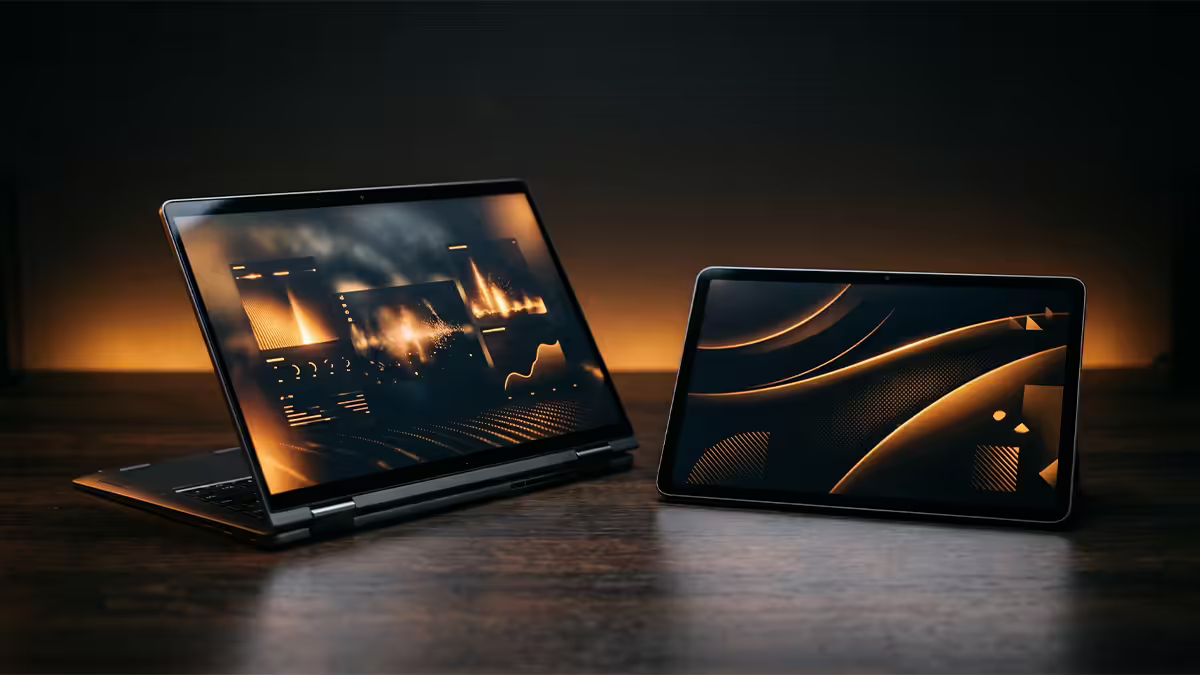
The retail experience puts 2-in-1 laptops and tablets next to each other and the marketing language sounds identical — "versatile, touch, pen-enabled, all-day battery, premium build". The actual difference is at the operating system level and that difference dominates the entire user experience.
A 2-in-1 laptop runs a full desktop OS (Windows 11 24H2, occasionally ChromeOS Flex). Every desktop app ever written for Windows runs natively. The hardware just folds differently than a traditional clamshell.
A tablet runs a mobile OS (iPadOS 19, Android 16). Apps are written touch-first and adapted to bigger screens. Power exists (M5, Snapdragon 8 Elite Gen 5) but is constrained by what the OS allows third-party apps to do.
| 2-in-1 laptop | Tablet | |
|---|---|---|
| Operating system | Windows 11 (full desktop) | iPadOS / Android (mobile) |
| Runs full Adobe CC / Office | Yes, all features | Cut-down mobile versions |
| USB peripheral support | Universal — printers, drawing tablets, dongles | Limited — USB-C accessories only |
| File system access | Full | Sandboxed |
| Multitasking depth | Unlimited windows | 2-3 apps side-by-side |
| Pen experience | Excellent (Surface Pen) | Best-in-class (Apple Pencil) |
| Battery life (real-world) | 10-13 hr (ARM-based) | 12-15 hr |
| Weight (with keyboard) | 1.3-1.7 kg | 0.9-1.4 kg |
| Typical SA price (premium) | R25,000-R45,000 | R18,000-R35,000 |
Windows vs iPadOS — what actually runs
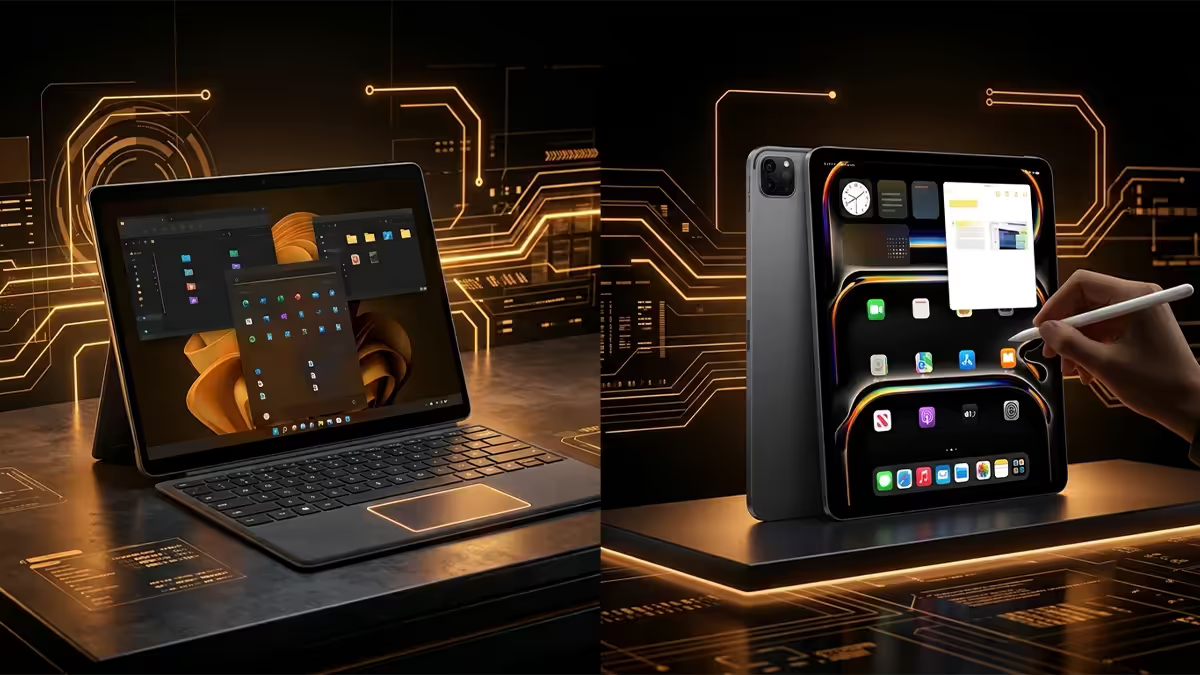
If your daily work involves any of these, you almost certainly need a Windows 2-in-1 rather than a tablet:
- Full Microsoft Office with macros, Power BI desktop, Visio, Project
- Adobe Creative Cloud — Premiere Pro, Photoshop full feature set, After Effects, Illustrator full plugin support, InDesign
- Software development — VS Code with full extensions, IntelliJ, Docker Desktop, full Node/Python/Go toolchains
- CAD, BIM and engineering — AutoCAD, SolidWorks, Revit, ArchiCAD
- Accounting and ERP — Sage, Pastel, Xero desktop, QuickBooks, SAP
- Any Windows-only enterprise tool — government portals, banking apps, medical practice software, legal billing
iPadOS 19 closed many gaps and added genuine background processing, external display support and a Stage Manager that actually works. But the App Store enforces what an app can do — there is still no full Premiere Pro on iPad, no Visual Studio, no real Docker, no Excel with VBA macros, and many South African banking and FNB / Standard Bank business apps remain Windows-only.
On the other hand, iPadOS dominates in app categories that don't exist on Windows in the same quality tier:
- Procreate, Procreate Dreams, Affinity Designer 2 — illustration tier the Surface doesn't match.
- LumaFusion — best touch-first video editor anywhere.
- Notability, GoodNotes 6, Concepts — pen-and-paper note experience without a paper paradigm rival.
- Logic Pro for iPad, Final Cut Pro for iPad — full pro-app ports running on the Pencil.
Pen experience — the closest fight
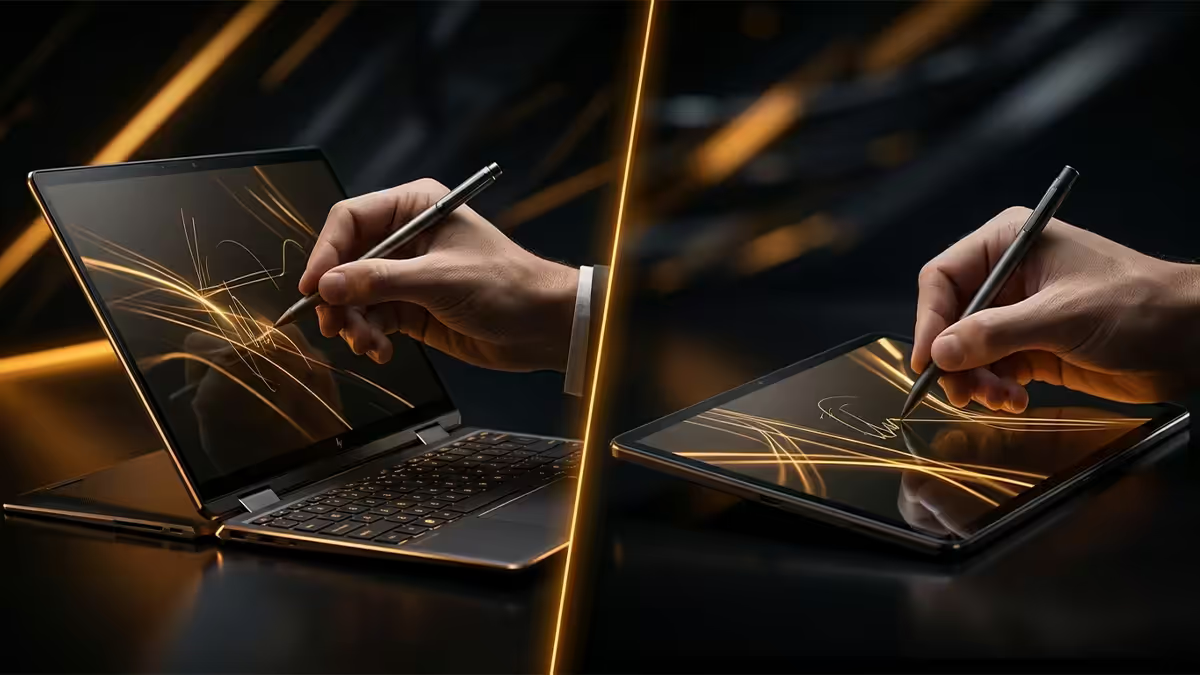
For pure handwriting and drawing feel, Apple Pencil Pro on iPad Pro M5 remains best in class. Sub-millisecond latency, edge-to-edge palm rejection, haptic feedback on barrel roll, pressure curve that handles featherlight to full-pressure strokes equally well.
Surface Slim Pen 3 on Surface Pro 12 is genuinely close. Haptic feedback, tilt-aware, 4096 pressure levels, and it works in any Windows app — including full Photoshop, Illustrator and AutoCAD, which the Pencil cannot. For a designer who needs to take pen input into full desktop apps, the Surface wins by virtue of OS-level reach.
Lenovo ThinkPad pens (Wacom AES 2.0) are the dark horse — excellent feel for note-taking, often the cheapest premium pen experience because Lenovo bundles them with most ThinkPad Yoga and Tab models for free.
S Pen on Galaxy Tab S10 Ultra is included free in the box, has BLE air-actions (presenter remote) and a flat shape that's easier to hold all day than a cylindrical pen. App support on Android is the weak point — Samsung Notes is good, but Procreate and LumaFusion are iPad-only.
Keyboard reality — the honest test
Spend a full workday typing on each and the answer becomes obvious. Traditional 360-hinge convertibles (HP Spectre x360, Lenovo ThinkPad X1 Yoga, Dell XPS 14 2-in-1) have proper laptop keyboards — full key travel, no flex, lap-friendly. They are laptops first that fold into tablets, and the keyboard reflects that priority.
Detachable 2-in-1 keyboards (Surface Pro Signature, Surface Pro 12 Flex) are excellent for the format but flex more on the lap than a clamshell. Acceptable for desk and table use, slightly awkward on the couch.
iPad Pro Magic Keyboard is the best tablet keyboard ever made but is still meaningfully behind a real laptop keyboard. Key travel is shorter, the trackpad is small, and the whole stack tips backward on a lap.
The Magic Keyboard premium: iPad Pro 13" Magic Keyboard adds R5,000+ in SA. Together with the iPad Pro 13" M5 the total cost matches or exceeds a MacBook Air M4 — and is heavier. Keep that in mind when comparing "tablet" prices.
Multitasking depth
Windows 11 lets you snap four windows in quadrants, stack windows in any layout, ALT-TAB through dozens of apps, and switch desktops for context. iPadOS Stage Manager (2026 version) allows up to four overlapping app windows per stage and external-display mirroring, but it's still bounded by the OS.
For people whose work is genuinely "research one thing while writing another, with reference material open on a third screen and Slack pinging on a fourth" — Windows handles this with no friction. iPadOS handles it but you'll feel the seams. If your work is mostly one app at a time with occasional quick lookups, the difference doesn't matter.
Battery life and portability
The iPad Pro M5 and Galaxy Tab S10 Ultra both routinely hit 12-15 hours of real mixed use. The Surface Pro 12 on Snapdragon X2 Elite is dramatically better than previous Intel Surfaces (which were embarrassing) and hits 10-13 hours in 2026 reviews. ThinkPad X1 Yoga Gen 10 on Intel Core Ultra 9 Series 3 hits 9-11 hours. HP Spectre x360 14 with the same chip is in the same range.
Weight comparison (tablet without keyboard / with keyboard):
- iPad Pro 13" M5: 580 g / 1.05 kg with Magic Keyboard
- Galaxy Tab S10 Ultra: 718 g / 1.18 kg with Book Cover Keyboard
- Surface Pro 12: 879 g / 1.18 kg with Signature Keyboard
- ThinkPad X1 Yoga Gen 10 (clamshell convertible): 1.37 kg
- HP Spectre x360 14 (clamshell convertible): 1.43 kg
- Asus Zenbook Duo (dual-screen): 1.65 kg
Content creator considerations
Illustration, comic and concept art: iPad Pro M5 with Pencil Pro and Procreate is the answer for 90% of working illustrators. No Windows 2-in-1 quite gets there.
Photography and Lightroom-heavy workflow: Surface Pro or HP Spectre x360 wins — full Lightroom Classic, full Photoshop, real catalogue management, full plugin support and external monitor calibration.
Video editing: hybrid. iPad Pro with Final Cut Pro and LumaFusion is excellent for short-form, social and travel-shoot rough cuts. For long-form Premiere Pro work with multi-cam, motion graphics templates and external scratch drives, you need full Windows or macOS — a Surface Pro or ThinkPad does this where an iPad cannot.
Music production: Logic Pro for iPad is genuinely good. Garageband for casual. But Ableton Live, Pro Tools, FL Studio remain Windows-only — a Surface Pro 12 plus a USB audio interface is the affordable production rig.
Streaming and OBS: Windows 2-in-1, no contest. OBS Studio runs full features, multiple sources, plugins, NVENC encoding. iPadOS streaming apps are mobile-tier.
Recommended picks by use case
| Use case | Pick | SA price (with keyboard) |
|---|---|---|
| Best general-purpose 2-in-1 | Microsoft Surface Pro 12 (Snapdragon X2 Elite, 16/512) | R28,000-R34,000 |
| Best business convertible | Lenovo ThinkPad X1 Yoga Gen 10 | R35,000-R44,000 |
| Best premium consumer 2-in-1 | HP Spectre x360 14 (Core Ultra 9 Series 3) | R30,000-R38,000 |
| Dual-screen niche | Asus Zenbook Duo UX8406 | R36,000-R44,000 |
| Best illustration / drawing tablet | iPad Pro 13" M5 + Pencil Pro + Magic Keyboard | R38,000-R46,000 |
| Best Android tablet | Samsung Galaxy Tab S10 Ultra + S Pen + Book Cover | R26,000-R32,000 |
| Best value tablet | iPad Air 13" M3 + Smart Folio + Pencil Pro | R20,000-R24,000 |
| Avoid | Cheap 2-in-1s under R12,000 (heavy, slow, poor pen) | — |
Key takeaways
- 2-in-1 laptops run full Windows. Tablets run mobile iPadOS or Android. That's the whole game.
- Surface Pro 12 is the best general-purpose 2-in-1 in 2026 — Snapdragon X2 Elite, 10-13 hour battery.
- iPad Pro M5 wins for illustration, note-taking, video consumption and battery life by a wide margin.
- Apple Pencil Pro is best in class. Surface Slim Pen 3 is close and works in any Windows app.
- Always include the keyboard and pen in the price comparison — iPad Pro total cost rivals a MacBook Air.
- Asus Zenbook Duo is the dual-screen content-creator niche — incredible for the right buyer, overkill otherwise.
Frequently asked questions
What is the difference between a 2-in-1 laptop and a tablet?
A 2-in-1 laptop is a full computer (Windows or sometimes ChromeOS) with a detachable or 360-degree-hinge keyboard — examples are the Microsoft Surface Pro 12, Lenovo ThinkPad X1 Yoga and HP Spectre x360. A tablet is a touch-first device running iPadOS or Android (iPad Pro, iPad Air, Samsung Galaxy Tab S10) that can connect a keyboard but isn't built around it. The difference is the OS: a 2-in-1 runs full desktop apps, a tablet runs mobile apps that have been adapted to bigger screens.Is an iPad Pro better than a Surface Pro for work?
It depends on your work. For drawing, illustration, note-taking, video consumption and creative apps that are iPadOS-native (Procreate, LumaFusion, Affinity, Notability), the iPad Pro is the better tool — the pen experience is unmatched and battery life is significantly better. For full Office/Adobe/CAD/coding workflows that require desktop apps, multitasking with three+ apps side by side, file-system access, or USB peripheral compatibility, the Surface Pro running full Windows wins easily.Can a tablet replace a laptop completely?
For a meaningful percentage of users, yes — anyone whose work is email, web, video meetings, document editing, note-taking, presentations, social media and content consumption can survive on an iPad Pro with Magic Keyboard. For developers, video editors needing Premiere, accountants using complex Excel, anyone running Windows-only enterprise software, or gamers — no, a tablet still cannot replace a laptop. iPadOS 18 closed many gaps but full desktop OS still wins for power-user tasks.What is the best 2-in-1 laptop in 2026?
Microsoft Surface Pro 12 (Snapdragon X2 Elite) is the leader for most users — true tablet mode, excellent pen, 15-hour battery, premium build. Lenovo ThinkPad X1 Yoga Gen 10 wins for business users wanting a traditional clamshell that converts. Asus Zenbook Duo (dual-screen) is the niche productivity champion. HP Spectre x360 14 offers the most premium consumer 2-in-1 experience. Skip cheap 2-in-1s under R12,000 — they tend to be heavy, slow and have poor pens.Do 2-in-1 laptops have good pen support?
Surface Pro and Surface Slim Pen 3 is essentially the gold standard for Windows pen input — pressure-sensitive, tilt-aware, with haptic feedback. Lenovo ThinkPad pens with Wacom AES are excellent for note-taking. HP Spectre and Asus Zenbook pens are good but generally a tier below. None of them quite match the Apple Pencil Pro on iPad Pro for raw pen feel, but the Surface pen comes closest and works in full desktop apps, which the Pencil cannot.Is a tablet keyboard as good as a laptop keyboard?
Generally no. The iPad Magic Keyboard is the best tablet keyboard available but still inferior to a proper laptop keyboard in feel, key travel and rigidity, especially on the lap. The Surface Pro Signature Keyboard is excellent for a clip-on but flexes more than a traditional clamshell. Detachable keyboards add weight and cost — the iPad Pro M5 + Magic Keyboard is heavier and more expensive than a MacBook Air. If keyboard quality matters daily, a traditional laptop or 360-hinge convertible wins.Which has better battery life — iPad Pro or Surface Pro?
iPad Pro M5 — by a significant margin. Real-world the iPad Pro 13 hits 12-15 hours of mixed use. Surface Pro 12 on Snapdragon X2 Elite reaches 10-13 hours, much better than previous Intel Surface Pros but still behind iPad. For all-day on-battery work (flights, conferences, fieldwork) the iPad wins comfortably.Is the Asus Zenbook Duo worth it?
Yes for very specific users — content creators, developers, traders and anyone whose work benefits from two screens. The 2026 Asus Zenbook Duo has dual 14-inch OLED panels, an Intel Core Ultra 9 285H, and a detachable Bluetooth keyboard for either dual-screen mode (one above another) or laptop mode (keyboard over the bottom screen). It is heavier than a regular laptop (~1.65 kg) and more expensive, but for the niche it serves nothing else competes. Not a good general-purpose 2-in-1.
Get the Evetech app
Exclusive app-only prices, daily flash sales, and free delivery on orders over R4,000 — download the app and start saving.