Browser Showdown
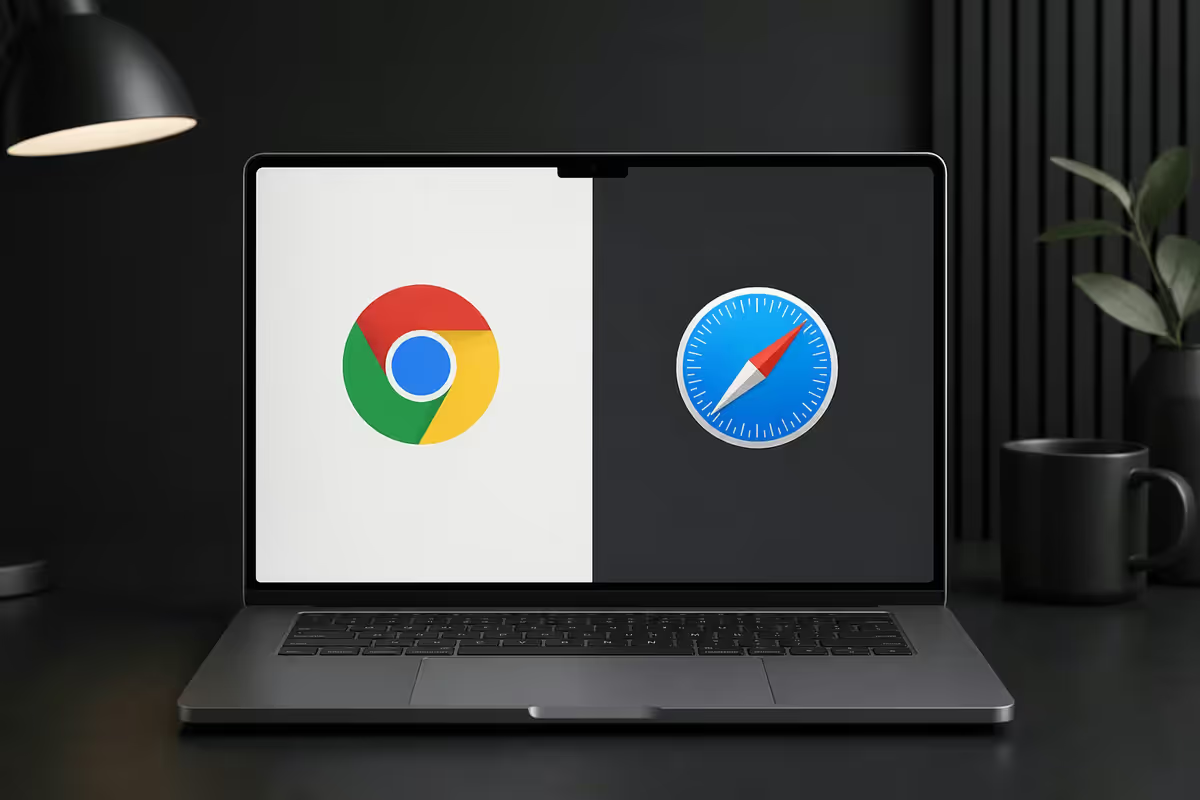
Chrome vs Safari on Mac. — Battery, RAM, ecosystem. Real numbers, honest verdict.
Chrome still leads the world. Safari wins your battery back. Edge sits between. Arc went legacy, Vivaldi quietly excellent. Here's what the numbers actually say in 2026.
- Safari per tab
- ~120 MB
- Chrome per tab
- ~150 MB
- Safari battery edge
- +2-3 hrs
Battery & performance — Safari's biggest win
The single biggest difference between Safari and Chrome on a MacBook in 2026 is battery life. Safari draws roughly 30-40% less power than Chrome in mixed real-world browsing. That's not marketing — it shows up on every MacBook Air and Pro we've tested.
Why? Three reasons converge:
- Native Apple silicon optimisation. Safari ships as a system framework (WebKit) tuned for the Mac's GPU, video decoders, and power-management state machines. Chrome runs its own Blink fork that doesn't take the same shortcuts.
- Background tab throttling. Safari aggressively pauses inactive tabs. Chrome does this too in 2026 but less aggressively — tabs you've forgotten still nibble at CPU.
- Process model. Chrome's per-tab process isolation is great for security but expensive for resources. Safari uses fewer, smarter processes.
| Workload | Safari (MBA M3) | Chrome (MBA M3) |
|---|---|---|
| 10 tabs · mixed browsing · 4 hr | 8-9 hr battery left | 5-6 hr battery left |
| YouTube 1080p · 1 hr | ~6% drain | ~10% drain |
| Gmail + Slack + Notion · 3 hr | ~14% drain | ~22% drain |
| Pure idle (browser open, no tabs active) | Negligible | 2-3% per hour |
On a plugged-in Mac Studio or iMac, none of this matters. On a MacBook Air or Pro running off battery, Safari translates to roughly 2-3 extra hours unplugged per cycle.
RAM footprint — the 2010s stereotype is half-true
Chrome's "RAM eater" reputation comes from a different era. In 2026, Chrome's memory management is dramatically improved over its 2018 self. But Safari still wins.
Real measured per-tab averages on macOS 15:
- Safari: 110-130 MB per active tab. Inactive tabs as low as 40-60 MB after throttling kicks in.
- Chrome: 140-170 MB per active tab. Inactive tabs 80-100 MB.
- Edge: 125-150 MB per active tab. Closer to Safari than Chrome.
With 20 active tabs open: Safari ~2.4 GB, Edge ~2.8 GB, Chrome ~3.2 GB. On an 8 GB MacBook Air, that 800 MB delta between Safari and Chrome is the difference between "snappy" and "swapping". On a 16 GB or 24 GB Mac, you won't notice.
Extensions — where Chrome still wins outright
If you depend on extensions, this is where the conversation gets sharp.
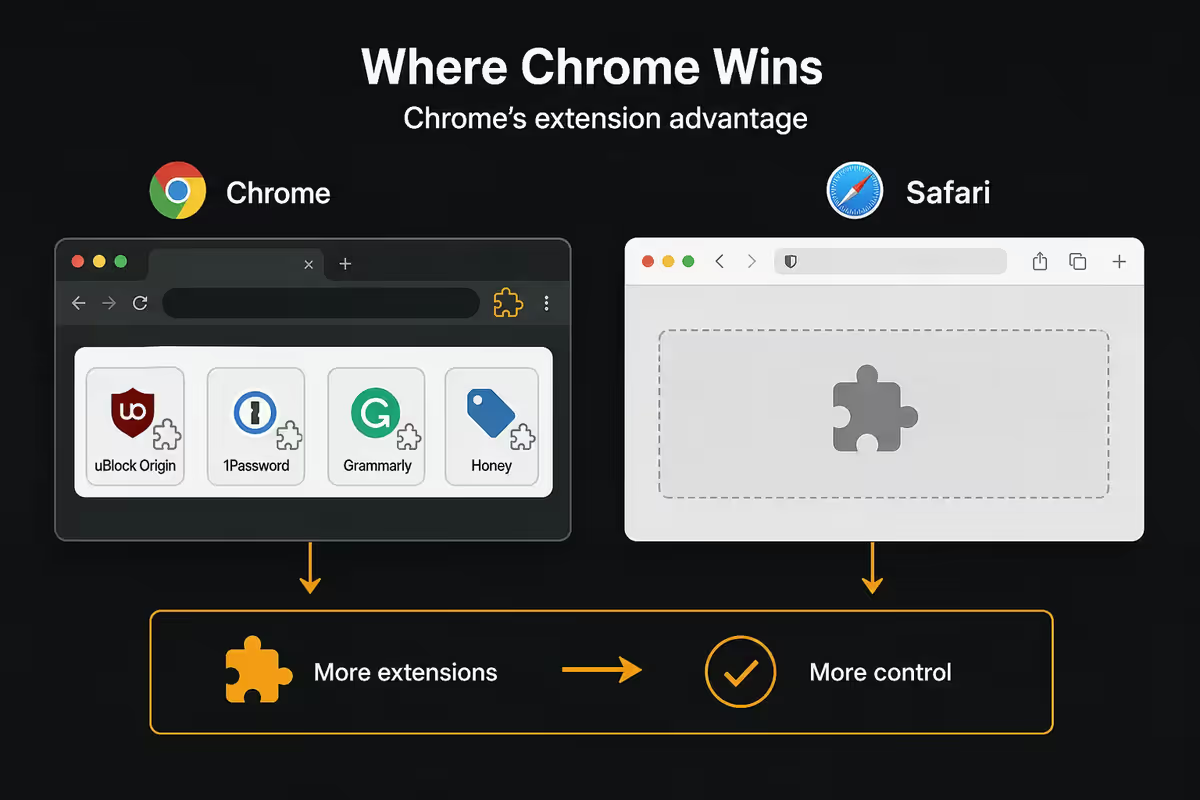
Chrome Web Store hosts hundreds of thousands of extensions, including:
- Every developer tool — React DevTools, Vue DevTools, Redux DevTools, Wappalyzer, Lighthouse, Apollo Client Devtools, axe DevTools.
- Every password manager — 1Password, Bitwarden, LastPass, Dashlane, NordPass, KeePassXC.
- Every productivity tool — Grammarly, LanguageTool, DeepL Translate, Pocket, Notion Web Clipper, Save to Raindrop.
- The long tail — niche academic tools, browser games, esoteric productivity flows, the lot.
Safari extensions grew significantly through 2024-2026 and now cover the essentials — 1Password, Bitwarden, AdGuard, Wipr 2, Vinegar (YouTube cleanup), Hush, Refined GitHub, ports of Grammarly and DeepL — but the long tail is much shorter.
Web compatibility — mostly a solved problem in 2026
A decade ago Safari was the "broken" browser. In 2026 the gap is narrow.
Safari supports all the modern Web standards Chrome does: Container Queries, View Transitions API, modern CSS features (subgrid, nesting, :has), Web Components, the Fetch API, Service Workers, IndexedDB, WebGL, WebGPU. Performance on Apple silicon is excellent.
Where Chrome still wins on compatibility:
- Progressive Web Apps. Chrome installs PWAs prominently from the address bar. Safari supports them but presents them as bookmarks-with-extras — less discoverable.
- Bleeding-edge experimental APIs (WebUSB, WebBluetooth, WebMIDI, File System Access). Safari either lacks them or gates them behind Safari Technology Preview.
- Legacy enterprise web apps. Some banking, payroll and government portals still demand Chrome — usually due to outdated browser detection rather than real incompatibility.
Reader Mode, Profiles, Tab Groups
Safari ships with three features Chrome users often miss:
- Reader Mode (the four-line button left of the URL bar) strips junk from articles — banners, popups, comments — and presents clean reading text. Brilliant for news sites. Chrome's equivalent (Reader Mode flag) exists but isn't enabled by default.
- Profiles. Separate Work / Personal browsing with isolated history, bookmarks, extensions and favourites. Chrome has the same feature but Safari's implementation is tidier — switch via the toolbar in two clicks.
- Tab Groups. Organise tabs into named groups that sync across iPhone, iPad, Mac. Chrome's tab groups work too but don't sync to mobile the same way.
Chrome's standout features: Tab Search (Cmd+Shift+A — searches across all open tabs), Reading List with offline sync, Memory Saver (auto-suspends inactive tabs), Google Lens integration on Mac.
Edge, Arc, Vivaldi, Firefox — the alternatives
Microsoft Edge
The dark horse pick. Chromium-based so all Chrome extensions work, vertical tabs are industry-leading, and battery use sits between Safari and Chrome. The Bing/Copilot AI bar is opt-in and easy to ignore. Edge profiles handle work/personal switching cleanly. If you need Chrome extensions but care about battery, Edge is the answer.
Arc
Arc was the most opinionated browser to ship since Opera. The Browser Company pivoted in 2025 to build a new browser (Dia) and put Arc into maintenance mode. Arc is still usable but isn't getting new features. Long-term Arc users are fine; new adopters should consider Dia, Edge or Vivaldi instead.
Vivaldi
The power-user's Chromium. Vivaldi crams in built-in calendar, mail, notes, RSS reader, and the most granular tab management in any browser. It's heavier than Chrome (more processes, more RAM) but the all-in-one productivity is genuinely useful. Pick this if you'd rather not run a separate calendar/mail app.
Firefox
Firefox on Mac in 2026 is the privacy-first non-Chromium option. Enhanced Tracking Protection is excellent, the rendering engine (Gecko) is a genuine alternative to Blink/WebKit, and battery use is closer to Chrome than Safari. Pick this if you want maximum privacy on a non-Apple browser, or if you want to support browser engine diversity.
Password managers — skip the built-ins
Both Apple iCloud Keychain and Google Password Manager work fine inside their respective browsers. Both are bad outside.
- iCloud Keychain works seamlessly across Safari on Mac, iPhone, iPad. It's free, well-integrated, and uses Touch ID/Face ID. Outside Apple's browsers (and outside Apple devices) it's clunky and limited.
- Google Password Manager works seamlessly inside Chrome on every platform. On iOS Safari it's restricted and the autofill UX is poor.
For 2026, the right answer for most people is a dedicated cross-platform manager. Costs and trade-offs:
- Bitwarden — free tier is excellent (unlimited passwords, all devices, browser extensions). Premium R45/month for 1GB encrypted storage and Yubikey. Open-source.
- 1Password — R130/month individual, R230/month family. The most polished UX. Watchtower alerts for breached passwords are best in class.
- Proton Pass — free tier with unlimited passwords, paid R110/month adds hide-my-email aliases and dark web monitoring.
Final picks — match the browser to the workflow
| If you are… | Use | Why |
|---|---|---|
| MacBook Air on battery a lot | Safari | +2-3 hrs battery |
| Heavy iPhone + iPad + Mac user | Safari | Handoff, iCloud Tabs, Keychain |
| Frontend / web developer | Chrome (+ Safari) | DevTools, extensions |
| Need Chrome extensions, want battery | Edge | Chromium + better power model |
| Power user wanting one-app productivity | Vivaldi | Built-in calendar / mail / notes |
| Privacy-first non-Apple ecosystem | Firefox | Gecko, Enhanced Tracking Protection |
| Enterprise web apps demand it | Chrome | Compatibility |
| Mac mini / Studio / iMac (mains power) | Anything | Battery irrelevant |
Key takeaways
- Safari wins +2-3 hours of MacBook battery vs Chrome on identical workloads. The single biggest real-world difference.
- RAM per tab: Safari ~120 MB, Chrome ~150 MB. Matters on 8GB Macs, negligible on 16GB+.
- Chrome still wins for developers (DevTools, extensions) and PWA installation. Web compatibility otherwise mostly equal.
- Edge is the genuine middle ground — Chrome extensions, better battery, vertical tabs. Underrated.
- Skip browser-built-in password managers. Bitwarden free or 1Password R130/mo travel with you across any browser.
Frequently asked questions
Is Safari really better for battery than Chrome on Mac?
Yes, measurably. Safari draws 30-40% less power than Chrome in mixed real-world browsing. Translates to roughly 2-3 extra hours on a MacBook Air per battery cycle.How much RAM do Chrome and Safari really use?
Safari ~110-130 MB per active tab, Chrome ~140-170 MB. With 20 tabs: Safari ~2.4 GB, Chrome ~3.2 GB. Matters on 8 GB Macs, negligible on 16 GB+.Does Chrome have better extensions than Safari?
Yes, by a wide margin. Chrome Web Store covers every dev tool, every password manager, the long tail. Safari has essentials (1Password, Bitwarden, AdGuard, Vinegar) but not the long tail.Is there a web compatibility difference in 2026?
Mostly no. Safari supports the modern web stack Chrome does. Remaining gaps: PWA installation, bleeding-edge experimental APIs, some legacy enterprise web apps that demand Chrome.What about Microsoft Edge on Mac?
Genuinely good. Chromium-based (Chrome extensions work) but better RAM and battery than Chrome itself. Vertical tabs are best in class. Copilot bar opt-in.Should I use Arc or Vivaldi on Mac?
Arc went into maintenance mode in 2025 — usable but not recommended for new adopters. Vivaldi remains excellent — all-in-one productivity (calendar, mail, notes) and best tab management in any browser.Keychain vs Google Password Manager?
Both fine inside their respective browsers, both clunky outside. Use a cross-platform manager — Bitwarden (free or R45/mo) or 1Password (R130/mo) — instead.Which browser is more private?
Safari, by a meaningful margin. Intelligent Tracking Prevention on by default, third-party cookies blocked, fingerprinting mitigated. Firefox is the next-best non-Apple choice.