Graphics Card Accessories 🛠️
GPU Holders, Brackets & Extras (29)


How to Choose GPU Accessories
Most GPU accessories are about fit, support and cable management rather than performance, so the decisions are practical: how heavy is your card, how do you want to mount it, and what power connector does it use. Get those right and the accessory does its job for the life of the build. The guide below walks through each one.
Modern high-end graphics cards are long and heavy, and over months the weight can make the card sag and stress the PCIe slot and bracket. An anti-sag support bracket props up the far end of the card to keep it level. If your GPU visibly droops or you've got a big triple-fan card, a support bracket is cheap insurance for an expensive part.
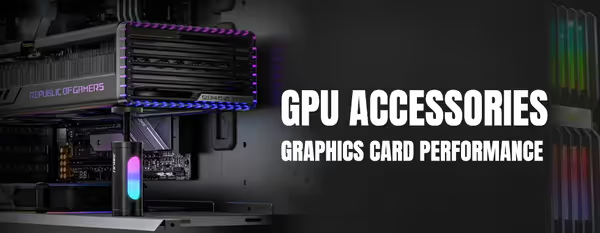
A vertical mount turns the card to face the side panel so you can see the fans and any lighting, instead of the underside. It needs a PCIe riser cable and enough clearance between the card and the glass for airflow — too little gap can raise temperatures. Make sure your case supports vertical mounting or buy a kit designed for it.
The riser must match your card's PCIe generation: a 3.0 riser can cause instability or dropped links with a PCIe 4.0 or 5.0 card. Buy a riser rated for your GPU's generation and keep the length only as long as you need, since longer runs are harder on signal integrity. Confirm it physically fits your case's mounting points too.
Recent high-end NVIDIA cards use a 16-pin (12VHPWR / 12V-2x6) power connector instead of the older 8-pin PCIe plugs. Use the adapter or native cable supplied with the card or PSU, route it without tight bends near the plug, and push it in until it clicks and seats fully. A partly seated connector is the main thing to avoid.
Backplates add a clean finish and some structural rigidity, while custom-sleeved or extension cables tidy the run from the PSU to the card. These are mostly about looks and cable management rather than cooling. Match cable colours and lengths to your case, and check any backplate is designed for your exact card model so it fits and doesn't block airflow.