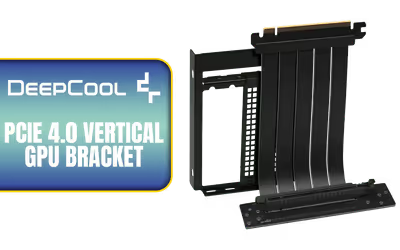
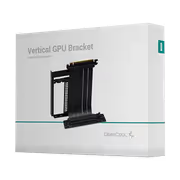
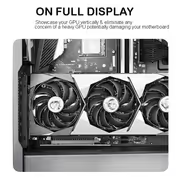
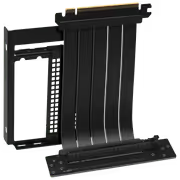
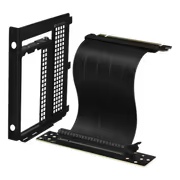
DeepCool Bracket Vertical GPU Accessory Black
DeepCool Bracket PCIe 4.0 Vertical GPU Accessory Black / VERTICAL-GPU-BRACKET / VERTICAL-GPU-BRACKET + FREE DELIVERY !
Model No : Deepcool VERTICAL-GPU-BRACKET
Price Inc. Vat
R 1,199
Save R 300
ListR 1,499
1199Free Delivery
Qty:
In Stock with Evetech
DeepCool Vertical GPU Bracket PCIe 4.0 — Vertical Mount Accessory
Mounts A PCIe 4.0 Graphics Card Vertically
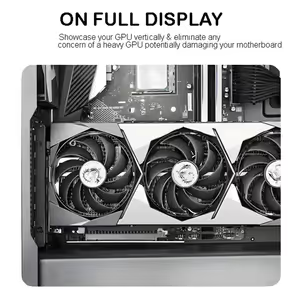
The DeepCool PCIe 4.0 Vertical GPU Mounting Bracket turns a horizontally mounted graphics card so its face points at the side panel, which is where the tempered glass usually is. Rotating the card increases graphics card visibility, catches more light reflection off the components around it, and opens up the space beneath for airflow. Installation is straightforward and it is compatible with PCIe 4.0 graphics cards.
Mounts A PCIe 4.0 Graphics Card Vertically
The DeepCool PCIe 4.0 Vertical GPU Mounting Bracket turns a horizontally mounted graphics card so its face points at the side panel, which is where the tempered glass usually is. Rotating the card increases graphics card visibility, catches more light reflection off the components around it, and opens up the space beneath for airflow. Installation is straightforward and it is compatible with PCIe 4.0 graphics cards.
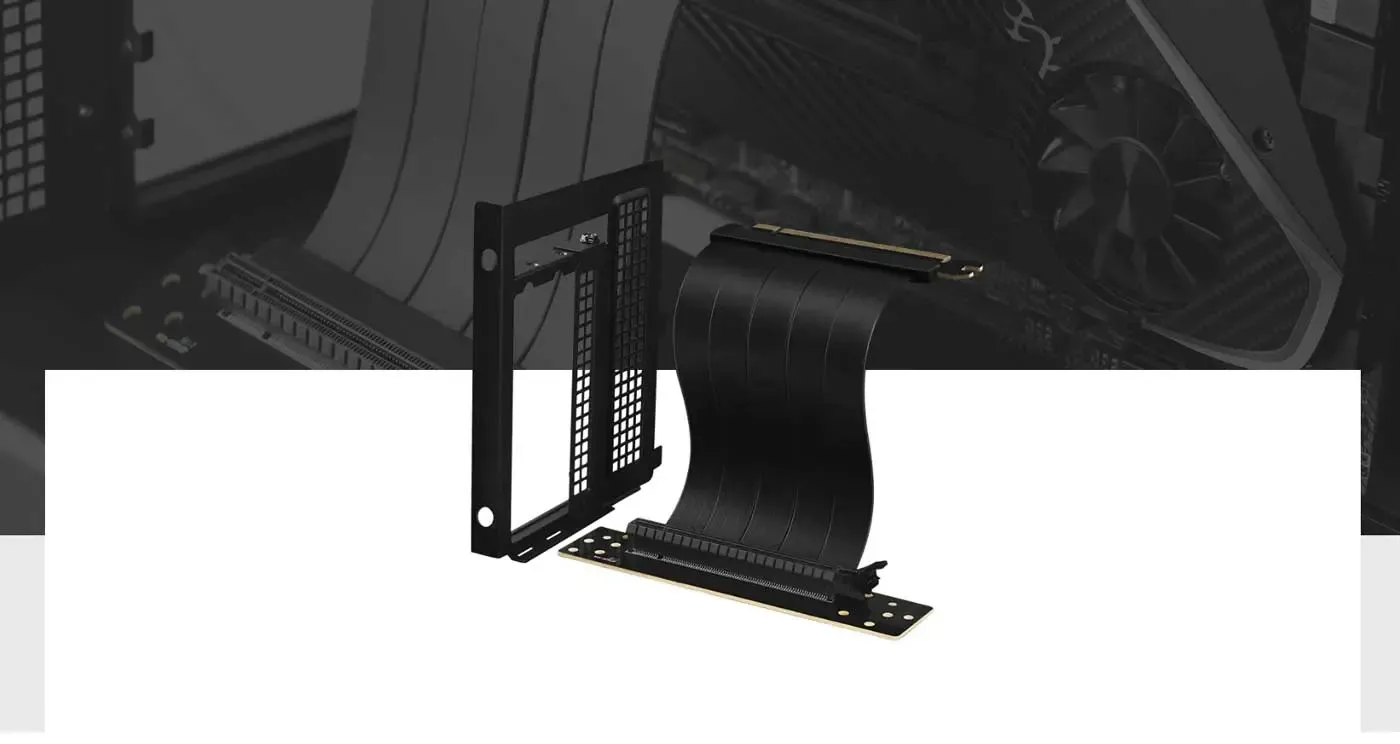
Converts PCI Expansion Slots To Vertical Orientation
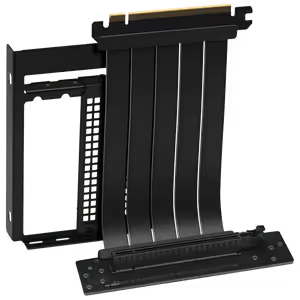
The bracket is built to convert the PCI expansion slots in a case from a horizontal to a vertical orientation for graphics cards. It replaces the standard slot covers with a mounting frame the card fastens to, so no case modification is involved. Everything the change requires ships as one unit rather than as parts to source separately.
Converts PCI Expansion Slots To Vertical Orientation
The bracket is built to convert the PCI expansion slots in a case from a horizontal to a vertical orientation for graphics cards. It replaces the standard slot covers with a mounting frame the card fastens to, so no case modification is involved. Everything the change requires ships as one unit rather than as parts to source separately.
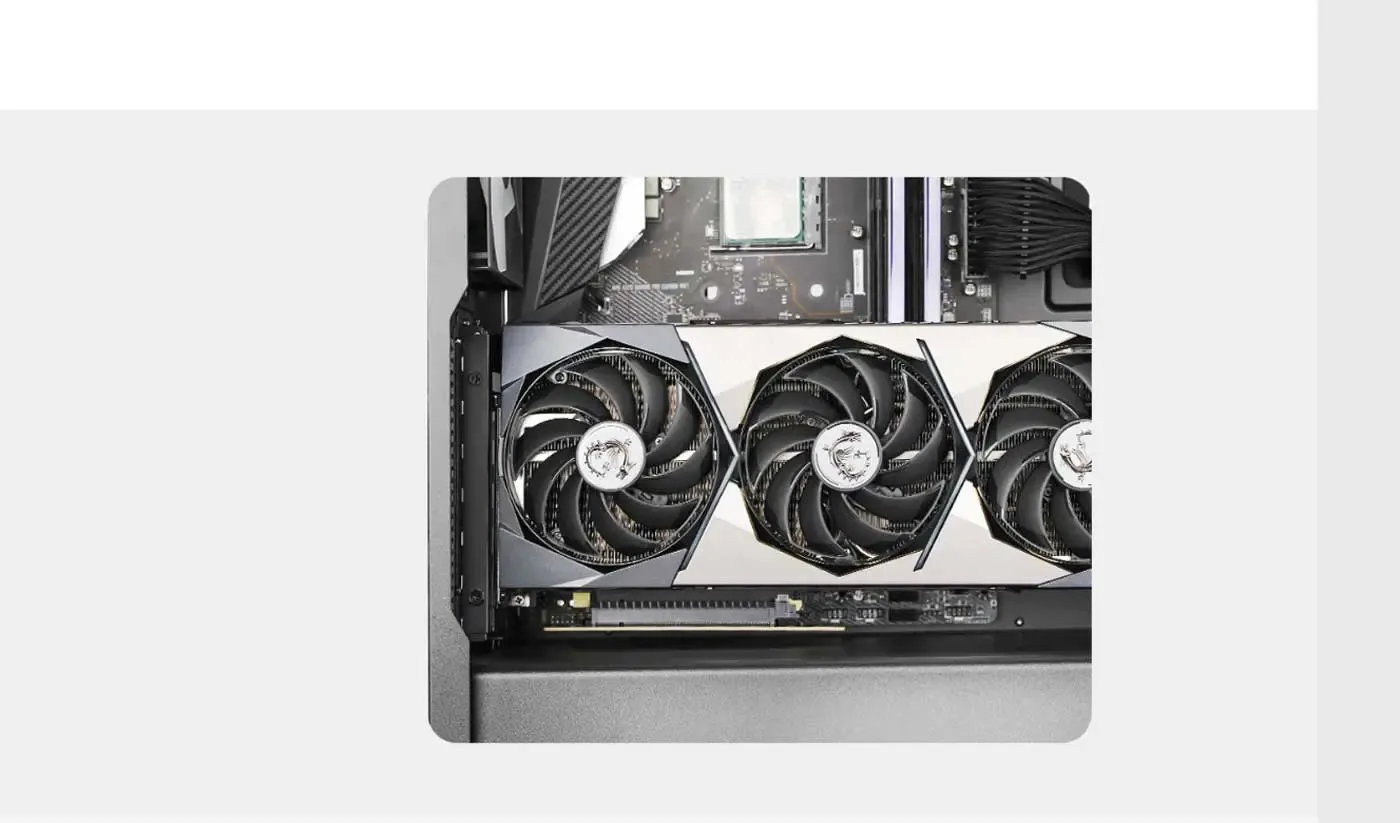
Shows The GPU And Takes Its Weight
Mounting vertically puts the graphics card on show through the side panel instead of hiding its face against the motherboard tray. It also removes the cantilevered load a heavy card places on the PCIe slot, which is what prevents potential damage to the motherboard from the largest triple-slot cards over time.
Shows The GPU And Takes Its Weight
Mounting vertically puts the graphics card on show through the side panel instead of hiding its face against the motherboard tray. It also removes the cantilevered load a heavy card places on the PCIe slot, which is what prevents potential damage to the motherboard from the largest triple-slot cards over time.
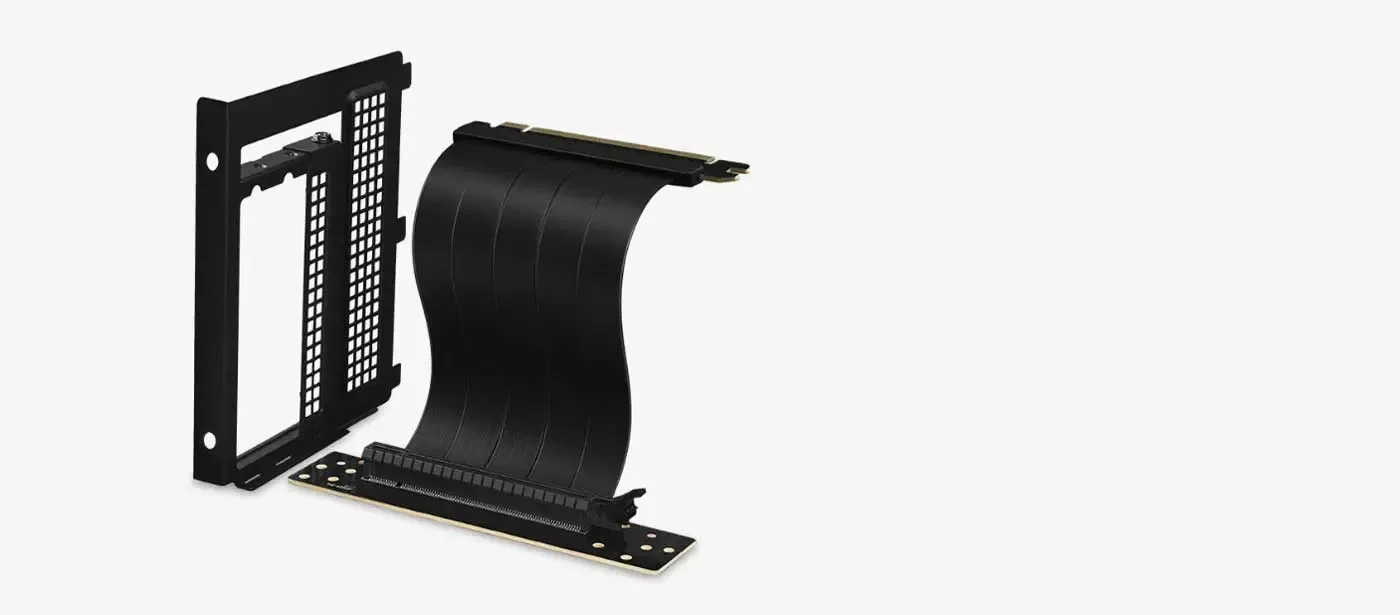
EMI Shielding Protects The PCIe Signal
A riser cable runs alongside power cables and fans, which is exactly where electromagnetic interference gets picked up. This bracket includes EMI shielding to protect the signal path, improving connection reliability so the link between the card and the motherboard stays clean and performance is not interrupted.
EMI Shielding Protects The PCIe Signal
A riser cable runs alongside power cables and fans, which is exactly where electromagnetic interference gets picked up. This bracket includes EMI shielding to protect the signal path, improving connection reliability so the link between the card and the motherboard stays clean and performance is not interrupted.
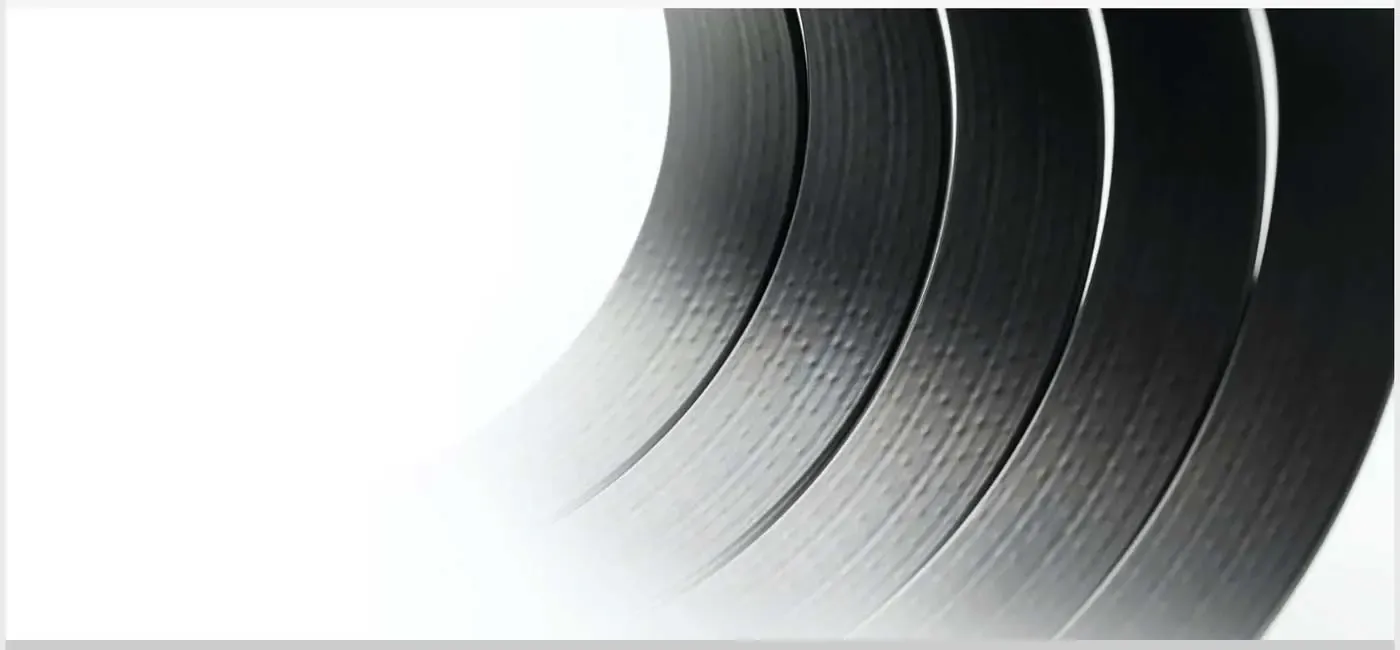
Flexible Adapter Cable Bends To Fit Any Case
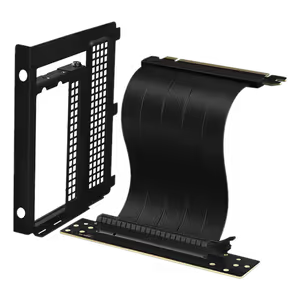
The adapter cable is designed to flex, so it can be adjusted and routed to sit neatly inside the case at any angle. That flexibility is what lets one bracket work across chassis with different slot spacing and internal obstacles, instead of forcing a fixed cable route the case was never designed to accept.
Flexible Adapter Cable Bends To Fit Any Case
The adapter cable is designed to flex, so it can be adjusted and routed to sit neatly inside the case at any angle. That flexibility is what lets one bracket work across chassis with different slot spacing and internal obstacles, instead of forcing a fixed cable route the case was never designed to accept.
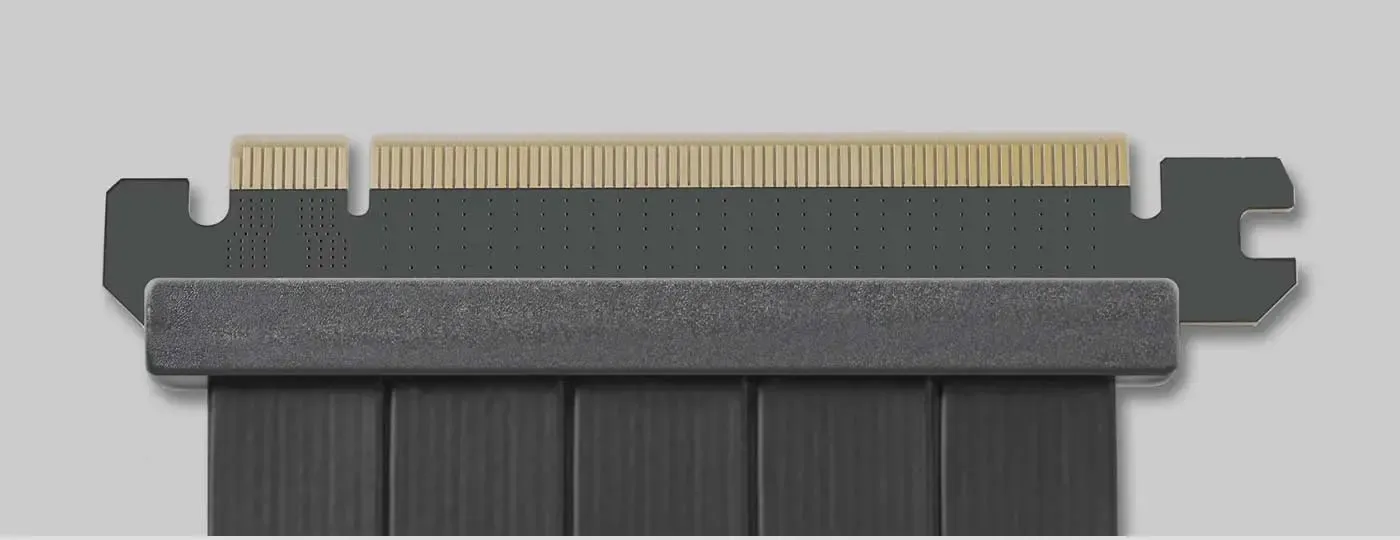
Gold-Plated Contacts Improve Signal Integrity
The connectors use premium gold-plated contacts, which improve conductivity and keep signal integrity high across the riser. Gold also resists the corrosion that degrades a bare contact over years in a warm case, so the connection holds up long after installation rather than developing intermittent faults.
Gold-Plated Contacts Improve Signal Integrity
The connectors use premium gold-plated contacts, which improve conductivity and keep signal integrity high across the riser. Gold also resists the corrosion that degrades a bare contact over years in a warm case, so the connection holds up long after installation rather than developing intermittent faults.
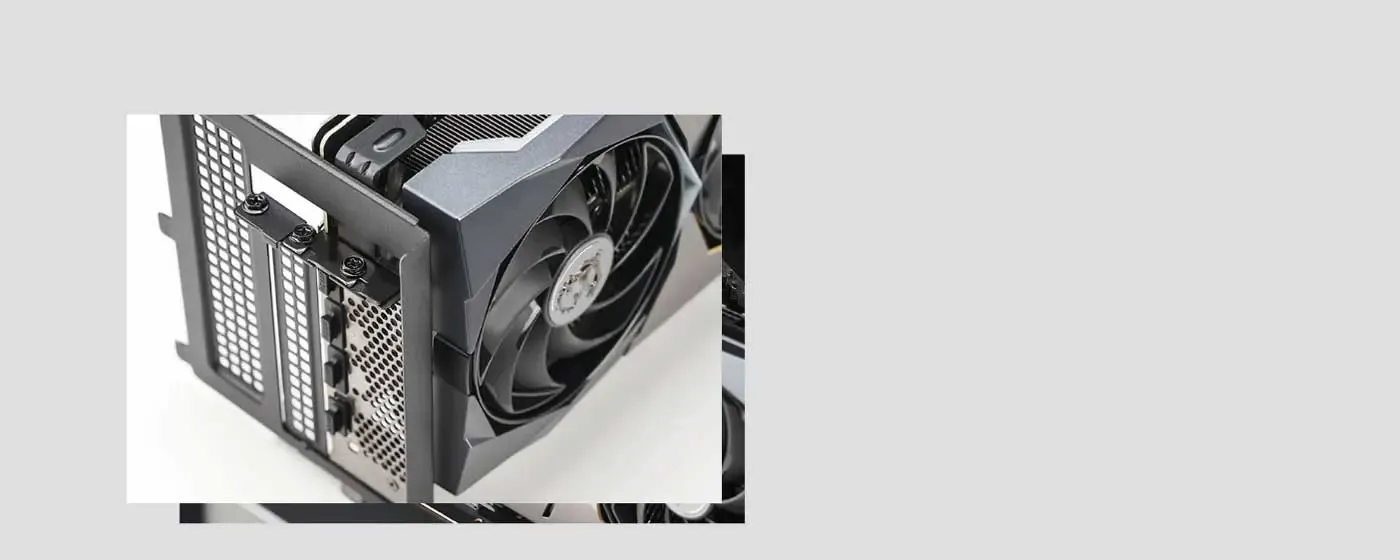
Installs In Three Steps
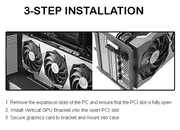
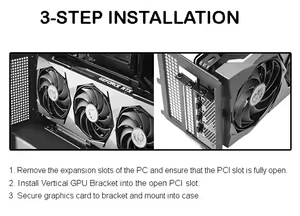
Installation runs to three steps. Remove the expansion slot covers from your case to access the PCI slot, insert the Vertical GPU Bracket into the open PCI slot, then secure your graphics card to the bracket and install the assembly into the case. No specialist tools or case modification are needed to finish the job.
Installs In Three Steps
Installation runs to three steps. Remove the expansion slot covers from your case to access the PCI slot, insert the Vertical GPU Bracket into the open PCI slot, then secure your graphics card to the bracket and install the assembly into the case. No specialist tools or case modification are needed to finish the job.
FAQ
Frequently Asked Questions
Everything you need to know about this product
It is compatible with PCIe 4.0 graphics cards.
It converts a case's PCI expansion slots into a vertical orientation for mounting a graphics card.
Yes. Turning the card promotes better airflow, which helps maintain cooling during intense sessions.
Yes. Vertical mounting prevents potential damage to the motherboard from heavy graphics cards.
Yes. EMI shielding protects against electromagnetic interference for reliable, uninterrupted performance.
The connectors use premium gold-plated contacts for better conductivity and signal integrity.
Three: remove the expansion slots, insert the bracket into the PCI slot, then secure the card and fit it.
The flexible adapter cable is designed for easy adjustment so it sits neatly at any angle.
This is the black version of the DeepCool vertical GPU mounting bracket.

AI-Generated Content:These FAQs are generated by an automated AI system and may contain inaccuracies or omissions. Evetech makes no warranties, express or implied, regarding their completeness or reliability. For definitive information, please refer to the manufacturer's official specifications.
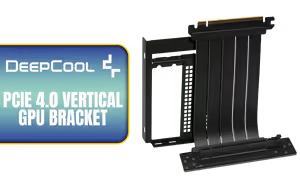
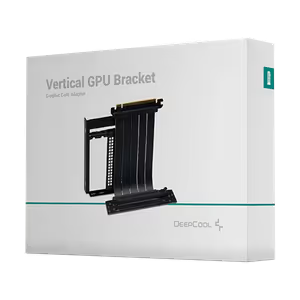
Please Note: Product images are for illustrative purposes only and may differ from the actual product.
Choose your
own PC
Hand-pick every part with live stock, compatibility, and instant pricing.
Try the new builderPrice Inc. Vat
R 1,199
Save R 300
ListR 1,499
1199Free Delivery
Qty:
In Stock with Evetech
Choose your
own PC
Hand-pick every part with live stock, compatibility, and instant pricing.
Try the new builderDeepCool Bracket Vertical GPU Accessory Black