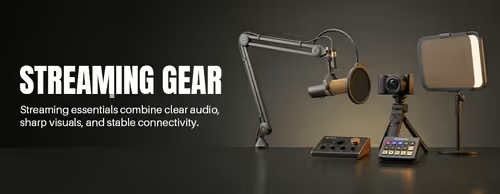
Streaming Gear for Gamers & Creators 🎥
Streaming Essentials (45)


How to Build a Streaming Setup
A streaming setup is a chain — camera, mic, lighting, connection — and it's only as good as its weakest link. Most new streamers overspend on a camera and underspend on sound and lighting, which is backwards. Sort audio and light first, then upgrade the picture. The guide below walks through each decision.
A microphone, every time. Viewers tolerate a soft webcam picture but switch off bad audio within seconds. A USB condenser or dynamic mic on a boom arm transforms how professional your stream sounds, often for less than a mid-range webcam. Add the camera once your sound is sorted.
Only if you're streaming from a console or a second device. Capture cards bring a PS5, Xbox or another PC's video feed into your streaming PC. If you stream PC games on the same machine you play on, your GPU encodes the stream and you don't need one. Match the card to your source resolution and frame rate.
A good 1080p USB webcam is the simplest route — plug in and stream, no extra software. A DSLR or mirrorless camera gives a noticeably sharper, more "professional" look with background blur, but needs a capture card and more setup. Start with a webcam; move to a camera when the picture is your priority.
More than most people expect. A single key light placed in front of you lifts picture quality more than a camera upgrade, because even a great sensor struggles in a dim room. A soft, diffused light at face height removes harsh shadows. Add a second light or a backlight later to separate yourself from the background.
Streaming uses your upload speed, not download. Around 5–8 Mbps upload handles a stable 1080p30 stream; aim for 15 Mbps or more for 1080p60. A wired Ethernet connection beats Wi-Fi for consistency — dropped frames almost always come from an unstable connection, not your encoder.