Decision Guide
Pre-built vs custom. — Which is actually right for you?
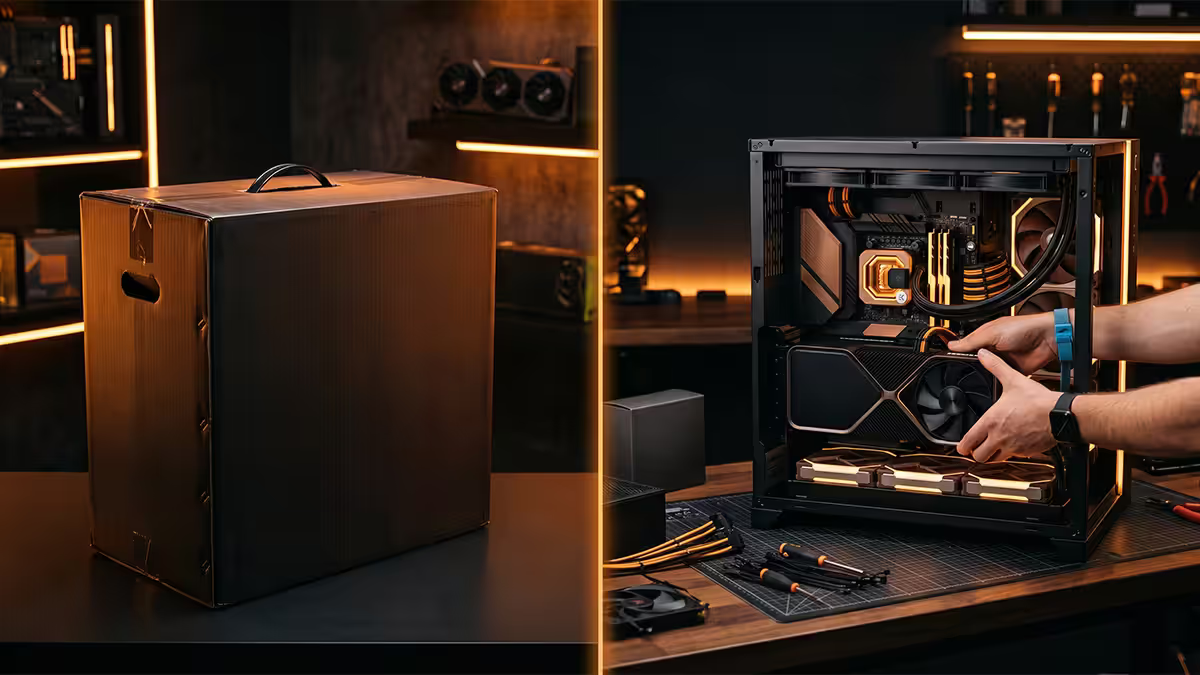
The internet treats this like a moral debate. In practice it's a simple decision with three honest variables: cost, time, and warranty value. Get those right and the answer falls out.
- custom saving
- 5-12%
- first-build time
- 8-12 hr
- pre-built warranty
- 2 yr
Three honest questions
Strip away the online debate and the decision comes down to three personal-fit questions:
- Are you excited by the process of building? Some people love the assembly; others want a working PC. Both are valid.
- Do you have 8-12 hours of focused time? First-time builds take this long. Experienced builders 90-120 minutes. Pre-builts arrive ready in 1-3 hours of unboxing.
- Are you comfortable diagnosing if something goes wrong? Custom = you handle troubleshooting and individual RMA. Pre-built = one phone call to one company.
If you said "yes" to all three, custom is your pick. "No" to any one of them tilts toward pre-built — and that's not weakness, it's a sensible match of your time and skill to the right product.
Real SA cost comparison
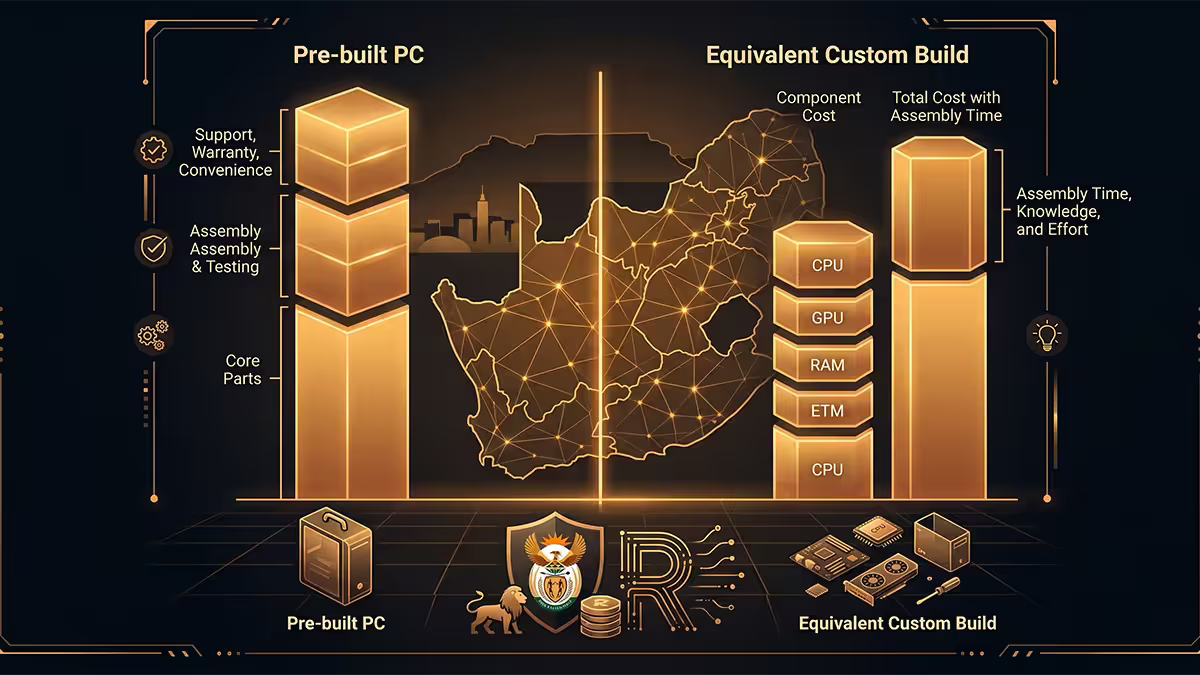
The "custom always saves a fortune" claim was true in 2020-2022 when SA retailers benefited from supply constraints. In 2026, the gap has narrowed significantly. A typical R30,000 build configured at Evetech as a complete pre-built vs the same components purchased separately:
| Build tier | Custom (parts only) | Pre-built equivalent | Premium |
|---|---|---|---|
| Budget (R15k) | R14,850 | R16,200 | ~9% |
| Mid-range (R30k) | R29,800 | R31,800 | ~7% |
| High-end (R60k) | R59,500 | R62,200 | ~5% |
| Workstation (R90k+) | R89,000 | R93,000 | ~4% |
What the pre-built premium buys you:
- Professional cable management (typically 1-2 hours of clean work).
- Burn-in testing — the system runs stress tests before shipping; failed components found here, not by you.
- Pre-installed Windows with all current drivers and updates.
- Single-point warranty for 2 years on the complete system.
- On-site or postage-paid RMA for component failures.
- No risk of first-build mistakes (bent CPU pins, dead motherboards from static, etc.).
Warranty & support — the underrated variable
One company, one warranty
- Single 2-year system warranty
- One email/call when anything fails
- Builder handles all RMA paperwork
- On-site or postage-paid service
- Software/driver issues also covered
Each part, its own warranty
- 1-5 year warranty per component
- You diagnose which part failed
- You contact that specific manufacturer
- You ship the part for RMA
- You reinstall when it returns
In theory, "more warranty" sounds like a win for custom. In practice, the single-point support of pre-built is significantly more useful when something actually fails. A failed GPU at year 2 with custom: weeks of back-and-forth. With pre-built: one call, replacement on the way.
Time investment — usually the deciding factor
| Activity | Pre-built | Custom (first time) |
|---|---|---|
| Component selection | 30 min | 3-6 hours |
| Compatibility verification | Done for you | 1-2 hours |
| Ordering & delivery | 1 order | 3-8 orders, multi-day delivery |
| Physical assembly | — | 4-6 hours |
| First-boot troubleshooting | — | 1-3 hours (typical) |
| Windows + drivers install | — | 1-2 hours |
| Total | ~2 hours | 10-22 hours |
If your time is worth R200/hour, the 12-hour saving on a pre-built reflects roughly R2,400 of saved labour — already larger than the typical pre-built premium at R30k builds.
Customisation — both options offer it
The common misconception: "pre-built is fixed configurations, custom is the only way to get exactly what you want". That hasn't been true in SA since around 2018.
Quality SA system builders (Evetech, Wootware Custom Builds, Rebel Tech) let you configure independently: CPU, GPU, RAM kit, RAM capacity, motherboard tier, storage size, case (with aesthetics in mind), CPU cooler (air or AIO), PSU wattage, and even RGB level. You essentially get a "configured custom" that ships as a pre-built with warranty.
What custom still wins on:
- Specific niche components. Custom water loops, specific motherboard variants for overclocking, esoteric mITX builds.
- Reusing existing components. If you already own a good case, PSU or RAM, custom lets you bring those forward.
- Maximum aesthetic control. Specific RGB choices, custom cables, modded cases — most pre-builders won't accommodate.
Myths worth debunking
Myth: "Pre-builts always use cheap components." True for big-box retail PCs; false for specialist SA system builders. Always check the spec sheet — look for branded PSU (Corsair/Seasonic/Cooler Master), branded RAM (Kingston/G.Skill/Corsair), and known-good motherboard models (B650/X670, B760/Z890).
Myth: "Pre-builts are impossible to upgrade." True for proprietary OEM systems (Dell, HP gaming pre-builts); false for SA specialist builders. Look for ATX/mATX motherboards, standard ATX PSU, and an upgrade path indicated in the spec sheet.
Myth: "Building your own teaches you everything you need." Partially true — you learn assembly and component compatibility. You don't necessarily learn diagnosis of subtle failures, BIOS issues, or driver conflicts unless they happen to you. Most knowledge comes from years, not one build.
Myth: "Custom saves a fortune in SA." Was true in 2020-2022. Not true in 2026. Specialist SA system builders run on tight margins of 5-12% over parts.
The decision matrix

| Your situation | Better pick | Why |
|---|---|---|
| First PC, want it working tonight | Pre-built | Time saving + zero first-build risk |
| First PC, want the learning experience | Custom (DIY) | Process value beats time saving |
| Upgrading 5+ year old PC | Custom | Reuse case, PSU, peripherals |
| Replacing a failed work PC quickly | Pre-built | Single warranty, fast turnaround |
| Budget tier (R15k or below) | Custom | 5-12% saving matters more at low budget |
| High-end tier (R60k+) | Pre-built (slight edge) | Cable management + burn-in worth the 4-5% |
| You enjoy PC hardware as hobby | Custom | The process is the point |
| You see PC as a tool to use | Pre-built | Outcome matters more than process |
Key takeaways
- Custom saves 5-12% in SA in 2026 — significantly less than the 25-40% gap people remember from 2020-2022.
- Pre-built saves 8-20 hours of time for first-builders — often worth more than the price premium.
- Single-point warranty on pre-built has real value at year-2 component failures.
- Quality SA system builders let you customise components — you don't sacrifice control for pre-built.
- Pick custom if you love the process. Pick pre-built if you want a working PC and value time / support.
Frequently asked questions
Is a pre-built PC cheaper than building your own?
In SA, custom saves 5-12% on parts vs identical pre-built. Was 25-40% in 2020-2022. Factor in time spent and the gap shrinks further.Should I buy pre-built or build my own first PC?
Depends on: do you enjoy the building process, have 8-12 hours, and can you diagnose issues? Yes to all three: build. No to any: pre-built.What's the warranty difference between pre-built and custom?
Pre-built: single 2-year system warranty, one call when anything fails. Custom: each component carries its own 1-5 year warranty; you handle each RMA separately.Can I customise a pre-built PC's components?
Yes at quality SA system builders. CPU, GPU, RAM, storage, case all configurable independently before purchase.How long does it take to build a PC for the first time?
8-12 hours including first-boot troubleshooting. Experienced builders 90-120 min. Pre-builts unbox-to-game in 1-3 hours.Are pre-built PCs lower quality than custom builds?
From reputable SA system builders, no — usually matches or exceeds DIY because of cable management and burn-in testing. From cheap retail PCs, quality varies wildly.Will a custom build have better upgrade path?
Sometimes. Quality SA system builders use standard ATX components with clean upgrade paths. Big-box pre-builts sometimes use proprietary motherboards that lock you out.What happens if something fails in a pre-built vs custom?
Pre-built: single email/call, ship PC back, builder repairs and returns. Custom: you diagnose, contact specific manufacturer, ship part, reinstall. More work but you have the diagnostic skills.
Get the Evetech app
Exclusive app-only prices, daily flash sales, and free delivery on orders over R4,000 — download the app and start saving.