PSU Comparison · 2026
850W vs 1000W PSU. Which wattage — and the transient-spike trap behind the marketing.
Modern GPUs draw less <em>and</em> spike harder than the spec sheet implies. The right PSU for a Ryzen 9 / RTX 5080 build is not what an online calculator told you in 2020 — and the gap between 850W and 1000W has narrowed in price almost completely.
- efficiency sweet spot
- 50%
- ATX 3.1 transient absorb
- 200%
- price gap (SA 2026)
- R300-R600
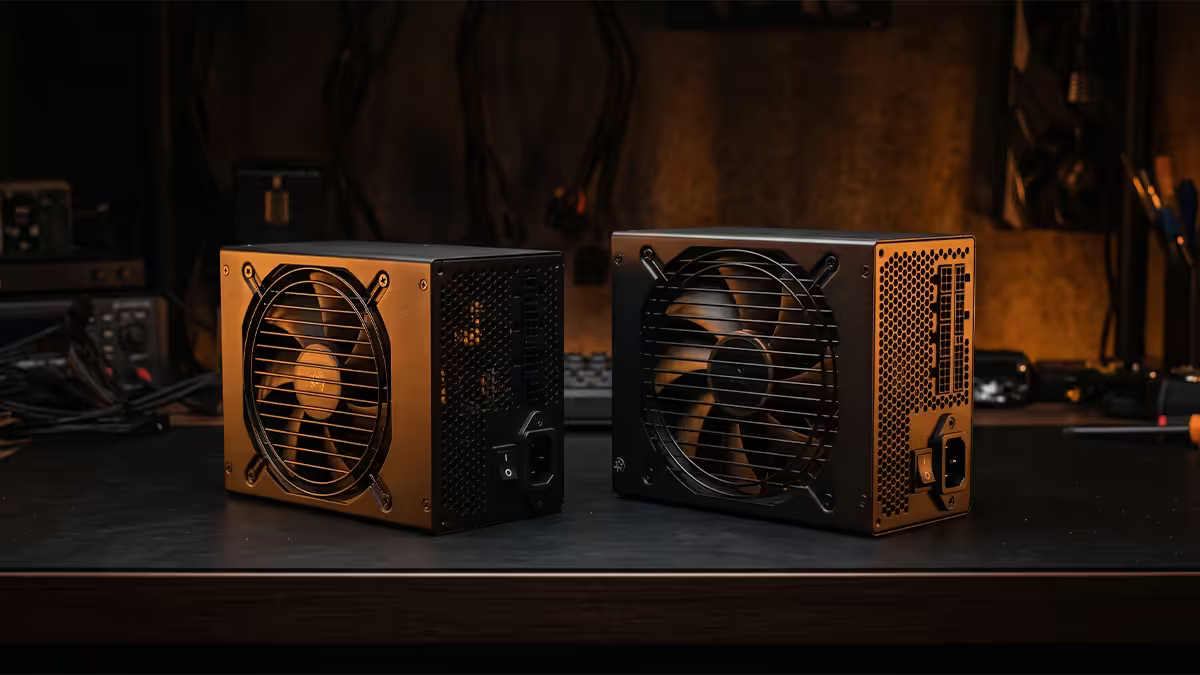
Real-world draw for modern builds
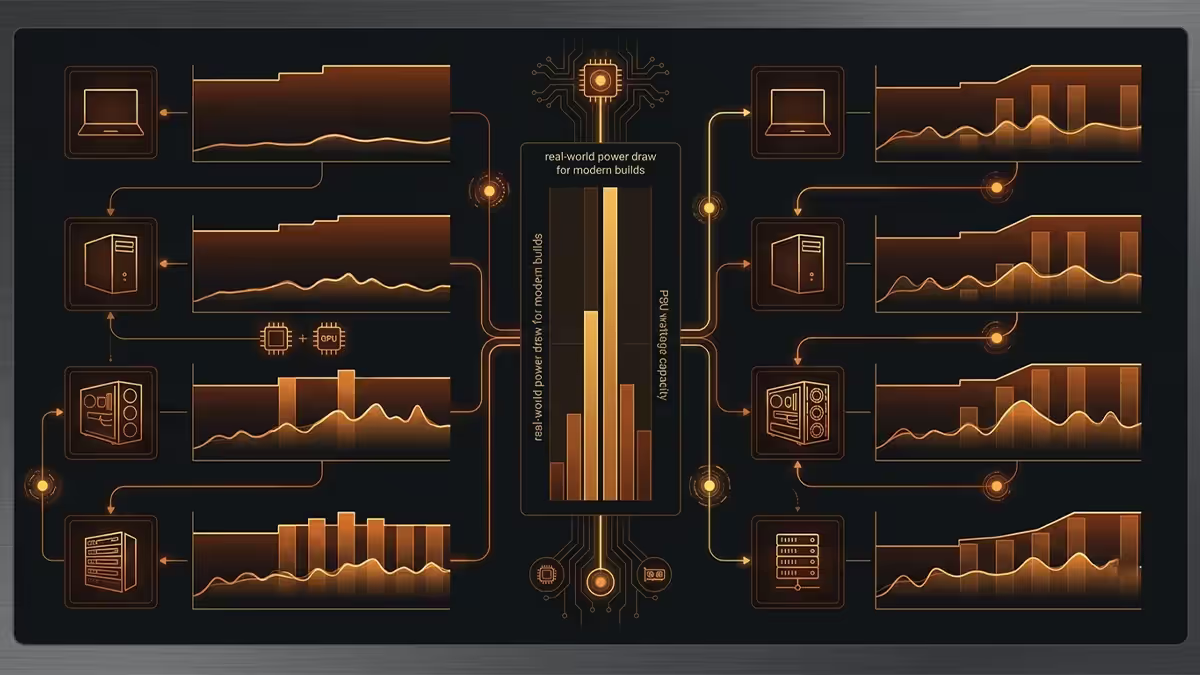
The PSU wattage debate has been polluted by a decade of overspeccing. Online calculators still assume 2018-era inefficient silicon. Modern Ryzen and Intel CPUs draw less than their TDP at typical gaming workloads, and modern GPUs are more efficient per frame than the headline TDP suggests — even though the headline TDP is higher.
Here's the measured sustained draw for typical builds at peak gaming load (HWiNFO + Powenetics at the wall, full system minus monitor):
| Build | Sustained peak | PSU recommendation |
|---|---|---|
| RTX 5070 + Ryzen 5 9600X | ~380W | 750W ATX 3.1 |
| RTX 5070 Ti + Ryzen 7 9700X | ~470W | 750W or 850W |
| RTX 5080 + Ryzen 7 9800X3D | ~560W | 850W (1000W ideal) |
| RTX 5080 + Core Ultra 7 265K | ~590W | 850W or 1000W |
| RTX 5090 + Ryzen 9 9950X3D | ~720W | 1000W ATX 3.1 |
| RTX 5090 + Core Ultra 9 285K | ~750W | 1000W (1200W for OC) |
Notice the gap between sustained peak and PSU rating. That's the headroom, and it's deliberate — modern GPUs spike well above sustained draw for microseconds, and PSUs have a sweet spot at around 50% load.
Transient spikes — the hidden 200% reality
Here's the part most calculators don't account for. Modern GPUs don't just draw their rated TDP — they spike to 1.8-2x rated TDP for microseconds during demanding workloads. These transient spikes happen 5-50 times per second during gaming and are usually invisible to software monitors that sample every 100ms.
Documented transient spikes (microsecond peaks measured at the GPU power connector):
- RTX 4090 (450W TDP) — up to 600-650W transients.
- RTX 5090 (575W TDP) — up to 700-750W transients.
- RTX 5080 (360W TDP) — up to 480-520W transients.
- RX 7900 XTX (355W TDP) — up to 500W+ transients.
If your PSU can't absorb these transients, it shuts down the system as if there was a fault — even though your sustained draw is well below rated wattage. This is why RTX 4090 owners on older 850W PSUs reported "random shutdowns" while gaming despite the system "only drawing 600W average".
This is the entire reason ATX 3.0 and ATX 3.1 exist. They mandate that the PSU can absorb 200% rated load for at least 100 microseconds without dropping voltage. An 850W ATX 3.1 PSU is tested to handle 1700W spikes for that duration. An 850W ATX 2.0 PSU has no such guarantee.
The 50% efficiency sweet spot
Every quality PSU has a bell-curve efficiency profile. Maximum efficiency happens at around 50% load. Below 20% and above 80% load, efficiency drops noticeably. The 80 Plus rating system tests this explicitly.
| 80 Plus tier | Efficiency at 50% load | Efficiency at 100% load |
|---|---|---|
| 80 Plus Gold | 92% | 88% |
| 80 Plus Platinum | 94% | 89% |
| 80 Plus Titanium | 96% | 91% |
Why this matters: a 1000W Gold PSU running a 500W system pulls 543W from the wall (92% efficient). The same workload on an 850W Gold runs at 59% load — still in the sweet spot, but with less margin. At 70%+ sustained load, efficiency starts measurably dropping, fans spin harder and the PSU itself runs hotter (and louder).
Sizing for 50-65% of typical gaming peak hits the sweet spot for efficiency, fan noise and component lifespan. That's why the answer to "do I need 850W or 1000W" depends as much on which you'd rather run at 50% vs 70% load as on whether the wattage is technically sufficient.
ATX 3.1 vs 3.0 vs 2.0 — buy the standard that matches your GPU
If you're buying a PSU in 2026 and don't need to specifically support an older system, buy ATX 3.1. The specification matters and the price premium is now small.
ATX 2.0 / 2.5 — pre-2022 standard. Uses 8-pin PCIe connectors for GPUs. Cannot guarantee modern transient absorption. Adapters to 12VHPWR exist but are widely associated with melted connectors. Avoid for any RTX 4080+ class GPU.
ATX 3.0 (2022) — introduced 12VHPWR connector and the 200% transient absorption requirement. Solved transient spike problems. Connector itself proved unreliable in field (the "melted 12VHPWR" issue) due to short sense pins and tolerance issues. Still better than ATX 2.0 with an adapter.
ATX 3.1 (2024) — replaces 12VHPWR with the redesigned 12V-2x6 connector. Sense pins are shorter, terminals are 1.5mm shorter, prevents partial insertion. Same 200% transient spec. This is the correct purchase in 2026.
The 12V-2x6 connector — what actually changed
The 12V-2x6 connector is mechanically identical to 12VHPWR from the outside. The differences are in the pin geometry. Sense pins (CC1, CC2) are now 1.5mm shorter than power pins. This means a partially-inserted connector — the root cause of the 12VHPWR melting incidents — physically cannot send the "ready" signal to the GPU, and the GPU refuses to draw power until the connector is fully seated.
From a user perspective: 12V-2x6 cables are forward and backward compatible with both 12VHPWR and 12V-2x6 ports. The geometric improvement is on the GPU side and the PSU side independently. Most RTX 50-series cards launched with 12V-2x6, and most ATX 3.1 PSUs ship with 12V-2x6 cables out of the box.
If you already have an ATX 3.0 PSU with a 12VHPWR connector and an RTX 4080+ class card, the practical fix is to ensure the cable is fully seated (you should hear a click and see no gap), to avoid bending the cable within 35mm of the connector, and to consider a third-party Cablemod or original-manufacturer 12V-2x6 replacement cable.
Headroom math — how much spare matters
The right amount of PSU headroom answers two questions: (1) does my sustained draw stay in the efficiency sweet spot, and (2) do I have room for the next GPU upgrade two years from now?
The formula: aim for sustained peak draw at 50-65% of PSU rated wattage. That keeps efficiency at peak, fan noise low, and gives 10-20% headroom for next-generation GPU upgrades typical of an ~18-month cycle.
| Build peak | Minimum PSU | Sweet-spot PSU |
|---|---|---|
| ~400W (5070-class) | 650W | 750-850W |
| ~500W (5070 Ti / 5080) | 750W | 850-1000W |
| ~600W (5080 + 9800X3D) | 850W | 1000W |
| ~700W (5090) | 1000W | 1000-1200W |
| ~850W (5090 + heavy OC) | 1200W | 1300-1500W |
The "bigger is always better" myth
Some commentators argue you should always buy as much wattage as your budget allows. This isn't quite right either, for two reasons.
Reason one: a PSU running at 10-15% sustained load (say a 1500W unit on a 250W office PC) is below the 80 Plus efficiency window. The PSU draws more wall-power than necessary and the fan often refuses to spin up cleanly. There's a real lower limit for efficient operation.
Reason two: PSU price scales steeply above 1000W. Going from 850W to 1000W ATX 3.1 Gold is typically R300-R600 in SA. Going from 1000W to 1200W is R800-R1,500. Going from 1200W to 1500W can be R2,500-R4,000. The marginal benefit drops off sharply, especially for a single-GPU consumer build.
The honest target is to pick the PSU that puts your typical gaming peak in the 50-65% load range. That's almost always 850W or 1000W in 2026 unless you're running a 5090 with heavy overclocking or dual-GPU workstation workloads.
Key takeaways
- 850W ATX 3.1 covers everything up to RTX 5080 + Ryzen 7 / Core Ultra 7. 1000W gives sweet-spot efficiency.
- 1000W minimum for RTX 5090 builds due to 700W microsecond transient spikes.
- Always buy ATX 3.1 with 12V-2x6 connector — replaces the melt-prone 12VHPWR.
- Efficiency peaks at 50% load. Target sustained peak at 50-65% of PSU rated wattage.
- SA price gap between 850W and 1000W ATX 3.1 Gold is R300-R600 — usually worth taking the bigger one.
Frequently asked questions
Is an 850W PSU enough for an RTX 5080 build?
Yes for a stock RTX 5080 paired with Ryzen 7 9800X3D or Core Ultra 7 — peak sustained draw lands around 550-620W. An 850W ATX 3.1 PSU has plenty of headroom and sits in its efficiency sweet spot (50-65% load). For RTX 5090 builds with a Ryzen 9 / Core Ultra 9 CPU, step up to 1000W — peak transient draw on the 5090 can momentarily hit 700W+.What about transient spikes — do they need extra wattage?
Yes. Modern GPUs spike to 2x rated TDP for microseconds during demanding loads. RTX 4090 and 5090 are documented for 600-700W transient spikes despite 450-575W rated TDP. ATX 3.0 and ATX 3.1 PSUs are tested to absorb 200% transient overload for milliseconds without shutting down. Pre-ATX 3.0 PSUs aren't, which is why you'd often need a 1200W ATX 2.0 unit to safely run a 5090.Why does my 1000W PSU run quieter than my 850W?
You're running lower percentage load. Most quality PSUs have fanless or near-silent modes below 30-40% load. A 1000W running at 500W (50% load) is in its quietest, most efficient zone. The same workload on an 850W means running at 59% load — fans spin higher and ambient PSU noise is more audible.What is the efficiency sweet spot for a PSU?
Almost all PSUs peak in efficiency at 50% load. 80 Plus Gold rating means 92% efficient at 50% load (vs 88% at 100% load and ~88% at 20% load). Sizing a PSU for 50% of typical gaming draw delivers the lowest electricity cost, the lowest heat output and the quietest fan operation. For a 500W typical-draw build, that means a 1000W PSU.What is ATX 3.1 vs ATX 3.0 vs ATX 2.0?
ATX 3.0 (2022) introduced the 12VHPWR connector and transient spike tolerance for modern GPUs. ATX 3.1 (2024) replaced 12VHPWR with the more robust 12V-2x6 connector (shorter sense pins prevent partial-insertion melt). ATX 2.0 PSUs predate this and use 8-pin PCIe connectors with adapters — risky for RTX 4080+ class cards. Buy ATX 3.1 in 2026 — the connector reliability difference is real.Does a more powerful PSU use more electricity?
No. A PSU draws only what the system requests. A 1000W PSU running a 400W system draws 400W from the wall (plus ~30W efficiency loss). It does not "pull" 1000W. The only cost of overspeccing wattage is the initial purchase price — if you find a 1000W on sale near the price of a typical 850W, take the 1000W.How much PSU headroom should I leave for future upgrades?
Aim for total system peak at 60-70% of PSU rated wattage. That gives you next-generation GPU upgrade room (next-gen flagship typically draws 10-20% more) and keeps you in the efficiency sweet spot. For a current 5080 build at ~600W peak: 850W gives 70% load (tight), 1000W gives 60% load (comfortable next-gen-ready). For a 5090 build at ~700W peak: 1000W minimum, 1200W if planning 6090-class upgrades.Is the R-per-watt better on 850W or 1000W?
850W has historically been the best R-per-watt sweet spot in SA — the volume-leader category for premium ATX 3.0/3.1 units. In 2026 the gap has closed: 1000W ATX 3.1 Gold units from Corsair, Seasonic and Cooler Master often sit just R300-R600 above the 850W equivalent. If the 850W is near a 1000W price for your preferred brand, take the 1000W for the headroom.
Get the Evetech app
Exclusive app-only prices, daily flash sales, and free delivery on orders over R4,000 — download the app and start saving.