Mac Guide · A18 Pro Deep-Dive
What Apple's A18 Pro in MacBook Neo means.
Apple's hypothetical MacBook Neo puts the iPad-class A18 Pro into a real Mac chassis at a R12k-R15k SA tier. For the right buyer it's the most exciting Mac in years. For the wrong one it's a thousand-rand mistake.
- SA price tier
- R12k-R15k
- battery (fanless)
- ~20 hr
- RAM ceiling
- 8 / 16 GB
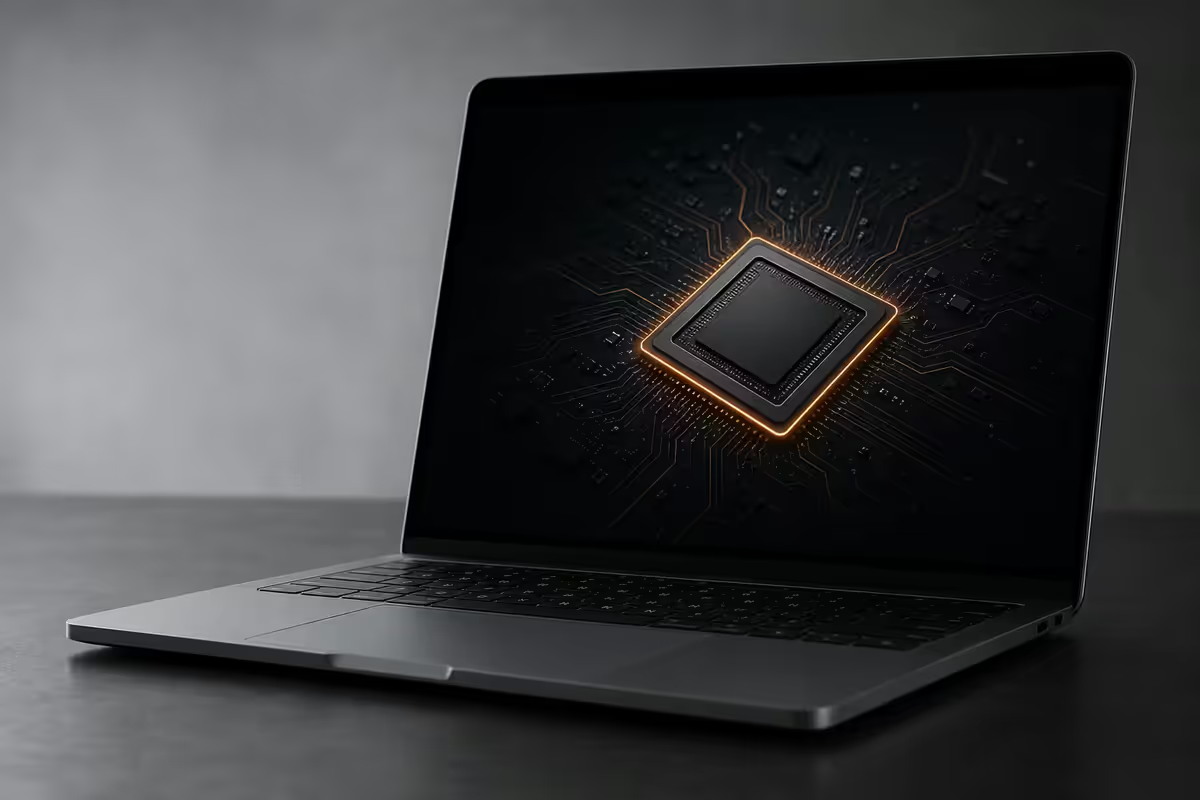
What the MacBook Neo actually is
The MacBook Neo is Apple's hypothetical entry-level notebook for 2026 — a thin, fanless 13-inch Mac running the same A18 Pro chip found in the iPad Pro and iPhone 16 Pro. It sits below the MacBook Air in the line-up, replaces nothing, and adds a new R12k-R15k tier to a Mac range that previously started at R22k.
The pitch is simple: iPad silicon in a Mac chassis, running full macOS instead of iPadOS. You get a real keyboard, a real trackpad, a windowed desktop, real file system access, full Mac App Store, and the unmodified power-efficiency of the chip that already runs the iPad Pro silently for a full day.
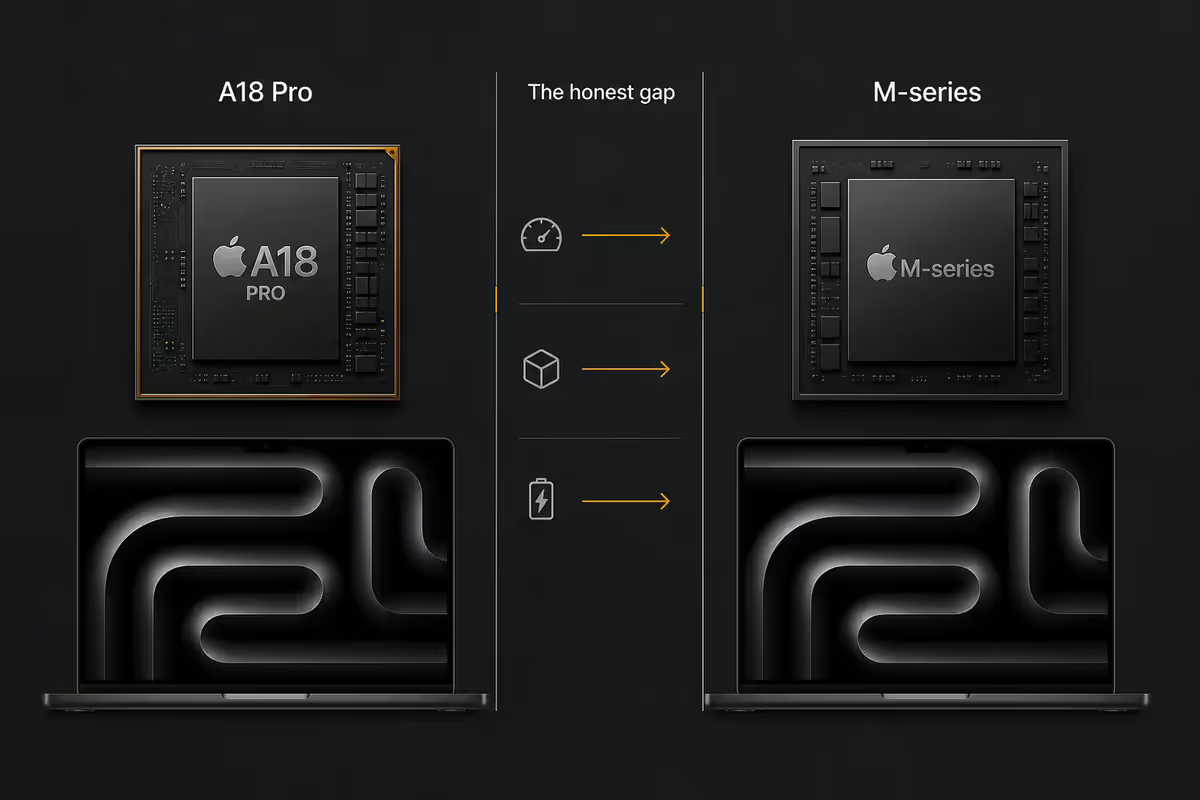
What you give up versus M-series Macs is real, but bounded — the A18 Pro is not a wounded chip. It's an excellent mobile SoC being asked to do a notebook's job. For light to medium workloads, it's astonishingly capable. For heavy professional creative work, the gap is honest and worth understanding before buying.
A18 Pro vs M-series — the honest performance gap
The A18 Pro is a phenomenal phone chip. In a Mac, it sits roughly where the original M1 sat in 2020 — but with a key difference: it has fewer cores. Where M-series chips run 8-16 cores with a heavy emphasis on performance cores, the A18 Pro is a 6-core design (2 performance + 4 efficiency) tuned for phone power budgets first.
| Metric | A18 Pro (Neo) | M4 (Air) |
|---|---|---|
| CPU cores | 6 (2P + 4E) | 10 (4P + 6E) |
| Geekbench 6 single-core | ~3,500 | ~3,800 |
| Geekbench 6 multi-core | ~8,500 | ~14,500 |
| GPU cores | 6-core (A-series) | 10-core (M-series) |
| Neural Engine | 16-core (35 TOPS) | 16-core (38 TOPS) |
| Max RAM | 16 GB | 32 GB |
| Thermal design | Fanless | Fanless |
Single-core is close — the A18 Pro lands within ~8% of M4 in single-threaded workloads. That covers most of what makes a Mac feel fast day-to-day: Safari, app launches, UI animations, scrolling, document editing.
Multi-core is where the gap shows. The M4's extra cores deliver close to 70% more multi-threaded throughput. That matters for Final Cut renders, Logic Pro mixdowns, Xcode compiles, RAW photo batch processing and anything else that scales across cores.
Fanless design — battery win, thermal ceiling
The MacBook Neo is fanless. There's no spinning intake, no exhaust vent, no acoustic signature. In a library, a lecture hall, a quiet office or your bedroom at 2am, the Neo is genuinely silent — like an iPad always has been.
This delivers two real wins and one real limit.
Win 1 — battery life. The A18 Pro's efficiency cores combined with the fanless thermal design means realistic 18-22 hour mixed-use battery life. Apple's published spec will be around 24 hours for video playback. That's 4-6 hours longer than the MacBook Air M4 on the same workload. For students travelling between campus, residence and coffee shop, that's a full day of work without a charger.
Win 2 — thinness and weight. Without fan housings, exhaust ducts or a copper heatpipe, Apple can build the Neo down to roughly 12.4mm thick and 1.06 kg. That's lighter than every previous MacBook except the original 12" MacBook from 2017.
The limit — sustained workloads throttle. Burst performance is excellent because the A18 Pro can briefly hit full clocks. But hold the chip at 100% for more than 4-5 minutes and the chassis can't dissipate the heat. Sustained CPU loads (long video encodes, big compiles) will see clock speeds drop by 10-20%, and the all-aluminium chassis becomes noticeably warm to the touch under the right palm rest.
RAM ceiling — the 8GB / 16GB problem
Neo ships in only two memory configurations: 8GB or 16GB. That's the ceiling. There is no 24GB, no 32GB, no 64GB. M-series MacBooks scale to 128GB on the Pro range. If you need more than 16GB of RAM, Neo is the wrong machine — full stop.
For most Neo buyers, 16GB is the only sensible pick. The R1500-R2000 step-up from 8GB to 16GB is the single most impactful spec choice on this machine. Apple soldiers on with shared unified memory; 16GB gives you genuine headroom for multitasking, more browser tabs, larger documents and meaningful future-proofing.
When 8GB Neo is okay: single-app workflows, schoolwork at primary or early high-school level, secondary "couch laptop" duties for a household that has a main computer elsewhere, gift to a relative who'll mainly browse and email. For anyone using Neo as their primary machine — pay the extra.
| Configuration | Real-world ceiling | SA price (est.) |
|---|---|---|
| 8GB / 256GB | Browser + 1-2 apps comfortable | R12,000 |
| 8GB / 512GB | Same RAM ceiling, more storage | R13,500 |
| 16GB / 256GB | Comfortable multitasking | R13,500 |
| 16GB / 512GB | The sensible Neo | R15,000 |
What works perfectly on Neo
The Neo's surprise is how much of modern Mac life feels identical to using an M4. The single-core speed advantage of Apple silicon means anything that doesn't lean on multi-core or sustained workloads runs at full M-class smoothness.
- Web browsing — Safari with 20-30 tabs, Chrome, Arc, Firefox. Tab switching is instant. Speedometer scores within 8% of M4.
- Office and productivity — Microsoft 365, Pages, Numbers, Keynote, Notion, Notes, Obsidian. Documents open instantly, large spreadsheets recalculate fast.
- Communication — Mail with multi-account, Slack, Teams, WhatsApp Web, Zoom and FaceTime calls at full 1080p.
- Light photo work — Photoshop, Affinity Photo, Lightroom for personal libraries up to about 5,000 photos.
- Light video — iMovie projects, Final Cut Pro 1080p timelines, basic colour grades and titles.
- iPad apps natively — Procreate, GoodNotes, Affinity, LumaFusion, Adobe Fresco, every iOS app from the Mac App Store, full A-series performance.
- Apple Intelligence — full local Apple Intelligence support via the A18 Pro's 35 TOPS Neural Engine.
- Light coding — VS Code with 4-5 projects, web development, Python, Node.js. Xcode for small projects.
- Streaming and entertainment — Netflix, YouTube, Apple TV+, Spotify, Apple Music all flawless.
If your weekly workflow is mostly in the list above, Neo will feel genuinely indistinguishable from an Air M4 — and run quieter and longer on battery.
What you genuinely can't do on Neo
These are the workflows where Neo's gap to M-series shows up clearly. None of these are deal-breakers for most buyers — but if any are central to your daily work, save for a MacBook Air M4 or MacBook Pro instead.
- Heavy video editing — 4K multi-cam edits with effects, complex Davinci Resolve projects, long sustained renders. Possible but slow and thermally limited.
- Large Xcode builds — anything over a 20,000-line iOS or macOS project will compile noticeably slower; CI builds and Swift package indexing are painful.
- Logic Pro at scale — 30+ track mixes with multiple instances of heavy plugins (Omnisphere, Kontakt) will hit RAM and CPU limits.
- ML training — fine-tuning local models, training neural networks, running large Stable Diffusion pipelines. M-series Pro or Max territory.
- AAA gaming via Game Porting Toolkit — Cyberpunk 2077, Resident Evil 4, the upcoming Mac AAA wave. Possible at low settings, painful sustained.
- Pro Display XDR 6K external — Neo supports a single 4K external display. No 6K, no daisy-chain, no Thunderbolt 4 dock with multi-monitor.
- eGPU-class workflows — no Thunderbolt 4, no external GPU support, no high-bandwidth peripheral expansion.
- Virtual machines at scale — single Parallels or UTM VM at 4GB RAM is workable; multiple concurrent VMs aren't.
Who the MacBook Neo is built for
Apple did not build Neo for power users. They built it for four very specific groups of buyers — and at each of those, it's potentially the best Mac in the line-up.
University and high-school students
The single best fit. R12k-R15k matches what most parents are prepared to spend. The fanless silent design is perfect for libraries and lectures. 20-hour battery covers a full day of campus, classes and study sessions. macOS handles essays, research, Office, web work and light coding without flinching.
iPad Pro upgraders wanting macOS
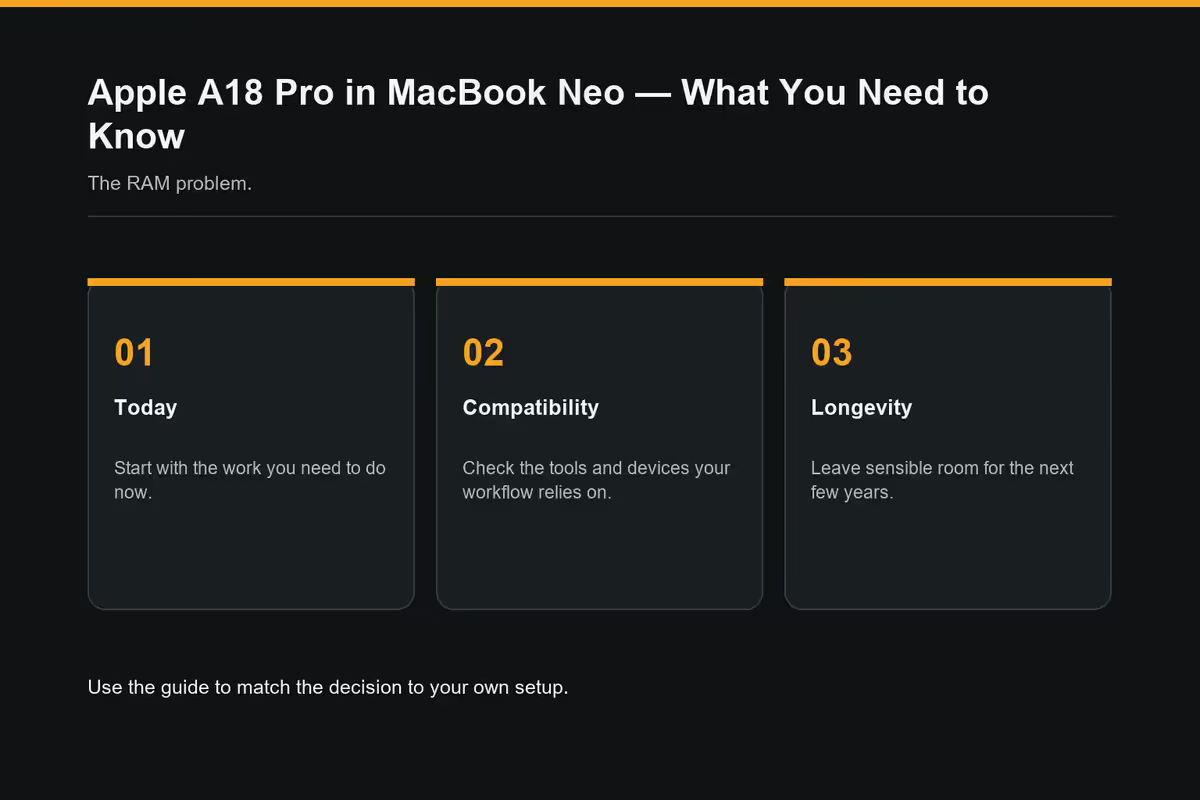
Users who love iPad's silence, battery and form factor but have outgrown iPadOS — file management, real Office, programming, more flexible windowing. Neo gives them the same silicon they're already used to with a real desktop OS bolted on top. iPad apps still run natively, so nothing is lost.
MacBook Air-curious budget buyers
South Africans who've been priced out of the Mac line-up at R22k+ for the Air. R12k-R15k is genuinely affordable territory, comparable to a mid-spec Windows ultrabook. For light-use buyers who want into the Apple ecosystem (iPhone integration, iCloud, Continuity, AirDrop, iMessage), Neo is the gateway Mac.
Schools and institutions
Education buyers placing fleet orders for primary and high schools where the workload is web, Office and creative apps. Neo's silence and battery life make it ideal for classroom use. Education pricing typically drops Neo to R10,500-R13,500.
MacBook Neo vs MacBook Air M4 — buy which
This is the buying decision most South African Mac shoppers will face in 2026. Both are fanless. Both have Liquid Retina displays. Both run macOS. The R7k-R10k price gap is real money — here's how to spend it.
| Factor | MacBook Neo | MacBook Air M4 |
|---|---|---|
| SA starting price | R12,000 | R22,000 |
| Sensible config price | R15,000 (16GB/512GB) | R25,000 (16GB/512GB) |
| Single-core speed | ~3,500 GB6 | ~3,800 GB6 |
| Multi-core speed | ~8,500 GB6 | ~14,500 GB6 |
| Max RAM | 16GB | 32GB |
| Battery life | ~20 hr | ~15 hr |
| Weight | ~1.06 kg | ~1.24 kg |
| External display support | 1 x 4K | 2 x 6K |
| Expected useful life | 4-5 years | 7+ years |
Buy Neo if your workload is web, writing, Office, light creative and iPad apps; you want silence and maximum battery; R12k-R15k is your budget; and you're realistic that the machine will serve 4-5 years before you upgrade.
Save for Air M4 if you do any real video editing, Logic Pro projects, Xcode work; you want a 7+ year machine; you need 32GB RAM headroom; you want to drive multiple external displays; or you anticipate your workload growing over the lifetime of the Mac.
SA pricing and availability
Based on Apple's typical international-to-SA pricing model (US tier + 18% + VAT), expected Neo SA pricing lands in the R12k-R15k range:
| Model | RAM / SSD | Expected SA price |
|---|---|---|
| MacBook Neo (base) | 8GB / 256GB | R12,000 |
| MacBook Neo (storage step) | 8GB / 512GB | R13,500 |
| MacBook Neo (RAM step) | 16GB / 256GB | R13,500 |
| MacBook Neo (sensible spec) | 16GB / 512GB | R15,000 |
| MacBook Air M4 (entry) | 16GB / 256GB | R22,000 |
| MacBook Pro M4 (entry) | 16GB / 512GB | R32,000 |
Key takeaways
- The A18 Pro is iPad-class silicon in a Mac chassis — single-core within 8% of M4, multi-core ~40% behind.
- Buy the 16GB Neo (R15k). The 8GB base will feel cramped inside a year as a primary machine.
- Fanless = silent + 20-hour battery. Trade-off is real thermal throttling on sustained workloads.
- Neo serves students, iPad upgraders, Air-curious buyers and schools. Power users need Air M4 or Pro.
- SA tier R12k-R15k. Compare against refurbished Air M4 at R18k-R19k before committing.
Frequently asked questions
Is the A18 Pro powerful enough for daily Mac use?
Yes for typical daily workflows — Safari with 20+ tabs, Mail, Office, light Photoshop, video calls all run smoothly. Single-core is within 8% of M4. Limits show in sustained multi-core work and thermally heavy tasks.How much slower is A18 Pro than M4?
Roughly 8% slower single-core, around 40% slower multi-core. A18 Pro has 6 cores (2P + 4E) vs M4's 10 cores. A 2-minute M4 render takes 3-3.5 minutes on Neo.Will MacBook Neo run Final Cut Pro and Logic Pro?
Both run. Final Cut handles 1080p timelines well, 4K via proxies. Logic Pro caps around 16 tracks with heavy plugins. Fine for students, marginal for paid client work.How much RAM does the MacBook Neo come with?
8GB or 16GB only — no higher option. M-series Macs scale up to 128GB. Pay the R1500-R2000 step-up to 16GB; it's the single most valuable spec on Neo.Is MacBook Neo good for university students?
Excellent fit — arguably the best Mac for SA students. R12k-R15k matches budgets, fanless silent in libraries, 20+ hour battery covers a full day, macOS handles essays, research and light coding flawlessly.Should I buy a Neo or save for a MacBook Air M4?
Web, writing, Office and light creative — buy Neo today. Real video editing, Xcode, Logic Pro projects, or want a 7+ year machine — save for Air M4. Neo is 4-5 years for casual users; M4 is 7+ years for almost anyone.Can MacBook Neo run iPad apps?
Yes — and this is a Neo strength. A18 Pro is iPad-native, so Procreate, GoodNotes, LumaFusion, Affinity and most iOS apps run at full performance parity with iPad Pro.What's MacBook Neo SA pricing?
Expected R12,000 for 8GB/256GB base, R15,000 for 16GB/512GB. Air M4 starts at R22k. Education pricing typically drops Neo to R10,500-R13,500.
Get the Evetech app
Exclusive app-only prices, daily flash sales, and free delivery on orders over R4,000 — download the app and start saving.