Motherboard Tier Comparison
B-series vs X-series. — Same socket. Same CPU support. Different I/O budget.
The R3,000 price gap between a B650 board and an X670E board buys mostly chipset PCIe lanes, extra USB ports and more M.2 slots — almost none of which most builders ever use. Here's what's actually different and what you genuinely need.
- chipset cost X vs B
- ~2×
- chipset PCIe lanes
- 8 vs 24
- builders fit on B
- 90%
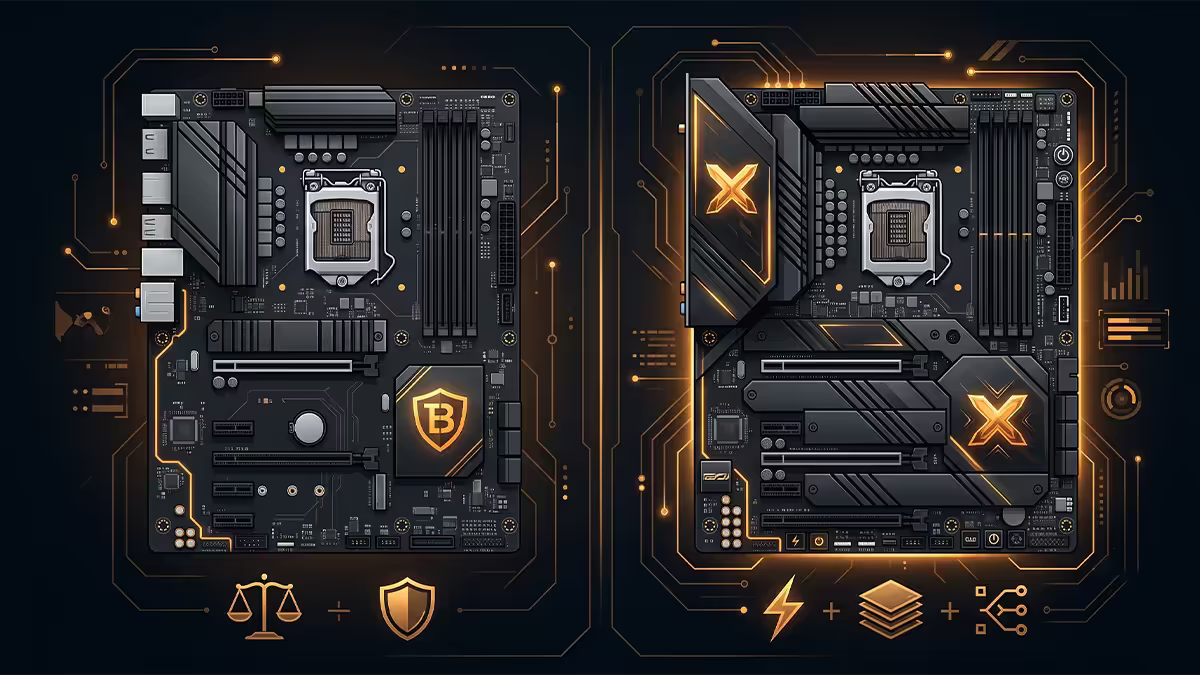
The chipset hierarchy
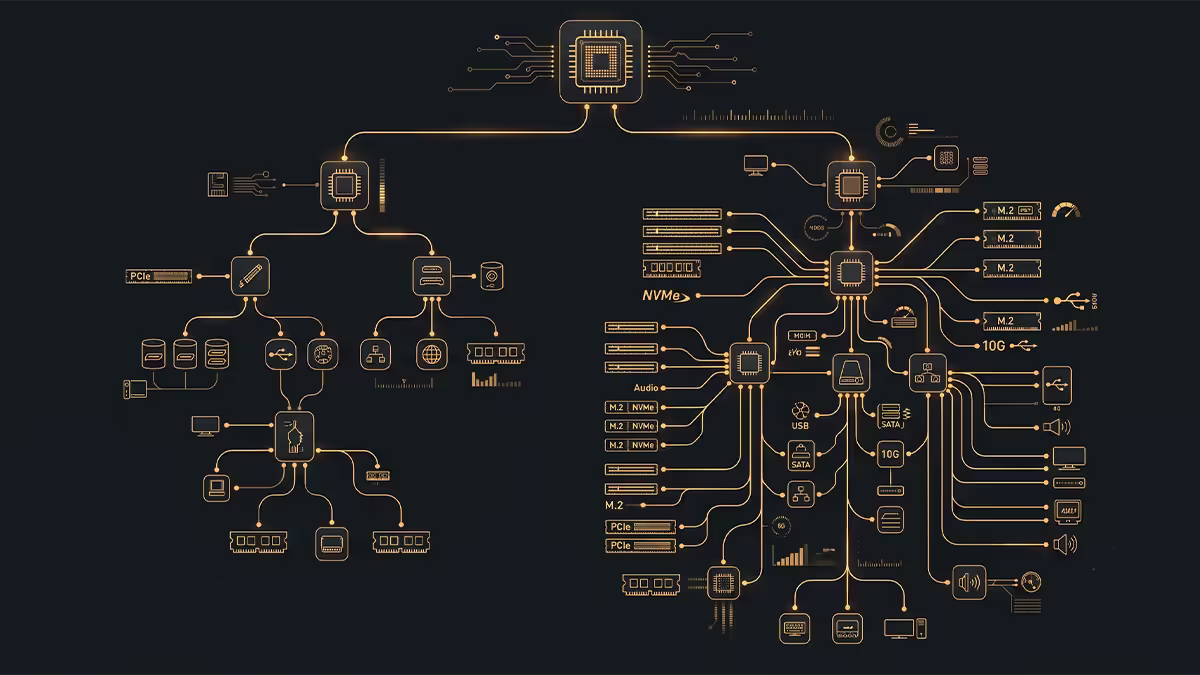
The motherboard chipset is the I/O controller that lives between the CPU and everything else — extra USB ports, additional M.2 slots, secondary PCIe slots, SATA ports, audio and networking. The CPU itself provides a fixed number of direct PCIe lanes (16 to the GPU, 4-8 to one or two M.2 slots, on most modern platforms). Everything else comes through the chipset.
In 2026 the active mainstream chipsets are:
| Platform | B-series | X / Z-series |
|---|---|---|
| AMD AM5 (current) | B650, B650E, B850 | X670, X670E, X870, X870E |
| Intel LGA 1851 (Core Ultra) | B860 | Z890 |
| Intel LGA 1700 (14th gen) | B760 | Z790 |
Important nuance: on AMD, X670 / X870 is literally two B-series chipsets chained together. That's why an X-series board doubles chipset PCIe lanes and USB ports — there's twice the chipset silicon doing the work. AMD's "E" suffix (B650E, X670E, X870E) guarantees PCIe Gen 5 to the GPU and primary M.2 slot.
On Intel, the Z-series advantage isn't a doubled chipset — it's a fundamental feature unlock: manual CPU overclocking is Z-series only. B-series can still run any K-class chip at stock with Intel's auto-boost behaviour, but if you want to tune your own multiplier and voltage curve, Z is required.
PCIe lanes — count and speed
Two separate things matter for PCIe: how many lanes the chipset adds beyond the CPU, and what generation those lanes are. Gen 5 doubles the bandwidth of Gen 4, which doubles Gen 3, etc.
| Spec | AMD B650 / B850 | AMD X670 / X870 |
|---|---|---|
| CPU PCIe lanes (direct) | 24 (16 GPU + 4 M.2 + 4 chipset) | 24 (same) |
| Chipset PCIe Gen 4 lanes | 8 | 12 (X670) / 12 (X870) |
| Chipset PCIe Gen 3 lanes | 4 | 8 |
| PCIe Gen 5 GPU? | B650E / B850 only | Yes (X670E / X870 always) |
| PCIe Gen 5 M.2 primary? | B650E / B850 only | Yes (X670E / X870E always) |
| Maximum M.2 slots | 2-3 typical | 3-4 typical |
| Maximum SATA 6Gbps | 4 | 6-8 |
| Spec | Intel B760 / B860 | Intel Z790 / Z890 |
|---|---|---|
| CPU PCIe lanes (direct) | 20 (16 GPU + 4 M.2) | 20 (same) |
| Chipset PCIe Gen 4 lanes | 10 | 20 (Z790) / 24 (Z890) |
| Chipset PCIe Gen 3 lanes | 4 (Z890) / 8 (B760) | 8 |
| CPU multiplier OC | No | Yes |
| Memory OC | Yes (XMP / EXPO) | Yes (more headroom) |
| Maximum M.2 slots | 2-3 typical | 3-5 typical |
Practical translation: a typical B-series board gives you 2 M.2 slots, 4-6 SATA ports, 4-6 rear USB ports and one PCIe x16 GPU slot. A typical X / Z-series board gives you 3-4 M.2 slots, 6-8 SATA, 8-12 rear USB and often a secondary x4 PCIe slot. If you can imagine your build needing more than 2 M.2 SSDs and 4 USB devices, X / Z is the right call.
M.2 slots, USB ports — the daily-use difference
For most people, these two specs are where the chipset difference is actually felt day to day. Storage capacity expansion and peripherals add up over the years.
M.2 slots
Modern games and content workflows consume storage rapidly — Call of Duty, MS Flight Simulator and modern productivity workflows can easily eat 1TB each. Most builders start with a single 1TB or 2TB Gen 4 NVMe and discover within 18 months they need a second drive.
- B-series typical: 2 M.2 slots — one Gen 5 (or Gen 4 on cheaper boards), one Gen 4.
- B-series premium: 3 M.2 slots — mid-tier B650 boards like MSI Tomahawk Max include 3 slots.
- X / Z-series typical: 3-4 M.2 slots — at least two Gen 5 capable, the rest Gen 4 chipset-fed.
- Z-series flagship: 5 M.2 slots — ROG Hero / MSI MEG Ace tier.
Rear I/O USB count
Most builders underestimate how many USB devices they'll connect over the life of a build. Keyboard, mouse, headset DAC, controller, USB-C dock, webcam, external SSD, phone charge — six devices is common, ten isn't unusual.
- B-series: typically 4-6 USB rear (mix of USB-A 10Gbps and 5Gbps, one or two USB-C if you're lucky).
- X / Z-series: typically 8-12 USB rear including multiple USB-C, often one or two 20Gbps USB-C, occasionally Thunderbolt 4 or USB4 on flagship boards.
VRM phase tier — the unspoken difference
The VRM (voltage regulator module) is the array of inductors and MOSFETs above and beside the CPU socket that converts the 12V from your PSU into the precise voltage your CPU needs. More phases mean less current through each phase, which means cooler operation and more headroom for sustained loads.
Critically — chipset doesn't dictate VRM quality. A premium B-series board can have a better VRM than an entry X-series board. The MSI B650 Tomahawk Max (14+2+1, 90A DrMOS) outperforms many entry X670 boards (12+2, 60A) under sustained Ryzen 9 7950X load.
| CPU tier | Minimum VRM | Comfortable |
|---|---|---|
| Ryzen 5 / Core Ultra 5 | 8+2 phase, 50A | 10+2, 70A |
| Ryzen 7 X3D / Core Ultra 7 | 12+2 phase, 70A | 14+2, 90A |
| Ryzen 9 / Core Ultra 9 | 14+2+1, 80A | 16+2+1, 100A+ |
| Manual OC (any tier) | 16+2+1, 90A | 20+ phase flagship |
How to check VRM specs: motherboard product pages on MSI, ASUS, Gigabyte and ASRock list "VRM" or "Power Stages" near the top of the specs. Look for the phase count and DrMOS amperage. Reviewers like Hardware Unboxed, der8auer and Buildzoid publish VRM thermal tests — searchable per board.
Overclocking headroom
Modern CPUs auto-boost so aggressively that manual overclocking is increasingly a niche pursuit. Ryzen 9 7950X and Core Ultra 9 285K both push themselves to their thermal and power limits out of the box. The real question is: do you need the ability to push further?
AMD: all AM5 boards support PBO and PBO2 (auto-overclock). Manual CCD-level OC works on all chipsets. Curve Optimizer, the fine-grained per-core undervolt that recovers performance while running cooler, works on every AM5 chipset including B-series. The X-tier advantage on AMD is mostly VRM headroom for sustained high-power Ryzen 9 OC sessions.
Intel: manual CPU multiplier OC requires Z-series. BCLK overclocking requires Z. Per-core voltage and ratio tuning works best on Z. B-series Intel can still tune memory, fan curves and power limits, but CPU clocks are locked to Intel's auto-boost.
Networking, WiFi and audio
Higher-tier boards (both B and X / Z) increasingly bundle premium networking and audio. The 2026 spec landscape:
- 2.5GbE Ethernet: standard on every chipset tier in 2026. Realtek 8125B is the volume part; Intel I226-V is the premium choice.
- 5GbE / 10GbE Ethernet: only on flagship X / Z boards (ROG Maximus, MSI MEG). Genuinely useful only for NAS and editing workflows over wire.
- WiFi 6E: ubiquitous on mid-tier and above boards across both chipsets.
- WiFi 7: standard on premium B and X / Z tier; 46Gbps theoretical, 4-5Gbps practical. Adds R400-R800 to the board price.
- Audio: Realtek ALC1220 is the budget standard; ALC4080 / ALC4082 on premium boards delivers genuinely better noise floor and DAC quality (matters if you use 3.5mm output for headphones).
- Thunderbolt 4 / USB4: rare on B, common on Z890 and X870E flagships.
Who needs what — the honest match-up
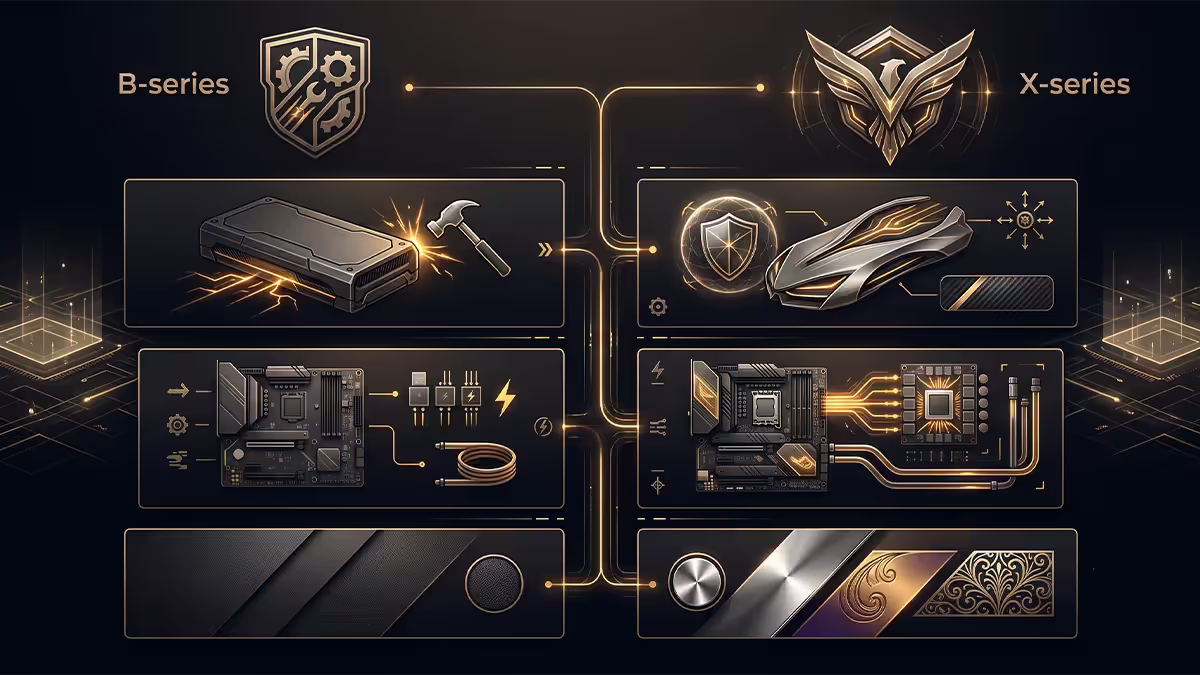
Gaming primary use, single GPU + 1-2 SSDs
B-series mid-tier. MSI B650 Tomahawk Max, ASUS TUF Gaming B650-Plus WiFi, Gigabyte B650 Aorus Elite AX, ASRock B650 PG Lightning. R3,500-R5,500 in SA. Everything you need, no premium tax for features you won't use.
Streaming / capture card + multiple peripherals
B-series premium or entry X / Z. If your capture card is internal (Elgato 4K60 Pro), you want a secondary PCIe slot — both chipsets cover this, but X / Z gives you more rear USB to plug your stream deck, audio interface, microphone arm and webcam.
Content creation, video editing, 3D rendering
X / Z-series mid to high-tier. The combination of 3+ M.2 slots (project drives), 8+ USB ports (drives, tablets, capture cards), Thunderbolt 4 (external SSDs at full speed), and stronger VRM for sustained render loads justifies the premium here. ASUS ProArt Z890, MSI MEG X870E, Gigabyte Aorus Master.
Enthusiast overclocking
X / Z-series flagship. ROG Maximus Z890 Hero, MSI MEG X870E Godlike, Gigabyte Aorus Master. 20+ phase VRM, premium DrMOS, BIOS feature parity, debug LED, BIOS flashback button, dual BIOS. The R10,000+ tier exists for a reason and this is it.
Budget first build
B-series entry. Gigabyte B650M Aorus Elite AX (mATX), ASRock B650 PG Lightning, MSI Pro B760-A WiFi. R3,000-R4,000. Adequate VRM for Ryzen 5 / Core Ultra 5, two M.2 slots, WiFi 6E, runs forever.
SA pricing in 2026
| Board / tier | Chipset | SA price |
|---|---|---|
| Gigabyte B650M Aorus Elite AX | B650 mATX | R3,100-R3,500 |
| MSI Pro B650-P WiFi | B650 ATX entry | R3,500-R4,200 |
| ASUS TUF Gaming B650-Plus WiFi | B650 ATX mid | R4,500-R5,500 |
| MSI B650 Tomahawk Max | B650 ATX premium | R5,500-R6,800 |
| Gigabyte X670 Aorus Elite AX | X670 entry | R6,500-R7,800 |
| ASUS ROG Strix X870E-E | X870E mid | R9,500-R11,500 |
| MSI MEG X870E Godlike | X870E flagship | R18,000-R25,000 |
| MSI Pro B760-A WiFi | B760 ATX | R3,200-R4,200 |
| ASUS TUF Gaming Z890-Plus WiFi | Z890 mid | R7,500-R9,500 |
| ROG Maximus Z890 Hero | Z890 flagship | R15,000-R22,000 |
Key takeaways
- B-series fits most builders comfortably — gaming, mainstream productivity, single GPU + 1-2 SSDs.
- X / Z-series earns its premium for 3+ M.2 slots, 8+ USB, manual Intel OC, or sustained heavy creator workflows.
- VRM phase quality matters more than chipset letter. A premium B-series can beat an entry X / Z-series.
- AMD X670 = literally two B650 chipsets combined. X870 / X870E add PCIe Gen 5 guarantees + USB4.
- Intel Z-series is the only path to manual K-class CPU overclocking. B works perfectly for non-K and stock K use.
Frequently asked questions
What's the actual difference between B-series and X-series chipsets?
The chipset itself controls how many PCIe lanes, USB ports and SATA ports the motherboard can expose beyond what the CPU provides directly. X-series chipsets (AMD X670/X870, Intel Z790/Z890) deliver more chipset PCIe lanes, more rear USB, more M.2 slots and full overclocking support. B-series chipsets (AMD B650/B850, Intel B760/B860) provide fewer of each but cover almost every mainstream build adequately. The chipset only contributes a fraction of the price difference — the larger driver is VRM quality, port count, and feature tier of the specific board.Do I need X-series to run a Ryzen 9 or Core i9 / Core Ultra 9?
No — a good B650 or B760 board can run any Ryzen 9 / Core i9 stock at full performance, provided the VRM is rated for it. The X tier becomes meaningful if you plan manual overclocking, run sustained heavy workloads where VRM thermal headroom matters, or want extra PCIe Gen 5 slots. For gaming at stock or PBO/PBO2, a strong B-series board (MSI B650 Tomahawk, ASUS TUF Gaming B760-Plus) is more than enough.Is PCIe Gen 5 actually worth paying X-series prices for?
In 2026, almost no consumer workload truly benefits from PCIe Gen 5. GPUs use 8-16 PCIe lanes and even RTX 5090 / RX 9070 XT show 1-3% performance difference between Gen 5 x16 and Gen 4 x16. PCIe Gen 5 NVMe SSDs (Crucial T705, Samsung 9100 Pro, WD Black SN8100) hit 14,000 MB/s sequential read but real-world gaming load times benefit minimally compared to a Gen 4 drive. PCIe Gen 5 is genuine future-proofing rather than today's necessity.What VRM phase count do I need for each CPU tier?
For Ryzen 5 7600X / Core Ultra 5 245K class — 8+2 VRM is fine, even budget B-series boards qualify. For Ryzen 7 7800X3D / Core Ultra 7 — 12+2 minimum for headroom, comfortable for boards mid-tier and up. For Ryzen 9 7950X / Core Ultra 9 285K — 16+2 phase or better, with high-amp DrMOS stages. Most modern boards from MSI, ASUS, Gigabyte and ASRock label VRM phase count clearly. Look for boards with 70A+ DrMOS rated stages for high-tier CPUs.Why does the same chipset board cost so different between brands and models?
The chipset is one component among many. A B650 board can range from R3,500 to R8,500 in SA — the price difference goes to VRM phase count, VRM heatsink size, port count (USB-C, Thunderbolt, 2.5GbE / 10GbE, WiFi 7), audio codec tier (Realtek ALC4080 vs ALC1220), debug LEDs, BIOS flash button, and PCB layer count. Two boards with identical chipset can serve totally different builds — entry vs enthusiast — at totally different price points.Should I buy WiFi or non-WiFi version?
If you can plug into Ethernet, save the R400-R800 premium for WiFi and spend it on a better cooler or SSD. WiFi 7 is real and impressive (theoretical 46Gbps), but only if your router supports it and you actually need wireless. For desktop PCs in SA, where fibre routers usually sit in the same room, wired connection beats wireless on latency, reliability and security.What is the practical difference between AMD B650 and X670?
B650 has one chipset chip, X670 has two (it's literally two B650 chipsets linked together — that's why it's roughly 2x the cost). X670 doubles the chipset PCIe Gen 4 lanes, exposes more USB 10Gbps ports, and adds support for more M.2 slots running at chipset Gen 4 speeds. X670E specifically guarantees PCIe Gen 5 to the GPU and primary M.2. For most builds, the practical benefit is more rear USB and more M.2 slots — both nice but rarely critical.What about Intel B760 vs Z790 / Z890?
Z-series (Z790, Z890) supports manual CPU multiplier overclocking; B-series doesn't. Z-series also exposes more chipset PCIe Gen 4 lanes and more USB ports. On 14th gen and Core Ultra, BCLK and per-core overclocking are essentially Z-exclusive. For locked CPUs (Core Ultra 5 235, Core i5 14400F), B760 / B860 makes complete sense. For K-series chips you want to overclock, Z is the move.
Get the Evetech app
Exclusive app-only prices, daily flash sales, and free delivery on orders over R4,000 — download the app and start saving.