AM5 Chipset Comparison
B850 vs X870, decoded.
— Same socket. Different price tier.
- support
- Same CPU
- x870 advantage
- More Gen 5
- b850 saving
- R1.5K-3K
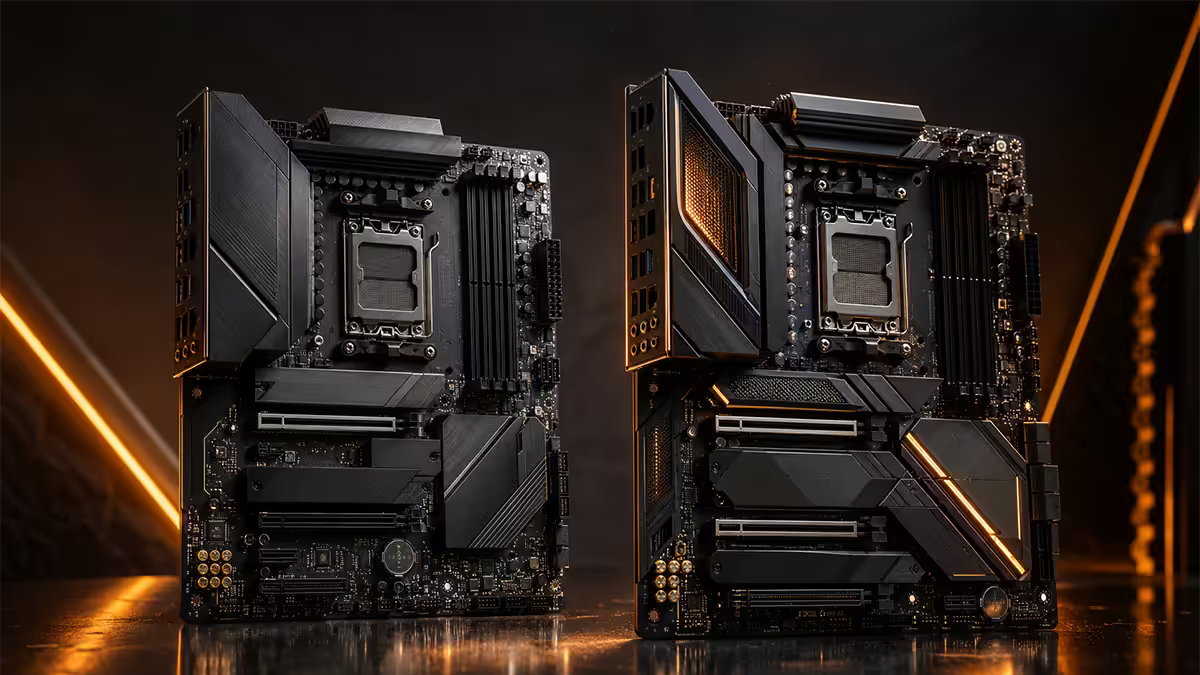
What B850 and X870 share
Both chipsets are AMD's AM5 socket platform — same physical socket, same CPU pin layout, same Ryzen support list. A Ryzen 5 7600, Ryzen 7 9700X or Ryzen 9 9950X3D drops into either chipset with identical compatibility. Both use DDR5 only (no DDR4 support — that's AM4 territory). Both support the same DDR5 speed targets via EXPO profiles; speed support depends on the specific board model and CPU memory controller, not the chipset itself.
Both chipsets also share:
- Full CPU overclocking and Precision Boost Overdrive support.
- EXPO memory overclocking.
- One PCIe 5.0 x16 slot wired directly to the CPU for the GPU.
- At least one PCIe Gen 5 M.2 NVMe slot wired to the CPU.
- Onboard Wi-Fi 7 and 2.5GbE LAN on most models.
- USB 3.2 Gen 2x2 (20 Gb/s) headers on most models.
Where B850 differs
B850 is the mid-range mainstream chipset. It uses a single Promontory 21 chipset die (the same as X870 — yes, really; X870E uses two chained dies). The difference is in the feature set AMD enables and the VRM tier board makers ship around it.
Typical B850 board specs:
- 1× PCIe 5.0 x16 GPU slot (full-speed, CPU-wired).
- 2-3 M.2 NVMe slots total: usually 1 Gen 5 + 1 Gen 4 + sometimes 1 Gen 4 chipset-wired.
- 4-6 SATA ports.
- USB 3.2 Gen 2 and Gen 2x2 ports, but rarely USB4.
- VRMs sized for 105-170W TDP (handles Ryzen 5/7 easily, Ryzen 9 with moderate overclock).
- 2.5GbE LAN, Wi-Fi 7 on most models.
Where X870 wins
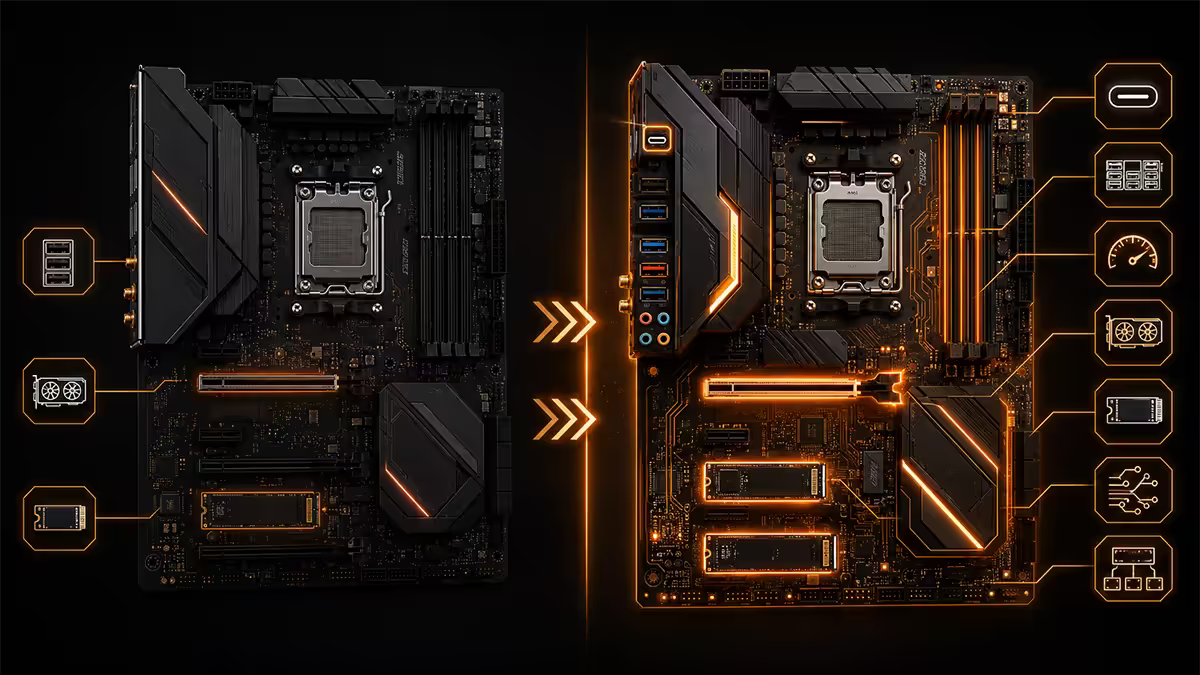
X870 is the high-end mainstream chipset. Same Promontory 21 die underneath, but AMD requires X870 boards to ship with specific premium features as part of the chipset branding requirements.
X870 mandatory features that B850 lacks:
- Native USB4 (40 Gb/s) support — at least one USB4 port required per spec. B850 boards may have it but only on premium SKUs and not required.
- PCIe Gen 5 on at least one NVMe slot — wired direct from chipset (in addition to the CPU-wired Gen 5 slot). Total Gen 5 NVMe count: typically 2.
- More PCIe lanes from the chipset — supports more SATA + USB combinations simultaneously.
X870 typical features beyond spec minimums:
- 3-4 M.2 NVMe slots total (vs B850's 2-3).
- 6-8 SATA ports (vs B850's 4-6).
- Beefier VRMs (16+1 or 18+2 phase typical, vs B850's 12+2 or 14+2).
- Larger VRM heatsinks with active cooling on some flagship models.
- Premium audio (Realtek ALC4082 or ESS-class DACs vs B850's ALC1220).
- 10GbE LAN options (rare on B850, common on X870 flagship).
PCIe Gen 5 — reality check
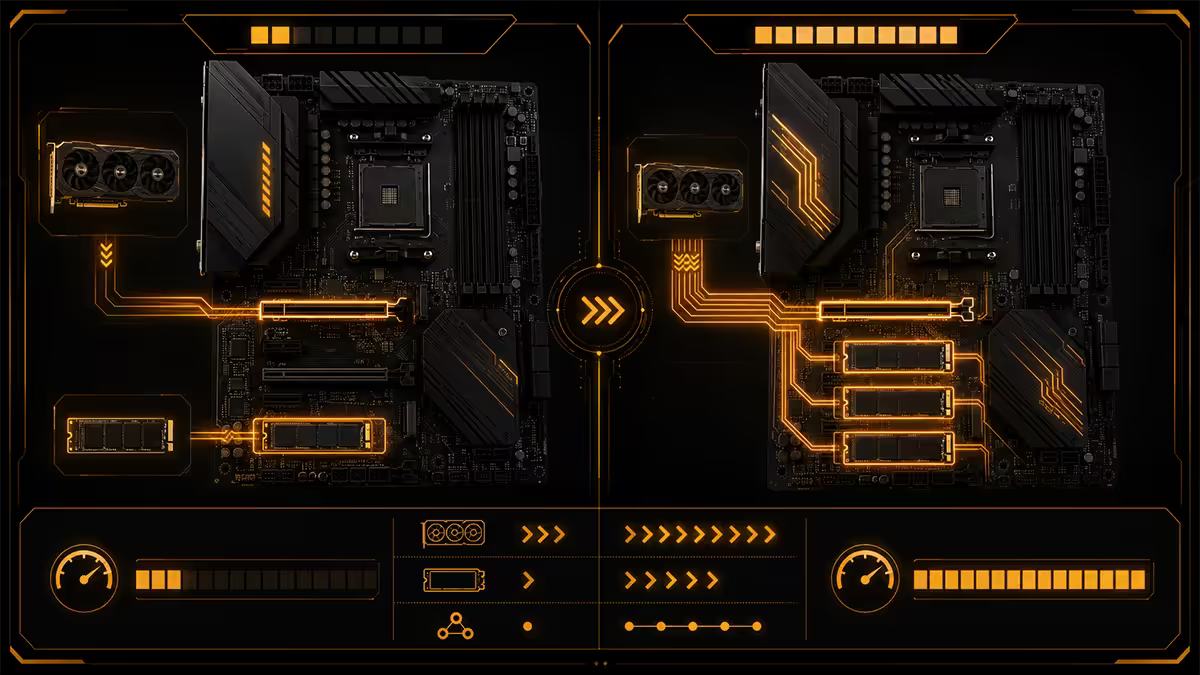
PCIe Gen 5 marketing is heavy on both chipsets. Reality is more nuanced. Both B850 and X870 give the GPU a full Gen 5 x16 slot — and current GPUs (RTX 5090, RX 9070 XT) don't saturate Gen 4 x16, let alone Gen 5. GPU PCIe generation is a non-factor for gaming in 2026.
Where Gen 5 actually matters is NVMe SSDs. Gen 5 NVMe drives (Crucial T705, Samsung 9100 Pro, WD Black SN8100) push 12-14 GB/s sequential reads vs Gen 4's 7 GB/s ceiling. For game loading times you'll notice maybe 0.5-1 second difference. For 8K video editing, ML model loading or huge file transfers — the speed is real and useful.
USB4 and Thunderbolt 4 implications
USB4 (40 Gb/s) and Thunderbolt 4 are largely the same standard in 2026 — both run on USB-C connectors at 40 Gb/s with DisplayPort Alt Mode and PD charging. X870 mandates at least one USB4 port; B850 makes it optional and most boards skip it to save cost.
Who actually needs USB4 / Thunderbolt:
- Video editors connecting external SSD arrays for ProRes work.
- Audio producers using TB4 audio interfaces (Universal Audio, RME).
- Users running an external GPU enclosure (laptop-replacement setups).
- Photographers using TB4 hubs / dock workflows.
- Anyone driving multiple high-resolution displays via a single cable.
For pure gaming + general use, USB4 is unused. The R1,500-R3,000 premium for X870 is unjustified if your USB workflow tops out at "mouse, keyboard, headset, external HDD".
VRM quality and overclocking
The VRM (Voltage Regulator Module) feeds power to the CPU. Stronger VRMs handle higher sustained power draw with lower temperatures, less throttling and more overclocking headroom.
| CPU | Stock power | B850 verdict | X870 verdict |
|---|---|---|---|
| Ryzen 5 9600X | 105W | Perfect, headroom for PBO | Massive overkill |
| Ryzen 7 9700X | 105W | Ideal, full PBO supported | Overkill unless creator workload |
| Ryzen 9 9900X3D | 120W | Fine on mid-range B850 boards | Better headroom, smoother PBO |
| Ryzen 9 9950X / 9950X3D | 170W | Entry B850 throttles under sustained load; mid-range B850 OK | Designed for this — pick X870 |
Translation: if you're running Ryzen 5 or Ryzen 7, the VRM advantage of X870 is largely theoretical. If you're running Ryzen 9 9950X / 9950X3D with aggressive Precision Boost Overdrive Max settings, X870's beefier VRMs measurably improve sustained boost clocks and reduce thermal throttling under all-core workloads.
M.2 NVMe slot count
For most builders, M.2 slot count matters more than PCIe generation. Modern gaming + creator workflows often need:
- One drive for Windows + apps (500GB-1TB).
- One drive for games (2TB+).
- One drive for projects / scratch / backup.
B850 typically maxes at 2-3 M.2 slots. X870 typically offers 3-4. If you're consolidating storage to NVMe-only (no spinning rust, no SATA SSDs), X870's slot count is a real advantage. If you have a couple of large SATA SSDs or HDDs handling bulk storage, B850's slot count is fine.
SA pricing as of May 2026
| Board tier | Chipset | SA price (May 2026) |
|---|---|---|
| Entry mid-range | ASRock B850M Pro / MSI B850M Mortar WiFi | R3,500-R4,500 |
| Mid-range solid pick | ASUS TUF Gaming B850-Plus WiFi / Gigabyte B850 Aorus Elite | R4,500-R5,500 |
| Premium B850 | MSI MAG B850 Tomahawk / ASUS Prime B850-Plus | R5,500-R6,500 |
| Entry X870 | ASRock X870 Pro RS / MSI MAG X870 Tomahawk | R6,000-R7,500 |
| Mid-range X870 | ASUS ROG Strix X870-A Gaming / Gigabyte X870 Aorus Elite | R8,500-R11,000 |
| Flagship X870E | ASUS ROG Crosshair X870E Hero / Gigabyte X870E Aorus Master | R15,000-R22,000+ |
Pick B850 if…
- You're running a Ryzen 5 or Ryzen 7 (any 7000/8000/9000 non-X3D-9950 variant).
- You'll have one PCIe Gen 5 NVMe drive max.
- You don't need USB4 / Thunderbolt 4.
- Your storage layout includes SATA SSDs or HDDs for bulk data (chipset features less critical).
- Your build budget puts pressure on GPU choice — better to spend R2,000 more on a tier-up GPU than on X870 features you won't use.
- You only plan moderate overclocking, not extreme tuning.
Pick X870 if…
- You're running Ryzen 9 9950X or 9950X3D with serious sustained-load overclocking.
- You need 2+ PCIe Gen 5 NVMe drives at full speed simultaneously.
- You need native USB4 / Thunderbolt 4 for video, audio, eGPU or external storage arrays.
- You want 10GbE LAN for fast home network / NAS workflows.
- You're building a creator workstation running heavy multi-threaded loads daily.
- You want upgrade headroom for the AM5 platform's full life (last AMD generation expected on AM5 is 2027-2028).
- Your case has space for ATX (most X870 boards are full ATX vs B850 mATX options).
Common B850 vs X870 mistakes
Assuming X870 = "faster" gaming. Identical gaming FPS — same CPU, same RAM, same GPU. Chipset doesn't drive frame rate.
Buying X870 for the "Gen 5 SSD" hype. Gen 5 vs Gen 4 NVMe loads games maybe 0.5 second faster. If you don't have a workflow that pushes 12 GB/s sequential, you paid R2,000 for marketing.
Buying entry B850 for Ryzen 9 9950X. The cheapest B850 boards have 6-phase VRMs designed for Ryzen 5. They'll throttle a 170W Ryzen 9 under sustained load. If you want B850 + Ryzen 9, pick mid-range B850 minimum (ASUS TUF, Gigabyte Aorus Elite).
Ignoring case form factor. Most B850 boards come in mATX. Most X870 boards come in ATX. If you have a Mini-ITX or mATX-only case, your B850 options are wider; if you have a full-tower case, ATX X870 fits with plenty of cable clearance.
Forgetting BIOS support. A B850 or X870 board needs the right BIOS version for Ryzen 9000 (Zen 5). Older AM5 boards (X670, B650) released before mid-2024 may require a BIOS update before they POST with a new Ryzen 9000 chip. B850 and X870 ship with Zen 5 support out of the box.
Key takeaways
- Both chipsets support every AM5 Ryzen CPU identically. Chipset never limits CPU choice on AM5.
- B850 = mid-range, 1 Gen 5 NVMe slot, smaller VRMs, no USB4. Saves R1,500-R3,000.
- X870 = high-end, 2-3 Gen 5 NVMe slots, native USB4, beefier VRMs, more SATA ports.
- Pick B850 for Ryzen 5/7 gaming builds; pick X870 for Ryzen 9 + multi-Gen-5 NVMe + USB4 needs.
- Gaming FPS identical on both. Chipset spending should go into GPU before X870 features.
Frequently asked questions
Do B850 and X870 motherboards support the same CPUs?
Yes — both are AM5 socket and support the full Ryzen 7000/8000/9000 line-up. A Ryzen 9 9950X3D works in either chipset.What are the real differences between B850 and X870?
X870 adds 1-2 extra PCIe Gen 5 NVMe slots, mandatory USB4 / Thunderbolt 4, more SATA ports, more USB ports, and stronger VRMs. B850 keeps overclocking and one Gen 5 GPU slot but trims chipset features for a lower price.Is B850 fine for a Ryzen 7 9700X gaming build?
Yes — B850 is the smart pick for Ryzen 5 and Ryzen 7 gaming. Full Gen 5 x16 GPU slot, VRMs sized for 105W TDP, saves R1,500-R3,000 vs X870. Spend the difference on GPU.When is X870 actually worth the extra cost?
Ryzen 9 9950X / 9950X3D with serious overclocking, 2+ PCIe Gen 5 NVMe drives, native USB4 / Thunderbolt 4 need, or premium creator workstation duties.How much do B850 and X870 motherboards cost in South Africa?
B850 entry R3,500-R4,500, mid-range R4,500-R5,500. X870 entry R6,000-R7,500, mid-range R8,500-R11,000. Flagship X870E pushes R15,000-R22,000+.Does X870 use DDR5 too?
Yes — both B850 and X870 are DDR5-only. AM5 is a DDR5 platform; no DDR4 support on either chipset.Will my CPU overclock fine on B850?
For Ryzen 5 and Ryzen 7 — yes, fully. For Ryzen 9 9950X 170W chips with aggressive PBO Max, entry B850 may VRM-throttle; mid-range B850 handles it; X870 is the safer pick for extreme tuning.Is X870E different from X870?
X870E uses two chained chipset dies, doubling chipset PCIe lanes and USB count. Offers multi-x16 GPU slots, 3-4 Gen 5 NVMe slots, dual USB4 and 10GbE options. R15,000-R22,000+ tier.
Get the Evetech app
Exclusive app-only prices, daily flash sales, and free delivery on orders over R4,000 — download the app and start saving.