17-inch Flagship Buying Guide
Best 17-inch laptop. — Desktop replacement, carry-tax included.
The category nobody admits they want until they need it. RTX 5090 mobile, QHD+ 240Hz, and a 330W brick. For most people a desktop is better value — for the people who genuinely need a 17-inch flagship, here's the truth.
- desktop-class GPU
- RTX 5090
- carry-tax reality
- 3.0-3.5 kg
- SA flagship tier
- R55k-R110k+
The 17/18-inch desktop-replacement category
There used to be a clean split between "thin-and-light 14-inch" and "desktop-replacement 17-inch", and then the middle disappeared. In 2026 the 17/18-inch tier is its own category — flagship-only, no budget options worth recommending, built around one premise: maximum performance the chassis can sustain, portability as an afterthought.
A surprising shift this generation: most flagships have moved to 18-inch panels (Razer Blade 18, ROG Strix Scar 18, Acer Predator Helios 18, MSI Raider 18 HX). The 17.3" classic is being phased out at the top end. The chassis footprint is similar — manufacturers are using thinner bezels to fit an 18" screen into what's effectively a 17" body. We've kept "17-inch" in the title because that's how South African buyers still search, but the actual machines we recommend are 18".
The category is small. The buying decision is also small — you're not choosing between fifteen options, you're choosing between five chassis. The hard work is figuring out whether you should be in this category at all.
RTX 5080 / 5090 mobile — desktop-class power, finally
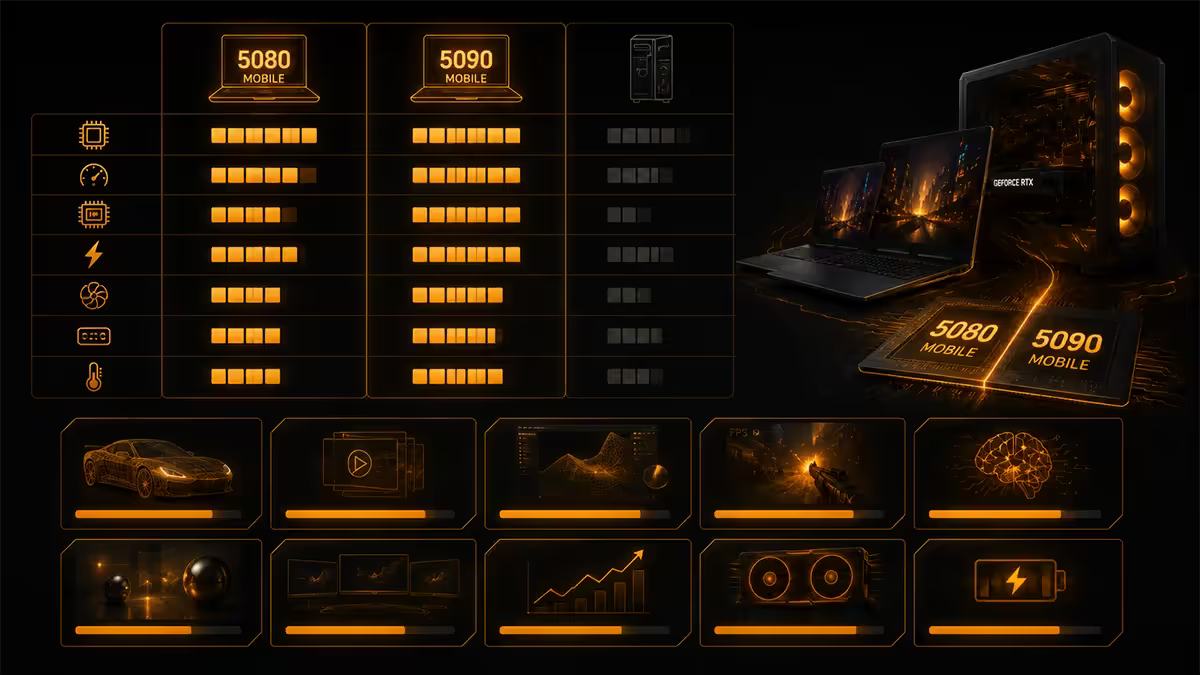
This generation closes a gap that's existed since mobile GPUs began. RTX 5090 mobile at 175W TGP lands within 5-8% of a desktop RTX 5080 in raster, and beats a desktop RTX 5070 Ti comfortably. With DLSS 4 frame generation, the practical gap to desktop disappears entirely in most titles.
The catch — and there's always a catch with mobile silicon — is the asterisk: it only sustains those numbers plugged into the 330W brick, with fans at maximum, on a hard flat surface, in a cool room. Move it to a soft couch, unplug it, or run it in a hot Joburg afternoon and you'll lose 15-30% performance to thermal throttling.
| GPU | TGP (max) | Real-world equivalent |
|---|---|---|
| RTX 5090 mobile | 175W | ~Desktop RTX 5080 (-5-8%) |
| RTX 5080 mobile | 150W | ~Desktop RTX 5070 Ti (-3-6%) |
| RTX 5070 Ti mobile | 115W | ~Desktop RTX 5070 |
| RTX 5070 mobile | 100W | ~Desktop RTX 5060 Ti |
| Unplugged (any of the above) | 35-60W | ~Two tiers lower |
The unplugged numbers matter. If you're buying a 17-inch flagship and imagining gaming on it during loadshedding without a UPS, you're going to be disappointed. Plan around wall power.
QHD+ 240Hz — the new flagship display standard
The display tier has settled in 2026 and it's a good place to be. The flagship standard is QHD+ (2560×1600) at 240Hz — the right balance for an 18" panel. 4K at 240Hz exists but is overkill for the GPU power available; 1080p at 480Hz exists but doesn't make sense at this screen size.
Three panel technologies appear in the flagship tier:
- IPS (most common): 240Hz, ~500 nits peak, sRGB-accurate. The default — fine for everything, bright enough for indoor use, struggles in direct sunlight. MSI Raider, Acer Predator.
- Mini-LED: 240Hz, ~1000 nits peak, much better HDR. The premium pick when you care about HDR content or sunlight readability. ASUS ROG Strix Scar 18, MSI Raider 18 HX (top SKU).
- OLED: 240Hz, perfect blacks, infinite contrast. Best motion clarity but burn-in risk for productivity users with static UI elements. Razer Blade 18 top SKU.
For mixed gaming and productivity, IPS or Mini-LED. For pure gaming and content consumption, OLED is the move. For anyone who runs Excel or a code editor 8 hours a day on the same screen, skip OLED — taskbar burn-in over 3 years is real even on modern panels.
The carry-tax — honest portability reality
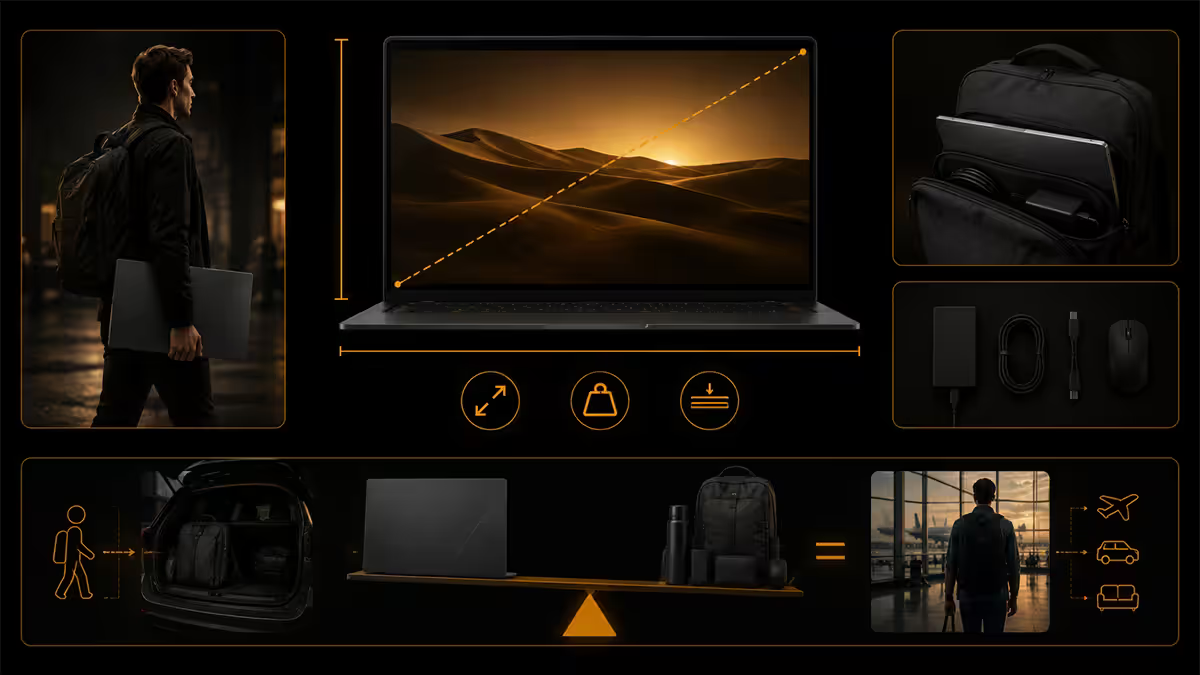
This is the section the manufacturer marketing pages won't write. A 17/18-inch flagship is heavier, bulkier and more annoying to travel with than every other laptop category. The spec sheets list the laptop weight without the brick. The honest total carry weight is roughly 4.5kg-5.0kg once you add charger, cable and a sleeve.
Practical consequences:
- Bag selection is forced. Standard 15.6" laptop sleeves don't fit. You need a dedicated 17/18" sleeve (most brands now make them — Targus, Tomtoc, Wenger). Reinforced base or you'll bend the chassis at the hinge.
- Backpack carrying becomes physical. 4.5kg on one side of a backpack is uncomfortable after 30 minutes. Bag-with-wheels or rolling laptop case is normal for daily commuters with these machines.
- Airline carry-on works but is awkward. The laptop fits in the overhead. The brick goes through the airport security scanner separately — expect agents to flag it as "what's that brick" more often than not. Allow extra time.
- Coffee-shop work is real but not relaxed. You will dominate the table. You will need an outlet — there's no battery scenario where a flagship 17-inch works for 4 hours unplugged. Pick coffee shops with wall plugs near tables.
- Loadshedding planning required. A UPS to keep the laptop charged during stage 4 cycles is realistic with a 1500VA unit, but you're now buying a UPS too. Total system spend climbs.
None of this is dealbreaker territory if you genuinely need the portability. It's dealbreaker territory if you're buying for the spec sheet and imagining a thin-and-light experience.
Cooling — what 250W combined TGP actually means
A flagship 17/18-inch laptop is dissipating roughly 55W CPU + 175W GPU = 230W of heat through a chassis the size of an A4 page. The cooling design is the single biggest differentiator between chassis at this tier — far more than CPU or GPU choice, because all the flagships use the same silicon.
The three cooling approaches in 2026:
- Vapour chamber (Razer Blade 18, MSI Raider 18 HX top SKU): Quietest of the lot. Better thermal spreading at lower fan speeds. Slightly more thermal throttling under absolute peak load because there's less raw airflow.
- Triple-fan + dense fin array (ASUS ROG Strix Scar 18, Acer Predator Helios 18): Loudest but sustains highest TGP for longest. Best for benchmarking and sustained creator workloads. Fans become noticeable in normal productivity.
- Liquid metal TIM (most flagships now ship it factory): Drops CPU temps 4-7°C versus traditional paste. Universal across the flagship tier. Worth nothing if the chassis can't move the heat out of the lid, so it's a multiplier on the underlying cooling design rather than a shortcut.
Practical noise expectations: 48-55 dBA at the keyboard under sustained gaming load. That's hairdryer-at-half-speed territory. Headphones are not optional. In productivity workloads where the GPU isn't pinned, fan noise drops to 35-40 dBA — liveable but audible in a quiet room.
When a 17-inch laptop beats a desktop build
The default position of this guide is "a desktop at the same money outperforms a 17-inch flagship by 20-30%". That's correct on average but it's not the whole story. Three scenarios make a 17-inch flagship the right choice:
You genuinely move between two physical work sites. Studio plus home, office plus home, varsity res plus parents' house. If you actually carry the machine weekly, a flagship laptop saves you from owning (and maintaining, and syncing) two desktops. The performance delta versus a desktop matters less than the convenience of "the work is on the machine I have with me".
You need workstation power abroad or on-site. Engineers, AV professionals, video editors, photographers working overseas shoots — you need the GPU at the destination, and remote desktop over hotel WiFi is not the move. A 17-inch flagship in a Pelican case is your only option.
You have no permanent desk space. Shared apartments, rented rooms, frequent house moves. A laptop you can fold away beats a desktop you can't fit. The 17/18" screen size makes the laptop a workable primary machine instead of an outboard secondary — you don't need an external monitor for productive work.
Note what's NOT on this list: "I want it to look impressive". "I want the biggest spec available". "I might travel occasionally". "I want one machine that does everything". If you find yourself reaching for these reasons, slow down — a desktop plus a thin notebook will serve you better at the same total spend.
Top picks by budget — SA flagship tier
The lineup we'd hand any customer asking "which 17-inch laptop should I buy in SA":
| Spend | Pick | SA price (Evetech) |
|---|---|---|
| Budget flagship (R55-R65k) | HP Omen 17 (Core Ultra 7 + RTX 5080) | R54,999 |
| Alternative under R60k | Lenovo Legion Pro 7i 16" (RTX 5090 mobile) | R59,999 |
| Best value 18" flagship | Acer Predator Helios 18 (RTX 5080) | R64,999 |
| Sweet spot pick | MSI Raider GE78 HX (RTX 5090 mobile) | R69,999 |
| Mini-LED + cooling headroom | ASUS ROG Strix Scar 18 (RTX 5090) | R89,999 |
| Premium build, quietest chassis | Razer Blade 18 (RTX 5090 mobile) | R109,999+ |
If you're trying to anchor on one pick: the MSI Raider GE78 HX at R69,999 is the rational sweet spot. You get the top-tier mobile GPU, the flagship CPU, a 240Hz QHD+ panel and cooling that handles the sustained load. Spending more buys quieter or shinier; spending less drops a GPU tier.
If you're a 16-inch sceptic looking at the 18-inch flagships and feeling overwhelmed, the Lenovo Legion Pro 7i 16-inch (R59,999) is genuinely better-built than most 18" options and still delivers RTX 5090 mobile in a smaller chassis. We mention it here as an out — it's not what this guide is selling, but it's the right answer for a lot of buyers who came here looking for "17 inches".
Detailed pick breakdown
HP Omen 17 (R54,999) — Genuinely the cheapest way into the flagship category. Drops to RTX 5080 mobile rather than 5090 (15-20% perf delta in raster). Plastic-dominant chassis. Battery is small (90Wh). Good keyboard, decent display, average cooling. Buy this if budget is the binding constraint and you can live with the GPU step-down.
Acer Predator Helios 18 (R64,999) — Closest to MSI Raider's spec at lower price. Loud under load but sustains TGP well. Plastic chassis. Battery competitive. The dark-horse value pick for buyers who don't need RTX 5090 specifically.
MSI Raider GE78 HX (R69,999) — Our default recommendation. Core Ultra 9 275HX + RTX 5090 mobile + QHD+ 240Hz IPS. Triple-fan cooling, mid-volume noise, sustains TGP well, chassis is metal-feel even though it's not full unibody. The right machine for most buyers in this category.
ASUS ROG Strix Scar 18 (R89,999) — Step up if you want Mini-LED HDR or absolute cooling headroom. Louder than the MSI under load but sustains 5W-10W more TGP. RGB everywhere — a feature or a bug depending on your taste. Best gaming chassis if you don't care about office aesthetics.
Razer Blade 18 (R109,999+) — Premium tier. Aluminium unibody. Quietest cooling of the flagships (vapour chamber). Best trackpad of any 17/18" laptop. Pays an R20k premium over the Strix Scar for build quality rather than raw performance. Worth it if you'll use it in client-facing settings or you genuinely value silence.
Key takeaways
- The MSI Raider GE78 HX at R69,999 is the rational sweet spot — RTX 5090 mobile, QHD+ 240Hz, sustained TGP under load.
- RTX 5090 mobile at 175W matches a desktop RTX 5080 within 5-8% — but only plugged in and at max fans.
- The carry-tax is real: 3.0-3.5kg laptop + 1.4kg brick = 4.5-5.0kg total. Plan around outlets, not battery.
- A desktop at the same R55k-R110k spend outperforms by 20-30%. Buy a 17" laptop because you carry it, not because it benchmarks high.
- Razer Blade 18 for build quality and silence, ROG Strix Scar 18 for cooling headroom and Mini-LED, MSI Raider GE78 HX for value.
Frequently asked questions
Is a 17-inch laptop worth it over a desktop?
For most people, honestly no — a desktop at the same R65k-R85k spend delivers 20-30% more sustained performance, runs quieter, lasts longer and is cheaper to repair. A 17-inch laptop is worth it if you genuinely move between two physical work sites, need a workstation overseas, or have no permanent desk. If it'll live on the same desk 95% of the time, build a desktop and buy a thin notebook for the road.What's the most powerful 17-inch laptop in 2026?
The Razer Blade 18 (R109,999) and ASUS ROG Strix Scar 18 (R89,999) — both Core Ultra 9 275HX, RTX 5090 mobile at 175W, Mini-LED QHD+ 240Hz. The MSI Raider GE78 HX (R69,999) is one tier down on chassis polish but identical silicon.How heavy is a 17-inch gaming laptop?
3.0-3.5kg for the laptop, 1.2-1.5kg for the 330-400W brick. Total carry weight is 4.5-5.0kg with cable. None fit comfortably in a standard backpack — you need a dedicated 17/18" sleeve with reinforced base.Does RTX 5090 mobile match desktop RTX 5080?
Roughly yes in raster — within 5-8% at 175W TGP at 1440p, and beats desktop RTX 5070 Ti comfortably. With DLSS 4 frame gen the gap effectively disappears. The catch: only plugged in, at max fans, in a cool room. Unplugged you drop to roughly RTX 5070 mobile performance.How loud are 17-inch laptops under load?
48-55 dBA at the keyboard under gaming load — hairdryer-at-half-speed territory. Razer Blade 18 is quietest (vapour chamber). MSI Raider is loudest. Headphones are not optional. Productivity workloads drop to 35-40 dBA.What's the best 17-inch laptop under R70k?
MSI Raider GE78 HX at R69,999 — Core Ultra 9 + RTX 5090 mobile + 240Hz QHD+. The Acer Predator Helios 18 (R64,999) is the budget-flagship pick with RTX 5080 mobile. The Lenovo Legion Pro 7i 16" (R59,999) is genuinely better-built and still RTX 5090 if you can accept the smaller screen.Razer Blade 18 vs ROG Strix Scar 18?
Blade 18 is premium: aluminium unibody, quietest cooling, best trackpad, thinner. Strix Scar 18 is gamer-focused: more aggressive cooling (sustains higher TGP), per-key RGB, Mini-LED option, R20k cheaper. Mixed productivity-plus-gaming = Blade. Pure gaming + overclocking = Strix Scar.Will I get any battery life from a 17-inch laptop?
Treat it as a desk laptop. Realistic unplugged life is 2-3 hours of light productivity, 45-60 minutes of gaming. Razer Blade 18 with 99.9Wh battery is longest at ~3.5 hours office use. No 65W USB-C charger will keep these machines fed — plan around outlets, not battery.
Get the Evetech app
Exclusive app-only prices, daily flash sales, and free delivery on orders over R4,000 — download the app and start saving.