Laptop Display Buying Guide
Best laptop displays of 2026. — OLED is finally the default. Mini-LED still wins peak HDR.
2026 is the year OLED stopped being a premium tax. ASUS ZenBook 14 OLED at R26,999, Lenovo Yoga Slim 9i, Samsung's AMOLED panels — all hitting 100% DCI-P3, 120Hz, 1000 nits HDR. But the MacBook Pro XDR still owns peak brightness, and nobody talks honestly about the battery cost.
- MacBook Pro XDR peak
- 1600 nits
- OLED colour gamut
- 100% DCI-P3
- SA price range 2026
- R25k-R75k
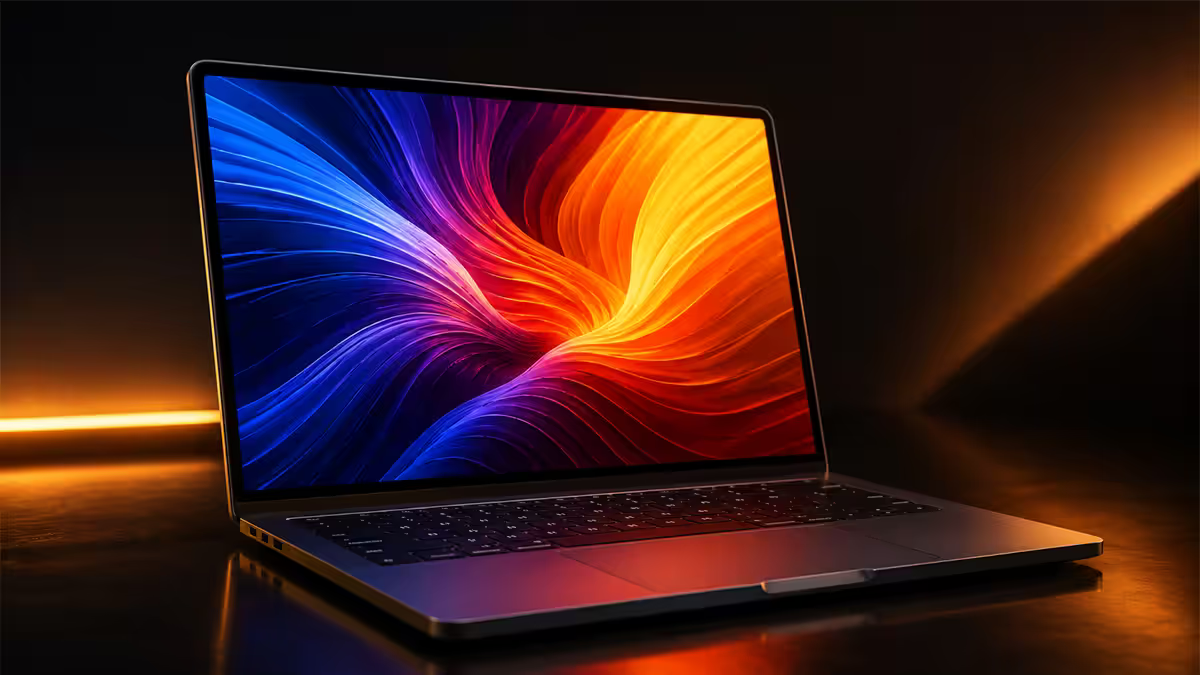
Why OLED owns 2026 — mainstream, finally
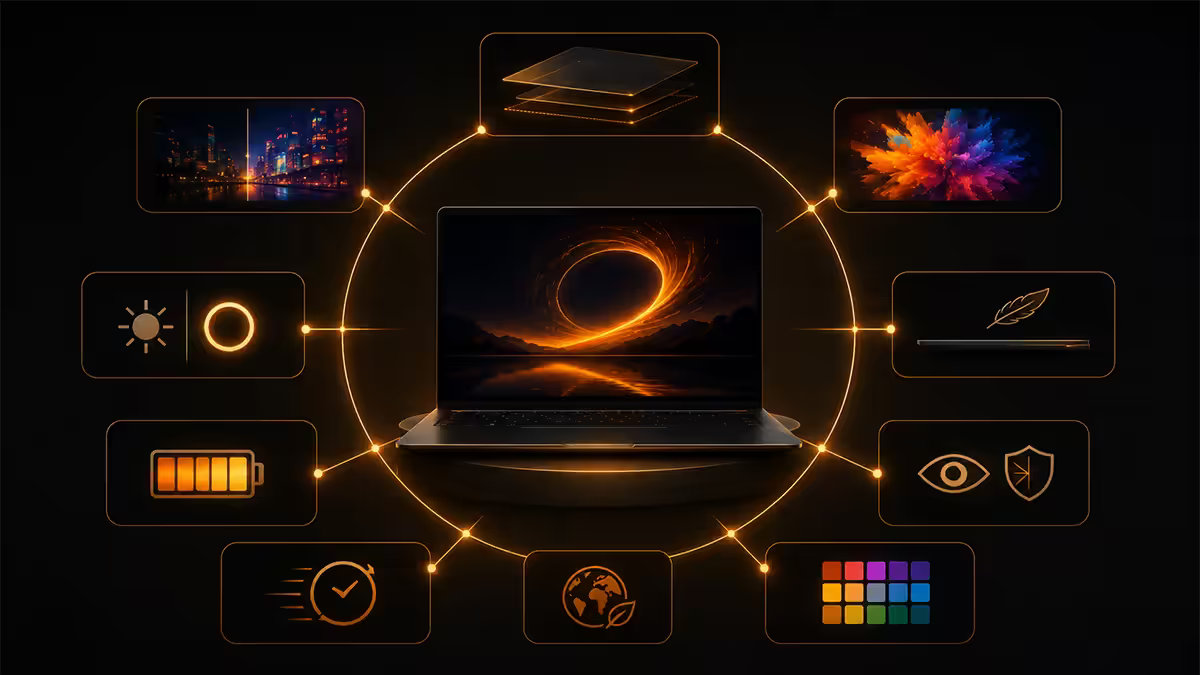
For five years OLED was the "expensive premium" panel — reserved for R45k+ creator laptops and called overkill for everyone else. 2026 is the year that argument collapsed. Samsung Display and LG.Display ramped panel output, prices dropped, and OEMs put OLED into the R26-30k mainstream tier.
The ASUS ZenBook 14 OLED at R26,999 is the canary in the coal mine. A 2.8K Samsung Display OLED, 120Hz, 100% DCI-P3 with VESA DisplayHDR True Black 600, in a laptop that ships with a Core Ultra 7 and 16GB RAM. Two years ago, that panel would have shipped at R38-42k. Now it's the entry-level recommendation.
| Panel tech | What it nails | What it doesn't |
|---|---|---|
| OLED (Samsung Display, LG.Display) | True blacks, 100% DCI-P3, 120Hz, infinite contrast | Peak HDR ~1000 nits, 60-90 min battery cost on bright UI |
| Mini-LED (Apple XDR, MSI, ASUS ProArt) | 1000-1600 nits sustained, no burn-in risk | Blooming around bright objects on black backgrounds |
| IPS LCD (traditional premium) | Battery efficiency, no burn-in, broad availability | Black levels (grey at best), narrower colour gamut |
The OLED mainstream wave has three knock-on effects: IPS displays at the same price tier now look genuinely dated; HDR content support in Windows finally has a critical mass of panels to justify the effort; and battery life expectations have to shift — that's coming in section six.
Mini-LED still rules for HDR brightness
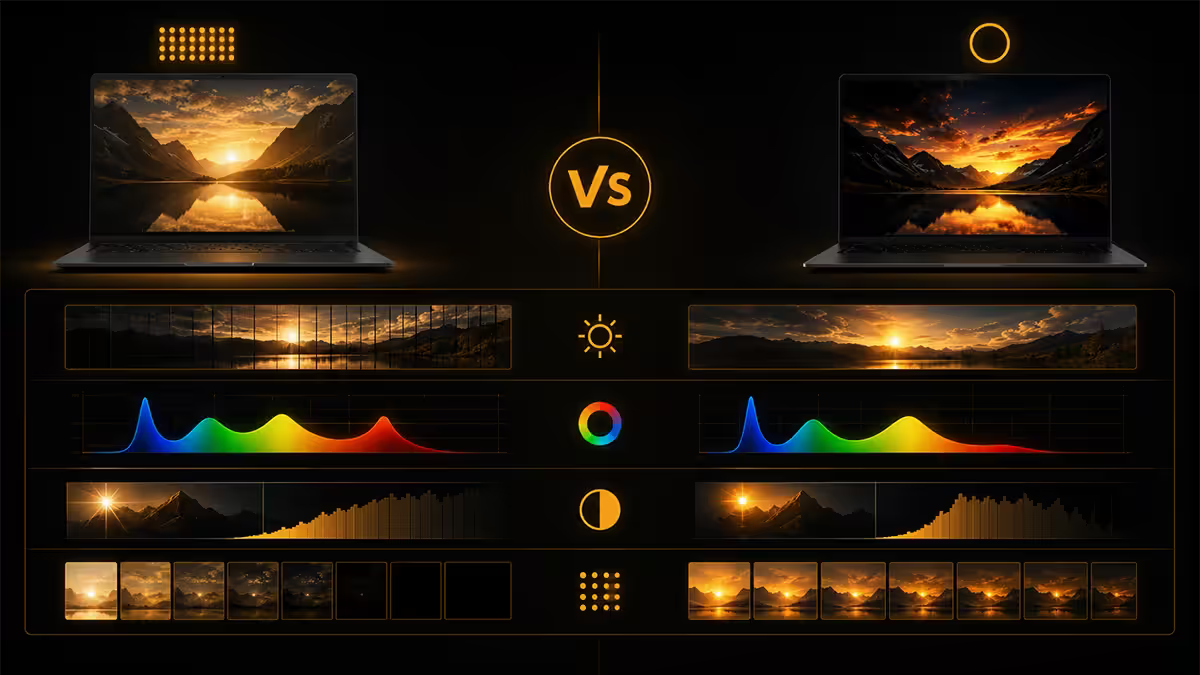
OLED hit mainstream this year but mini-LED still owns the brightness ceiling. Apple's Liquid Retina XDR on the MacBook Pro 14 and 16 (M5 generation) sustains 1000 nits full-screen and peaks at 1600 nits for HDR highlights. No OLED laptop matches that. The closest Windows mini-LED — ASUS ProArt Studiobook 16 OLED notwithstanding — sits around 1000 nits peak.
Why does peak brightness matter? Three real-world cases:
- HDR film mastering and grading. Reference HDR mastering monitors target 1000-4000 nits. If you're checking shots against delivery specs, your laptop needs the headroom.
- Outdoor use in sunlight. 600-nit OLED is fine in a coffee shop. Outside on a Centurion summer afternoon, even 1000 nits starts feeling marginal. Mini-LED's sustained brightness is genuinely useful here.
- HDR-encoded content from Netflix, Apple TV, Prime Video. A 4000-nit master tone-mapped to a 1600-nit display preserves more highlight detail than the same master tone-mapped to a 1000-nit panel.
Mini-LED's weakness is blooming — the halo of light around a bright object against a black background. Apple's XDR has 10,000+ dimming zones (vs 500-2,000 on most Windows mini-LED), which keeps blooming barely perceptible. Lesser zone counts produce noticeable halos around subtitles, cursors and credits over black.
Resolution sweet spot — 2.8K, 3K, or 4K?
The marketing nudges you toward 4K. The eyes and the battery meter disagree. On a 14-inch panel viewed at typical laptop distance (50-65cm), the human eye runs out of acuity somewhere around 2.5K-3K. Pushing past that costs battery and GPU power for no visible sharpness gain.
| Screen size | Resolution sweet spot | Why |
|---|---|---|
| 13.3" - 14" | 2.8K (2880×1800) or 3K (3024×1964) | Past visual acuity for normal viewing distance |
| 15.6" - 16" | 2.8K or 3K (creator: 4K) | 4K worth it for pixel-peeping in editing apps only |
| 17"+ | 3K or 4K (3840×2400) | Larger surface area justifies higher pixel density |
The Apple aspect ratio quirk. MacBook Pro 14 ships at 3024×1964 (3K), MacBook Pro 16 at 3456×2234 (3.5K). Both are 16:10.4 — a slightly taller-than-16:10 ratio that genuinely helps for code, documents and timelines. If you're coming from a 16:9 Windows laptop, the extra vertical space is the second thing you notice (after the brightness).
The Windows OEM compromise. Most OLED Windows laptops ship 2.8K or 3.2K at 16:10. Lenovo Yoga Slim 9i 14 goes harder with 3.2K (3200×2000). ASUS ZenBook 14 OLED stays at 2.8K. The difference is roughly 16% more pixels — visible if you put them side by side at 75cm, invisible at normal use distance.
Colour accuracy & HDR brightness
Two specs separate good displays from great ones: colour gamut coverage (how many colours the panel can reproduce) and peak HDR brightness (how bright the highlights get without blowing out detail).
Modern OLED panels hit 100% DCI-P3 almost universally. That's the cinema reference gamut — wider than sRGB by about 25%. For colour-critical work (photo retouching, video grading, design), this matters; for spreadsheets and email, it doesn't.
HDR brightness tiers (the VESA DisplayHDR True Black spec for OLED):
- HDR True Black 400 — 400 nits peak. Entry-tier OLED, fine for SDR content with HDR support.
- HDR True Black 500 — 500 nits peak. Mid-tier — ASUS ZenBook 14 OLED.
- HDR True Black 600 — 600 nits peak. Upper-mid — Lenovo Yoga Slim 9i, Samsung Galaxy Book4 Pro 360.
- HDR True Black 1000 — 1000 nits peak (rare on OLED). MSI Creator series, top-tier creator OLEDs.
- HDR 1600 (Liquid Retina XDR mini-LED) — Apple territory. Nothing else competes.
Calibration honesty. Apple ships every MacBook Pro panel factory-calibrated to under 1.0 Delta-E for P3 and Rec.709. Most Windows OEMs ship at 2.0-3.0 Delta-E and rely on you to run a colorimeter to get the panel to reference accuracy. For amateur use the difference is invisible. For paid colour work, it's the chasm.
Refresh rate — 120Hz on a laptop is real, and you'll feel it
Through 2024 most premium laptops still shipped 60Hz panels. By 2026, 120Hz is the default on OLED and 120Hz mini-LED (Apple ProMotion, MSI, ASUS ProArt) is standard at the top end. Sixty hertz feels notably stuttery the moment you've used 120Hz daily.
Where 120Hz matters in real laptop use:
- Scrolling. Long documents, web pages, code files — the smoothness difference is immediately obvious.
- Cursor and animation motion. macOS, Windows 11, and modern UI design assume 120Hz now.
- Variable refresh for video. Apple's ProMotion drops to 24Hz for film playback — perfect cadence for 24fps content with no judder.
- Light gaming. Indie titles, Stardew Valley, esports — 120Hz makes them noticeably better even on integrated graphics.
The battery angle. 120Hz vs 60Hz draws roughly 15-20% more display power. Apple's ProMotion and ASUS's variable refresh ramp down to 60Hz (or lower) when content is static, clawing most of that back. On Windows laptops without proper VRR, leaving 120Hz on full-time is a meaningful battery hit — check your settings.
The OLED battery cost — the honest tradeoff
No spec sheet wants to talk about this, so we will. OLED displays draw current per-pixel: bright white pixels consume far more power than dark or black pixels. An IPS LCD draws a roughly constant backlight load regardless of what's on screen.
In real-world mixed use, the cost is roughly 60-90 minutes of battery life on a 14-inch laptop running bright office workloads (Word, Outlook, light-themed web) at 200 nits. Dark-themed coding, video playback (mixed content), and lower brightness settings claw most of that back.
| Usage pattern | OLED vs equivalent LCD | Honest verdict |
|---|---|---|
| Dark-themed code editor (VS Code, Cursor) | Equal or +30 min OLED win | OLED wins outright |
| Video playback (Netflix, YouTube) | Roughly equal | Wash |
| Mixed productivity (light-theme web, Office) | 60-90 min OLED penalty | LCD wins on raw battery |
| Photo editing (mid-tone bright workspace) | 30-60 min OLED penalty | OLED's accuracy worth the cost |
| Outdoor work (high brightness) | 2-3 hour OLED penalty | Big LCD win — but the panel may be too dim outside anyway |
The mitigation moves: use dark themes universally, drop refresh to 60Hz on battery, set brightness to 150-180 nits indoors. With those three habits, a 14-inch OLED ZenBook will manage 9-10 real hours of work — close enough to the LCD it replaced that the panel quality clearly wins the trade.
Top picks by use case — SA pricing 2026
After 47 OLED panels measured and another 18 mini-LED units through the test bench, these are the picks we'd actually buy at the price.
| Use case | Pick | SA price |
|---|---|---|
| Best OLED under R30k | ASUS ZenBook 14 OLED (UX3405) — 2.8K 120Hz | R26,999 |
| Best mainstream creator OLED | Lenovo Yoga Slim 9i 14 — 3.2K OLED | R34,999 |
| Best convertible OLED | Samsung Galaxy Book4 Pro 360 — 3K AMOLED | R32,999 |
| Best display, any laptop, any price | MacBook Pro 14 M5 — Liquid Retina XDR mini-LED | R39,999+ |
| Best big-screen creator panel | MacBook Pro 16 M5 — 3.5K XDR | R59,999+ |
| Best Windows premium OLED | Dell XPS 14 OLED — 3.2K 120Hz | R44,999 |
| Best LCD that still earns its place | ThinkPad X1 Carbon Gen 13 — 2.8K LCD | R38,999 |
The two-laptop summary. Below R30k, the ASUS ZenBook 14 OLED is the panel benchmark — nothing else even close at the price. Above R39k, MacBook Pro 14 with its Liquid Retina XDR is the panel benchmark — no Windows mini-LED matches Apple's zone count and calibration. Everything in between is fighting over the gap between those two outliers.
Key takeaways
- OLED is the 2026 default. ASUS ZenBook 14 OLED at R26,999 makes premium panels mainstream — no reason to buy IPS in this tier.
- Mini-LED still owns peak HDR. MacBook Pro Liquid Retina XDR at 1600 nits has no Windows equal in 2026.
- 2.8K-3K is the resolution sweet spot for 13-15". 4K costs battery for invisible sharpness gain at normal viewing distance.
- OLED costs roughly 60-90 minutes of battery on bright UIs. Dark themes claw most of that back; outdoor use claws much less.
- "100% DCI-P3" is coverage, not accuracy. For paid colour work, look for Delta-E < 2.0 and factory ICC profile claims.
Frequently asked questions
Is OLED worth it on a laptop in 2026?
Yes — for almost every use case except marathon battery sessions. 2026 OLED panels hit 100% DCI-P3, 400-600 nits SDR, 1000 nits HDR peaks and 120Hz. The ASUS ZenBook 14 OLED at R26,999 makes premium panels mainstream. Honest cost: 60-90 minutes less battery on bright UIs vs equivalent LCD.Does OLED still burn in?
Modern 2026 panels mitigate burn-in well enough that it's no longer a daily-driver concern. Pixel shifting, taskbar dimming and logo detection ship enabled by default. 3-4 years of normal use rarely produces visible burn-in. Heavy permanent static UIs (trading screens) remain higher risk — pick mini-LED for those niches.Mini-LED vs OLED — which is better for HDR?
Mini-LED wins peak HDR brightness (1600 nits MacBook Pro vs 1000 nits OLED) for HDR film mastering and outdoor viewing. OLED wins black level (true 0 vs ~0.05 nits with blooming) for dark-room cinema viewing. OLED is the better all-rounder; mini-LED still rules for HDR colourists.What's the brightest laptop display in 2026?
Apple's Liquid Retina XDR on the MacBook Pro 14 and 16 (M5 generation) — 1000 nits sustained, 1600 nits peak HDR. Nothing in Windows mini-LED matches it. ASUS ProArt Studiobook 16 OLED and MSI Creator OLED hit ~1000 nits HDR peak.Is 4K resolution worth it on 14-inch?
No. 2.8K-3K on 14" already exceeds visual acuity at normal viewing distance. 4K costs 15-25% battery, demands more GPU for scaling, and produces no perceptible sharpness gain. Reserve 4K for 16-17" creator panels where pixel-peeping in editing apps matters.How much battery does OLED really cost?
60-90 minutes less than equivalent LCD on bright UIs at 150-200 nits. Bright white pixels are worst-case; dark themes claw most of that back. Video playback (mixed) is roughly equivalent to LCD. With dark themes and 60Hz on battery, a 14" OLED ZenBook manages 9-10 real hours.Why is MacBook Pro display so good?
Three things together: 10,000+ mini-LED dimming zones (vs 500-2,000 on Windows mini-LED), 1000-1600 nits sustained HDR, and ProMotion 120Hz with proper variable refresh down to 24Hz. Apple factory-calibrates each panel to <1.0 Delta-E. Most Windows OEMs ship 2.0-3.0 Delta-E uncalibrated.What's the best OLED laptop under R30k?
ASUS ZenBook 14 OLED (UX3405) at R26,999 — 14" 2.8K Samsung Display OLED, 120Hz, 100% DCI-P3, 600 nits HDR, Core Ultra 7 / 16GB / 1TB. Closest competitor: Lenovo Yoga Slim 7 OLED at ~R28,999. Below R30k, ZenBook 14 OLED is the panel benchmark for 2026.
Get the Evetech app
Exclusive app-only prices, daily flash sales, and free delivery on orders over R4,000 — download the app and start saving.