Cape Town · UCT Student Guide
The laptop for UCT. — By faculty. By campus. By jammie bus.
Engineering needs SolidWorks. Commerce needs R and Stata. Humanities needs a great keyboard. Health Sciences needs SAS. Everyone needs to carry it from Upper Campus to Jameson Hall and survive Newlands rain. Here's the honest pick by faculty and budget.
- honest band
- R15-25k
- battery for campus day
- 10+ hrs
- jammie-bus sweet spot
- 1.5 kg

Pick by your UCT faculty
Different faculties at UCT run materially different software. The advice in this section is faculty-specific because the spec demands are.
| Faculty | Demanding software | Spec floor |
|---|---|---|
| Engineering & Built Environment | SolidWorks, MATLAB, ANSYS, AutoCAD, Revit | Ryzen 7 / Core Ultra 7, 16-32 GB, RTX 4050+ |
| Commerce | SAS, Stata, R, SPSS, Excel models, Bloomberg | Ryzen 5 / Core Ultra 5, 16 GB, integrated GPU OK |
| Humanities | Word, NVivo, Atlas.ti, Adobe CC, video | Ryzen 5 / Core Ultra 5 or MacBook Air M4, 16 GB |
| Science (CS / Data / Maths) | Python, Jupyter, R, MATLAB, Linux dual-boot | Ryzen 7 or MacBook Pro M4, 16-32 GB |
| Science (Bio / Chem / Geo) | GIS / ArcGIS Pro, R, Mathematica, lab software | Ryzen 5 / Core Ultra 5, 16 GB, dedicated GPU helpful |
| Health Sciences | SPSS, NVivo, online learning, video lectures | Any ultrabook, MacBook Air M4 strong choice |
| Law | Word, Westlaw, LexisNexis, video calls | Any 14" ultrabook, battery matters most |
Software demands — the honest reality
Some software demands a Windows machine; some runs anywhere; some is comfortably more pleasant on Mac. Knowing which is which saves a lot of regret.
Windows-only (or strongly Windows-preferred):
- SolidWorks — Engineering students, full stop. Runs on Windows with a dedicated GPU. No native Mac version. Parallels/VMware works but is painful for full models.
- ANSYS, Abaqus — engineering simulation, Windows or Linux, not Mac.
- SAS — Commerce / Statistics. SAS for Mac exists but is limited; most Commerce courses use the Windows version.
- Stata — runs on both but the Windows install is the supported teaching environment in most UCT modules.
- ArcGIS Pro — full GIS analytics in Geography / Environmental Science. Windows only. QGIS works on Mac as an alternative.
Runs equally well anywhere:
- Microsoft Office 365 (UCT licence free for students), Google Workspace, Adobe Creative Cloud.
- R / RStudio, Python / Jupyter, MATLAB (Mac-native), VS Code.
- SPSS, NVivo, Atlas.ti.
- Web-based teaching tools — Vula, Amathuba, Zoom, Teams.
Better on Mac:
- Software engineering / CS development workflows — Unix tooling, brew, containers, Xcode.
- Long-battery writing-heavy days — MacBook Air M4 owns this.
- Music production / Logic Pro (some Humanities and DJCM students).
Jammie-bus weight — the under-1.5 kg rule
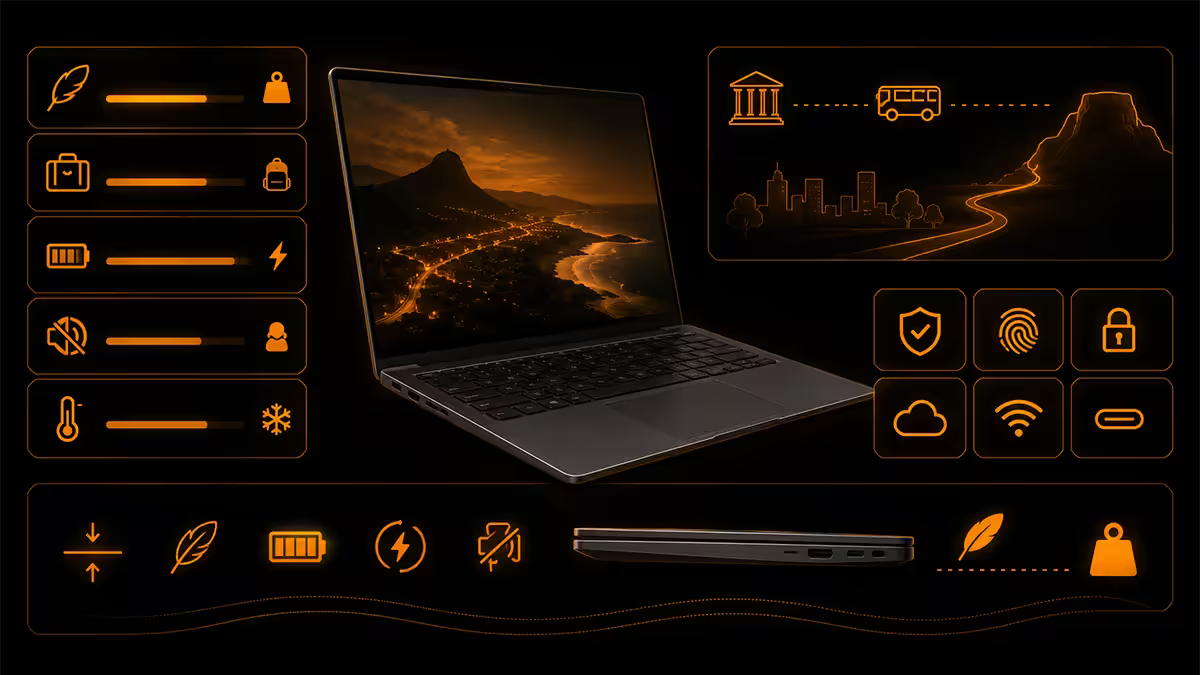
UCT's geography is brutal for laptop carry. Upper Campus is on the slope of Devil's Peak. Middle Campus, Lower Campus and the Health Sciences campus at Groote Schuur are scattered across the city. Most students take the jammie bus between them. You will carry your laptop in your bag on a steep walk to the jammie stop, across a long day.
| Weight | Reality | Examples |
|---|---|---|
| Under 1.3 kg | Disappears in your bag | MacBook Air M4 (1.24 kg), ASUS Zenbook 14 OLED (1.28 kg) |
| 1.3-1.5 kg | Genuinely comfortable | Lenovo IdeaPad Slim 5 14 (1.46 kg), HP Pavilion Plus 14 |
| 1.5-1.8 kg | Noticeable by 5pm | Lenovo Yoga 7 14, ASUS Vivobook Pro 15 |
| 1.8-2.2 kg | Punishing after week 3 | Most gaming-class 15" laptops |
| Over 2.2 kg | Don't, just don't | 17" gaming, mobile workstations |
Jameson Hall battery — the 10-hour day
A typical UCT day: 9am Jameson lecture, 10am tutorial, 12pm library work, 2pm lecture in Leslie Social, 3pm group meeting, 5pm walk back to the jammie. You will not find a power outlet between 9am and 4pm.
Real-world battery in 2026:
| Laptop | Real-world battery | Survives the day? |
|---|---|---|
| MacBook Air 13/15 M4 | 16-18 hours | Comfortably, with reserve |
| MacBook Pro 14 M4 | 14-16 hours | Comfortably |
| Ryzen AI 9 / Core Ultra 7 ultrabook | 11-14 hours | Yes |
| Lenovo / HP business ultrabook 14" | 9-12 hours | Mostly yes |
| Older laptop (3+ years) | 4-7 hours | Plug-hunting by 1pm |
| Gaming laptop on battery | 3-5 hours | No |
Newlands rain — chassis durability matters
Cape Town's winter rain is real. June-August commutes through Newlands, Rondebosch and the campus get into bags. Your laptop bag will get wet at least three times a winter. Plan for it.
What helps:
- Aluminium unibody chassis (MacBook, Zenbook, Yoga Slim) — wipes dry, doesn't absorb moisture.
- Spill-resistant keyboard with drainage — ThinkPad T / E series, ASUS ExpertBook B-series, Dell Latitude.
- IP54 or MIL-STD chassis rating — ThinkPad X1 Carbon, ASUS ExpertBook B9.
- A R450 padded sleeve case + waterproof bag. Non-negotiable for Cape Town.
The UCT IT recommended laptop list — useful, but a floor
UCT IT publishes faculty-specific minimum specs at icts.uct.ac.za/student-laptops. The 2026 minimums are:
- Universal minimum: Core i5 / Ryzen 5, 8 GB RAM, 256 GB SSD, Windows 11 or macOS Sonoma+.
- Engineering & Built Environment add: dedicated GPU recommended, 16 GB RAM.
- Health Sciences add: 16 GB RAM, webcam, microphone.
- Science (CS): 16 GB RAM, Linux dual-boot supported.
Treat these as absolute floor. A laptop on UCT IT's minimum will run Office and a browser but will struggle by year three. One tier higher on RAM (16 GB minimum, 32 GB for Engineering) and storage (512 GB minimum) is realistic.
NSFAS — what the allowance actually covers
NSFAS funds a once-off learning device allowance for qualifying students. In 2026 the allowance is approximately R5,460 (subject to annual adjustment by DHET). This is credited to your NSFAS allowance account; you don't get a voucher.
R5,460 buys a Chromebook or an entry-level Windows laptop. For UCT's actual demands — battery for a full day, RAM for SolidWorks or SAS, weight for the jammie bus — you'll need to add R8,000-R18,000 from family contribution or payment plan.
Top picks under R15,000
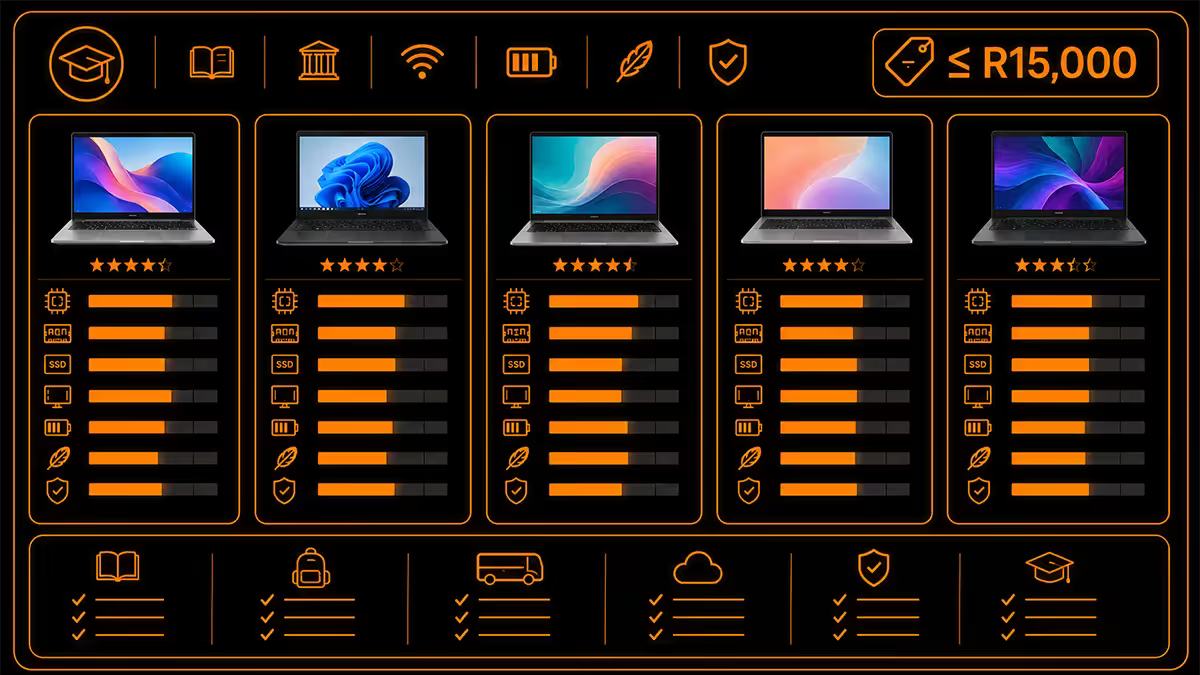
| Pick | Why it works for UCT | Price |
|---|---|---|
| Lenovo IdeaPad Slim 3 14 (Ryzen 5 7430U, 16GB, 512GB) | Solid all-rounder, 1.6 kg, 9hr battery | R12,499 |
| HP Pavilion 14 (Core Ultra 5 125U, 16GB, 512GB) | Good keyboard, 1.4 kg, 10hr battery | R13,999 |
| Acer Swift Go 14 (Core 5 120U, 16GB, 512GB) | Light at 1.32 kg, OLED option available | R14,499 |
| ASUS Vivobook 14 (Ryzen 5 7530U, 16GB, 512GB) | Cheapest of the four, decent battery | R11,999 |
Top picks under R18,000
| Pick | Why it works for UCT | Price |
|---|---|---|
| Lenovo Yoga Slim 5 14 (Ryzen AI 5 340, 16GB, 512GB) | Copilot+ NPU, 1.46 kg, 13hr battery | R17,999 |
| ASUS Zenbook 14 OLED (Core Ultra 5 125H, 16GB, 512GB) | Stunning OLED for design students, 1.28 kg | R16,999 |
| MacBook Air 13 M4 (8GB, 256GB) — base model | 16-18hr battery, perfect for Humanities/Law | R17,999 |
| HP OmniBook 14 (Ryzen AI 5 340, 16GB, 512GB) | Excellent keyboard for thesis writing | R17,499 |
Top picks under R25,000
| Pick | Why it works for UCT | Price |
|---|---|---|
| MacBook Air 15 M4 (16GB, 512GB) | Bigger screen for note-taking, 16hr battery | R24,999 |
| Lenovo Yoga Pro 7 14 (Ryzen AI 7 350, 16GB, 1TB) | Quiet, premium build, 12hr battery | R22,999 |
| ASUS Zenbook S 14 OLED (Core Ultra 7 256V, 32GB, 1TB) | Lunar Lake battery king, premium OLED | R24,499 |
| ASUS Vivobook 16X (Ryzen 7 + RTX 4050) | For Engineering students needing SolidWorks | R23,999 |
| Lenovo IdeaPad Pro 5 16 (Core Ultra 7 + RTX 4050) | Big screen + GPU for Built Environment / Eng | R24,999 |
| MacBook Pro 14 M4 (16GB, 512GB) — base | CS students wanting Unix + 14hr battery | R24,999 |
Why Mac actually fits a lot of UCT students
A decade ago, Mac in academia was a luxury choice. In 2026 it's a practical one for big chunks of the UCT student population, for three reasons:
- Battery and weight — MacBook Air M4 at 1.24 kg with 16-hour real-world battery is genuinely unmatched for a 9am-5pm UCT campus day.
- Software compatibility has caught up — Office, Adobe CC, MATLAB, R, Python, Jupyter, SPSS, Stata and Zoom all run natively or comfortably. The Windows-only software list shrinks every year.
- Resale value — a three-year-old MacBook Air retains roughly 55-65% of its value on Yuppiechef or Hello Pre-Loved. Equivalent Windows laptops retain 25-35%. For a student selling at graduation, this matters.
Stay Windows if: you're in Engineering, Built Environment, or doing modules with SolidWorks / ANSYS / SAS / ArcGIS Pro. Mac is comfortable if: Humanities, Commerce (most), Law, Health Sciences (clinical), CS, or anywhere your software stack is Office + Adobe + a research suite.
Cape Town repair turnaround
| Brand | Authorised Cape Town centre | Typical turnaround |
|---|---|---|
| Apple | iStore V&A, Cavendish, Constantia | Same-day diagnostic, 1-5 days repair |
| Lenovo | Lenovo Service Centre, Maitland | 3-5 working days |
| ASUS | ASUS Authorised SP, Bellville | 3-7 working days |
| HP | HP Customer Care, Pinelands | 5-7 working days |
| Acer | Acer Service, Montague Gardens | 5-10 working days |
| Independent (out of warranty) | Specialists in Obs, Rondebosch, CBD | 1-3 days diagnostic + parts |
Key takeaways
- Engineering / EBE: Ryzen 7 + RTX 4050 + 16-32 GB. R22-28k. SolidWorks-capable.
- Commerce / Humanities / Law: ultrabook or MacBook Air M4, 16 GB. R15-20k.
- Aim for under 1.5 kg and 10+ hours real-world battery for jammie-bus / Jameson Hall days.
- Newlands rain = padded sleeve case + aluminium chassis or spill-resistant ThinkPad.
- Mac genuinely fits ~30% of UCT students. Stay Windows for SolidWorks / ANSYS / SAS / ArcGIS.
Frequently asked questions
What laptop should a UCT engineering student buy?
For UCT Engineering and Built Environment students, the honest spec is: Ryzen 7 / Core Ultra 7, 16 GB minimum (32 GB preferred for SolidWorks and ANSYS), 512 GB NVMe SSD, dedicated GPU (RTX 4050 or 4060) for SolidWorks, AutoCAD and MATLAB Simulink rendering. Weight under 1.8 kg is important for Upper Campus commuting. Budget R20,000-R28,000. Recommended picks: ASUS Zenbook 14 OLED (R22k), Lenovo Yoga Pro 7 14 (R24k), HP OmniBook Ultra 14 (R28k) — or MacBook Pro 14 M4 for students doing software/embedded work.Is the UCT IT recommended laptop list accurate?
The UCT IT laptop recommendation page (icts.uct.ac.za) lists minimum specs by faculty annually. As of 2026 the published minimums are Core i5 / Ryzen 5, 8 GB RAM, 256 GB SSD, Windows 11 Pro or macOS. These are absolute floor specs — they will run Office and a browser. We recommend going at least one tier higher on RAM (16 GB) and storage (512 GB) for genuine four-year longevity. The faculty-specific addenda (Engineering, Health Sciences) on the same page are more realistic.Can I use NSFAS to buy a laptop?
Yes, with caveats. NSFAS provides a once-off learning device allowance (currently approximately R5,460 in 2026) credited to the student's allowance account. The amount is significantly below the price of a meaningful UCT-suitable laptop. Most NSFAS students use the allowance toward a laptop and pay the balance via family contribution.Should UCT students buy a Mac or Windows laptop?
For Humanities, Commerce (most disciplines) and Health Sciences (clinical), MacBook Air M4 or MacBook Pro 14 M4 are genuinely competitive — long battery life, lightweight, well-supported. For Engineering, Built Environment and Science students using SolidWorks, ANSYS, Stata, or anything Windows-only — Windows. UCT IT supports both. Apple's developer-friendly ecosystem is genuinely useful for CS students. Roughly 30% of UCT students in 2026 use Macs, up from 18% five years ago.What weight is the sweet spot for daily campus carry?
Under 1.5 kg is comfortable for full-day carry between Upper, Middle and Lower Campus on the jammie buses. 1.5-1.8 kg is acceptable but noticeable by end of day. Above 1.8 kg becomes punishing in week 3 of term. The MacBook Air M4 (1.24 kg), ASUS Zenbook 14 OLED (1.28 kg) and Lenovo IdeaPad Slim 5 14 (1.46 kg) are the comfortable carry-all-day options. Gaming laptops above 2.2 kg are not realistic for daily UCT use.How does Newlands weather affect laptop choice?
Cape Town's winter rain — especially in June, July and August — gets into bags. Spill-resistant keyboards and water-resistant chassis materially matter. ThinkPad-series laptops have IP-rated keyboard drains. ASUS ExpertBook B-series carry military-spec rain ingress ratings. Standard ultrabooks (Zenbook, Yoga, OmniBook) survive normal weather but a sleeve case is essential. A good laptop sleeve costs R350-R600 and is non-negotiable for Cape Town carry.What battery life do I need for a Jameson Hall lecture day?
For a 9am-5pm day on campus with three to four lectures, two tutorials and a library session — without finding a power outlet — you want 10+ hours of real-world battery. MacBook Air M4 hits 16-18 hours real-world. Ryzen AI ultrabooks 11-14 hours. Lenovo / HP business ultrabooks 9-12 hours. Older or gaming laptops 4-6 hours and you'll be hunting plugs by the second tutorial. Choose accordingly.Where can I get a UCT student laptop repaired in Cape Town?
In-warranty: the brand authorised service centre — ASUS, Lenovo, HP and Apple all have authorised partners in Cape Town with typical 3-7 working day turnaround. For Apple, the Apple Authorised Service Providers at V&A Waterfront and Cavendish Square offer same-day diagnostics. Out-of-warranty: independent specialists in Observatory, Rondebosch and the city bowl charge R500-R900 for diagnostic, R1,200-R3,500 typical repair. Always back up first.
Get the Evetech app
Exclusive app-only prices, daily flash sales, and free delivery on orders over R4,000 — download the app and start saving.