Profession · Architects
Best PC for architects. — Revit. AutoCAD. ArchiCAD. Lumion. Built right.
Architecture software has a personality. Some of it loves single-threaded CPU speed, some of it craves RAM, some of it lives on the GPU. Get the priorities backward and you're sitting on an expensive bottleneck. Here's the right balance.
- recommended RAM
- 64 GB
- CPU priority
- Single-thread
- build tier range
- R30–R85k
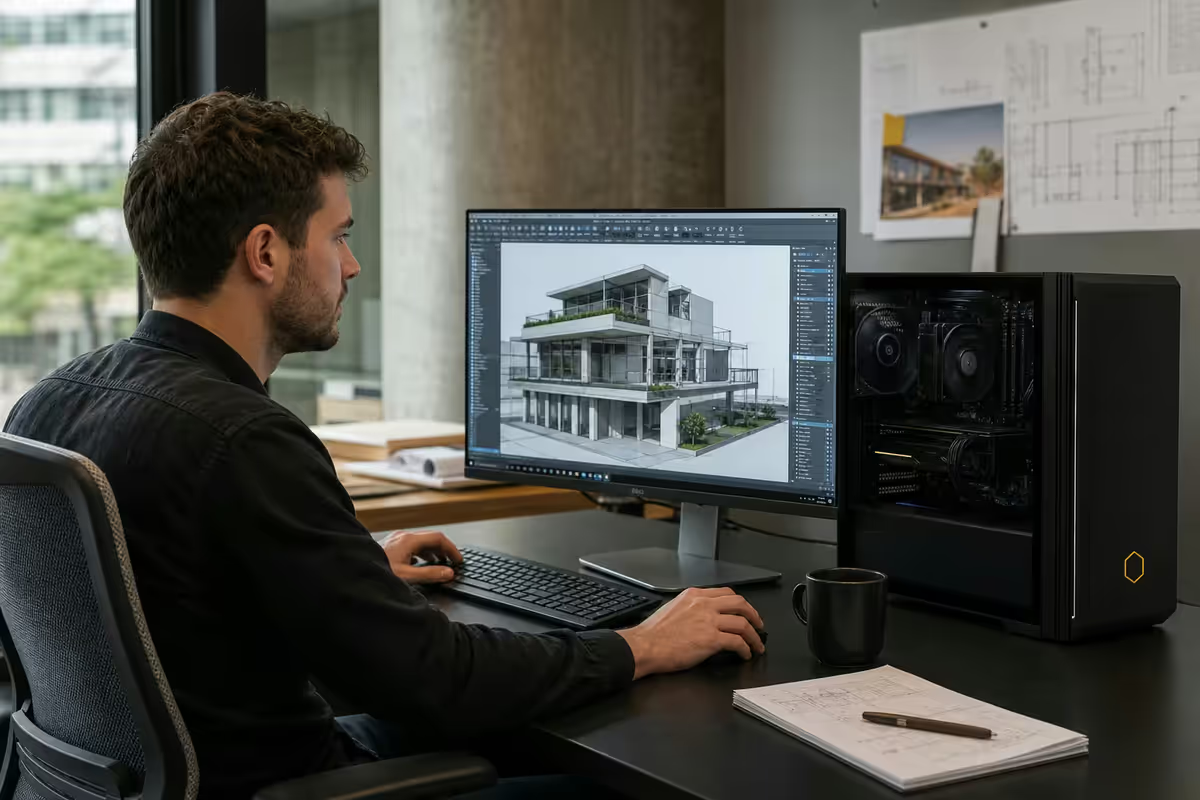
What architecture software actually needs
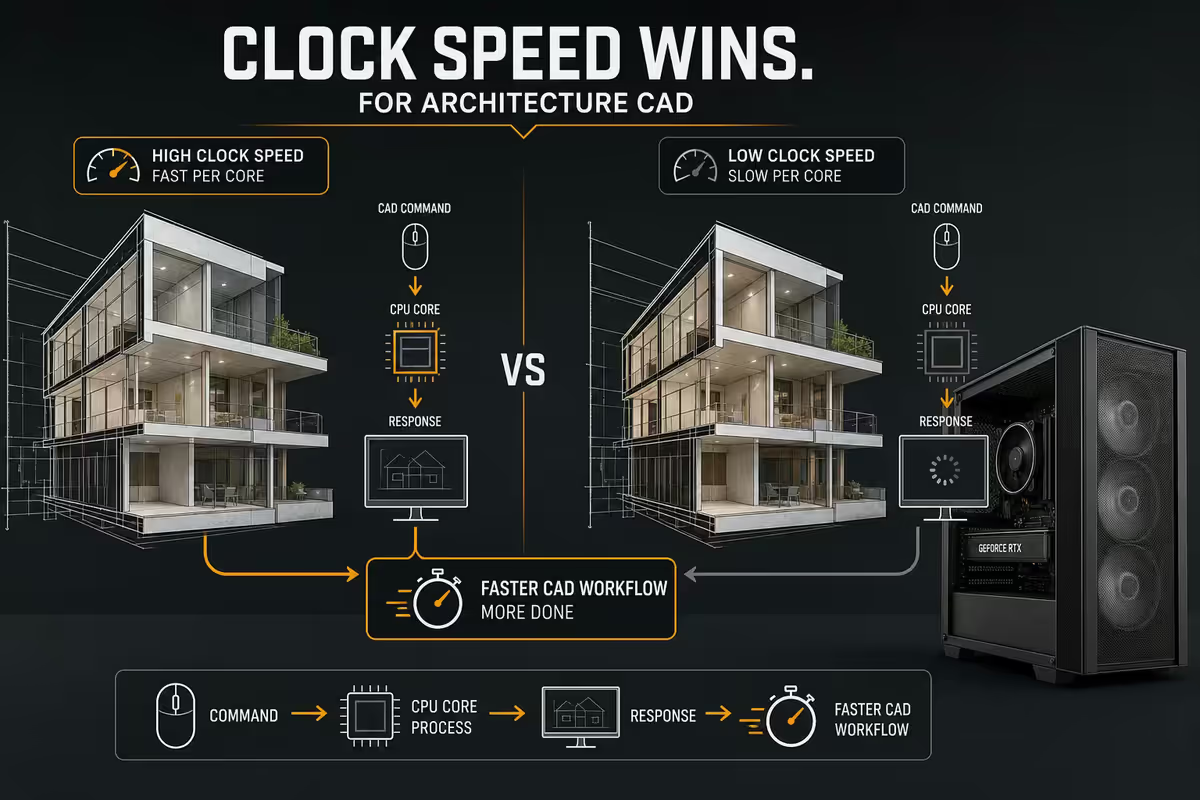
Architecture is unusual among professional fields in that the core software stack is dominated by single-thread CPU performance — not core count, not raw GPU horsepower. Revit, AutoCAD, SketchUp and ArchiCAD all rely heavily on serial computation for their modelling, view regeneration and file operations.
This single fact reshapes the whole build conversation:
| Software | Primary bottleneck | What helps |
|---|---|---|
| Revit (BIM modelling) | Single-thread CPU + RAM | High-clock CPU, 64GB RAM, Gen4 SSD |
| AutoCAD 2D / 3D | Single-thread CPU | High-clock CPU, 32GB RAM |
| SketchUp Pro | Single-thread CPU + GPU | High-clock CPU, RTX 4060+ |
| ArchiCAD | Single-thread CPU + RAM | High-clock CPU, 64GB RAM |
| Lumion (real-time render) | GPU + VRAM | RTX 4080+ (16GB VRAM), fast CPU |
| Twinmotion (UE5) | GPU + CPU balance | RTX 4070 Ti SUPER+, fast CPU |
| V-Ray / Corona (offline render) | Multi-thread CPU | High core count, lots of RAM |
| Photoshop / InDesign (output) | Single-thread CPU + RAM | Fast CPU, 32GB+ RAM |
The only architecture-adjacent software that genuinely benefits from many CPU cores is offline ray-traced rendering (V-Ray, Corona) — which is increasingly being replaced by GPU-rendered Lumion and Twinmotion for in-house visualisation. If your firm's render workflow is GPU-side, you don't need a 16-core CPU. If it's V-Ray offline, you do.
The CPU question — clock speed wins
For almost every architectural workflow, the right CPU prioritises high single-thread performance over core count. This rules out Threadripper, Xeon-W and most server-class chips — they're slower per core than mainstream desktop processors, and they cost two to four times as much.
The 2026 CPU shortlist for architects:
| CPU | Why pick it | SA price |
|---|---|---|
| AMD Ryzen 7 9700X | Best value for entry tier — strong single-thread, 8 cores | R6,500–R7,500 |
| AMD Ryzen 9 9900X | Sweet spot — 12 cores, top single-thread, ideal for mixed workloads | R10,500–R12,000 |
| AMD Ryzen 9 9950X | High-end — 16 cores, all-around fastest, V-Ray friendly | R14,500–R16,500 |
| Intel Core Ultra 7 265K | Intel mid-range — strong P-cores for single-thread workloads | R8,500–R10,000 |
| Intel Core Ultra 9 285K | Intel flagship — top all-core and single-thread performance | R14,500–R16,500 |
Avoid for architecture: AMD Threadripper, Intel Xeon-W. These have huge core counts (24–64) but slower per-core clocks. Revit, AutoCAD and ArchiCAD all bottleneck on the single-thread side of these chips. You spend R40k+ on a CPU that's slower in your daily software than a R12k Ryzen 9.
RAM — 32GB minimum, 64GB recommended
RAM is the second-largest performance lever for architects after CPU clock speed. BIM models, large urban CAD files, and parallel software sessions all consume memory aggressively.
RAM sizing by workflow:
- 16GB: simply not enough in 2026. Use case is entry-level student work only — even basic Revit struggles. Avoid.
- 32GB: the absolute minimum for working architecture professionals. Handles Revit with small-to-medium models, AutoCAD, SketchUp.
- 64GB: the recommended default for full-time BIM workflows. Revit with large models + Navisworks + browser + Outlook + Teams open simultaneously without paging.
- 128GB: only makes sense for extreme urban-scale Revit models, complex Lumion 100,000+ object scenes, or running multiple virtualised work environments.
RAM speed and configuration matter too. DDR5-6000 CL30 is the AM5 sweet spot — DDR5-6400 if your motherboard tier supports it. Two DIMMs for capacity (e.g. 2× 32GB for 64GB) — four-DIMM configurations on AM5 force the memory controller to run at lower speeds. Brand-wise: Corsair Vengeance, G.Skill Trident Z5, Kingston Fury Beast are all solid choices.
GPU — RTX gaming cards beat Quadro for most architects
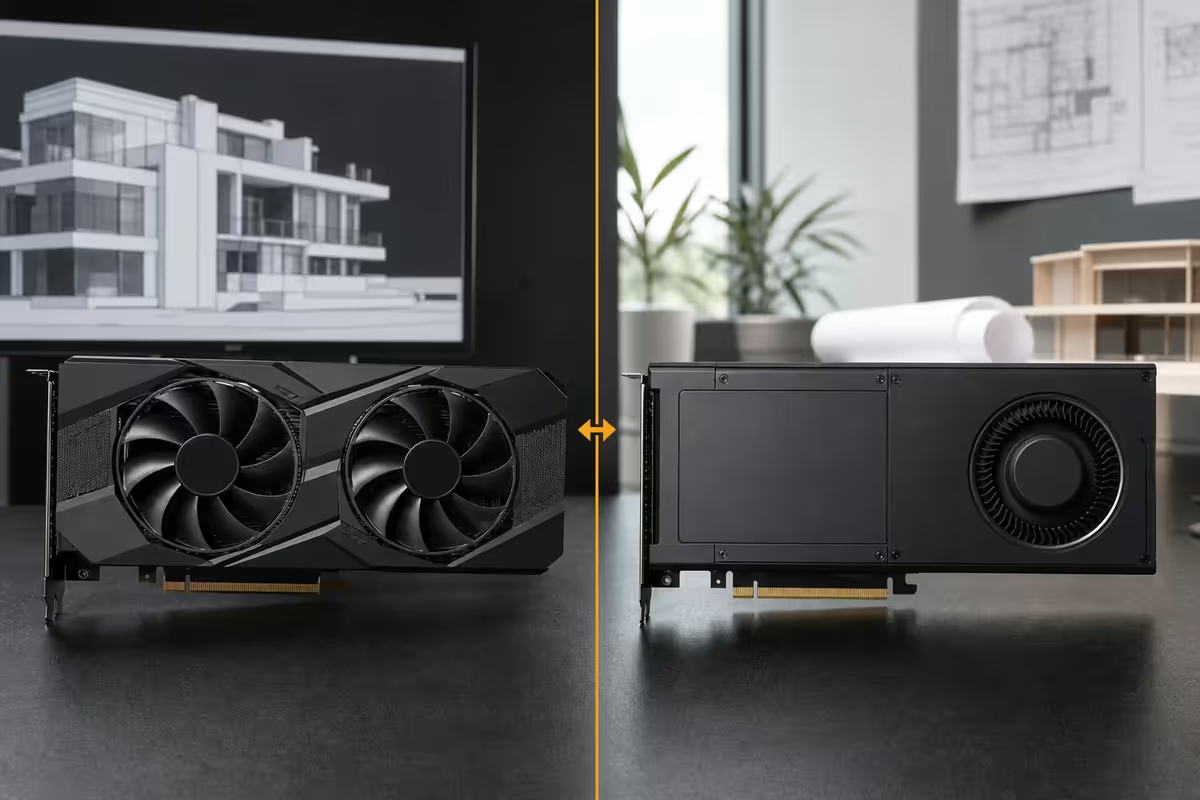
The professional vs gaming GPU question is the most expensive misunderstanding in architecture purchasing. The historical wisdom — "professionals need Quadro / RTX A-series" — was true ten years ago for ISV certifications and OpenGL workstation drivers. In 2026, for the actual daily software, RTX gaming cards win on both performance and price.
| GPU | Use case | SA price |
|---|---|---|
| NVIDIA RTX 4060 (8GB) | Entry tier — AutoCAD, SketchUp, light Revit | R7,500–R9,000 |
| NVIDIA RTX 4070 (12GB) | Mid-tier — full Revit BIM, Lumion light scenes | R12,500–R14,500 |
| NVIDIA RTX 4070 Ti SUPER (16GB) | VRAM sweet spot — Lumion, Twinmotion, large models | R17,500–R19,500 |
| NVIDIA RTX 4080 (16GB) | High-end Lumion and Twinmotion production | R22,500–R26,000 |
| NVIDIA RTX 4090 (24GB) | Urban-scale Lumion, V-Ray GPU acceleration | R38,000–R45,000 |
| NVIDIA RTX A4000 / A4500 (16–20GB) | Only if ISV certification required by client | R28,000–R42,000 |
When Quadro / RTX A makes sense: government tenders requiring Autodesk ISV-certified hardware, large engineering firms with internal IT policies mandating workstation-class GPUs, CAVE-style stereoscopic visualisation, or specific multi-monitor configurations needing eight or more outputs. For private practice and small-to-medium firms, RTX gaming cards are the correct choice.
VRAM matters more than you think. Lumion scene size is gated by VRAM — 8GB cards struggle past 50,000 objects, 12GB cards handle most production scenes, 16GB cards manage complex commercial scenes, and 24GB cards handle urban-scale work. If Lumion is part of your daily workflow, prioritise VRAM over raw GPU compute.
Storage — NVMe Gen4 for boot AND project drives
Architecture file sizes have crept upward steadily — modern Revit central files reach 500MB–2GB, AutoCAD master sets pull in dozens of xref'd drawings, and Lumion project files routinely exceed 5GB. SATA SSDs are no longer sufficient for the primary project workflow.
Recommended storage layout:
- Boot drive: 1TB Samsung 990 Pro / Crucial T705 / WD SN850X NVMe Gen4. Windows, software, page file. R1,800–R3,200.
- Project / scratch drive: 2TB Samsung 990 Pro / Crucial T705 NVMe Gen4. Active projects, Revit centrals, Lumion scratch. R3,800–R5,500.
- Archive / overflow: 4TB SATA SSD or HDD for completed projects, render output archives. R2,500–R5,500.
- Backup: external 4TB drive + cloud (Backblaze, OneDrive Business). Non-negotiable for professional practice.
The opening time difference between Gen3 NVMe and Gen4 NVMe on a 500MB Revit central file is roughly 4–7 seconds in our bench tests — small per-file but additive across a day of 20–30 file open/close operations. Over a year, the Gen4 saves measurable hours.
Monitor setup — colour accuracy and resolution
For an architect, the monitor matters more than for most office workers. You're looking at detailed line work, judging colour for renders, and presenting to clients who need to see what you're seeing.
Recommended monitor profile:
- Primary panel: 27-inch 4K IPS, sRGB 99%+, Adobe RGB 95%+. Examples: Dell U2723QE, BenQ PD2725U, ASUS ProArt PA279CRV.
- Secondary panel: 27-inch 1440p IPS for properties palettes, view list, comms. Dell U2723D or similar.
- Why 4K on primary: Revit line work and AutoCAD detail benefit from the pixel density. 1440p shows the same content but with visible UI element scaling artefacts.
- Why colour accuracy: Lumion and Twinmotion renders need to read consistently on your screen vs the client's screen. A factory-calibrated panel + occasional colorimeter check keeps the workflow honest.
- VESA stand or monitor arm: ergonomic adjustability matters when you're working 8+ hour days at the screen.
Curved ultrawide (LG 38-inch curved, Dell U3824DW) is increasingly popular in commercial practice — single panel, broad horizontal workspace, no bezel break. The downside is lower vertical pixel count vs dual-4K (1600 pixels tall vs 4K's 2160) and harder colour calibration. Worth the trade-off for some, not for others.
Three SA build tiers — R30k, R55k, R85k
Three honest build tiers for SA architecture practice in 2026, with realistic spec choices at each price band:
| Component | Entry tier — R30k (2D CAD + light Revit) | Recommended — R55k (Full BIM + Lumion) | High-end — R85k (Urban-scale + V-Ray) |
|---|---|---|---|
| CPU | Ryzen 7 9700X | Ryzen 9 9900X | Ryzen 9 9950X |
| GPU | RTX 4060 8GB | RTX 4070 Ti SUPER 16GB | RTX 4090 24GB |
| RAM | 32GB DDR5-6000 | 64GB DDR5-6000 | 96GB DDR5-6000 |
| Boot | 1TB NVMe Gen4 | 1TB NVMe Gen4 | 2TB NVMe Gen4 |
| Project drive | — | 2TB NVMe Gen4 | 4TB NVMe Gen4 |
| PSU | 650W 80+ Gold | 850W 80+ Gold | 1000W 80+ Platinum |
| Case | Mid-tower ATX | — | — |
| Cooler | Arctic Freezer 36 | 240mm AIO | 360mm AIO |
Each tier above does not include monitors, peripherals, or UPS. Budget another R12k–R20k for proper dual-monitor setup, mechanical keyboard, calibrated mouse, headset, and a 1000–1500VA UPS for load shedding.
Lumion and Twinmotion — the visualisation question
Real-time visualisation is now standard for SA architecture practice — Lumion 2024/2025 and Twinmotion 2024 both produce client-grade output in seconds rather than the hours required by old V-Ray workflows. Both are GPU-rendered and benefit from RTX cards.
Lumion vs Twinmotion in SA practice:
| Aspect | Lumion | Twinmotion |
|---|---|---|
| SA market share | Dominant — most local firms | Growing — Unreal Engine appeal |
| Asset library | 5,000+ models, comprehensive | 2,000+ models, smaller but Quixel integration |
| Render engine | Proprietary GPU renderer | Unreal Engine 5 (Nanite/Lumen) |
| Live sync | Revit, SketchUp, ArchiCAD, AutoCAD | Revit, SketchUp, ArchiCAD, Rhino |
| VRAM appetite | Heavy — 16GB+ for complex scenes | Moderate — 12GB workable |
| SA license cost (annual) | R45k–R65k Pro | R25k–R35k |
| GPU sweet spot | RTX 4080 / 4090 for production | RTX 4070 Ti SUPER / 4080 |
For most SA architecture firms, Lumion's dominance and integration depth justify the higher license cost. Twinmotion is the right call for firms working with Unreal Engine in interactive presentations, or for value-conscious practices that don't need Lumion's asset library depth.
Key takeaways
- Architecture software favours single-thread CPU clock speed over core count — Ryzen 9 9900X / Core Ultra 7 265K beat Threadripper.
- 64GB DDR5-6000 is the recommended RAM default for full BIM workflows. 32GB is the absolute minimum.
- RTX 4070 Ti SUPER (16GB VRAM) is the value sweet spot. Quadro / RTX A only if ISV certification matters.
- NVMe Gen4 for boot AND project drives. SATA SSDs only for archive.
- R30k entry, R55k recommended, R85k high-end SA tiers. Budget extra for monitors, peripherals and UPS.
Frequently asked questions
What CPU do I need for Revit and AutoCAD?
High single-thread performance — Ryzen 9 9700X/9900X or Core Ultra 7 265K/Ultra 9 285K. Avoid Threadripper and Xeon-W. They're slower per core and 2–4× the price.How much RAM do architects need?
32GB minimum, 64GB recommended for full BIM workflows. 128GB only for urban-scale models or Lumion 100K+ object scenes. DDR5-6000 minimum.Do I need a professional GPU like Quadro or RTX A-series?
For most architects, no. RTX 4070/4080/4090 deliver better performance per rand than Quadro. Quadro/RTX A only matters for ISV-certified workflows or specific multi-output setups.What storage should an architecture workstation use?
NVMe Gen4 1TB boot, 2TB NVMe Gen4 project/scratch drive, 4TB SATA SSD or HDD for archive, cloud backup. Samsung 990 Pro / Crucial T705 / WD SN850X are the picks.What monitor setup is best for architects?
27-inch 4K IPS with sRGB 99%+ as primary (Dell U2723QE, BenQ PD2725U). 27-inch 1440p secondary for palettes. Calibration matters for render colour consistency.What's the realistic budget for an architecture PC in SA?
R28k–R32k entry tier (2D CAD + light Revit). R50k–R60k recommended (full BIM + Lumion). R75k–R90k high-end (urban scale + V-Ray). Add R12–R20k for monitors, peripherals, UPS.Should I use Lumion or Twinmotion for visualisation?
Lumion dominates SA practice — bigger asset library, native Revit/SketchUp/ArchiCAD live-sync, RTX 4080+ recommended for production. Twinmotion (UE5) is cheaper, runs on RTX 4070 Ti SUPER, smaller library but Quixel integration.Can I do architecture work on a laptop instead?
For lightweight work yes — RTX 4070 mobile + 32GB RAM handles small-to-medium Revit. For production BIM, desktops are 30–50% faster, 60% cheaper for the same performance, and far more upgradable.
Get the Evetech app
Exclusive app-only prices, daily flash sales, and free delivery on orders over R4,000 — download the app and start saving.