Small Business · SA 2026
The best PC for small business in 2026. — Quiet. Secure. Load-shedding-proof.
Small business PCs aren't about benchmarks. They're about not losing your morning when Eskom drops the grid, your hard drive dies, or your client laptop walks off the desk with unencrypted invoices on it.
- new RAM floor
- 16 GB
- R12k / R20k / R35k
- 3 tiers
- target RMA swap
- 24 hr
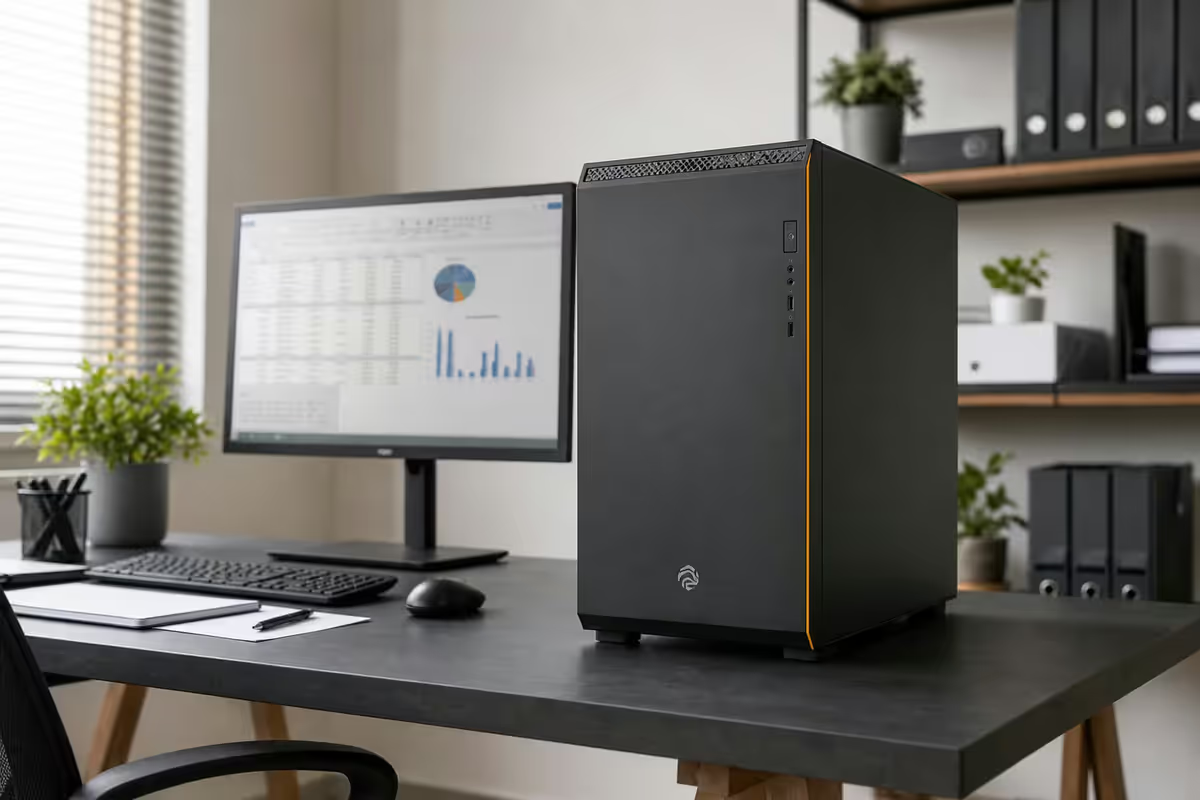
What a real small business PC actually runs
The marketing pretends small businesses need workstations. The truth is more boring. A typical SA small-business PC, at any hour of the working day, has running:
- Browser — 15-25 tabs (banking, suppliers, CRM, Gmail / Outlook web, Google Drive, news).
- Microsoft Office or Google Workspace — Word / Docs, Excel / Sheets, Outlook / Gmail desktop.
- Accounting software — Sage, Pastel, Xero, QuickBooks. Often through a browser, sometimes desktop.
- Video calls — Zoom, Teams, Google Meet. Multiple per day for any client-facing role.
- Basic CRM — HubSpot, Pipedrive, Zoho. Almost always browser-based.
- WhatsApp Desktop, Slack, Discord — internal and customer comms.
- PDF reader — invoices in, contracts out, statements everywhere.
No gaming. No 4K video editing. No 3D rendering. The workload is concurrency, not raw power — having all of the above running simultaneously without slowdown.
16GB RAM is the new floor
8GB worked in 2020. It does not work in 2026. A modern Chrome with 20 tabs alone uses 4-6GB. Add Outlook, Excel and a Zoom call and 8GB is choking. 16GB RAM is the absolute minimum for any new business build in 2026.
When to step up:
- 16GB — solo, freelancer, single-user desk.
- 32GB — heavy multitaskers, anyone running a local SQL or accounting database, Adobe-light users.
- 64GB — creative studio, video editor, designer running multiple Adobe apps simultaneously, anyone doing local LLM work.
DDR5 is now standard at every tier. Don't pay for DDR4 in a new 2026 build — you'll regret it in three years when DDR4 is end-of-life and an upgrade means new motherboard + new CPU + new RAM.
A quiet build is a client-facing build
If your PC sits in reception, on a desk near a client meeting area, or in a small one-room office — the noise matters. A whining stock cooler ruins Zoom calls and looks unprofessional in client visits.
The quiet small-business build stack:
| Component | Quiet pick | SA price (2026) |
|---|---|---|
| Case | Be Quiet! Pure Base 500, Fractal Design Define 7 Compact | R1,800-R2,800 |
| CPU cooler | Be Quiet! Pure Rock 2 / Noctua NH-U12S | R700-R1,400 |
| Case fans | Noctua NF-P12 / Be Quiet! Silent Wings 4 | R350-R650 each |
| PSU | Seasonic Focus GX, Corsair RM (semi-passive) | R1,800-R3,000 |
| Storage | NVMe SSD only (no spinning HDD in primary build) | R600-R2,500 |
The quiet premium over a standard build is roughly R1,500-R2,500. Total noise floor under 25 dB(A) — quieter than typical office air-con. You'll never hear it during a Zoom call.
Dual monitor is the productivity multiplier
Single biggest productivity upgrade per rand for any small-business PC: a second monitor. Real-world measurable impact for any role doing email + spreadsheet + browser concurrently:
- 20-30% fewer window-switches per hour.
- ~15% faster completion on multi-source tasks (e.g. invoice reconciliation, copy-paste between systems, comparing documents).
- Lower fatigue — less cognitive overhead from switching windows.
SA budget for dual monitors (2026):
| Configuration | Pick | SA price each (2026) |
|---|---|---|
| Solo budget dual | 2x 24" 1080p IPS (LG, Samsung, AOC) | R3,000-R3,500 |
| Comfortable dual | 2x 27" 1440p IPS (Dell, LG UltraGear, MSI) | R5,500-R7,000 |
| Creative pro | 2x 27" 4K IPS or 1x 34" UltraWide | R8,500-R14,000 |
| Reception desk | 1x 27" + tilted angle for client view | R3,500-R5,000 |
Security baseline — POPIA expects this
Any business handling client data in SA must meet POPIA basics. For a small-business PC, the baseline is:
- Windows 11 Pro — for BitLocker drive encryption, Remote Desktop host, domain/AzureAD join. Home edition cannot do these.
- BitLocker enabled on all drives. If a PC is stolen, client data stays encrypted. POPIA failure to encrypt is a reportable breach.
- Microsoft Defender (built-in) — adequate for most. Step up to Bitdefender Business or ESET (R600-R1,200/seat/year) for retail PoS or public-facing setups.
- Password manager — 1Password Business or Bitwarden Business, R80-R150 per user per month. Eliminates reused passwords across staff.
- 2FA on every account that supports it. Banking, email, accounting software, CRM — all must have 2FA on.
- Automatic Windows Update + reboot schedule. Patch tuesday matters. Don't disable updates to save time.
- Backup strategy. Either Microsoft 365 Business with OneDrive (auto-cloud), or a local NAS + cloud backup combo (Backblaze, Synology C2).
UPS — non-negotiable for SA businesses
A UPS does three things at once:
- Bridges load shedding — 10-25 minutes of runtime on a 600VA-1200VA model, enough to save work and shut down cleanly.
- Surge protection — SA grid surges (especially during load-shedding restart) fry motherboards. A UPS absorbs that.
- Voltage stabilisation — line-interactive models smooth out brownouts that crash PCs without warning.
SA UPS picks for small business (2026):
| UPS model | Capacity / runtime | SA price (2026) |
|---|---|---|
| Mecer 650VA line-interactive | 10-12 min single PC + monitor | R1,500-R2,200 |
| APC Back-UPS BX950U | 15-18 min PC + dual monitor | R2,500-R3,500 |
| Eaton 5E 1200VA | 20-25 min PC + dual monitor + router | R3,500-R4,800 |
| RCT 2000VA Pro | 35-45 min entire desk + router | R5,500-R7,500 |
| 1kW inverter + 100Ah battery | 4-6 hours entire workspace | R8,000-R14,000 |
Build tiers — solo / office / studio
Tier 1 · Solo / freelancer · R12,000-R15,000
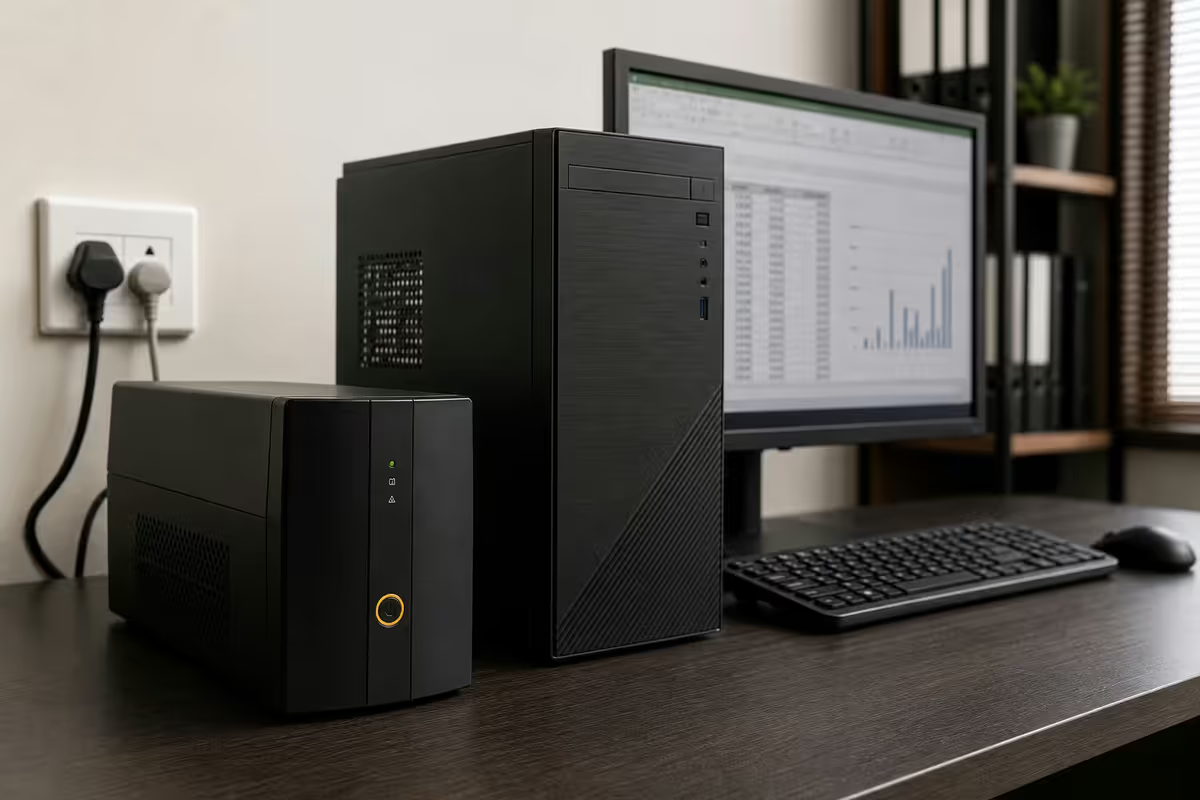
For: solo consultant, freelance designer, single-desk professional, home office. Workload: browser, Office, accounting, video calls, occasional Photoshop.
- AMD Ryzen 5 7600 or Intel Core i5-14400
- 16GB DDR5 5600MHz (2x 8GB)
- 512GB NVMe SSD (Gen 4)
- Integrated graphics (no GPU)
- Be Quiet! Pure Base 500 case + Pure Rock 2 cooler
- Seasonic Focus GX 550W PSU
- Windows 11 Pro + Office 365 Business Basic
- 1x 24" 1080p IPS monitor included
- R1,500-R2,500 UPS add-on
Tier 2 · Small office · R18,000-R22,000
For: 2-5 person office, customer service desk, accounting practice, agency. Workload: full Office concurrency, Sage / Pastel desktop, CRM, multi-monitor.
- AMD Ryzen 7 7700 or Intel Core i7-14700
- 32GB DDR5 6000MHz (2x 16GB)
- 1TB NVMe SSD (Gen 4) + 2TB HDD for backups
- Integrated graphics (no GPU)
- Fractal Design Define 7 Compact + Noctua NH-U12S
- Seasonic Focus GX 650W PSU
- Windows 11 Pro + Office 365 Business Standard
- 2x 27" 1440p IPS monitors included
- R2,500-R3,500 UPS add-on
Tier 3 · Creative studio · R30,000-R40,000
For: design agency, video editor, photographer, architect, indie game dev. Workload: Adobe Suite, DaVinci Resolve, Lightroom, AutoCAD, light 3D.
- AMD Ryzen 9 7900X or Intel Core i9-14900
- 64GB DDR5 6400MHz (2x 32GB)
- 2TB NVMe SSD (Gen 4) + 4TB HDD or NAS
- NVIDIA RTX 5070 (12GB) or Radeon RX 9070 for Adobe / video
- Be Quiet! Dark Base 700 + Noctua NH-D15
- Seasonic Focus PX 850W PSU
- Windows 11 Pro + Adobe Creative Cloud subscription
- 2x 27" 4K IPS or 1x 34" UltraWide monitor
- R3,500-R5,500 UPS add-on
Warranty & RMA reality
Business downtime costs more than the PC. A small business losing 3-5 days waiting for an RMA loses more revenue than the PC cost. That makes warranty terms the most-undervalued spec.
Three warranty models for small business PCs in SA:
- OEM business desktops (HP ProDesk, Dell OptiPlex, Lenovo ThinkCentre) — typically 3-year onsite or carry-in warranty. Premium pricing but rapid corporate-grade support. Best for businesses without a dedicated IT person.
- Local SA custom builds (Evetech, Wootware, Rebel Tech) — parts stocked locally, 24-48 hour swap on common faults. Best for businesses willing to pop the side panel or work with a remote support team.
- Imported / parallel-import builds — cheapest sticker price, but RMA-to-overseas can take 10-30 days. False economy for any business that can't afford a week of downtime.
Key takeaways
- 16GB DDR5 RAM is the floor for any new 2026 business build. 32GB for office, 64GB for creative studios.
- Quiet build — Be Quiet! / Fractal case + Noctua / Be Quiet! cooler. Adds R1.5k-R2.5k, kills the whine on Zoom calls.
- Dual monitor = 20-30% productivity gain. Best per-rand upgrade for any office role.
- Windows 11 Pro + BitLocker + 2FA + password manager = POPIA baseline. Defender built-in is enough for most.
- UPS is non-negotiable. R2k-R4k prevents R6k-R12k surge damage and bridges Stage 6 load shedding.
- Warranty terms matter more than benchmarks. 24-48hr local RMA > cheapest import with 14-day overseas RMA.
Frequently asked questions
What specs does a small business PC need in 2026?
16GB RAM minimum, Ryzen 5 / Core i5, 512GB NVMe SSD, integrated graphics, Win 11 Pro, quiet case. R12k-R15k buys this in 2026.Why Windows 11 Pro, not Home?
BitLocker drive encryption, Remote Desktop host, AzureAD / domain join. Home edition can't do any of these. R1.5k-R2.5k upgrade — non-optional for POPIA basics.Do I need a UPS?
Yes. Load shedding + grid surges fry motherboards. R2.5k UPS prevents one R8k repair over 3 years. Mandatory for accounting / banking / client-facing.Quietest small business build?
Be Quiet! Pure Base 500 + Noctua / Be Quiet! cooler + SSD-only + Noctua case fans = under 25 dB(A). R1.5k-R2.5k premium, silent on Zoom calls.Should a small business PC have dual monitors?
Yes — 20-30% productivity gain. Two 24" IPS at R3k-R3.5k each is the entry; 27" 1440p at R5.5k-R7k each is the comfortable choice.What security software is needed?
Built-in Defender + BitLocker + 1Password/Bitwarden + 2FA = baseline. Add Bitdefender Business / ESET (R600-R1.2k/seat/yr) only for retail PoS or public-facing.How important is warranty / RMA?
Critical. 14-day RMA wait costs more than the PC. 24-48hr local RMA from Evetech / Wootware / Rebel Tech > cheap imports with overseas warranty.SA budget breakdown 2026?
Solo R12-15k, small office R18-22k, creative studio R30-40k. Add R2-4k UPS on every tier.
Get the Evetech app
Exclusive app-only prices, daily flash sales, and free delivery on orders over R4,000 — download the app and start saving.