Gaming Desk Buying Guide
How to choose a gaming desk.
— 140cm minimum. 75cm deep. Future-proof.
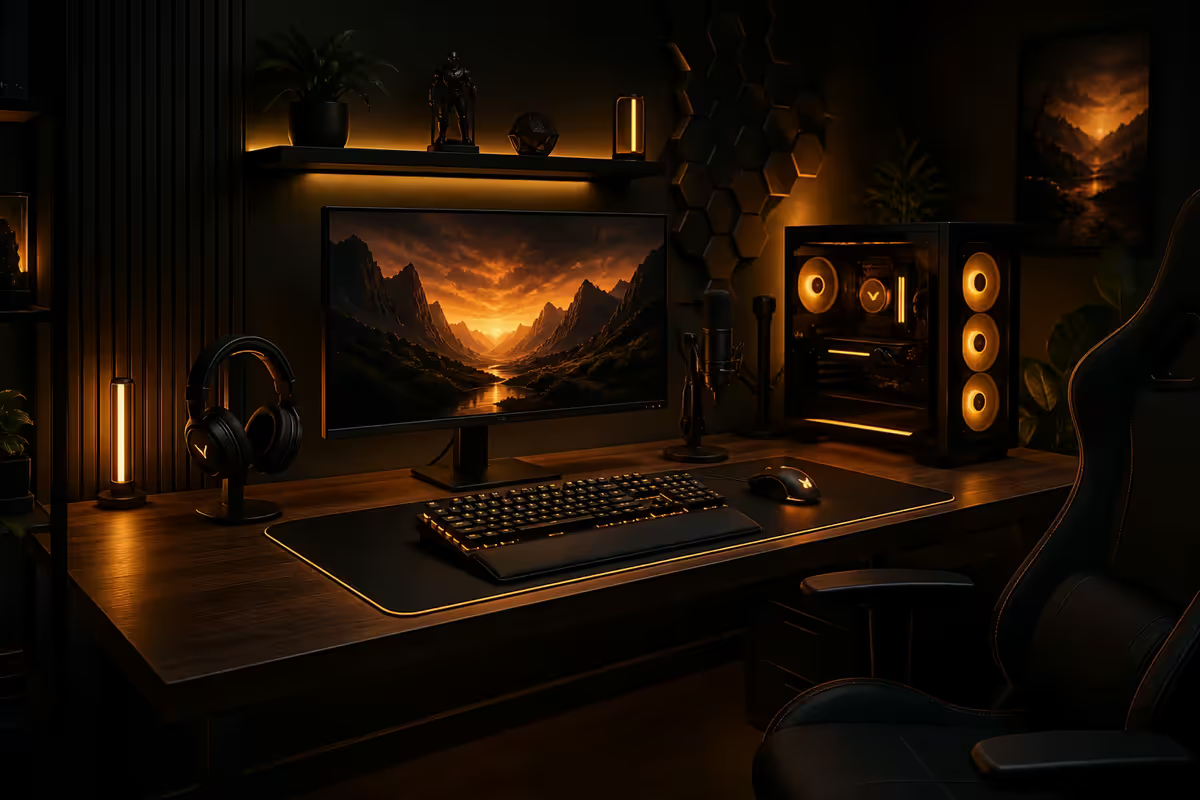
Width and depth — the only measurements that matter
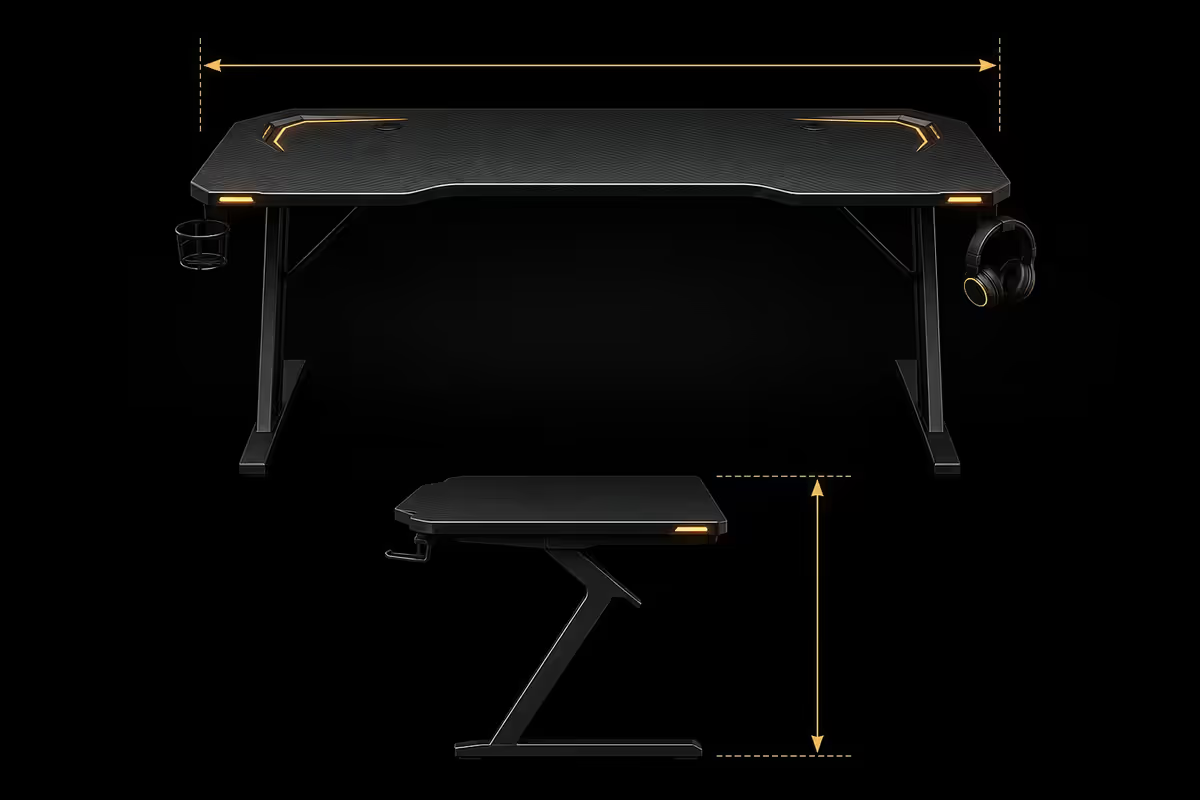
Almost every gaming desk regret traces back to one of two numbers: too narrow or too shallow. Here's what you actually need.
| Setup | Width needed | Depth needed |
|---|---|---|
| Single monitor (27" or smaller) | 120cm minimum | 70cm |
| Dual monitor (2× 27") | 140cm minimum / 160cm ideal | 75-80cm |
| Ultrawide (34" or 38") | 150cm minimum | 80cm |
| Ultrawide + vertical secondary | 180cm | 80cm |
| Triple monitor / streaming rig | 200cm+ or L-shape | 80cm |
140cm is the practical minimum for dual-monitor work. Below that, two 27-inch screens with bezels sit side-by-side with no margin for speakers, a mousepad area, or anything in front of the keyboard. You'll feel claustrophobic within a week.
75cm depth is the sweet spot. Shallower than 70cm and your monitor sits closer than the recommended 60-70cm viewing distance — you can't physically lean back without losing focus. Deeper than 80cm wastes desk surface in front of you and pushes the monitor further than necessary.
Height and the standing desk question
Standard fixed desks ship at 75cm — sized for users 1.65m-1.85m tall. If you're outside that range, fixed-height desks will hurt you within a year. The fix is height-adjustable.
Electric standing desks travel from roughly 65cm (low seated) to 125cm (tall standing). The four real considerations:
- Electric vs manual crank. Manual is R1,500 cheaper but the friction kills daily adoption — almost every manual standing desk owner stops using the standing feature within three months. Electric is non-negotiable if you actually want to stand daily.
- Single motor vs dual motor. Single-motor desks rate 50-60kg lift. Dual-motor desks rate 80-100kg, lift faster, and last longer under cycle-heavy use. Dual is worth the R1,500-R2,500 premium.
- Memory presets. Three or four preset heights matter more than you'd expect. Without them, you'll find one position you like and never move again, defeating the point.
- Anti-collision. Pressure sensors that stop the motor if it hits something below (chair, drawer). Cheaper desks skip this and will destroy chair armrests on the way up.
The honest standing-desk verdict: if you sit 6+ hours a day and feel the lower-back tightness by mid-afternoon, an electric standing desk pays for itself in chiropractor visits avoided. If you'll set it once and never touch the controls again, save R3,000-R5,000 and buy a better chair plus footrest.
Material options — frame vs top
A gaming desk is two purchases in one: the frame (legs, crossbar, lift mechanism if standing) and the top (the surface you actually use). Many SA brands sell these separately; others ship them as one unit.
Top materials
- MDF with laminate finish. Budget standard. Stable, smooth, takes a mousepad well. Watch for moisture damage — a spilled coffee left for hours will swell MDF edges permanently.
- Particle board with melamine. Cheapest. Heavier than MDF, more prone to chip-out at screw holes. Acceptable for entry-level setups, not for desks you plan to keep five years.
- Solid wood (rubberwood, oak, walnut). Premium. Sands and refinishes if scratched, lasts decades, ages well. R4,000-R10,000 for the top alone. Pair with a separate adjustable frame for the best-of-both setup.
- Bamboo. Mid-tier premium. Lighter than hardwood, sustainable, slightly more flex than oak. Popular for standing desks because it doesn't add weight to the lift motor.
- Tempered glass. Avoid for gaming. Looks dramatic but mouse tracking is unreliable without a pad, fingerprints show constantly, and the cold surface kills wrist comfort.
Frame materials
Steel frames are standard. The variable is gauge (thickness) and cross-bracing. Cheap desks use 0.8mm steel with no crossbar — they wobble visibly at standing height. Good desks use 1.5mm+ steel with a crossbar between the legs. Test by pushing on a corner at full height; if it sways more than a centimetre, walk away.
Cable management — built-in vs add-on
A gaming desk runs 8-15 cables: power for PC, two monitors, speakers, mousepad RGB, monitor arm USB hubs, ethernet, headphone amp, charging cables. Without management, they tangle in front of your knees within a week.
Look for built-in features:
- Under-desk cable tray. A metal mesh or canvas hammock under the desk that holds power bricks and excess cable length off the floor. The single biggest cable-management win.
- Cable grommets. Round or rectangular cut-outs in the desk surface that route cables from the top to underneath. Two grommets (one each side) is the minimum for dual-monitor setups.
- Magnetic cable clips. Some desks come with magnetic clips that stick under the desk and hold cables in channels. Quality varies — the no-name versions lose grip within a year.
- Power strip mount. A mounted surge-protected strip under the desk surface means one cable to the wall instead of ten. Built-in is convenient; aftermarket (Belkin/APC mounted to the underside) works just as well.
If your chosen desk has none of these, budget R400-R800 on aftermarket cable trays (J-channel) and grommets — they're easy DIY add-ons that transform any blank-underside desk.
Monitor arm compatibility
Monitor arms are the single best peripheral upgrade after a good chair. They free up huge amounts of desk surface, let you tilt screens with one hand, and put your monitor at exact eye-level. But they require a desk that can mount them.
Two mount types:
- C-clamp. Most common. The arm clamps onto the rear edge of the desk. Requires 20-30mm of clear rear edge space (no back rim, no rear cable tray blocking it) and a desk thickness the clamp can grip (15-50mm typically).
- Grommet mount. The arm bolts through a grommet hole in the desk surface. Less common but solid — won't slide along the rear edge.
Before buying a desk, check: does the rear edge clear 20-30mm without obstruction? Does the desk thickness fall within standard clamp range (15-50mm)? Many premium "executive" desks have a finished rear lip that blocks C-clamp arms entirely. Verify before purchase.
Surface texture and finish
Modern optical mouse sensors (PixArt 3950, Hero 2 etc.) track on almost any matte surface. The variables that still matter:
- Matte vs glossy. Matte always wins. Glossy laminates reflect IR/laser and confuse some sensor algorithms; they also show fingerprints constantly under desk lamps.
- Smooth vs textured. Smooth matte is best for mouse use without a pad. Lightly textured (woodgrain laminate) tracks fine but adds slight friction to mouse glide.
- Edge finish. ABS-banded edges (a plastic strip wrapped around the desk perimeter) resist chipping. Painted or raw MDF edges chip easily and absorb spills. Worth paying R300-R500 more for banded edges.
- Heat resistance. Some laminates dent or discolour under a hot coffee mug. Check before placing a kettle or laptop charger directly on the surface.
Weight rating — don't skip this number
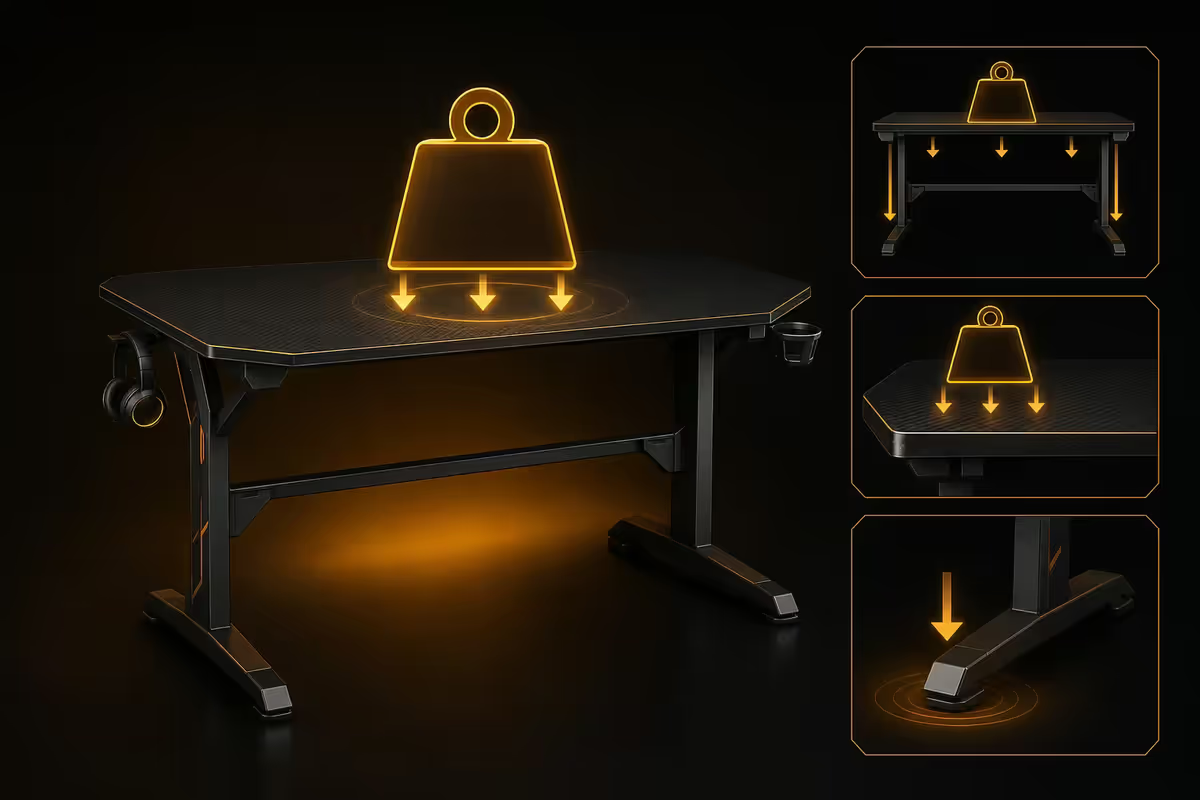
A typical gaming setup weighs more than you'd think:
| Component | Typical weight | Notes |
|---|---|---|
| Mid-tower PC (loaded) | 10-15kg | Heavier with 360mm AIO + 5 fans |
| Dual 27" monitors | 10-14kg | 5-7kg each with stand |
| Mechanical keyboard | 0.8-1.5kg | Hot-swap boards heavier |
| Headphone stand + headphones | 0.5-1kg | |
| Mousepad (large desk-mat) | 0.5kg | |
| Speakers (bookshelf pair) | 4-8kg | Studio monitors heavier |
| Realistic total | 28-42kg | Before keyboard tray, drawer etc. |
Standing desks need 80kg+ lift capacity to handle a real PC setup with margin. Fixed desks typically rate 60-100kg static load — easily enough. The risk is no-name standing desks rated 50kg that wobble or struggle when loaded with a full PC plus dual monitors.
SA brand picks by budget tier
| Tier | Pick | SA price |
|---|---|---|
| Budget fixed | Officescape Eko series (140cm fixed) | R1,800-R2,800 |
| Mid-tier fixed | Wantitall IKEA Bekant variant (160cm) | R3,500-R5,000 |
| Entry standing (manual crank) | Sihoo S03 manual (140cm) | R3,500-R4,500 |
| Mid-tier electric standing | Sihoo D03 dual-motor (160cm) | R5,500-R7,000 |
| Premium standing (the benchmark) | Flexispot E7 dual-motor (160cm-180cm) | R7,500-R9,500 |
| High-end | Auchteros premium oak top + E7 frame | R12,000-R18,000 |
| Gaming-branded (avoid premium) | Cougar / Trust GXT desks | R3,500-R8,000 (overpriced) |
Common gaming desk mistakes
Underbuying width. The single most common regret. 120cm desks for dual-monitor setups feel cramped within a week. Always size up — 140cm minimum, 160cm if you can afford it.
Paying for "gaming branding." A desk with a Cougar or Trust logo and an RGB underglow strip is the same MDF and steel as a generic office desk costing R2,000 less. Pay for the frame, not the marketing.
Skipping the standing desk because it costs more upfront. If you sit 6+ hours a day, the R5,000-R8,000 premium pays for itself in posture over five years. The fixed desk you'll regret buying costs the same in the long run.
Forgetting to verify monitor arm clearance. Premium "executive" desks have a finished rear lip that blocks C-clamp arms entirely. Check before purchase if you plan to add an arm later.
Buying a curved or wave-front desk. Looks ergonomic in renders but the curved front edge wastes width and makes desk-mat positioning awkward. A straight-edge rectangular desk uses every centimetre.
Key takeaways
- 140cm width is the minimum for dual-monitor work; 160cm is comfortable; 180cm+ for ultrawide setups.
- 75cm depth is the sweet spot — shallower kills viewing distance, deeper wastes surface.
- Electric standing desks are worth it only if you'll actually use them daily. Manual crank rarely sticks.
- Flexispot E7 and Sihoo D03 are the SA value benchmarks for electric standing desks.
- Verify weight rating (80kg+ for full PC setup), rear-edge clearance for monitor arms, and ABS-banded edges.
Frequently asked questions
What size gaming desk do I actually need?
140cm wide minimum for dual monitor, 160cm comfortable, 180cm+ for ultrawide setups. 70-80cm depth is the sweet spot.Is a standing desk worth the extra money?
Only if you'll actually use it daily. Electric standing desks (R5,000-R12,000 in SA) pay back if you sit 6+ hours a day. Manual crank rarely sticks past three months.What desk depth do I need for a dual monitor setup?
70-80cm. Below 70cm your monitors sit too close to your face; above 80cm wastes desk surface in front of you.What's the right desk height for gaming?
75cm is the fixed-desk standard for users 1.65m-1.85m tall. Outside that range, you need an adjustable electric desk.Do gaming desks need a special surface for the mouse?
Most matte laminate or MDF surfaces track fine with modern optical sensors. A desk-sized mousepad gives consistent tracking and protects the surface.What weight rating does a gaming desk need?
80kg+ lift capacity for standing desks with a full PC setup. Fixed desks typically rate 60-100kg static and are fine.Where do I put the PC tower — on the desk or under?
Under the desk, lifted 5cm off carpet if applicable. Keeps intake airflow clean and frees vertical sight-line real estate.Are L-shaped gaming desks worth it?
Only for triple-monitor or streaming setups, or if you share the space with work. For typical gaming, a wider rectangular desk serves better.