Troubleshooting · Headset Audio
How to fix audio crackling in a headset. — Five fixes. Five minutes. No new hardware needed.
Crackle in a headset isn't a broken headset — it's a misconfigured signal chain. Almost every time, the fix is in software or a different USB port. Here's the working diagnostic ladder.
- solve almost every case
- 5 fixes
- right sample rate
- 48 kHz
- often quieter than 3.0
- USB 2.0
Step 1 — Swap the USB port (and try USB 2.0)
This single step resolves more headset crackle than any other. USB controllers on motherboards share electrical noise between ports on the same controller, and a noisy device (mouse, dock, second USB drive) can leak interference onto an audio data line.
What to actually do:
- Try the rear motherboard USB ports first — they sit on the chipset's main controllers, which are typically cleaner than front-panel or hub USB ports.
- Avoid USB hubs entirely for audio. Even powered hubs introduce timing variability.
- Try a USB 2.0 port specifically — counterintuitively, USB 3.0 (blue) controllers generate more electrical noise than USB 2.0 (black/white) ports, and budget headsets pick this up as crackle.
- Try a different physical port on the chipset — Intel and AMD chipsets group USB ports into clusters. Two ports next to each other might be on the same hub; ports far apart usually aren't.
Step 2 — Match the Windows sample rate to 48 kHz
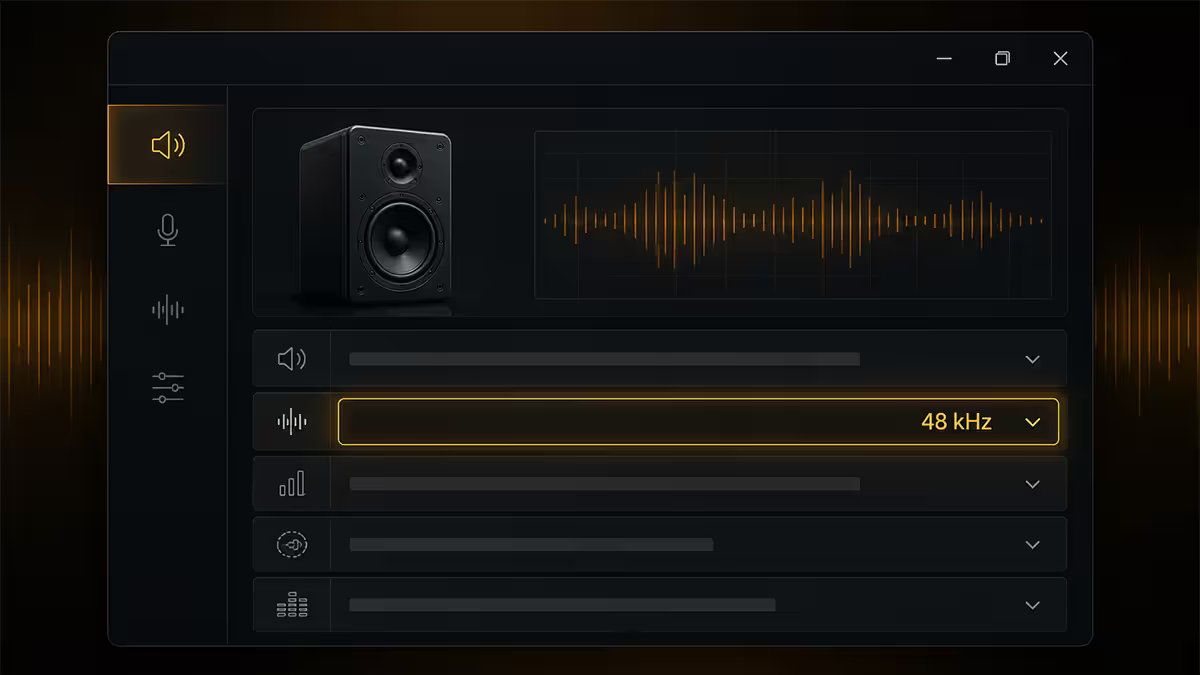
Sample rate mismatch is the single most common software cause of crackling. Windows is set to 44.1 kHz from the previous device install (CD-era default); the headset or game expects 48 kHz; every audio frame gets resampled in real-time and the resampling chokes on lower-spec CPUs.
The fix: Sound Settings → Output Device → Device Properties → Advanced. Set to "24 bit, 48000 Hz (Studio Quality)". Restart any apps using audio (Discord, browser, game launcher). Crackle from resampling should disappear immediately.
Why 48 kHz, not 44.1 kHz?
- All modern game audio ships at 48 kHz native — every PS5/Xbox port, Steam title, Unreal/Unity output.
- Discord, Teams, Zoom transmit at 48 kHz.
- YouTube, Spotify Premium, Apple Music HD all stream at 48 kHz natively.
- 44.1 kHz is the CD audio legacy — useful only if your library is ripped CDs.
If you genuinely listen to 44.1 kHz lossless audio (Tidal CD-tier, FLAC rips), use a media player that supports bit-perfect output (Foobar2000 + WASAPI plug-in). For almost every user, 48 kHz is the right system default.
Step 3 — Clean reinstall the audio driver
Windows updates regularly install or replace audio drivers without asking, and the result is often a half-installed Realtek HD Audio or NVIDIA HD Audio driver that crackles randomly. A clean reinstall fixes this.
The procedure:
- Open Device Manager (Win+X → Device Manager).
- Expand "Sound, video and game controllers".
- Right-click your audio device (Realtek HD Audio, NVIDIA HD Audio, your USB headset name) → Uninstall device.
- Tick "Delete the driver software for this device". This is the critical step.
- Restart Windows. The OS auto-installs a fresh generic driver on boot.
- Optionally install the latest manufacturer-specific driver — from the motherboard support page (for Realtek), NVIDIA app (for NVIDIA HD Audio), or the headset brand's site (Razer Synapse, Logitech G HUB, SteelSeries GG, Corsair iCUE).
Step 4 — Disable exclusive mode and enhancements
Exclusive mode lets a single app take total control of your audio device, bypassing the Windows mixer. Originally intended for DAW software, in practice it now causes game audio to choke when you alt-tab and Windows tries to play notification sounds.
Disable exclusive mode: Sound Settings → Device Properties → Advanced → uncheck "Allow applications to take exclusive control of this device" AND "Give exclusive applications priority".
Audio enhancements are Windows' built-in DSP effects (bass boost, virtual surround, loudness equalisation). These are processed in real-time and can stutter on heavy CPU loads.
Disable enhancements: Sound Settings → Device Properties → Enhancements tab → tick "Disable all enhancements". (On Windows 11 the path is Sound Settings → device → "Audio enhancements" → set to "Off".)
For most gamers, both of these should be off. Trust the headset's own DSP (or your DAC) for spatial audio, not Windows' generic processors.
Step 5 — Bluetooth codec switching
Bluetooth headsets have a specific problem that wired headsets don't: codec switching. Windows toggles your headset between two completely different audio profiles:
- A2DP (Advanced Audio Distribution Profile) — high-quality stereo SBC/aptX/LDAC for music and game audio.
- HSP/HFP (Headset/Hands-Free Profile) — telephone-grade 8 kHz mono with a microphone.
When Discord, Teams or a game opens the microphone, Windows aggressively switches the headset to HSP/HFP mode. The codec change itself produces audible crackle, and audio quality crashes from CD-tier to phone-call-tier for the duration.
The honest fix in 2026:
- Use a 2.4 GHz wireless headset instead of Bluetooth — the dongle-based wireless headsets (Razer HyperSpeed, Logitech LIGHTSPEED, SteelSeries Quantum Air, ASUS ROG SpeedNova) avoid this entirely. They run a proprietary 2.4 GHz link that's both stereo and microphone simultaneously, no codec switching.
- Disable the "Hands-Free Telephony" service in Device Manager for that Bluetooth device — disables mic capability over BT but preserves stereo. Works for game audio if you have a separate desk microphone.
- Use LE Audio / LC3 codec if both your headset and Windows support it. Cleaner codec switching and better quality. Currently limited to newer headsets and Windows 11 24H2+.
Ground hum, Eskom and SA power reality
A specific type of crackle — actually closer to a continuous 50 Hz hum or buzz — has nothing to do with USB, drivers or codecs. It's ground loop noise, where audio components plugged into different wall outlets pick up a slight voltage differential as audible interference.
SA's power grid contributes to this. Brownouts during load shedding cycles, frequency drift after generator-to-grid transitions, and the general state of suburban wiring all add up. If your crackle correlates with load shedding stages or shows up worse at certain times of day, this is likely your cause.
What actually helps:
- Plug PC + monitor + headset DAC into the same multiplug — same wall outlet, same breaker. Eliminates the differential.
- Quality UPS with line-interactive AVR (Mecer 2000VA or APC Easy UPS BVX 2200) — cleans input voltage and filters most of the noise.
- Ferrite chokes on USB cables — the cheap RFI filter cylinders you see on monitor cables. R30–R60 each, fix high-frequency interference on long USB runs.
- Separate AC adapter for headset stand chargers — the chargers themselves are often the noise source.
When a dedicated DAC actually helps
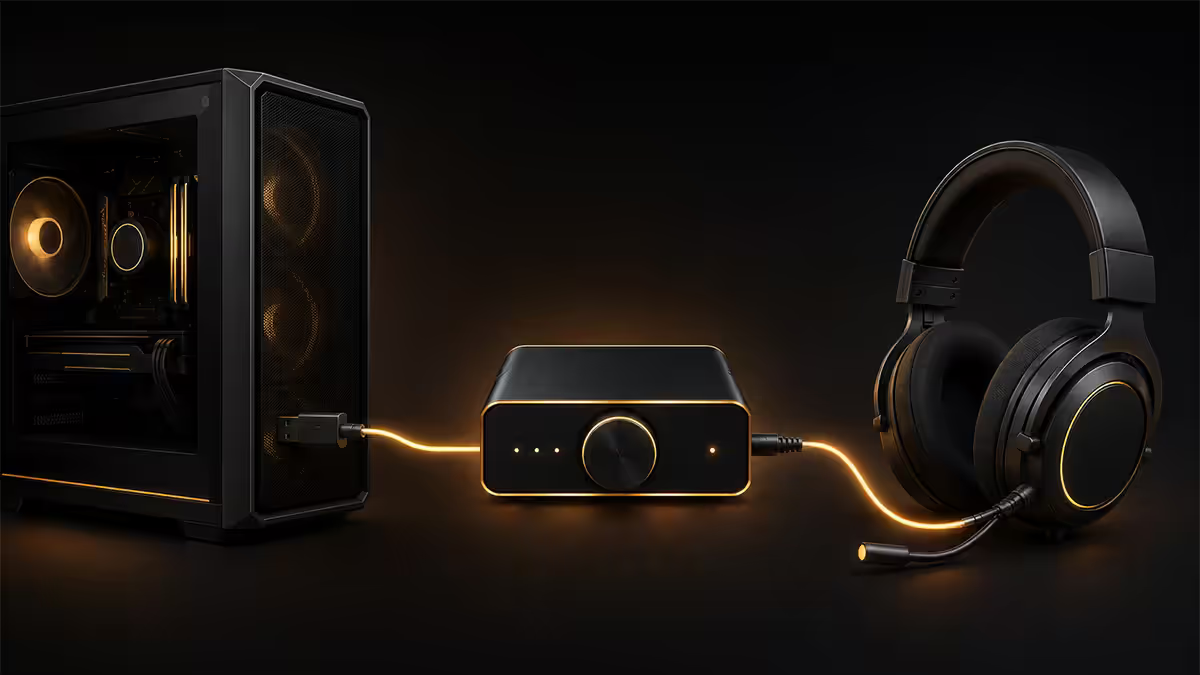
For genuinely audiophile setups — Sennheiser HD 660S2, Audeze, Beyerdynamic DT 1990 Pro — a USB DAC bypasses the motherboard's onboard codec entirely and gives you a clean dedicated audio path. Performance gain is real on these headsets.
For sub-R3,500 gaming headsets — HyperX Cloud, Razer Kraken, Logitech G Pro X, SteelSeries Arctis — a DAC is overkill. Fix the driver and USB issues first. The onboard Realtek ALC4082 or higher on most 2023+ motherboards is genuinely good enough.
When a DAC is the right call:
- Audiophile cans (300Ω+ impedance, high resolution).
- You've already done all 5 steps above and crackle persists.
- You're chained to a desktop with a noisy PSU and don't want to upgrade it.
- You need balanced output (XLR-style for studio gear).
Good options at SA pricing: FiiO K3 (R2,200), Schiit Modi+ (R3,500 grey import), SoundBlasterX G6 (R3,200 — also doubles as console DAC), Focusrite Scarlett Solo (R3,800 — more suited to interfaces but works for headsets too).
When the cable is genuinely the problem
After driver, USB port, sample rate, exclusive mode and codec issues are eliminated, a small number of cases come down to physical cable failure. Headset cables fail in three predictable spots:
- The strain at the 3.5mm jack — where the cable meets the connector. Wiggle test: crackle changes when you flex this point = broken inner wire.
- The Y-junction on dual-jack headsets — where the cable splits to two 3.5mm plugs.
- The cable entry into the ear cup — strain relief failure from sitting on the cable in your chair.
If the headset has a detachable cable (HyperX Cloud II, Sennheiser GSP, ASTRO A50 base), a R200–R400 replacement cable is a five-second fix. If the cable is hard-wired, you're looking at a re-soldering job or buying a new headset.
Key takeaways
- Swap to a different USB port — USB 2.0 is often quieter than USB 3.0 for audio.
- Set Windows sample rate to 48 kHz, 24-bit. 44.1 kHz forces resampling that crackles.
- Clean reinstall audio driver: Device Manager → uninstall with "delete driver software" ticked → restart.
- Disable exclusive mode and audio enhancements in Sound Settings.
- For Bluetooth: switch to a 2.4 GHz wireless headset. Bluetooth codec switching is the root issue.
Frequently asked questions
Why is my headset crackling all of a sudden?
USB port noise, sample rate mismatch, corrupted driver, or Bluetooth codec switching. Work through the 5-step ladder in order — most cases resolve by step 3.Should I plug my USB headset into USB 2.0 or USB 3.0?
USB 2.0 is often quieter for audio. USB 3.0 controllers produce more electrical noise that budget headsets pick up as crackle.How do I clean reinstall my audio driver?
Device Manager → Sound, video and game controllers → uninstall the device with "delete driver software" ticked → restart Windows. Then install latest manufacturer build.What is exclusive mode and should I disable it?
Exclusive mode lets apps bypass the Windows audio mixer. It causes alt-tab crackle on games. Disable in Sound Settings → Device Properties → Advanced.What sample rate should my Windows audio device be set to?
48 kHz, 24-bit. All modern game and chat audio is 48 kHz native; 44.1 kHz is CD legacy and forces real-time resampling that causes crackle.Why does my Bluetooth headset crackle but my wired one is fine?
Bluetooth codec switching between A2DP stereo and HSP/HFP telephony mode. Discord/Teams/games trigger the swap. Best fix: switch to 2.4 GHz wireless.Can a dedicated DAC fix headset crackling?
Yes but it's overkill if the root cause is software. Fix driver and USB issues first. DACs make sense for audiophile cans or after all software fixes fail.Is Eskom load shedding causing my audio to crackle?
Indirectly possible — dirty power and ground loops produce 50 Hz hum. A line-interactive UPS (Mecer 2000VA+) cleans input enough to eliminate it for most setups.
Get the Evetech app
Exclusive app-only prices, daily flash sales, and free delivery on orders over R4,000 — download the app and start saving.