Capacity Guide · 2026
How much RAM do you need? — 8GB is dead. 32GB is the new floor.
The "8GB is fine" advice you read in 2018 is now actively bad advice. Modern Windows, modern browsers and modern games have all gotten hungrier — and the gap between "just enough" and "actually comfortable" has widened. Here's where to draw the line in 2026.
- 8 / 16 / 32 / 64 / 128 GB
- 5 tiers
- 2026 sweet spot
- 32GB
- sweet-spot kit price
- R2,400
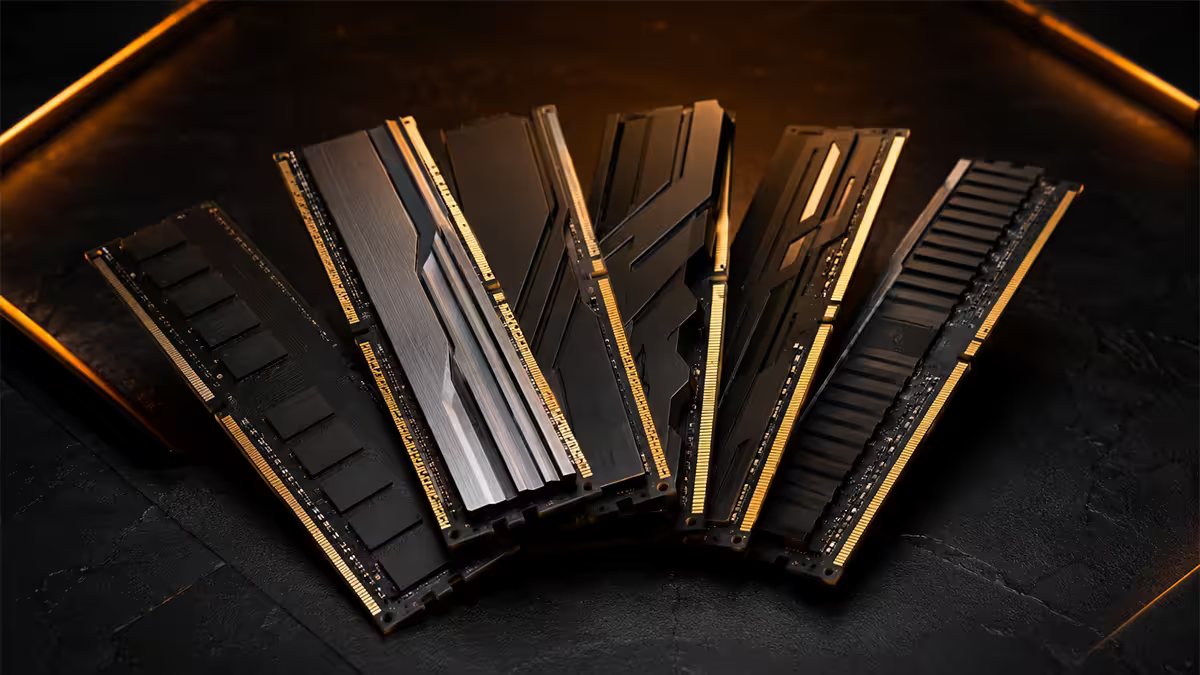
Why the goalposts moved
If you're searching this question, you've probably read advice from 2020 or 2022 saying 16GB is the sweet spot for gaming. That advice was correct then. It is not correct now. Three things changed between 2022 and 2026:
Windows itself got hungrier. A clean Windows 11 install in 2026 reserves 4-5GB before you open anything. Background services (search indexing, Defender, the new Copilot+ Recall service on AI PCs) reserve another 1-2GB.
Browsers grew teeth. Modern Chrome, Edge and Firefox isolate each tab in its own process. Heavy web apps — Figma, Gmail, Notion, Google Docs, Discord's web client — each routinely eat 500MB-1.5GB. Twenty real-world tabs equals 6-12GB.
AAA games doubled their appetite. Cyberpunk 2077 with all DLC and mods can hit 14GB allocated. Starfield reaches 12-13GB. Black Myth: Wukong at 4K with high textures pushes 11GB. Games no longer assume you'll close the browser before launching them.
RAM is the only spec that doesn't degrade gracefully. You either have enough, or your system stutters until you don't.
Why "barely enough" is the wrong target
8GB — dead tier
In 2026, an 8GB PC is a frustrating machine. Windows 11 itself idles around 4-5GB. Open Chrome with a few tabs and you're already swapping to the page file. Try to game, edit a Word document, or do anything past the basics and the system audibly groans.
The only acceptable 8GB scenarios in 2026:
- Cheap Chromebooks used solely for web browsing.
- Entry-level office laptops running Word, Outlook and a small number of browser tabs.
- Single-purpose mini-PCs (digital signage, kiosks).
- Old machines you're stuck with — but seriously consider the cheapest RAM upgrade you can do.
Don't buy a new 8GB machine. Even budget laptops can now be specced with 16GB at minimal extra cost.
16GB — esports floor
16GB is the bare minimum for modern PC use in 2026. It works, but with caveats. The system has roughly 8-10GB of usable headroom after Windows takes its share — enough for one heavy app at a time.
16GB works for:
- Esports titles — Valorant, CS2, Apex Legends, Fortnite, League of Legends, Dota 2, Rocket League. All happy on 16GB.
- Office work without heavy multitasking — Word, Excel, Teams, a few Chrome tabs.
- Light photo editing — Lightroom with small libraries, Photoshop with simple files.
16GB struggles with:
- AAA games while Chrome and Discord are open in the background. Expect texture pop-in and 1% low FPS drops.
- Streaming gameplay via OBS. The encoder and game together can easily hit 14-15GB allocated.
- Any video editing past 1080p, or with multiple effects layers.
- Running Docker containers, virtual machines, or local AI models.
32GB — the 2026 sweet spot
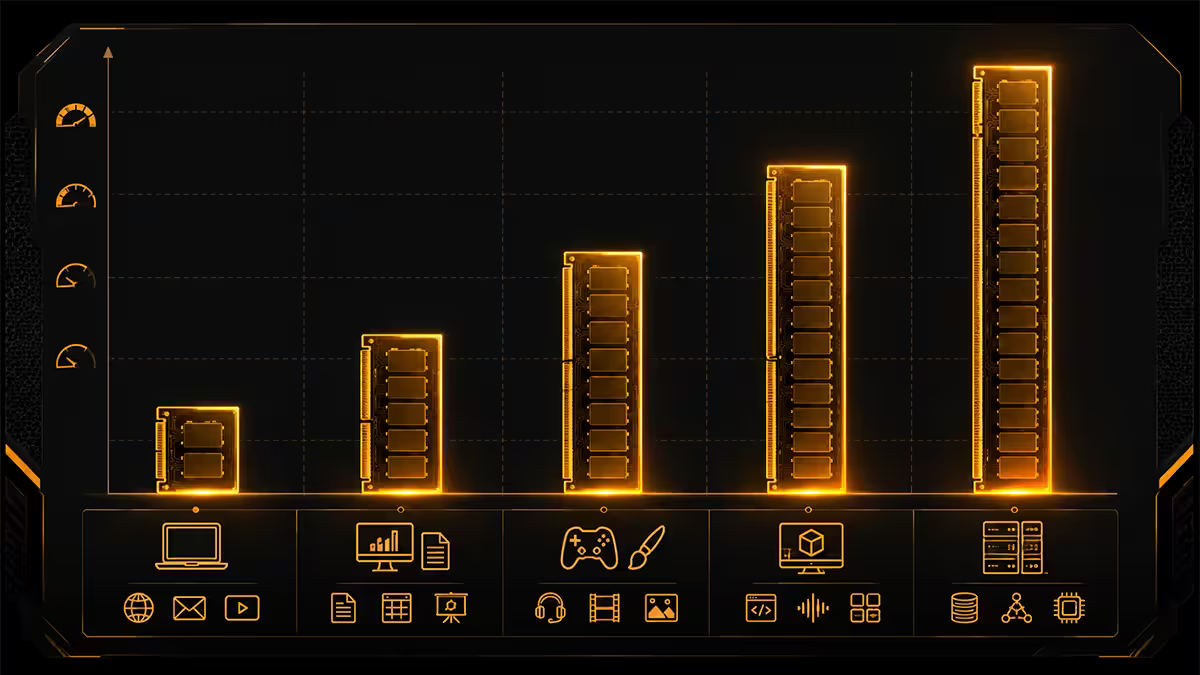
If we had to pick one capacity recommendation for the average builder in 2026, it would be 32GB without hesitation. The cost gap to 16GB is now small (R800-R1,200 in SA), and the breathing room is transformative.
32GB unlocks:
- AAA gaming with Chrome (20+ tabs), Discord, Spotify and Steam all open.
- Live streaming via OBS without dropped frames from RAM pressure.
- Photoshop with mid-sized photo edits, multiple layers, smart objects.
- Premiere or DaVinci Resolve on 1080p and most 1440p timelines.
- Programming with multiple IDEs open and Docker containers running.
- Light virtualisation (one or two VMs at modest specs).
- Running 7B parameter local LLMs (e.g. Llama 3 8B, Mistral 7B) at INT4.
The right configuration is a 2x16GB kit — never a single 32GB stick. Dual-channel mode is mandatory for full bandwidth, and it leaves two DIMM slots free for a future upgrade to 64GB (though the right upgrade is usually a fresh 2x32GB kit — see the FAQ).
| Use case at 32GB | Status | Typical headroom left |
|---|---|---|
| Cyberpunk 2077 + Chrome (15 tabs) + Discord | Comfortable | ~6 GB free |
| Streaming Apex via OBS x264 | Comfortable | ~7 GB free |
| Premiere Pro 4K timeline editing | Acceptable | ~3 GB free (push it and you'll feel it) |
| Blender heavy scene render | Acceptable | ~2-4 GB free (jump to 64GB) |
| 7B parameter local LLM at INT4 | Comfortable | ~12 GB free |
| 13B parameter local LLM | Tight | ~2 GB free |
64GB — for serious content creators
64GB starts making sense when you're doing real work, not just gaming. The price doubles vs 32GB (R4,200-R5,500 in SA for DDR5-6000 2x32GB), so this isn't a casual upgrade — it should be justified by an actual workload.
64GB is the right call if:
- You edit 4K video professionally — multi-cam timelines, colour grading nodes, lots of effects.
- You work in Blender or 3ds Max with high-poly scenes, ray-tracing previews and many object instances.
- You're a software engineer running multiple VMs, Docker stacks and IDEs simultaneously.
- You run local AI models in the 13B-30B parameter range, or train small models locally.
- You photo-edit large RAW files in Lightroom with 100,000+ image catalogues.
- You do CAD with assemblies of thousands of parts.
For pure gaming, 64GB is essentially wasted spend in 2026 — no current game uses past 16-18GB even in worst-case scenarios. If your only use is gaming, that money is better spent on a faster GPU, a 2TB NVMe upgrade, or a higher-refresh monitor.
128GB — when you genuinely need a workstation
128GB is workstation-class. Current AM5 boards officially support up to 192GB (4x48GB), and LGA1851 supports up to 256GB on Z890. In 2026 you can get there with 2x64GB DDR5 sticks for around R10,500-R14,000 in SA.
128GB is justified for:
- Professional 8K video editing with multiple proxy streams.
- CAD assemblies of 50,000+ parts.
- Architectural visualisation with massive textures and geometry.
- Running 70B parameter local LLMs (Llama 3.1 70B) at usable quantisation.
- Virtualisation hosts running 5+ simultaneous guest OSes.
- Scientific computing — large simulations, dataset processing, bioinformatics.
The Chrome tax — what your browser actually costs
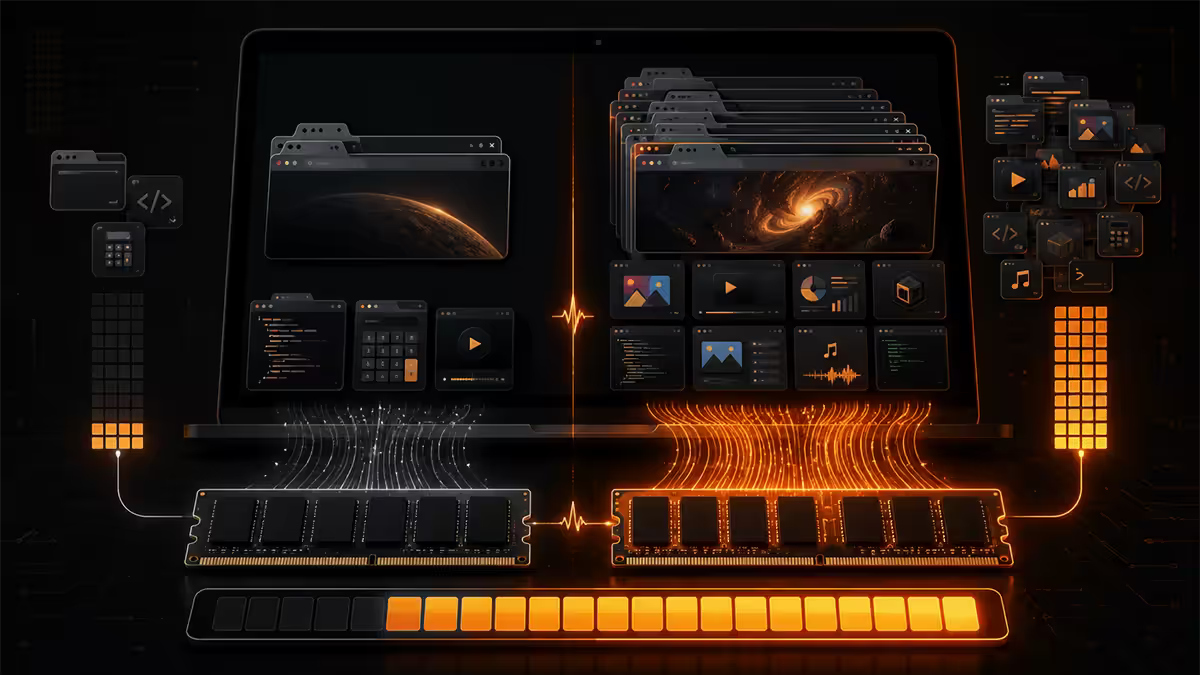
"How much RAM does Chrome use?" is a question with no single answer because every site is different. Here are the real numbers from Task Manager on a typical Windows 11 setup in 2026:
| Tab content | RAM per tab | Notes |
|---|---|---|
| Simple article (news, blog) | 200-400 MB | Most of the web |
| Google Sheets (mid-size) | 500-900 MB | Larger sheets balloon fast |
| Gmail / Outlook web | 400-700 MB | Stays loaded indefinitely |
| YouTube (1080p video playing) | 800 MB - 1.5 GB | Multiple = compounding |
| Figma project | 1-3 GB | Heavy webapp |
| Notion (workspace loaded) | 600 MB - 1.2 GB | Grows with database size |
| Discord (web or app) | 500-900 MB | Always-on background hit |
| WhatsApp Web | 300-500 MB | Each chat thread cached |
| Twenty mixed tabs | 6-12 GB | Standard "background" load |
The point: you don't have to "do anything" for Chrome to consume 8-10GB. The Chrome tax is just what modern web costs to run. RAM sizing has to assume that load exists.
Future-proofing the maths — what to budget for 2029
RAM usage has roughly doubled every five years for the last two decades. 8GB was sensible in 2014; 16GB in 2019; 32GB in 2024. Extrapolated, 32GB will be tight by 2029 and 64GB will be the new sweet spot.
If you're building a PC in 2026 and want it relevant in 2029-2030 without a RAM upgrade, the maths is straightforward:
- Pick the capacity that's "one tier above" what you need today.
- If you need 16GB today, buy 32GB. If you need 32GB, buy 64GB if budget allows.
- Use a 2x kit configuration (2x16, 2x32) leaving DIMM slots free isn't really useful — mixing kits later loses XMP speed. The four-slot future-proof is largely a myth.
Key takeaways
- 8GB is dead. 16GB is the bare minimum for modern Windows. 32GB is the 2026 sweet spot.
- 64GB is for creators (4K video, Blender, local AI). 128GB is workstation-only.
- Twenty real-world browser tabs cost 6-12GB. The Chrome tax is real.
- Always buy a matched dual-channel kit (2x16, 2x32) — single sticks waste half your bandwidth.
- Capacity matters more than speed. Pick the tier first, then chase the speed within it.
Frequently asked questions
Is 8GB of RAM still enough in 2026?
No. Windows 11 alone idles around 4-5GB. 8GB is only acceptable on browsing-only Chromebooks or basic office machines that won't run anything heavier than Word.Is 16GB of RAM enough for gaming in 2026?
For esports — yes. For modern AAA games (Cyberpunk, Starfield, Stalker 2) with Chrome or Discord open — it's tight. 32GB is the better call.Is 32GB of RAM the sweet spot?
Yes, for almost everyone in 2026. Gaming + streaming + everything you actually multitask, all comfortable. R2,200-R2,800 for a DDR5-6000 kit in SA.When do I need 64GB of RAM?
4K video editing, Blender with high-poly scenes, programming with multiple VMs, or running 13B+ parameter local AI models. Not necessary for gaming.Who actually needs 128GB of RAM?
Professional video editors (8K, multi-cam), CAD with massive assemblies, virtualisation hosts, or 70B-parameter local LLM hosting.How much RAM does Chrome actually use?
Each tab averages 300-500MB; heavy webapps like Figma or Notion eat 1-3GB each. Twenty mixed real-world tabs is 6-12GB.Is faster RAM more important than more RAM?
More RAM wins, until you have enough. Capacity prevents stuttering; speed adds 5-10% on top once capacity is sufficient. Always size capacity first.Can I add more RAM later or buy what I need upfront?
Buy upfront when possible. Adding a second mismatched kit later often forces JEDEC base speed (loss of XMP/EXPO). If going from 32GB to 64GB, replace with 2x32GB rather than adding a second 2x16GB kit.
Get the Evetech app
Exclusive app-only prices, daily flash sales, and free delivery on orders over R4,000 — download the app and start saving.