CPU Overclocking Guide
How to overclock your CPU. — Safely, in 2026, when boost already does most of it.
Modern AMD PBO and Intel Turbo Boost auto-overclock more aggressively than any 2015-era manual tune ever did. Here's where the real gains still live, what's safe, and the one technique worth your time.
- performance gain
- 5-15%
- temp increase
- +5-15°C
- already does most
- Boost
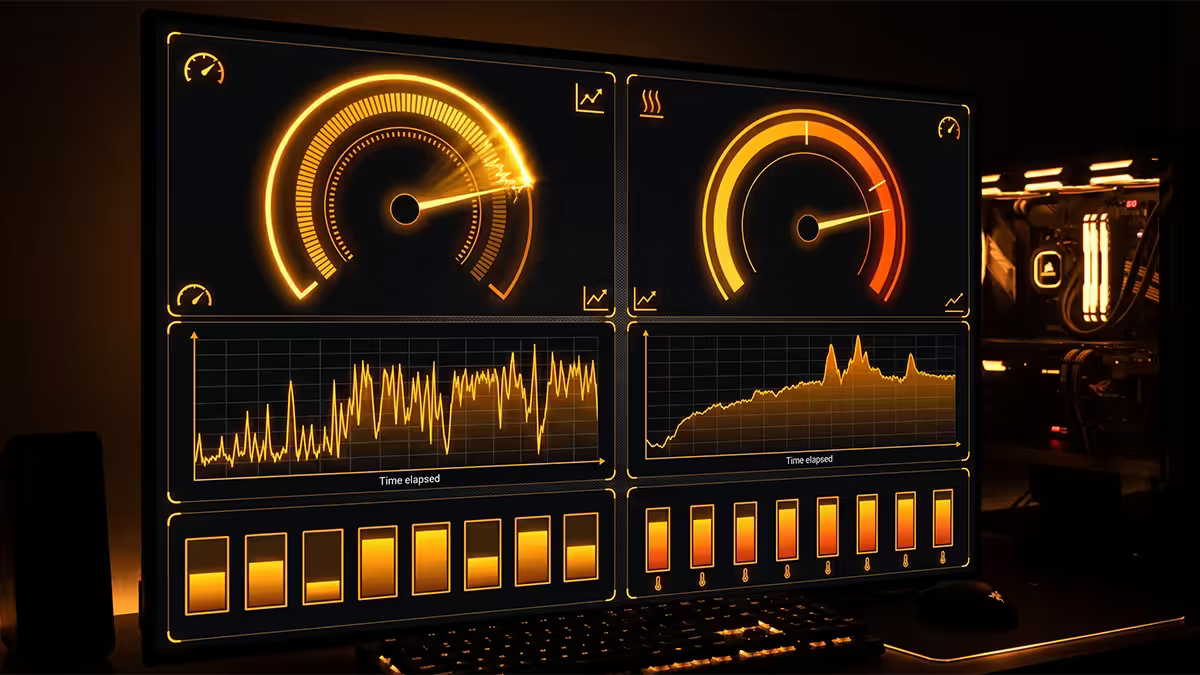
Modern boost vs the old "manual overclock"
In 2026, almost everything you used to do manually has been automated by the CPU itself. AMD Precision Boost Overdrive and Intel Turbo Boost / Thermal Velocity Boost both monitor temperature, power and current in real time, and push the active cores as high as the thermal and electrical headroom allows.
That means the days of "set 4.7 GHz all-core, lock voltage at 1.35V, done" from the 2015 era are mostly behind us. Modern boost runs single cores higher than any sustainable all-core OC could, and modern multi-core boost is more aggressive than most manual tunes would be safe at.
So what's left for manual overclockers to do? Three real wins:
- Curve Optimiser on Ryzen — undervolts while keeping boost clocks high. The thermal saving lets the boost algorithm sustain higher clocks for longer.
- All-core multiplier OC on Intel — for sustained workloads (rendering, compilation) where the boost algorithm prematurely drops back to base clocks due to power limits.
- Memory + Infinity Fabric tuning — DDR5 6000 CL30 is the AM5 sweet spot; raising FCLK and tightening timings still produces measurable gains in cache-bound workloads.
AMD PBO + Curve Optimiser (the modern winning technique)

If you have a Ryzen 7000 or 9000-series CPU, the highest-ROI tune in 2026 is PBO with negative Curve Optimiser. It does the impossible-sounding: makes the CPU cooler AND faster.
How it works: the silicon lottery means most CPUs run at higher voltage than they strictly need at any given clock. By telling the CPU "use 30mV less voltage at every point on your boost curve", you reduce heat output. Cooler chip = boost algorithm pushes clocks higher and holds them longer = real-world performance up.
Step-by-step (BIOS):
- Reboot, press Del (or F2) at POST to enter BIOS.
- Find PBO settings — usually under Advanced → AMD Overclocking → Precision Boost Overdrive, or "AI Tweaker" on ASUS boards.
- Set PBO to Advanced (or Manual).
- Set Curve Optimiser to All Cores → Negative → start with -15.
- Save and exit (F10), boot into Windows.
- Run Cinebench R23 multi-core for 30 minutes. If stable and no crashes, proceed.
- Return to BIOS, bump to -20. Repeat stress test.
- Continue in -5 steps (-25, -30) until any core crashes or system blue-screens. Drop back 5 and lock in.
Per-core tuning (advanced): some cores will undervolt deeper than others. After finding your all-core stable value (say -20), use Ryzen Master in Windows to test individual cores -25 or -30 — most chips have 2-4 "golden" cores that hold deeper undervolts.
Intel XTU + multiplier overclocking
Intel Core Ultra (200-series) has aggressive factory boost — manual gains are smaller than they were on 12th/13th/14th gen. Most chips give 3-7% on top of stock with manual tuning, mostly visible in sustained loads.
Intel Extreme Tuning Utility (XTU) is the recommended starting point — Windows-based, undo-friendly, no BIOS commitment needed.
Step-by-step (XTU):
- Download Intel XTU from intel.com → install → reboot.
- Open Advanced Tuning → take note of stock P-core ratio (e.g. 56x = 5.6 GHz).
- Increase P-core ratio by 1 (57x = 5.7 GHz). Apply.
- Run CPU Stress Test (built into XTU) for 10 minutes. If pass, continue.
- Increase by 1 again. Repeat until instability (BSOD, crash, app freeze).
- Drop back 1 and run full 30-minute Cinebench R23 + 1 hour real workload.
Undervolting Intel (often a better choice than overclocking):
- In XTU, find Core Voltage Offset.
- Apply -25mV to start. Stress test 20 minutes.
- If stable, push to -50mV. Continue in 25mV steps.
- Most chips stable at -50 to -100mV with no clock loss. Drops temps 5-10°C and power draw 15-30W.
Cooling first — non-negotiable
Overclocking without proper cooling is just turning your CPU into a heater. Before any voltage or multiplier change, confirm your cooler is up to spec:
| CPU class | Minimum cooler for OC | Recommended |
|---|---|---|
| Ryzen 5 / Core Ultra 5 | Tower air (Peerless Assassin) | 240mm AIO or premium air |
| Ryzen 7 / Core Ultra 7 | 240mm AIO or Noctua NH-D15 | 280mm or 360mm AIO |
| Ryzen 9 / Core Ultra 9 | 360mm AIO | 360mm AIO with quality fans |
Case airflow matters as much as the cooler. 2-3 intake fans (front) + 1 exhaust (rear) is the baseline. Glass-front cases choke airflow — add front fans or expect 5-8°C higher temps under load.
Voltage limit safety
Voltage is the silicon-killer. Heat alone slows the chip via thermal throttling (a safety mechanism); excess voltage causes electromigration — the silent degradation of CPU transistors over months and years.
| CPU family | Daily-safe voltage ceiling | Degradation zone |
|---|---|---|
| Ryzen 7000 / 9000 | 1.40V | Above 1.45V sustained |
| Intel Core Ultra 200-series | 1.35V | Above 1.40V sustained |
| Intel 13th/14th gen | 1.40V (post-microcode) | Above 1.50V — proven failures |
The iteration process
Overclocking is a methodical process, not a leap. Move one variable, stress test, lock in, move next. Skip the iteration and you'll spend hours chasing instabilities you could have caught immediately.
The loop:
- Baseline first. Run Cinebench R23 at stock for 30 min. Note score, max temp, max voltage.
- Make ONE change. +100 MHz, or -5 CO, or -25mV undervolt. Never two at once.
- Stress test 30 min minimum. Cinebench R23 multi-core loop + OCCT Linpack.
- Verify temps + score. Did the score actually go up? Is max temp still under 85°C?
- If stable, lock in and continue. Document the setting somewhere (BIOS profile or notepad).
- If BSOD/crash, back off one increment. Don't push through instability — you've found your limit.
Stress testing rules
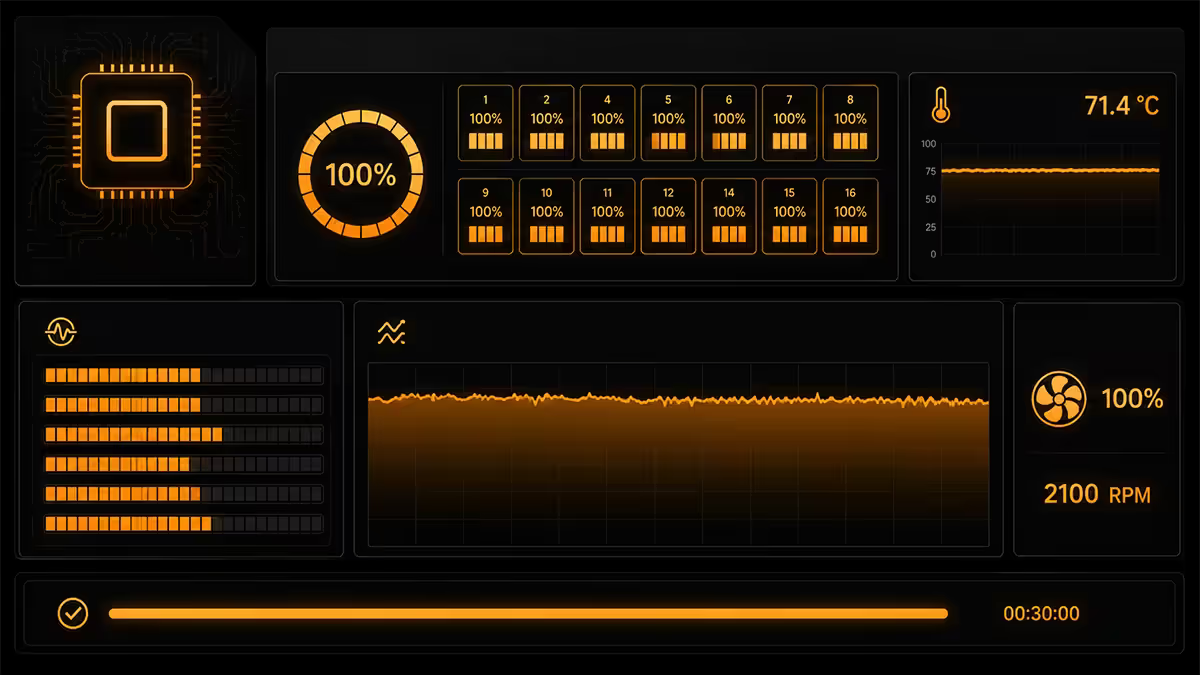
Not all stress tests are equal. Some are too easy to catch real-world instability; others are unrealistically punishing.
| Tool | Realism | Best for |
|---|---|---|
| Cinebench R23 (loop) | Realistic render | Daily stability verification |
| OCCT (Linpack) | Harsh | Worst-case power + thermal |
| Prime95 Small FFTs | Unrealistic | Finding absolute thermal ceiling |
| y-cruncher | Mixed | Memory + CPU combined |
| AIDA64 Stability | Light | Quick stability check (not final) |
| Real workload (1-2 hrs) | Reality | Final confidence test |
Standard verification protocol: 30 minutes Cinebench R23 + 30 minutes OCCT Linpack + 1 hour real workload (gaming, render, video edit). If all three pass, the OC is daily-stable. Some users add 24-hour stress runs for absolute confidence — overkill for most.
"Safe" vs "OK" vs "Degradation"
Safe (recommended)
- Voltage within manufacturer recommended range (1.40V Ryzen, 1.35V Intel Core Ultra).
- Temperature under 85°C sustained.
- 24 hours of stress testing without errors.
- Expected lifespan: 10+ years (unchanged from stock).
OK but risky (informed users)
- Voltage 1.40-1.45V Ryzen / 1.35-1.40V Intel.
- Temperature 85-90°C under sustained load.
- Stable on stress tests but voltage spikes occasionally exceed recommended.
- Expected lifespan: 5-8 years (some accelerated wear).
Degradation territory (avoid)
- Voltage above 1.45V Ryzen / 1.40V Intel sustained.
- Temperature above 90°C constantly.
- "Stable but throttling" workloads.
- Expected lifespan: 1-3 years before measurable max-boost loss or instability.
Monitoring tools
HWInfo64 is the reference monitoring tool. Open it, click "Sensors only", scroll to the CPU section. Watch:
- Core voltage (vCore) — real-time and max. Should stay under your safety target.
- Core temperature (per-core + Tctl) — peak under load.
- Effective clock (each core) — actual sustained clock, not the requested clock.
- Package power (W) — total CPU power draw.
- Limit indicators — shows if PPT, TDC, EDC, or thermal limits are being hit.
Ryzen Master (AMD only) is the official tool for live tuning — apply CO offsets without reboot, run PBO scanner (automated per-core CO search), test stability. Intel XTU is the equivalent for Intel. MSI Afterburner works for live monitoring on either platform.
When OC is genuinely worth it
Worth it
- Productivity workloads — video rendering, software compilation, scientific computing, 3D modelling. 5-15% time savings compound over hundreds of hours.
- Ryzen with PBO + CO — the "free money" tune. Cooler AND faster, costs nothing in lifespan.
- Older CPUs you're keeping longer — if you're squeezing 2 more years out of a Ryzen 5 5600 or Core i7-12700, an OC can extend the useful gaming life by one GPU generation.
- Memory tuning on AM5 — DDR5-6000 CL30 at FCLK 2000 is a clear gaming gain.
Not worth it
- Gaming-primary builds with modern CPUs — you're GPU-bound 90% of the time. 3% FPS uplift at the cost of 15W extra heat and louder fans isn't a win.
- Mid-range CPUs in compact cases — limited thermal headroom means most OC attempts run into thermal throttle quickly.
- SFF / mini-ITX builds — already operating near thermal limits at stock.
- Laptops — almost no headroom. Undervolting is the only worthwhile move.
Common overclocking mistakes
Pushing voltage before clocks. Higher clocks come from stability headroom, not voltage. Adding voltage without need just generates heat. Find max stable clock at stock voltage first.
Skipping the baseline test. If you don't know your stock Cinebench score and temps, you can't tell if the OC actually improved anything.
Stress testing for 5 minutes and calling it stable. Many instabilities only manifest after 20-30 minutes of sustained load when thermals saturate. Don't skip the long-run test.
Trusting BIOS "auto" voltage on modern boards. Confirm actual vCore in HWInfo. Many boards over-volt aggressively at stock multipliers.
Locking all-core to a fixed multiplier. On modern Ryzen and Intel Core Ultra, this is strictly worse than PBO/Turbo Boost — you lose single-core boost while gaining nothing.
Key takeaways
- Modern boost (PBO, Turbo Boost) already does most of what manual OC used to. Real gains: 5-10% all-core.
- PBO + Curve Optimiser is the highest-ROI Ryzen tune — undervolts AND boosts simultaneously.
- Hard voltage ceilings: 1.45V Ryzen, 1.40V Intel. Above those = silicon degradation territory.
- Cool first. 240mm AIO minimum for Ryzen 7 / Core Ultra 7; 360mm for Ryzen 9 / Core Ultra 9.
- Stress test 30 min Cinebench R23 + 30 min OCCT + 1 hour real workload before calling it stable.
Frequently asked questions
Is it safe to overclock my CPU?
Yes within manufacturer limits — voltage under 1.45V Ryzen / 1.40V Intel, temperatures under 85°C sustained, stability verified by stress tests.How much performance will I gain from overclocking in 2026?
Realistically 5-10% all-core boost, 3-5% in games (GPU-bound), 10-15% on chips with poor factory tuning. Modern boost already does most of the work.What's the safest way to overclock a Ryzen CPU?
PBO + negative Curve Optimiser. Start at -15 all-core, stress test, push in -5 steps. Per-core tuning after for golden cores.How do I overclock a modern Intel Core Ultra CPU?
Intel XTU for Windows-side or BIOS multiplier for permanent. +1 P-core ratio per step. Undervolt offset of -50mV often beats overclocking.What temperatures are safe during CPU overclocking?
Under 85°C sustained = daily-safe. Under 90°C = ceiling. Above 95°C = thermal throttle. Modern Ryzen 7000/9000 is designed for 95°C, that's not failure.What stress tests should I run after overclocking?
Cinebench R23 30 min + OCCT Linpack 30 min + 1-2 hours real workload (game, render). Skip Prime95 Small FFTs except for thermal ceiling tests.Will overclocking shorten my CPU's lifespan?
Within voltage limits, negligible. Above 1.45V Ryzen or 1.40V Intel sustained at 90°C+, expect degradation in 1-3 years.Is CPU overclocking worth it in 2026?
For productivity workloads — yes. For gaming-only — usually no (GPU-bound). PBO + CO on Ryzen is the highest-ROI tune.
Get the Evetech app
Exclusive app-only prices, daily flash sales, and free delivery on orders over R4,000 — download the app and start saving.