Budget Laptop Comparison · R12k-R17k
MacBook Neo vs HP. — Two laptops at R15k. Different philosophies.
Apple's MacBook Neo and HP's OmniBook arrive at the same SA price tag with completely opposite design briefs. One sells longevity and battery; the other sells flexibility and repair. The five-year reality determines which one fits you.
- SA price band
- R12k-R17k
- battery delta
- 15h vs 10h
- longevity
- 5-7 yrs
The contenders
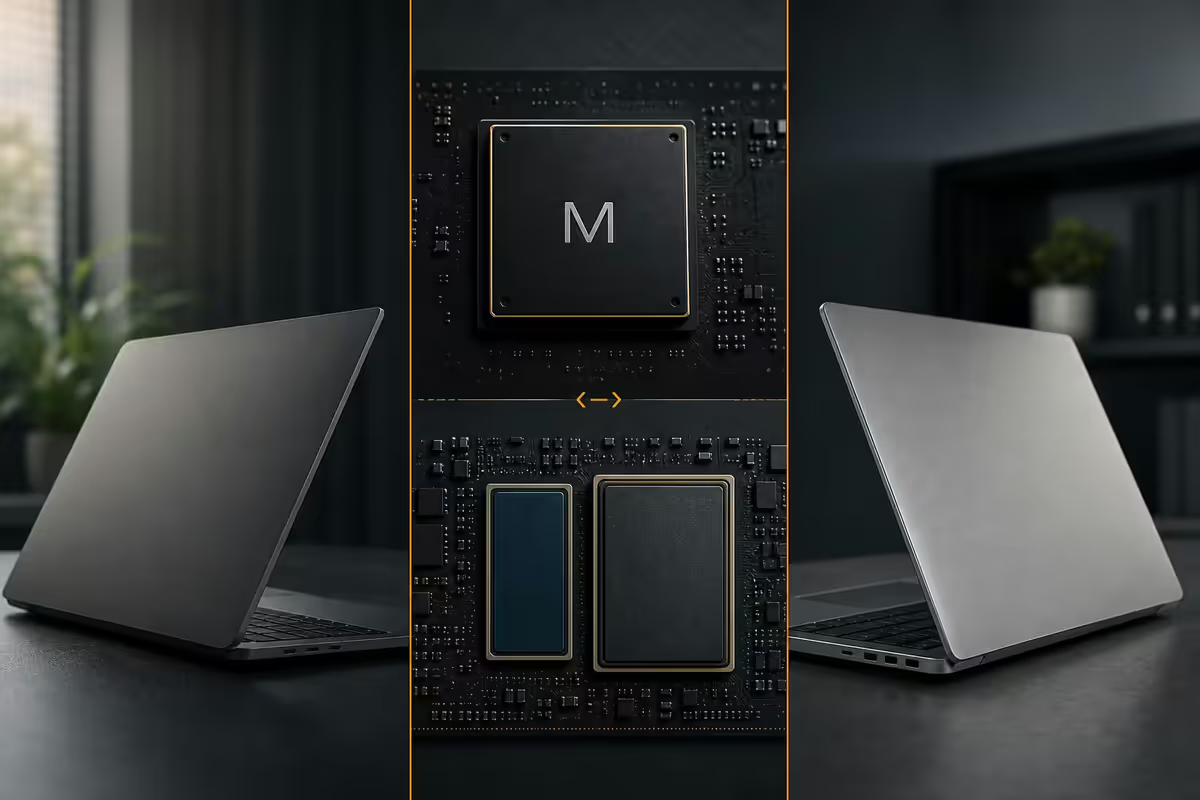
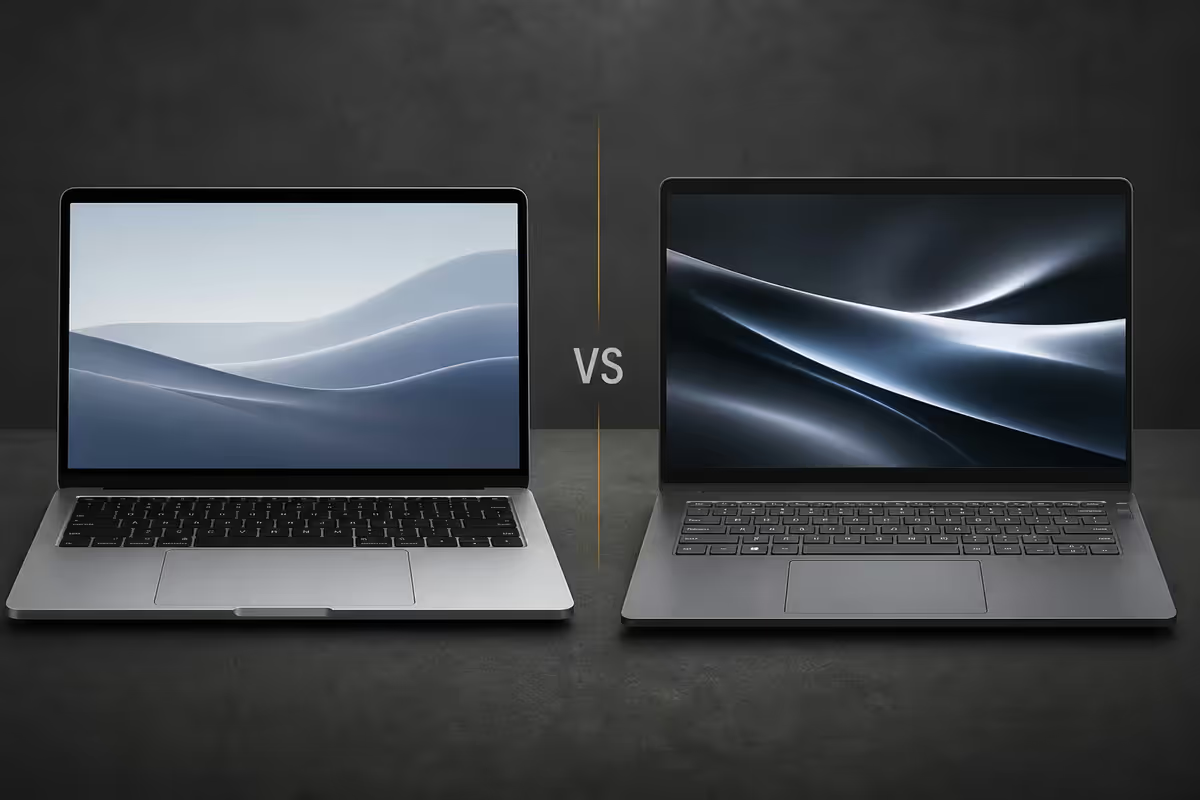
Both laptops target the same SA buyer: someone with R12k-R17k to spend on a daily-driver thin-and-light. They get there via opposite engineering philosophies.
MacBook Neo is Apple's positioning gap below MacBook Air — entry MacBook, M-chip baseline, 8GB unified memory, ultra-thin chassis, premium feel. Built on the proven M1/M2 Air formula: long battery, fast wake, silent fanless operation. Apple Intelligence on-device with the latest macOS.
HP OmniBook 14 represents HP's 2025-2026 consumer/prosumer line — successor to Pavilion. Intel Core Ultra Series 2 (Lunar Lake/Arrow Lake) or AMD Ryzen AI 300 series. 14- or 15-inch IPS, 16GB DDR5, 512GB NVMe SSD, full I/O selection. AI-capable NPU for Windows Copilot+ features.
Build & materials — the daily feel
After a week of use, the build quality is the difference you notice every time you pick up the laptop. Six months in, it's the difference that defines whether you still like the laptop.
| Build factor | MacBook Neo | HP OmniBook 14 |
|---|---|---|
| Chassis | Recycled aluminium unibody | Aluminium lid + magnesium-alloy deck (plastic bezels) |
| Weight | 1.24 kg | 1.39 kg |
| Thickness | 11.3 mm | 16.5 mm |
| Hinge feel | One-handed open, magnetic damping | Two-handed open, smooth |
| Trackpad | Force Touch, large, glass | Precision touchpad, glass on premium variants |
| Keyboard travel | 1.0 mm scissor | 1.5 mm chiclet, slightly more tactile |
| Wear at year 3 | Aluminium aging well | Plastic deck shows wear |
MacBook Neo wins on chassis longevity. The recycled aluminium unibody ages physically better than any plastic-deck Windows laptop. Three years in, the Neo looks almost new; the OmniBook deck will show palm-rest wear and keyboard shine.
OmniBook wins on keyboard. The 1.5 mm chiclet keys feel more substantial under finger pressure than Apple's 1.0 mm Magic Keyboard scissor mechanism — particularly for typists used to traditional keyboards.
Screen quality — colour, brightness, sharpness
Both laptops ship with 13-14 inch IPS LCDs at this tier. Neither gets OLED. The differences are in calibration, brightness and pixel density.
| Screen factor | MacBook Neo | HP OmniBook 14 |
|---|---|---|
| Size | 13.6" | 14" |
| Resolution | 2560 × 1664 (224 ppi) | 1920 × 1200 (162 ppi) |
| Brightness | 500 nits sustained | 400 nits |
| Colour gamut | P3 wide colour, factory-calibrated | sRGB 100%, uncalibrated |
| Refresh rate | 60 Hz | 60 Hz (120 Hz on premium variants) |
| Touch screen | No | Yes (on x360 / 2-in-1 variants) |
The Neo's Retina display is genuinely sharper. 224 ppi vs 162 ppi means text rendering, photos and design work look noticeably crisper. The wide P3 colour gamut matters for any creative work — photo editing, video, design.
The OmniBook's brightness is fine for indoor use, but the Mac wins outdoors. 500 nits sustained vs 400 nits is the difference between "usable in a sunny garden" and "squinting at a washed-out screen". Worth noting for SA users who work on patios or in coffee shops with natural light.
Silicon — M-chip vs Core Ultra / Ryzen AI
Both platforms ship with capable 2026 silicon. The performance profiles are different — and matter for different workloads.
| Silicon factor | MacBook Neo (M-chip) | HP OmniBook (Core Ultra 7) |
|---|---|---|
| Process node | 3nm TSMC | 3nm Intel 18A / TSMC |
| CPU configuration | 4P + 4E cores, 8 threads | 4P + 4E + 4LP cores, 12 threads |
| GPU | 8-10 core Apple GPU (integrated) | Intel Arc Xe2, 8 Xe cores |
| NPU | 16-core Neural Engine, ~38 TOPS | 48 TOPS Intel NPU (Copilot+ qualified) |
| Memory architecture | Unified memory (zero copy) | LPDDR5x or DDR5 SODIMM |
| Fanless? | Yes — silent | No — fan kicks in under load |
| Sustained perf under load | No throttle in thin chassis | Throttles ~20% after 5 min |
For everyday work — browser, Office, video calls, Spotify — both feel equally fast. You will not notice the silicon difference.
Where the silicon matters:
- Video editing, Final Cut / Premiere: M-chip wins decisively — unified memory plus media engine
- PC gaming, native games: OmniBook Intel Arc Xe2 wins (Mac native game library is thin)
- Code compilation, Docker, virtualisation: Both fine; OmniBook gets the Windows-toolchain edge
- AI / local LLM inference: M-chip's unified memory loads larger models; OmniBook NPU wins for Copilot+ features
- Sustained CPU load (rendering, compiling for an hour): Mac doesn't throttle, HP does
RAM & storage ceiling — the long-term limit
This is where the long-term divergence shows. Apple Silicon Macs have RAM soldered to the M-chip package. 8GB at purchase = 8GB forever.
| Spec ceiling | MacBook Neo | HP OmniBook (Ryzen AI 300 variant) |
|---|---|---|
| Base RAM | 8 GB unified | 16 GB DDR5 |
| RAM upgrade options at purchase | 16GB (+R2,500) / 24GB (+R5,500) | 32GB (+R1,500) |
| Post-purchase RAM upgrade | ❌ Impossible | ✅ User-replaceable SODIMM (Ryzen variant) |
| Base SSD | 256 GB | 512 GB |
| SSD upgrade at purchase | 512 GB (+R3,500) / 1TB (+R7,000) | 1 TB (+R1,500) |
| Post-purchase SSD upgrade | ❌ Impossible (soldered) | ✅ M.2 2280 NVMe replaceable |
Ports & battery — daily convenience
Ports
MacBook Neo: 2× USB-C / Thunderbolt 4, MagSafe charging, 3.5mm headphone jack. That's it. Everything else (HDMI, USB-A, SD card) requires a dongle.
HP OmniBook 14: 1× HDMI 2.1, 2× USB-A 3.2, 2× USB-C (one with Thunderbolt 4), 3.5mm jack, microSD card slot. Plug in a monitor, an old USB stick, a card reader and the charger simultaneously with zero adapters.
For SA users still working with mixed-vintage peripherals (legacy office HDMI projectors, USB-A flash drives, SD cameras), the OmniBook saves R1,500-R2,500 in dongle costs over the laptop's lifetime.
Battery life
Real-world numbers (mixed-use day — Chrome + Slack + Spotify + Zoom, 50% brightness):
- MacBook Neo: 15-18 hours actual. Will get you through two work days without charging.
- HP OmniBook 14: 9-12 hours actual. One work day with margin, but plugged in by evening.
The battery gap is the single biggest practical difference between these two laptops. If you commute, travel, or work in load-shedding hours frequently, the Mac's battery is genuinely transformative. If you mostly work at a desk with the charger nearby, the HP's battery is plenty.
Five-year reality — software support and value retention
The R2,000 price gap evaporates over five years. What matters is which laptop you can still happily use in 2031.
Software lifecycle
MacBook Neo: Apple has typically provided 7+ years of major macOS updates to M-series Macs. The 2020 MacBook Air M1 is still receiving macOS Sequoia in 2026. Expect Neo to receive updates through 2032-2033.
HP OmniBook: Windows 11 and 12 support is guaranteed for the full hardware lifecycle (Microsoft commits to 10+ years of patches on supported hardware). Driver updates from HP typically taper at year 5-6.
Resale value at year 5
From SA second-hand market data on Gumtree, Facebook Marketplace and Cash Converters:
- 5-year-old MacBook Air M1 (2020): sells for R7,000-R9,500 in 2026 — that's 50-60% of original R15,000 price.
- 5-year-old HP Pavilion 14 (2020): sells for R3,500-R5,000 in 2026 — that's 25-35% of original R14,000 price.
The resale gap closes the up-front price gap and then some. Buying a R17k Mac that sells for R9k in 5 years (net cost R8k) vs a R14k HP that sells for R4k (net cost R10k). The Mac is genuinely cheaper to own.
Battery replacement
MacBook Neo: R3,500-R4,500 at Apple-authorised service centres (iStore, Core, Digicape). Cannot be done at home — glued battery in unibody.
HP OmniBook: R800-R1,500 for parts; R0 DIY or R500-R900 at any independent laptop repair shop. Two screws and 5 minutes of work.
Who each laptop suits
Buy the MacBook Neo if…
- You already use an iPhone or iPad — the integration savings (AirDrop, Universal Clipboard, Continuity Camera) is genuinely useful daily.
- You work in design, photo, video, music — the creative software ecosystem (Final Cut, Logic, Affinity, Sketch, Figma desktop) is mature.
- You travel or commute — 15+ hour battery is transformative.
- You're a humanities, business, journalism, design or law student — the software you need runs on Mac.
- You're willing to pay R2,500 upfront for 16GB RAM (skip the 8GB base).
- You value silent operation — the Neo is fanless.
- You sell laptops every 4-5 years — resale value retention is excellent.
Buy the HP OmniBook 14 if…
- You need Windows-specific software: SolidWorks, Inventor, MS Access, Pastel, Sage, ProMan, or any SA-licensed enterprise app.
- You're studying engineering, computer science, accounting or any course with Windows-only toolchains.
- You play PC games at all — Mac gaming ecosystem is too thin.
- You like to upgrade your hardware over time — DDR5 SODIMM and M.2 NVMe slots are accessible.
- You hate dongles — the full I/O selection is a genuine quality-of-life feature.
- You're price-sensitive on the up-front spend — the R2,500 difference funds other kit.
- You can replace the battery yourself at year 4-5 for R800.
Common buying mistakes
Buying the 8GB base MacBook Neo. Will hit memory pressure within 6 months in 2026 workflows. Spend the R2,500 for 16GB.
Buying HP for "ecosystem reasons" without checking software. If everything you use runs on Mac too, the iPhone+Mac integration savings outweigh the R2,500 saved up-front.
Comparing the cheapest HP to the cheapest Mac. The HP OmniBook 14 with Core Ultra 7 + 16GB + 512GB at R14,499 is the fair comparison. A R10,000 HP Pavilion is a different class of laptop entirely.
Ignoring the dongle cost. Mac users routinely spend R1,500-R3,000 on adapters, hubs, USB-C cables and AirPods accessories over the laptop's life. Bake that into the comparison.
Buying based on launch reviews. First-year reviews focus on novelty. The five-year reality only emerges from owners 3+ years in. The MacBook Air M1 was thoroughly reviewed in 2020; its 2026 longevity story is what should inform 2026 buying.
Key takeaways
- MacBook Neo wins on battery (15h vs 10h), build (aluminium unibody), screen brightness (500 nits), trackpad and 7-year software support.
- HP OmniBook wins on RAM ceiling (32GB upgradeable), port selection (HDMI+USB-A+USB-C+jack), Windows software, repair-friendliness.
- Skip the 8GB base MacBook Neo — spend R2,500 for 16GB at purchase. 8GB hits memory pressure in 2026 workloads.
- 5-year resale: Mac retains 50-60% of value; HP retains 25-35%. Real total cost favours Mac for long-term owners.
- Choose by software requirement: Mac for creative + iPhone+humanities. HP for Windows-locked work + gaming + engineering.
Frequently asked questions
Is the MacBook Neo better than a HP laptop at the same price?
Mac wins on battery, build, screen, trackpad and longevity. HP wins on RAM ceiling, ports, Windows software, repair-friendliness. Different users — Mac for creatives and Apple-ecosystem users; HP for engineering, gaming, finance/dev and Windows-locked work.What is the MacBook Neo?
Apple's 2026 thin-and-light Mac aimed at the R15k-R20k SA entry tier — below MacBook Air. M-chip baseline, 13" IPS, 8GB unified, 256GB SSD, 2x USB-C. Effectively the modern successor to the role the 2020 M1 Air plays today.What is the HP OmniBook?
HP's 2025-2026 consumer/prosumer laptop line running Intel Core Ultra Series 2 or AMD Ryzen AI 300. Successor to HP Pavilion with a more premium build. At R14k-R17k ships with 14-15" IPS, 16GB DDR5, 512GB SSD and full port selection.How long will a R15k MacBook Neo last?
5-7 years realistic, based on the M1 MacBook Air precedent. Apple typically provides 7+ years of macOS updates. Aluminium chassis ages physically better than plastic shells. Battery replacement around year 4-5 at R3,500-R4,500.How long will a R15k HP laptop last?
4-6 years comfortable use. Plastic-deck Pavilion shows wear by year 3-4; OmniBook aluminium variants last longer. Windows 11/12 supported full lifecycle. Big advantage: DIY repair at R800-R2,000 for major components.Is macOS or Windows better for the average user?
Both work equally well for browser, Office 365, Zoom, Spotify. Mac simpler for creative tools and iPhone integration. Windows essential for PC gaming, MS Access, engineering CAD, SA accounting software. Pick based on the software you must run.Can I upgrade RAM on a MacBook Neo?
No. RAM is soldered into the M-chip package — 8GB base is permanent. Pay for 16GB or 24GB at purchase or accept the limitation. This is the biggest argument for HP at this tier — Ryzen AI 300 variants allow DDR5 SODIMM upgrade up to 64GB.Which laptop is better for students in South Africa?
Depends on faculty. Humanities, business, journalism, design — MacBook Neo's battery and reliability win. Engineering, computer science, accounting science — HP OmniBook is safer for Windows-only toolchains. Ask your faculty before committing.
Get the Evetech app
Exclusive app-only prices, daily flash sales, and free delivery on orders over R4,000 — download the app and start saving.