Laptop Security & Privacy Guide
How to secure your laptop.
A stolen laptop is one thing. A stolen laptop with unencrypted client files, browser-saved passwords and your tax return is a different category of disaster. Twenty minutes of setup separates the two.
- to lock it down
- 20 min
- software cost
- R0
- to report theft
- 24 hr
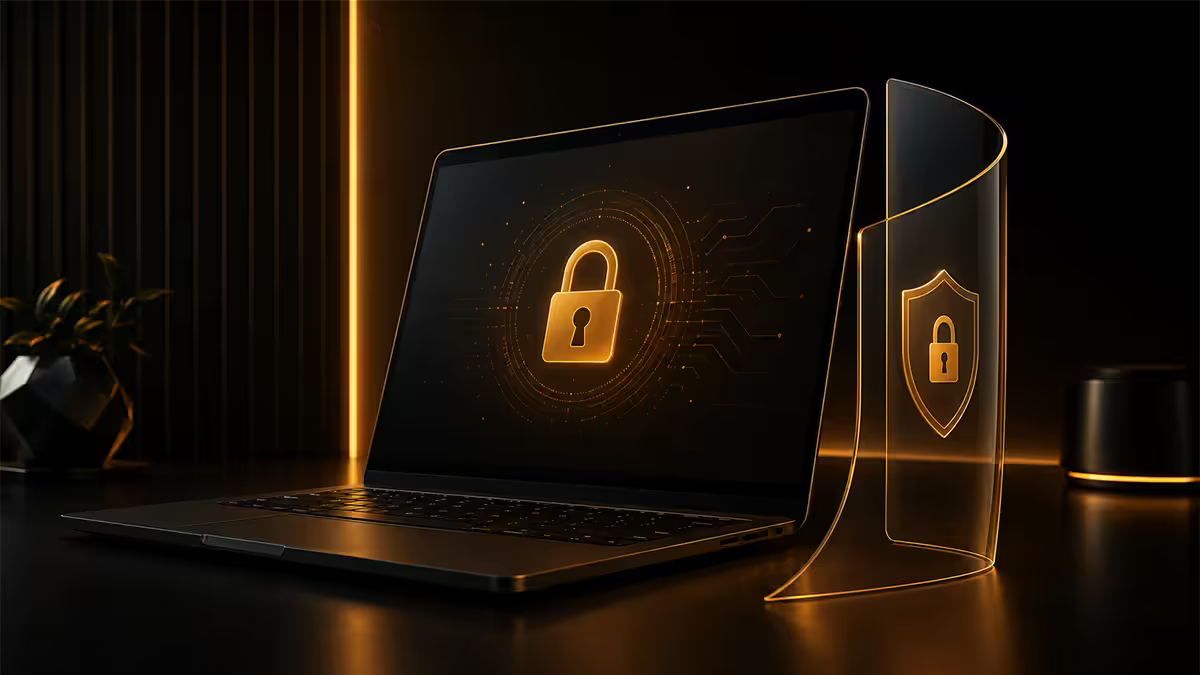
Disk encryption first — BitLocker or FileVault
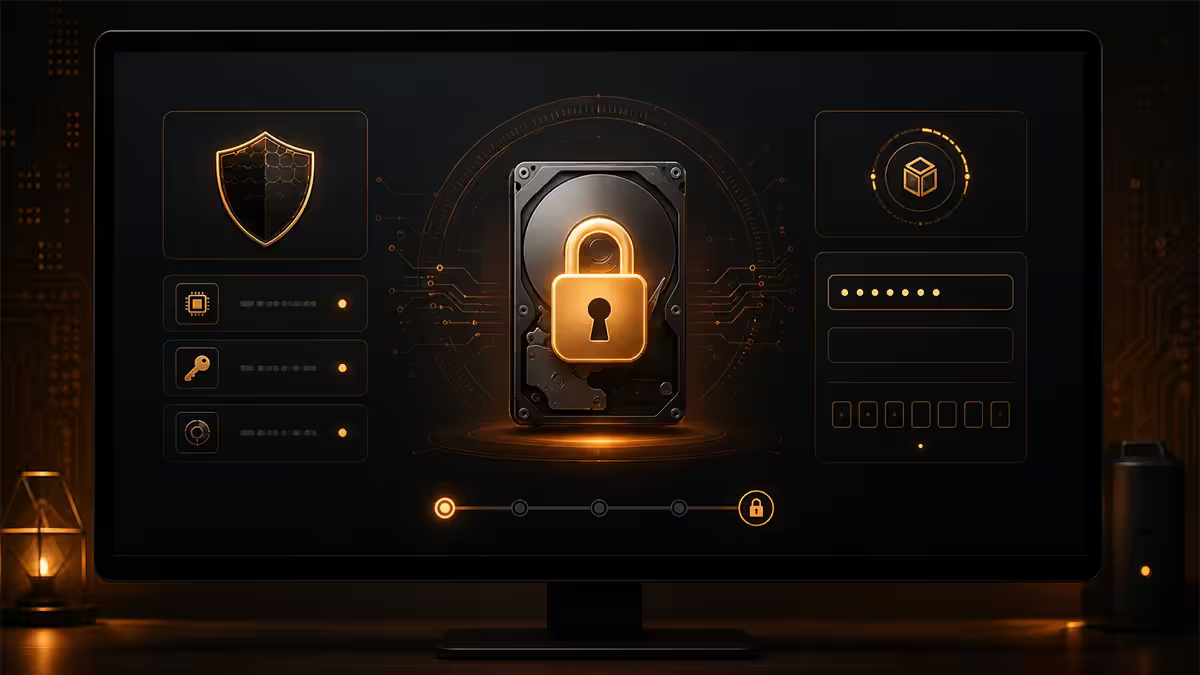
Every other security step assumes the drive is encrypted. Without encryption, a thief with ten minutes and a screwdriver pulls the SSD, plugs it into a USB enclosure, and reads every file you've ever saved. Login password makes no difference at that point.
Windows 11 Pro / Enterprise: Settings → Privacy & security → Device encryption → toggle on. BitLocker uses the TPM 2.0 chip on the motherboard to seal the encryption key. Save the recovery key to your Microsoft account — if Windows ever asks for it after a hardware change, you'll need it.
Windows 11 Home: the same screen offers "Device Encryption", a slightly cut-down BitLocker. Free, built in, works the same way for everyday protection.
macOS: System Settings → Privacy & Security → FileVault → Turn on. Choose to store the recovery key in iCloud or print it. Encryption runs in the background while you keep using the Mac.
Login: strong password plus biometric
The fast unlock you do every day matters as much as the encryption underneath. A six-digit PIN that's your birth year defeats the whole stack.
Windows Hello. Settings → Accounts → Sign-in options. Pair an IR camera (face) or fingerprint reader with a strong PIN (8+ digits, no birthdays, no 12345678). The biometric template never leaves the TPM — it isn't synced to Microsoft.
Touch ID / Face ID on Mac. System Settings → Touch ID & Password. Same deal — biometric data stays in the Secure Enclave on the M-series or T2 chip, never reaches iCloud.
Why pair the two? Biometric is faster than typing and immune to keyloggers and shoulder-surfers. The PIN/password backup is your fallback when the sensor doesn't read (cold fingers, wearing a mask, dirty lens). Both must be strong — a thief defeats whichever is weaker.
Find My Device — set it up before you need it
Both ecosystems include a free remote-tracking and remote-wipe feature. Most people only learn the setup steps after the laptop is already missing — by which point, the laptop is offline, the account isn't signed in, and the feature does nothing.
Windows. Settings → Privacy & security → Find my device → toggle on. Sign in with the Microsoft account you actually own (not a generic local one). The laptop reports its last-known location to account.microsoft.com/devices whenever it has an internet connection.
Mac. System Settings → Apple ID → iCloud → Find My Mac → enable. Activates location tracking, remote lock, remote wipe and the "Mark as lost" mode that displays a custom message on screen.
Neither will get the laptop back on its own — SA police don't dispatch a unit because Find My says it's parked in Sandton. What they do is:
- Confirm whether the laptop is still online (gives insurance evidence of attempted recovery).
- Let you remotely lock the screen so the thief can't browse anything until they wipe it.
- Let you remote-wipe — destroy every file as soon as the device next connects to the internet.
- Provide a recovery location and timestamp you can supply to SAPS along with the case number.
Physical theft deterrents — Kensington locks and anti-theft software
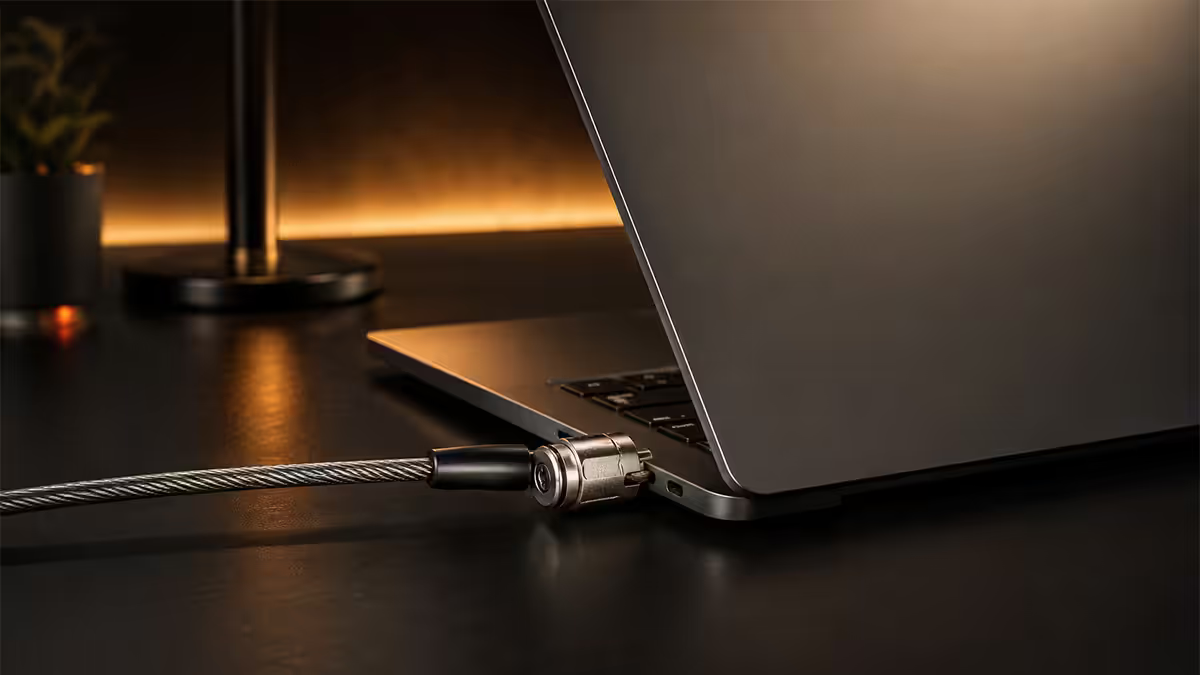
Most laptop theft in SA isn't sophisticated. It's a smash-and-grab from a car, a grab-and-run from a café table, or somebody walking off with a bag at a meeting. The mitigations are equally low-tech.
| Option | What it actually stops | SA cost |
|---|---|---|
| Kensington cable lock | Opportunist grab-and-run in shared spaces | R250–R500 |
| Anti-theft software (Prey, Absolute) | Tracks online location, takes webcam photos, locks remotely | Free–R200/mo |
| All-Risks insurance extension | Replaces the laptop after theft (your money back, not the device) | R30–R80/mo |
| Backpack with anti-theft zips | Pickpockets and bag-slashers | R600–R1,800 |
| Engraved or asset-tagged chassis | Resale value drops, easier police recovery | R50–R200 |
The Kensington lock slot on the side of most business laptops takes a small steel cable that loops around a table leg or fixed object. It's good enough for shared offices, university libraries and co-working spaces. It's not good enough for a determined thief with bolt-cutters — the cable cuts in seconds. Treat it as a visible deterrent that makes your laptop a worse target than the unlocked one next to it.
Anti-theft software like Prey Project goes beyond Find My Device. The free tier tracks three devices, lets you take silent webcam photos when the device is reported missing, captures screen activity, and shows nearby Wi-Fi networks so police can triangulate. Pro tier (around R150–R200/month) adds tamper alerts and unlimited devices. Worth installing on any laptop carrying client data.
Privacy on the move — screen filter and webcam cover
Theft isn't the only loss. Somebody photographing your screen on the Gautrain, an overhead CCTV camera in a co-working space, or a sales rep glancing at your quote in a coffee shop — all valid concerns if your work involves anything confidential.
Privacy filter screens. A polarised film that fits over the display and blacks out the screen for anyone looking at more than about 30° off-centre. 3M Gold (R600–R1,200) and ZAGG Glass Privacy (R900–R1,400) are the two SA-available picks. Buy the right size for your screen diagonal and aspect ratio — don't try to trim a 14" filter for a 13" screen. Magnetic-edge versions clip on and off so you can use the laptop normally at home.
Webcam covers. A R30–R80 sliding cover that sticks to the bezel above the camera. Slide closed when not on a call, slide open when you are. Modern ThinkPads, EliteBooks and Dell Latitudes increasingly ship with a built-in physical shutter — if yours has one, use it. If it doesn't, a sticker is a five-second add-on.
Microphone. Most laptops don't have a hardware mic mute. Software mute (the F-row icon on most Windows laptops, or Control Centre on Mac) is fine for most situations. For paranoid use-cases, a TRRS dummy plug in the headphone jack disables the internal mic on many models.
The café rules — situational awareness wins
No software stack helps when you walk to the bathroom and leave the laptop on the table. Most opportunistic theft in SA cafés and food courts is exactly this: somebody waits for you to stand up, picks up the laptop, walks out at a normal pace. By the time you're back, it's in a Uber.
A few rules that have done more for laptop survival than any software ever has:
- The laptop never leaves your hand or your sight. Bathroom break? It comes with you, or you pack up and ask the barista to hold the seat. Yes, really.
- Sit with the door in view. Choose the chair facing the entrance, not the one with your back to it. A grab-and-run thief picks the table where the victim won't see them coming.
- Bag strap looped around your leg. If somebody yanks the bag, you feel it before they're out the door.
- Close the lid when you walk away from your own table. Even a half-second screen lock makes the laptop a worse target.
- No laptop on the passenger seat of a car. Smash-and-grab at intersections in Joburg and Cape Town is a known pattern — laptop bags are the second-most-targeted item after phones. Boot, locked, out of sight.
- Hotel safes are theatre. Don't keep client data on a laptop that lives in a hotel safe — cleaning staff have the master key. Take the laptop with you.
Insurance reality in South Africa
Most SA homeowner contents policies (Outsurance, Discovery, Santam, MiWay) cover laptops as part of the household contents — but only inside the home. The moment the laptop leaves your driveway, you usually need an All-Risks extension.
All-Risks is a per-item rider on the policy. Typical cost: R30–R80/month for a R20,000–R40,000 laptop. You specify the make, model, serial number and replacement value. Some policies cap individual item values without a separate specification — read the schedule.
| Cover type | What it pays | Typical excess |
|---|---|---|
| Contents (home only) | Replacement if stolen from inside your home | R1,500–R3,500 |
| All-Risks extension | Replacement if stolen anywhere — car, café, work | R1,500–R5,000 |
| Dedicated device insurance | Often covers accidental damage too (cracked screen, liquid) | R500–R2,000 |
| Employer-issued laptop | Covered under company policy — check before buying personal cover | — |
Read the exclusions before you need them. Common policy traps in SA:
- Theft from an unattended vehicle often excluded unless the laptop was in a locked boot.
- Theft requiring forced entry only — meaning the smash-and-grab still pays but somebody walking off with the laptop you left on a café table does not.
- Claims require a SAPS case reference number filed within 24–48 hours of the theft.
- Proof of purchase and the laptop's serial number required — keep the invoice and box.
Of the laptops our Centurion service bench has seen come back for data recovery or police-related forensics over the last three years, the pattern is brutal: most stolen-laptop data-loss claims involve drives that were never encrypted. BitLocker or FileVault would have made the laptop a paperweight to the thief. Of the encrypted units we've seen, none yielded a successful data extraction. Twenty minutes of setup is the highest-ROI security task in computing.
Evetech Hardware Team — From our service bench
What to do if your laptop is stolen
Speed matters more than anything else in the first 24 hours. Work through this list in order:
- 1
Report to SAPS within 24 hours.
Walk into the nearest police station — Sandton, Cape Town Central, whatever's closest. Don't phone, don't email; the case number is issued at the desk. Bring proof of purchase (or the box, or the email confirmation) and the laptop's serial number. Ask for the CAS number (Criminal Administration System reference). Insurance will not move without it. - 2
Remote-lock and remote-wipe.
Sign into account.microsoft.com/devices or iCloud.com from your phone or another computer. Mark the device as lost. Issue a remote-wipe command — it executes the next time the laptop touches the internet. Even if it never connects, you've recorded the timestamp of attempt for insurance. - 3
Change passwords for anything saved in the browser.
Banking, email, work accounts. If you used the same password in multiple places, change all of those too. Enable 2FA where you haven't already. Assume any session cookie on the laptop is now in the thief's hands. - 4
Notify your bank and freeze any saved cards.
If you ever auto-filled card details on a shopping site that the browser remembered, treat those cards as compromised. - 5
File the insurance claim.
Submit the CAS number, the SAPS affidavit, proof of purchase, the serial number, and the make/model. Most SA insurers process device-theft claims in 7–14 working days. Expect the excess to come out of the payout. They pay replacement value, not original purchase price — so a three-year-old R25,000 laptop pays out around R12,000–R15,000. - 6
Notify any clients whose data was on the device.
POPIA places a legal duty to inform data subjects of breach. Encryption is your friend here — if the drive was encrypted and the password is strong, you can document the theft as a low-risk incident. Unencrypted drive is a high-risk reportable breach.
Key takeaways
- Encrypt the drive first — BitLocker or FileVault, both free, both 20 minutes. Without encryption, nothing else matters.
- Pair biometric login (Windows Hello, Touch ID) with a strong 8+ digit PIN. Never reuse it on your phone or ATM card.
- Switch Find My Device / Find My Mac on now — set up after theft is set up too late. Sign in with an account you actually own.
- Add a privacy filter and webcam cover if you handle client data. POPIA doesn't differentiate between hacks and shoulder-surfers.
- If stolen: SAPS report within 24 hours (get the CAS number), remote-wipe, change passwords, claim against an All-Risks insurance extension.
Frequently asked questions
Is BitLocker free on Windows?
Yes — built into Windows 11 Pro and Enterprise at no extra cost. Home edition gets a cut-down "Device Encryption" version, also free. Mac users get FileVault, also built in and free. No third-party software required.Is biometric login (Windows Hello, Touch ID) strong enough?
Yes when paired with a strong 8+ digit PIN. Biometric templates stay in the TPM (Windows) or Secure Enclave (Mac) and never sync to the cloud. The weak link is the fallback PIN — make it long and unique.Is a Kensington lock slot worth using?
For shared offices, co-working spaces and libraries — yes. Stops grab-and-run. Won't stop bolt-cutters. R250–R500 well spent as a visible deterrent.Do I really need a privacy filter screen?
If you work with confidential client, medical or financial data in public, yes. 3M Gold and ZAGG Glass Privacy black out the screen at 30° off-axis. R500–R1,200. Not needed for personal use.Is using a webcam cover paranoid?
No — standard practice among security professionals. R50 sliding cover or a sticker. Modern business laptops (ThinkPad, EliteBook, Latitude) often ship with built-in physical shutters.Does my home insurance cover laptop theft?
Inside the home, usually yes via contents cover. Outside the home (car, café, work) you almost always need an All-Risks extension — R30–R80/month per device. Specify the serial number on the policy schedule.What is a SAPS reference number and why do I need it?
A SAPS CAS (Criminal Administration System) number is the case reference issued when you file a theft report at a police station. Insurance companies require it to process a claim. Report within 24 hours, get the number, keep the affidavit.Is a factory reset enough to erase data on a stolen-recovered laptop?
Only if the drive was encrypted before the theft. With BitLocker or FileVault on, the data is unreadable to anyone without your password. Without encryption, a determined attacker can recover deleted files. This is why encryption is step one.
Get the Evetech app
Exclusive app-only prices, daily flash sales, and free delivery on orders over R4,000 — download the app and start saving.