Laptop Buying Guide
ASUS VivoBook vs ZenBook. — Mainstream value vs premium ultrabook.
Same brand, same chip families, two completely different feels. The price gap is R6k-R10k — and the question is whether you'll feel it every day, or whether the VivoBook does 90% of what you actually need.
- both lines
- Ryzen AI 300 / Core Ultra 2
- display tier
- IPS vs OLED
- premium gap
- R6k-R10k
The ASUS consumer lineup
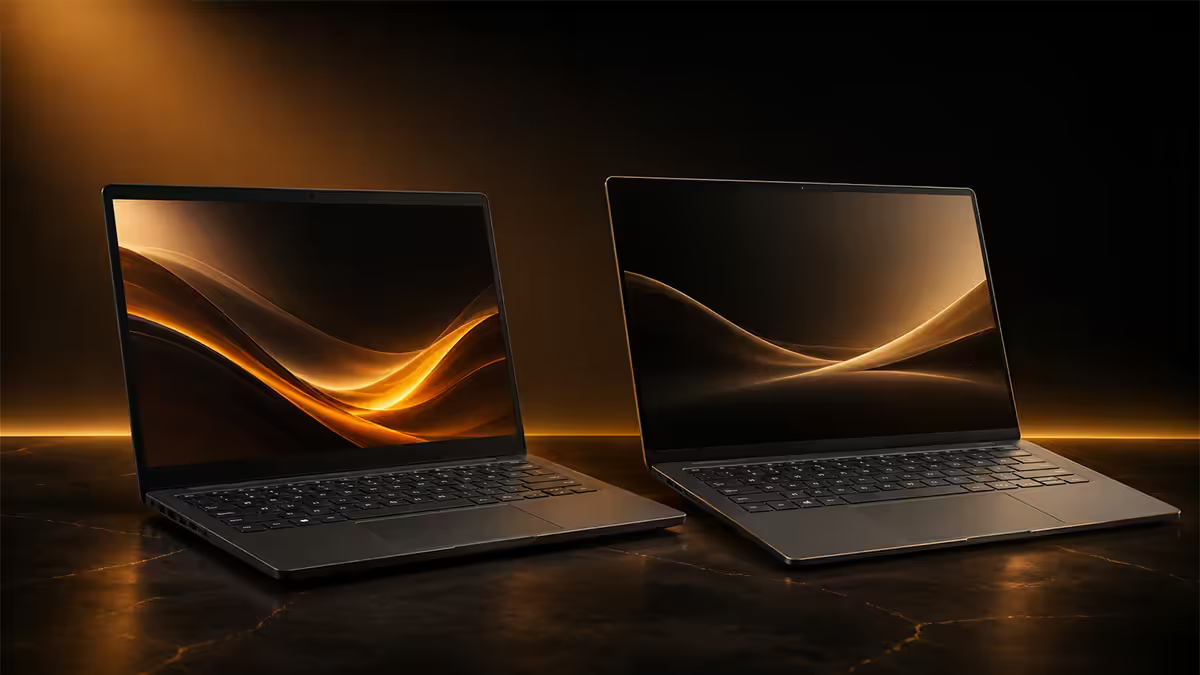
ASUS makes more laptop SKUs than almost any brand, but the consumer story breaks down into two clean families: VivoBook (mainstream) and ZenBook (premium). Knowing where the boundary sits is half the decision.
| Spec | VivoBook | ZenBook |
|---|---|---|
| Chassis material | Plastic + metal lid | All-aluminium / ceraluminium |
| Display ceiling | IPS 60-120Hz (some OLED) | OLED 3K Touch 120Hz |
| Thinness | 17-20mm | 11-15mm |
| Battery typical | 8-11 hours | 12-18 hours |
| Port selection | USB-A x2, HDMI, USB-C | 2x Thunderbolt 4, HDMI, USB-A |
| Target user | Student, office, side-hustler | Creative pro, traveller, presenter |
| Price band (SA) | R12k-R22k | R22k-R55k+ |
The VivoBook is ASUS's mainstream bestseller — 14, 15 and 16-inch chassis, sensible plastic-and-metal builds, IPS displays as standard with OLED upgrades available on Pro models, and prices that start under R13k. It's what ASUS ships to students, office workers and first-laptop buyers.
The ZenBook is ASUS's premium flagship — CNC-machined aluminium (the new S 14 uses ceraluminium, a ceramic-aluminium composite), OLED Touch displays as the default, ultra-thin chassis under 15mm, 12-18 hour battery life and prices from R22k up to R55k+ for the Pro Duo. It's the model line that competes head-to-head with the MacBook Air, Dell XPS and HP Spectre.
Ryzen AI 300 vs Core Ultra Series 2
Both VivoBook and ZenBook ship with AMD Ryzen AI 300 series and Intel Core Ultra Series 2 (Lunar Lake / Arrow Lake H) options in 2026. The chip choice matters less than it used to — both deliver excellent performance and 40+ TOPS NPU for Copilot+ AI features.
Ryzen AI 300 advantages: typically better multi-core performance for the same wattage, longer battery life in identical chassis (often 1-2 hours more), and better integrated Radeon graphics for light gaming.
Core Ultra Series 2 advantages: better single-threaded responsiveness, Thunderbolt 4 / 5 support (handy for external GPUs and 4K displays), better optimisation in Intel-tuned creative apps like DaVinci Resolve.
Display — IPS vs OLED Touch
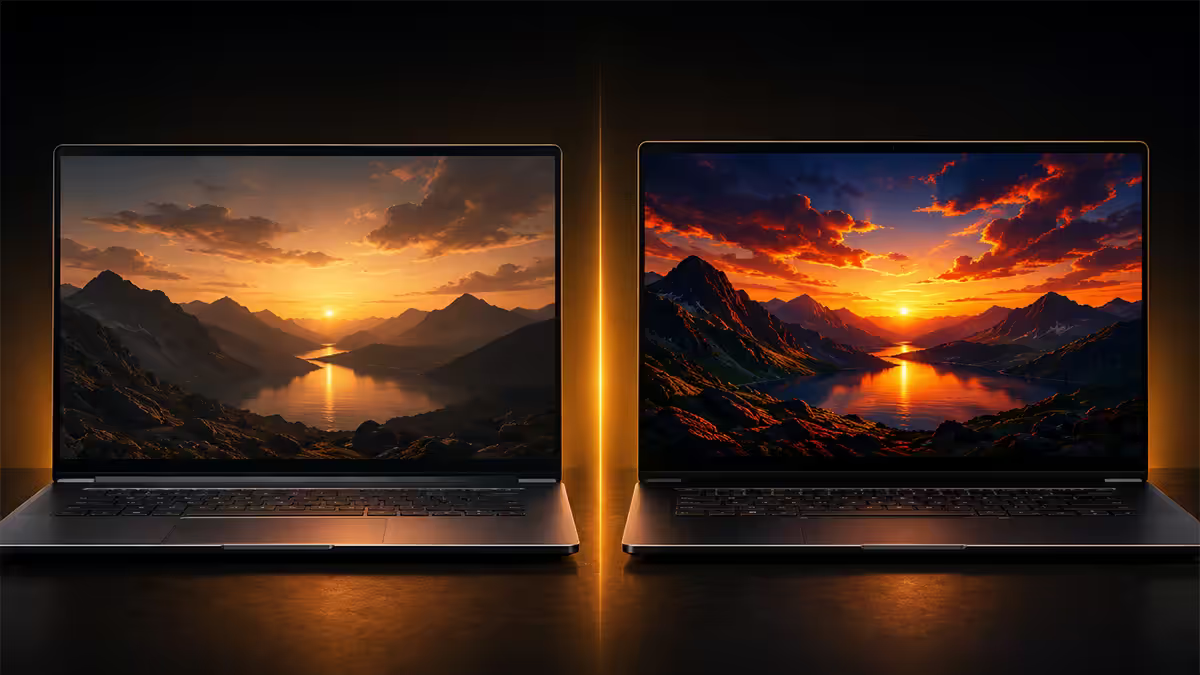
This is the single biggest day-one experience difference between the two lines. The VivoBook ships with IPS displays as standard (with OLED upgrades on Pro and select S models). The ZenBook ships with OLED Touch as standard, usually at 3K resolution and 120Hz refresh.
What OLED actually buys you:
- True blacks. OLED pixels switch off completely — no backlight bleed, no grey haze in dark scenes. Watching a Netflix series or working in dark-mode editors feels visibly different.
- 100% DCI-P3 colour. Critical for photo editing, video grading and any colour-accurate work. The VivoBook's IPS panels hit around 70-100% sRGB; the ZenBook's OLEDs cover the wider P3 gamut almost completely.
- HDR contrast. The ZenBook OLED panels carry DisplayHDR True Black 500 / 600 certification — meaningful HDR, not the fake HDR labels on cheap IPS panels.
- Touch + stylus. ZenBook OLED Touch supports pen input and tap-to-interact; the standard VivoBook does not.
The OLED caveats worth knowing: burn-in is rare on modern OLED panels (ASUS includes pixel-shift and screen-saver protections) but possible over 4-5 years of static UI elements. For office users staring at Excel 8 hours a day with no UI motion, IPS is the safer long-term pick. For mixed creative + browsing + media use, OLED is a clear upgrade.
Build — plastic+metal vs all-aluminium
Pick up a VivoBook and a ZenBook side by side and the chassis difference is immediately tactile. The VivoBook isn't badly built — the lid is metal, the keyboard deck is sturdy, the hinge is fine. But the bottom panel is plastic, and you can feel it.
The ZenBook is CNC-machined aluminium on every panel. Top, bottom, sides — one continuous metal feel. The new ZenBook S 14 introduces ceraluminium, a ceramic-aluminium composite that's lighter than pure aluminium, more scratch-resistant, and has a unique matte texture that doesn't show fingerprints.
Why the build difference matters in year 3:
- Hinge longevity. ZenBook hinges open and close cleanly through 30,000+ cycles. VivoBook hinges develop play after 18-24 months of heavy use.
- Keyboard wear. ZenBook keycaps hold their print and feel for 5+ years. VivoBook keycaps can wear shiny in 2-3 years on heavy-typing builds.
- Chassis flex. Pressing on the VivoBook palm rest flexes a few mm. The ZenBook is rigid as a rock.
- Travel survivability. Drop a ZenBook in a backpack with a hardcover book and it's fine. Same scenario with a VivoBook is a coin flip on dented lid corners.
Battery life — the ZenBook advantage
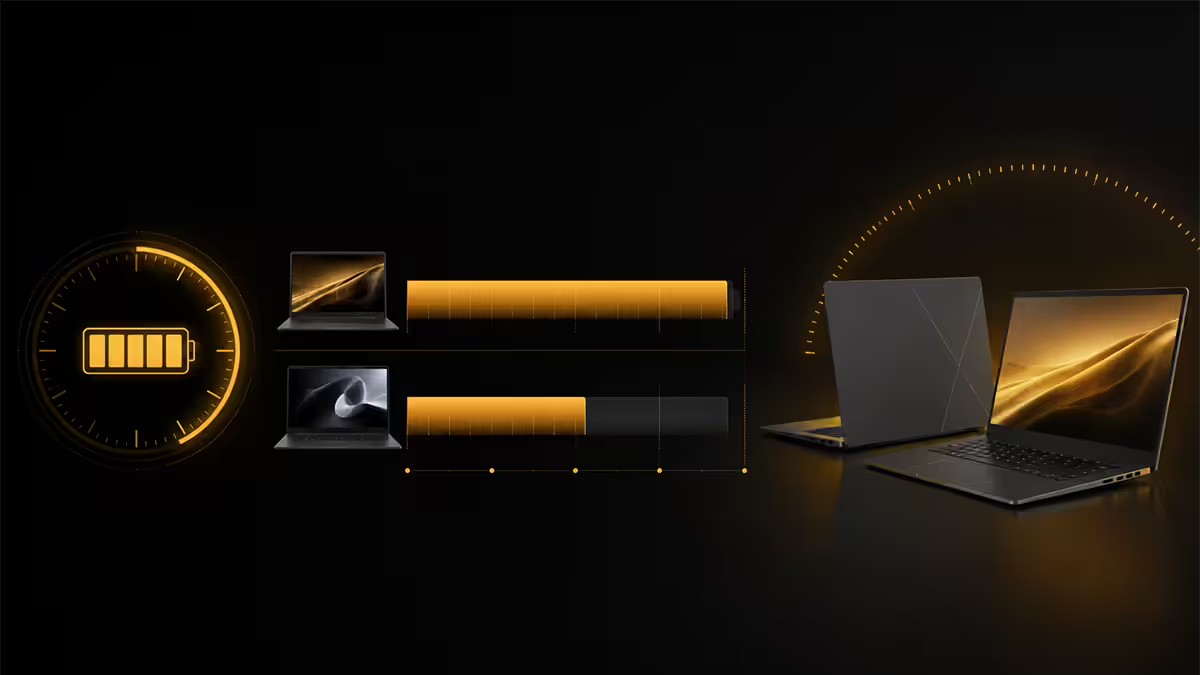
ZenBook models routinely deliver 14-18 hours of mixed productivity battery, while VivoBook models settle in the 8-11 hour range. The difference comes from three sources: bigger batteries (typically 75Wh vs 50Wh), more efficient OLED panels at low brightness, and tighter ASUS BIOS tuning on the premium line.
For a daily commute + 8 hour workday + evening browsing, the VivoBook needs a midday top-up; the ZenBook makes it through unplugged. For SA load-shedding workdays, the ZenBook's all-day battery is a quiet but enormous quality-of-life upgrade.
Fast-charging: both lines support 60-90W USB-C charging that hits 50% in 30 minutes. The ZenBook benefits more because its battery is bigger — a 30-minute coffee break buys 6-8 hours of unplugged work.
Recommended models by use case
| Use case | Pick | SA price |
|---|---|---|
| Student daily driver | VivoBook 14 / 15 | R12k-R16k |
| Mainstream creator + side hustle | VivoBook S Ryzen AI | R16k-R22k |
| Creator value (OLED, dGPU) | VivoBook Pro 15 OLED | R22k-R28k |
| Premium thin daily driver | ZenBook 14 OLED | R22k-R30k |
| Flagship slim ultrabook | ZenBook S 14 OLED | R28k-R38k |
| Creator pro / heavy editing | ZenBook Pro 14 OLED | R38k-R55k+ |
When VivoBook beats ZenBook
You're buying your first laptop. A VivoBook 15 at R13k-R16k gets a student or first-laptop buyer everything they actually need — proper performance, decent display, all-day battery for a school day. The ZenBook premium is wasted on someone who hasn't yet learned what they like in a laptop.
Your work is 90% browser + Office. The ZenBook's OLED, aluminium chassis and 18-hour battery are gorgeous, but if you spend your work life in Chrome, Word and Excel, a VivoBook S delivers the same task completion for R8k less.
You need ports. The VivoBook ships with 2x USB-A, HDMI, USB-C and (on Pro) a full SD card slot. The ZenBook trades USB-A and SD for Thunderbolt 4 — beautiful for power users, painful if you carry USB-A peripherals.
You need dGPU value. Some VivoBook Pro 15 configurations ship with RTX 4050 or 4060 dedicated graphics at R22k-R28k. No ZenBook in the same price bracket offers a discrete GPU — for entry-level video editing, light 3D and casual gaming, VivoBook Pro is the smart-money pick.
Budget is the hard constraint. Below R20k, ZenBook is mostly out of reach. Above R25k, ZenBook becomes the obvious upgrade. The R20k-R25k zone is the only place where VivoBook Pro and ZenBook 14 truly compete head to head.
Key takeaways
- VivoBook (R12k-R20k) is for school + side hustle — IPS display, plastic+metal build, 8-11 hour battery.
- ZenBook (R22k-R40k+) is for the creative pro — all-aluminium, OLED Touch, 14-18 hour battery.
- The premium gap is R6k-R10k. It buys you chassis, display and battery — not raw performance.
- VivoBook Pro 15 OLED is the dGPU-value sweet spot at R22k-R28k. No ZenBook touches it for that money.
- Ryzen AI 300 wins on battery, Core Ultra 2 wins on Thunderbolt. Both are excellent in 2026 — buy what's in stock.
Frequently asked questions
Is the ZenBook worth the R6k-R10k premium over VivoBook?
For students and office users — no, the VivoBook does 90% of what you need. For creative pros, travellers and anyone who values build feel, OLED and 12+ hour battery — yes, the ZenBook earns the premium.Can a VivoBook handle creative work like Photoshop and video editing?
Yes — especially VivoBook S and Pro models with Ryzen AI 300 / Core Ultra 7. VivoBook Pro 15 OLED at R22k-R28k handles Photoshop, Lightroom and 1080p/4K editing comfortably. The ceiling is sustained 3D rendering and heavy 4K work.OLED on a laptop — is it worth it for SA users?
Yes for mixed creative + media use. The 100% DCI-P3 colour, true blacks and HDR are real upgrades. For 8-hours-a-day Excel users, IPS is the safer long-term pick due to potential burn-in over years.Ryzen AI 300 vs Core Ultra Series 2 — which chip?
Ryzen AI 300 wins on multi-core and battery. Core Ultra 2 wins on single-threaded responsiveness and Thunderbolt. Both are excellent in 2026 — take whichever is in stock at the better price.How long does an ASUS laptop last in SA?
VivoBook 4-5 years of daily use before keyboard/hinge/battery wear shows. ZenBook 5-7+ years thanks to all-aluminium build. Both have 2-year SA warranty via authorised partners.VivoBook S vs VivoBook Pro — which one?
VivoBook S (R16k-R22k) is the thin, light all-rounder. VivoBook Pro (R22k-R28k) is the creator-leaning model with dedicated RTX 4050/4060 GPU and OLED 15-inch on some configs. Pick Pro only if you need the dGPU.ZenBook 14 OLED vs ZenBook S 14 — which to buy?
ZenBook 14 OLED (R22k-R30k) is the value flagship — 14-inch 3K OLED Touch, premium aluminium. ZenBook S 14 (R28k-R38k) is thinner (1.1cm), ceraluminium finish, 16+ hour battery. Both fantastic; S 14 for buyers who want the absolute thinnest.VivoBook vs ZenBook in 2026 — which to buy?
VivoBook (R12k-R20k) for school + side hustle — solid mainstream daily driver. ZenBook (R22k-R40k+) for the creative pro — all-aluminium, OLED Touch, all-day battery. The R6k-R10k gap is for buyers who'll feel the difference daily.