Refresh Rate Comparison
144Hz vs 240Hz vs 360Hz. — Which refresh rate is your money's worth.
The gap from 60 to 144Hz is the biggest visual jump in PC gaming since SSDs. The gap from 144 to 240 is meaningful. The gap from 240 to 360 is the smallest, but loudest in marketing. Here's the line between paying for clarity and paying for a number on the box.
- 144Hz frame time
- 6.9 ms
- 240Hz frame time
- 4.2 ms
- 360Hz frame time
- 2.8 ms
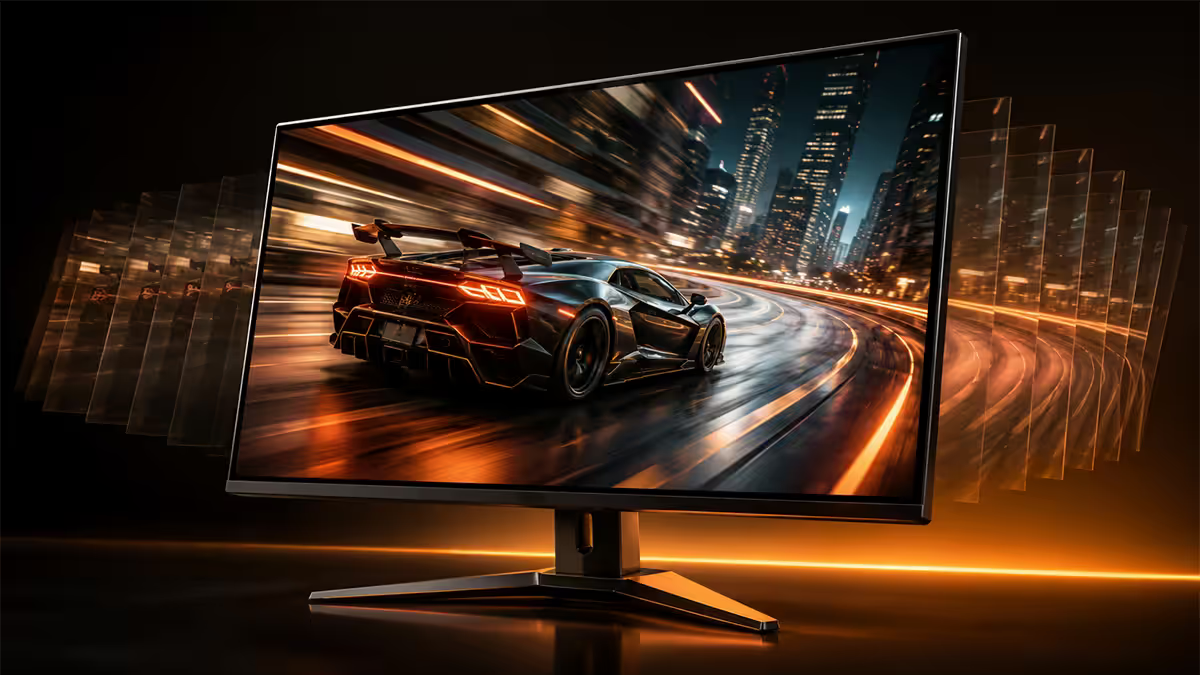
The "human eye can't see past 60Hz" myth
This one refuses to die. The truth is simpler and more interesting than either side of the argument: the eye doesn't have a frame rate at all. The brain processes motion clarity, blur reduction and click-to-photon latency as a continuous experience — all of which improve measurably as refresh climbs.
When you drag a window across a 60Hz screen, your eye smoothly tracks it but the screen jumps. The mismatch shows up as motion blur. Drag the same window on a 144Hz screen, and the tracking lines up much better with what the display actually delivers. Drag it on a 240Hz, and it gets smoother still. Drag it on a 360Hz OLED and it's essentially indistinguishable from moving a physical object in the real world.
The diminishing-returns curve is real, but it doesn't stop at 60. It doesn't stop at 144 either. It just gets less dramatic at each step:
60 → 144 is a step change. 144 → 240 is a clear upgrade. 240 → 360 is a polish. Above 360, you're paying for press releases.
Frame pacing — the number that actually matters
Refresh rate marketing focuses on the headline Hz number, but the experience is determined by frame time — how many milliseconds pass between each new image. At 60Hz, you see a new frame every 16.7 ms. At 144Hz, every 6.9 ms. At 240Hz, every 4.2 ms. At 360Hz, every 2.8 ms.
| Refresh rate | Frame time | Click-to-photon (typical) |
|---|---|---|
| 60Hz | 16.7 ms | 50-70 ms |
| 144Hz | 6.9 ms | 22-30 ms |
| 240Hz | 4.2 ms | 15-22 ms |
| 360Hz | 2.8 ms | 10-14 ms |
| 540Hz (exotic) | 1.9 ms | 8-11 ms |
Notice the diminishing returns. Going from 60 to 144 buys you 9.8 ms of latency reduction — a transformative gap. Going from 144 to 240 buys 2.7 ms. Going from 240 to 360 buys 1.4 ms. That's why 144Hz feels miraculous, 240Hz feels great, and 360Hz feels "slightly snappier" except in the situations it specifically improves (fast-flick aiming, rapid camera pans).
GPU horsepower — match the monitor to the card
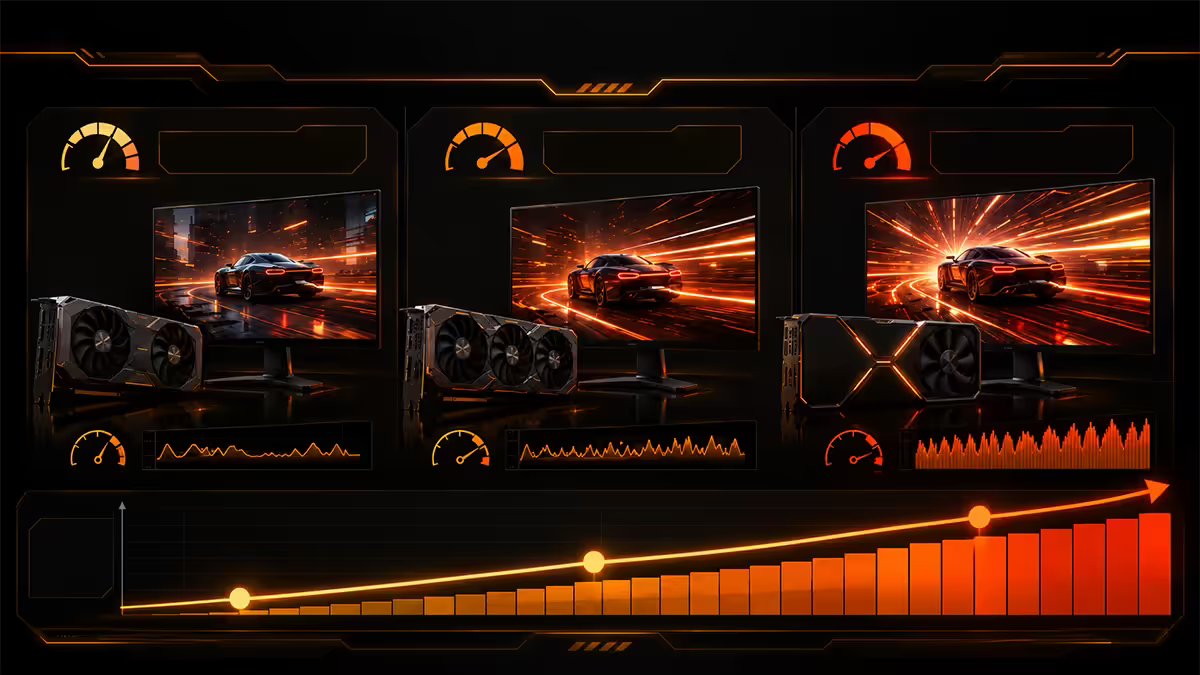
A high-refresh monitor is wasted if your GPU can't feed it consistently. Here's the GPU floor for each refresh rate, by resolution and game type.
Esports titles (CS2, Valorant, Apex, Overwatch)
These games are CPU-light and GPU-friendly. Most modern GPUs can hit 240+ FPS at 1440p in esports titles.
- 144Hz at 1440p: RTX 4060 / RX 7600 floor
- 240Hz at 1440p: RTX 4070 / RX 7700 XT floor
- 360Hz at 1440p: RTX 4070 Super / RX 7800 XT
- 360Hz at 1080p: RTX 4060 Ti / RX 7600 XT
AAA single-player at high settings (Cyberpunk, Hogwarts, Outlaws)
These hit the GPU hard. Without DLSS/FSR, 240+ FPS is rare even on flagship cards at 1440p.
- 144Hz at 1440p high: RTX 4070 Super / RX 7800 XT
- 240Hz at 1440p (with DLSS Quality): RTX 4080 Super / RX 7900 XTX
- 360Hz at 1440p (with DLSS Balanced): RTX 4090 / RTX 5080+
- 360Hz at 1080p: RTX 4070 Super or above
Panel tech caveats — Hz isn't everything
The single biggest mistake high-refresh buyers make is choosing Hz over panel type. A 360Hz panel with slow pixel response will look like 144Hz with extra steps. Pixel response (how fast each pixel can change colour) sets the real motion-clarity ceiling.
| Panel type | Real GtG response | Best for |
|---|---|---|
| OLED / QD-OLED | 0.03-0.1 ms | Best in class — colour + motion clarity |
| Fast IPS (Nano IPS) | 1 ms | Sweet spot — colour and motion |
| Standard IPS | 3-5 ms | Good colour, decent motion |
| VA | 4-8 ms (worse on dark transitions) | Contrast for media + slow games |
| TN | 1 ms (advertised), poor colour | Avoid in 2026 — fast IPS is better |
The hierarchy: a 240Hz OLED beats a 360Hz IPS, and a 240Hz fast IPS beats a 360Hz VA. If you're shopping at the high-refresh end, OLED or fast IPS panel tech matters more than the headline Hz number on the box.
Competitive gain — is 360Hz really faster?
The competitive advantage of higher refresh is real but measured in milliseconds, not skill points. Nvidia's research on click-to-photon latency in Valorant showed:
- 60 → 144Hz: ~25 ms total latency reduction, 8% improvement in flick-shot accuracy
- 144 → 240Hz: ~7 ms reduction, 3% improvement in flick accuracy
- 240 → 360Hz: ~3 ms reduction, ~1% improvement in flick accuracy
In other words: a Silver-ranked player going from 60Hz to 144Hz will probably climb a tier purely from the smoothness gain. A Diamond going from 240 to 360 will see a marginal edge that only matters at the very top of the ladder.
The honest answer: if you're sub-Diamond/Global in CS2 or sub-Immortal in Valorant, your skill ceiling is higher than what 360Hz adds. If you're at the top of the ranked ladder grinding for pro qualifier points, the 1-2% edge becomes meaningful — but you'd already know that.
SA monitor pricing — May 2026
South African monitor pricing has stabilised through 2025-2026 as USD prices dropped and rand strengthened. The high-refresh OLED tier is now genuinely affordable for the first time.
| Spec / panel | SA price band | Representative models |
|---|---|---|
| 1440p 144Hz IPS | R5,500-R8,500 | Gigabyte M27Q-X, LG 27GP850, Dell S2722DGM |
| 1440p 240Hz IPS | R8,500-R14,000 | LG 27GP950, Samsung G5 27", ASUS PG27AQN |
| 1440p 240Hz OLED | R14,000-R22,000 | LG 27GR95QE, ASUS PG27AQDM, Dell AW2725DF |
| 1080p 360Hz IPS | R7,500-R12,000 | ASUS PG259QNR, Alienware AW2521HF |
| 1440p 360Hz QD-OLED | R18,000-R26,000 | LG 27GS95QE, Samsung Odyssey OLED G6, Alienware AW2725QF |
| 4K 240Hz OLED (premium) | R26,000-R38,000 | LG 32GS95UV, Samsung Neo G8 OLED, MSI MPG 321URX |
| 540Hz IPS (exotic) | R15,000-R22,000 | ASUS PG248QP, Dell AW2524H |
Recommendations by player type
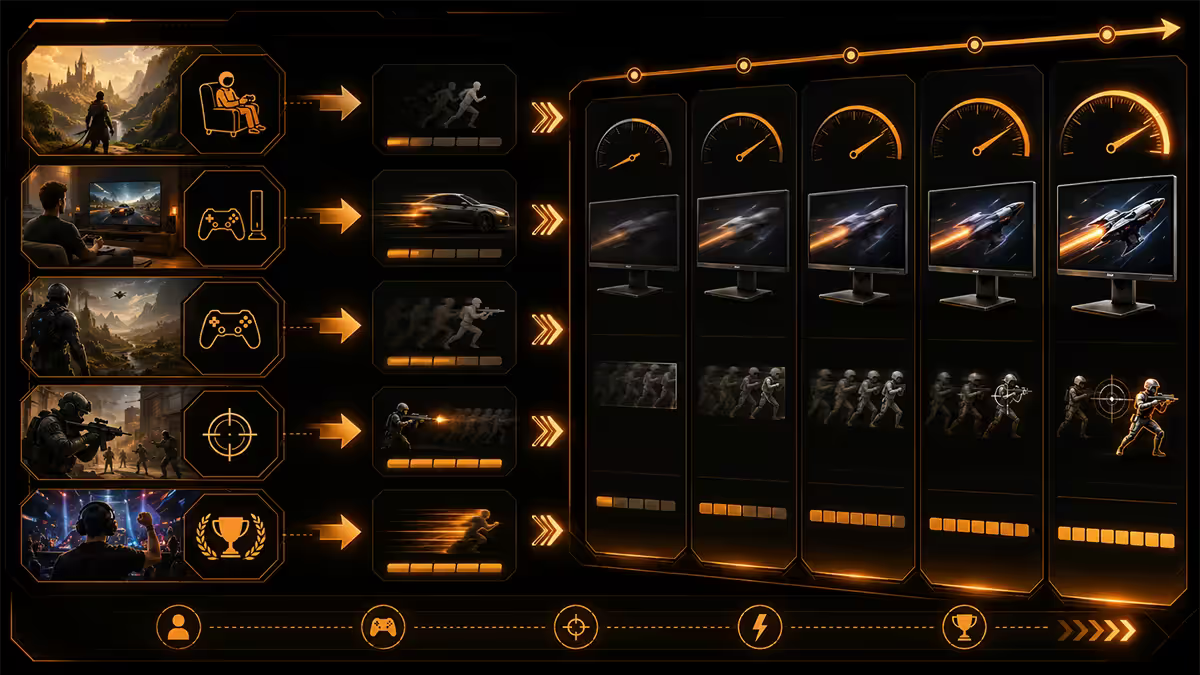
Casual / single-player / MMO
1440p 144Hz fast IPS, R6,000-R8,500. Gigabyte M27Q, LG 27GP850, Dell S2722DGM. Anything more is wasted money for your use case. Spend the saved budget on better speakers or a comfy chair.
Mixed gaming / hybrid competitive + AAA
1440p 240Hz fast IPS, R9,000-R13,000. LG 27GP950, ASUS PG27AQDM, Samsung G5. The Goldilocks tier — fast enough for ranked CS2, beautiful enough for Cyberpunk.
Hardcore competitive (Valorant/CS2 ranked grind)
1440p 240-360Hz OLED, R15,000-R22,000. Dell AW2725DF, LG 27GS95QE, Samsung Odyssey OLED G6. OLED's near-instant pixel response is the biggest motion clarity gain available.
Pro-level / ranked qualifiers
1080p 360-540Hz, RTX 4080+ class GPU. ASUS PG248QP (540Hz), LG 27GS95QE (480Hz OLED). At this level the resolution drop to 1080p is intentional — easier head-tracking, lower input latency, every millisecond counted.
Key takeaways
- 144Hz is the modern floor. The 60→144 jump is the single biggest visual upgrade in PC gaming.
- 240Hz is the value sweet spot for competitive players, especially on fast IPS or OLED.
- 360Hz is for ranked grinders with RTX 4080+ hardware. Marginal for everyone else.
- Panel type can matter more than refresh — 240Hz OLED beats 360Hz IPS for motion clarity.
- Match the refresh to your GPU. A 360Hz monitor at 180 FPS is worse than 240Hz at locked 240.
Frequently asked questions
Can the human eye see more than 60Hz?
Yes, easily. Most people detect smoothness improvements up to roughly 240Hz with diminishing perceptual returns above. 60→144 is profound, 144→240 noticeable, 240→360 subtle.Is 144Hz enough for gaming in 2026?
Yes, 144Hz is the modern floor for any new gaming purchase. Transformational over 60Hz, runs cleanly on mid-range GPUs, and well below the GPU ceiling for most AAA at 1440p.Is 240Hz worth it over 144Hz?
Yes for competitive FPS games. The 144→240 jump is the second biggest after 60→144. For single-player AAA it's largely cosmetic — you won't consistently hit 240 FPS at high settings.Who actually needs a 360Hz monitor?
Ranked competitive players in CS2/Valorant/Apex with RTX 4080+ class GPU. The advantage is real but small — measured in single-digit milliseconds. Wasted on almost every other buyer.What GPU do I need for 240Hz at 1440p?
Esports: RTX 4070 Super / RX 7800 XT floor. AAA with DLSS Quality: RTX 4080 Super / RX 7900 XTX. For 360Hz at 1440p in modern games you essentially need RTX 4090 / 5080+.Does panel type matter as much as refresh rate?
Sometimes more. A 240Hz OLED with 0.03ms response will look smoother than 360Hz IPS or VA. The hierarchy: OLED > fast IPS > IPS > VA > TN.Is 240Hz noticeable over 144Hz for casual gaming?
Slightly, in menu scrolling and camera pans, but not enough to change your gameplay. For RPGs, MMOs, single-player, 144Hz IPS at 1440p is better value than 240Hz at the same price.How much do high-refresh monitors cost in SA?
1440p 144Hz IPS: R5,500-R8,500. 1440p 240Hz IPS: R8,500-R14,000. 1440p 240Hz OLED: R14,000-R22,000. 1080p 360Hz IPS: R7,500-R12,000. 1440p 360Hz QD-OLED: R18,000-R26,000.
Get the Evetech app
Exclusive app-only prices, daily flash sales, and free delivery on orders over R4,000 — download the app and start saving.