Mouse Performance Explainer
DPI vs polling rate. — Sensitivity isn't speed. Speed isn't precision.
The two settings every gaming mouse advertises and almost everyone misuses. High numbers look impressive on the box. The pros run low DPI for a reason — and it's not what the marketing says.
- pro DPI range
- 400-1600
- universal sweet spot
- 1000Hz
- flagship hyperpolling
- 8000Hz
DPI — sensor sensitivity, not "speed"
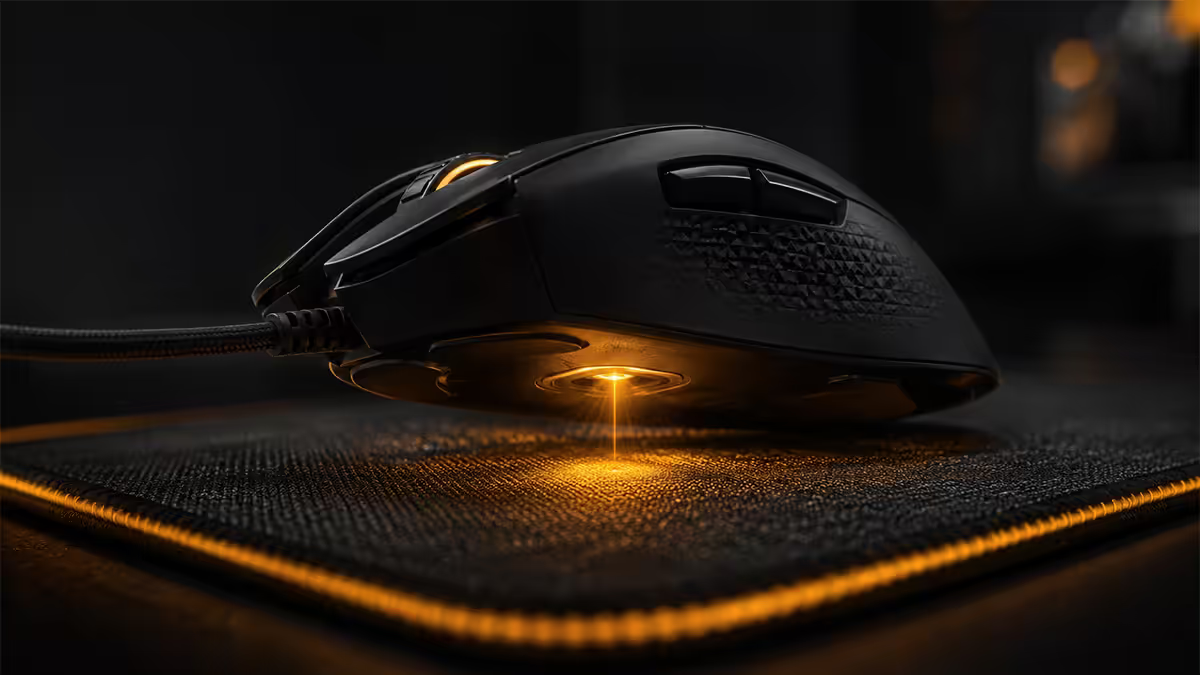
DPI (dots per inch) is how many position counts the sensor reports for every inch of physical movement. Move a 1600 DPI mouse one inch — 1600 counts. Move a 16000 DPI mouse the same inch — 16000 counts. The cursor moves further on screen for the same hand motion.
DPI is sometimes called CPI (counts per inch) — same thing, different marketing department. Razer and SteelSeries call it DPI; Logitech occasionally uses CPI.
Modern flagship sensors advertise absurd peak DPI numbers — 30,000 (Razer Focus Pro 35K), 32,000 (Logitech HERO 2), 26,000 (PixArt PAW3950). The peak number is a marketing flex. The actual usable range is much narrower — typically 400 to 3200 DPI before sensor noise overtakes signal.
Polling rate — how often the mouse reports
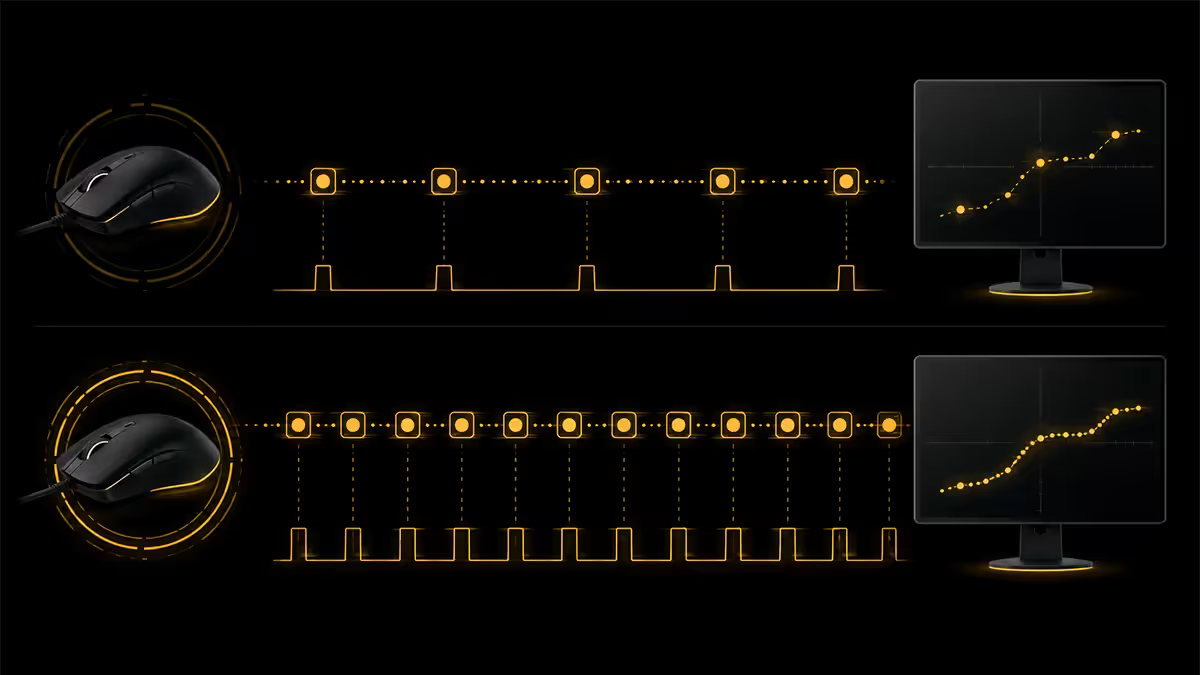
Polling rate is how many times per second the mouse sends its position update to the PC, measured in Hz.
| Polling rate | Update interval | Reality |
|---|---|---|
| 125 Hz (legacy) | 8 ms | Office mouse, noticeably laggy in games |
| 500 Hz | 2 ms | Old gaming default — fine but dated |
| 1000 Hz | 1 ms | The universal sweet spot |
| 4000 Hz | 0.25 ms | Competitive edge on 240Hz+ monitors |
| 8000 Hz (HyperPolling) | 0.125 ms | Tournament tier, real CPU overhead |
The jump from 125Hz to 1000Hz is dramatic and obvious. The jump from 1000Hz to 8000Hz is real, but the meaningful audience is competitive players on 240Hz/360Hz monitors. For everyone else, 1000Hz is more than enough.
Why high DPI hurts more than it helps
Three real reasons pros run 400-1600 DPI instead of the 26,000 their mouse can technically do:
- Sensor noise. Sensors are most accurate in their native resolution range. Past it, microscopic vibrations get amplified into cursor jitter. A 16000 DPI cursor twitches one full pixel for a single sensor tick — at 800 DPI, that same tick is sub-pixel and invisible.
- Pixel skipping. At extreme DPI, a single sensor count can move the cursor multiple pixels. You lose the ability to land precisely on a pixel — every micro-adjustment quantises to multi-pixel jumps.
- No muscle memory. Pros build motor memory at one sensitivity. The wrist flick that lands on a head at 800 DPI is reproducible. At 6400 DPI, the same flick overshoots wildly — and your muscles can't compensate at the speed your wrist is moving.
The marketing line "more DPI = faster aim" is backwards. More DPI = bigger arm/wrist motion required for the same cursor reach, with less precision per pixel. Faster aim comes from in-game sens + practice, not from the sensor.
DPI vs in-game sensitivity — eDPI
In-game sensitivity is a multiplier the game applies to the mouse input. So your effective sensitivity — the actual distance your cursor or crosshair travels per inch of mouse movement — is:
eDPI = DPI × in-game sensitivity
Two setups can produce the same eDPI:
- 800 DPI × 1.0 sens = 800 eDPI
- 1600 DPI × 0.5 sens = 800 eDPI
- 400 DPI × 2.0 sens = 800 eDPI
They feel almost identical in motion. But the sensor data quality differs. Always tune DPI lower and in-game sens slightly higher, never the reverse — lower DPI gives the cleanest sensor signal, and the game's sensitivity multiplier doesn't introduce sensor noise.
Common pro eDPI ranges:
- CS2: 500-1000 eDPI (typically 400 DPI × 1.25-2.5 sens, or 800 DPI × 0.6-1.25)
- Valorant: 200-400 eDPI (400 DPI × 0.5-1.0 sens common — Valorant scales differently)
- Apex Legends: 800-1600 eDPI
- Overwatch 2: 4-6 cm/360° at low DPI
The "low DPI + raw input" pro setup
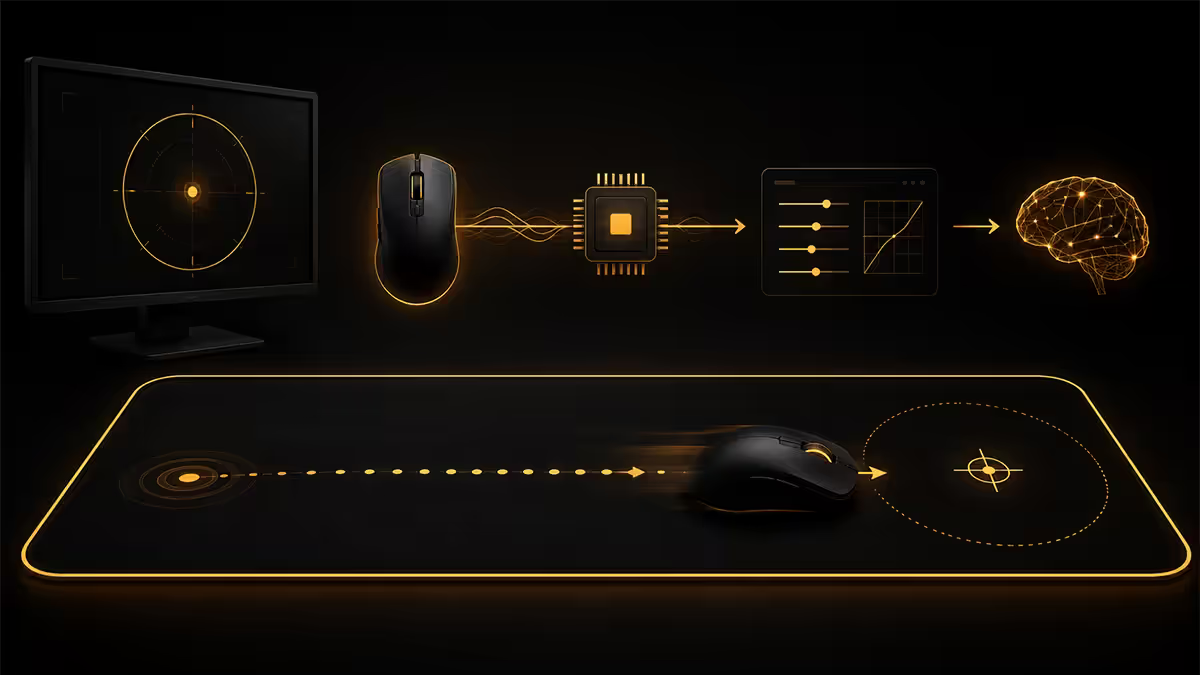
Almost every top FPS player runs a near-identical setup:
- DPI: 400, 800 or 1600 (Niko 400, ZywOo 400, s1mple 400, TenZ 800, ScreaM 400).
- Polling rate: 1000Hz or 4000Hz HyperPolling on the top end.
- Raw input: always enabled (Valorant, CS2, Apex, Fortnite, Overwatch all support it).
- Windows pointer speed: 6/11 (the default, no enhanced acceleration).
- Mouse acceleration: off everywhere — game, Windows, mouse driver.
- Large mousepad: 400-500mm long, low-friction surface (Artisan Zero, Razer Sphex V3, Glorious 3XL).
Why raw input matters: it bypasses Windows mouse acceleration and pointer ballistics entirely, sending sensor data straight from the driver to the game. The same physical motion produces the same in-game movement every time — regardless of what Windows is doing in pointer settings.
HyperPolling 4000/8000Hz — the 2026 reality
The flagship wireless mice of 2026 all support HyperPolling: Razer Viper V3 Pro (8000Hz), Logitech G Pro X Superlight 2 (4000Hz via PowerPlay), Pulsar X2H (8000Hz), Endgame Gear OP1 8K (8000Hz wired).
The honest tradeoff:
- Latency drop: 1000Hz → 8000Hz takes worst-case input lag from ~1ms to ~0.125ms. On a 240Hz monitor (4.2ms per frame), this is real but smaller than the frame interval.
- CPU overhead: each poll triggers a USB interrupt. 8000Hz = 8000 interrupts per second per mouse. On Core i3 / Ryzen 5 5600 and below, this can cost 5-15 FPS in CPU-bound titles (CS2, Valorant).
- Battery impact (wireless): 4000Hz HyperPolling halves battery life vs 1000Hz; 8000Hz quarters it. Plan charging accordingly.
Who should use it: competitive ranked/tournament players on 240Hz+ monitors with high-end CPUs (Ryzen 7 7800X3D, Core i7-14700K and up). Who shouldn't: casual players, 144Hz monitor users, anyone on a mid-range CPU.
Test what feels right
The whole hardware spec sheet is just headroom. The actual right setting is what your hand reproduces consistently after 20 hours of practice. Use this test:
- Pick a starting eDPI. 800 for CS2/Valorant new users. Calculate the DPI + in-game sens to reach it.
- Measure cm/360°. Open MouseSensitivity.com or use the in-game training mode. How many centimetres of mouse movement to spin 360°? Pros sit between 25 and 60 cm/360°.
- Practice for two weeks. No changes. Build muscle memory. The first three days will feel slow.
- Adjust by 10%, not 50%. If after two weeks aim feels off, drop or raise eDPI by 10%. Repeat.
- Lock in. Once it feels right, write down DPI, in-game sens, cm/360° and don't change for at least three months.
Key takeaways
- DPI = sensor sensitivity (counts per inch). Polling rate = signal frequency (updates per second). Independent settings.
- Pros use 400-1600 DPI because high DPI is sensor jitter and pixel-skipping, not aim help.
- 1000Hz polling is the universal sweet spot. 4000-8000Hz HyperPolling matters mainly on 240Hz+ with high-end CPU.
- Tune DPI lower, in-game sens higher. Lower DPI = cleaner sensor signal at the same eDPI.
- Enable raw input in every competitive game. Disable mouse acceleration everywhere. Consistency wins.
Frequently asked questions
What is DPI on a gaming mouse?
DPI is sensor sensitivity — how many cursor counts per inch of physical movement. 1600 DPI = 1600 counts per inch. Higher DPI doesn't help aim; pros use 400-1600.What is polling rate?
How many times per second the mouse reports its position to the PC, in Hz. 1000Hz = 1ms update interval. Modern flagships support 4000-8000Hz HyperPolling.What DPI should I use for FPS gaming?
400-1600 DPI is the sweet spot. 800 DPI is the most common pro setting. Calculate eDPI (DPI × in-game sens) — CS2 pros sit at 600-1200 eDPI.Does high DPI improve aim?
No. High DPI introduces sensor jitter and pixel-skipping, hurting precision. Sensors are most accurate at 400-3200 DPI; above that you're amplifying noise.Does polling rate matter for casual gaming?
1000Hz is the sweet spot for everyone. 4000-8000Hz matters on 240Hz+ monitors in competitive titles, and significantly increases CPU usage.What is the difference between in-game sensitivity and DPI?
DPI is hardware. In-game sens is a multiplier the game applies. eDPI = DPI × in-game sens. Always tune DPI lower and in-game sens higher for cleaner sensor data.What does "raw input" mean in games?
Raw input bypasses Windows pointer acceleration and ballistics, sending mouse data straight from driver to game. Enable it in every competitive title.Why do CPU usage spikes happen with 8000Hz polling?
Each poll = one USB interrupt. 8000Hz = 8000 interrupts/sec. On mid-range CPUs this can cost 5-15 FPS in CS2, Valorant or Fortnite. Test on your specific rig.
Get the Evetech app
Exclusive app-only prices, daily flash sales, and free delivery on orders over R4,000 — download the app and start saving.