SA Student Guide · UNISA
The best laptops for UNISA distance learning.
UNISA is built around browser-based myUnisa, PDF readers, Word documents and the occasional Zoom tutorial. You don't need a gaming laptop. You need battery, screen, Wi-Fi and reliability — in that order.
- entry tier
- R8k
- battery target
- 8+ hrs
- wi-fi UPS add-on
- R1.2k

What the UNISA workload actually looks like
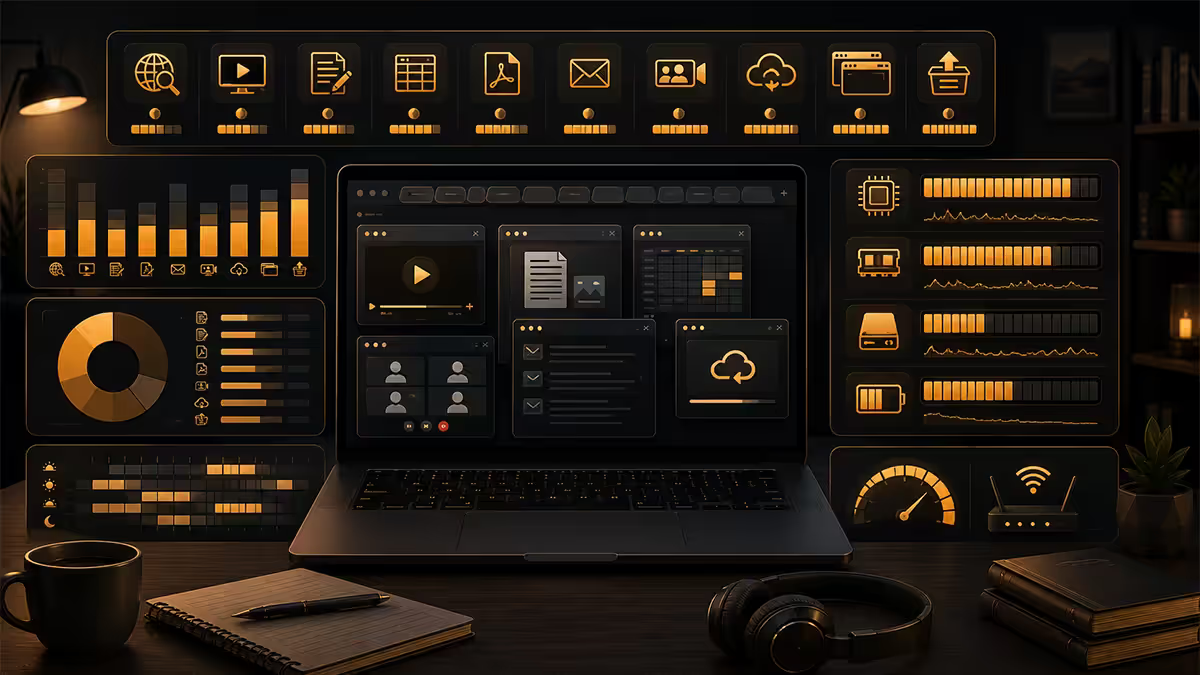
Before choosing a laptop, be honest about what you'll do on it. The real UNISA workload for 95% of modules in 2026:
- myUnisa portal — browser-based assignment submission, discussion forums, announcements.
- PDF reading — textbooks, study guides, past papers, all distributed as PDF.
- Microsoft Word / Google Docs — assignment typing, often submitted as .docx.
- YouTube + recorded lectures — module pre-recorded videos, supplementary explainers.
- Occasional Zoom / Teams tutorials — live online sessions, especially honours modules.
- Online proctored exams — increasingly common, requires webcam + stable internet.
Notice what's missing: no Adobe Premiere, no AutoCAD, no Photoshop, no Unity, no game engines, no machine learning. If you're studying BA, BCom (non-IT), BTh, BEd or LLB, you do not need a powerful laptop. You need a reliable one.
The exceptions:
- BSc Computer Science / BCom IT — Visual Studio, IDEs, possibly virtual machines. Add 16GB RAM, Intel i5 / Ryzen 5.
- BCom Accounting — Pastel / Sage assignments. Standard 8GB Windows laptop fine.
- BSc Maths / Statistics — R, Python, SPSS occasionally. Standard 8-16GB Windows laptop fine.
- BA Honours Psychology / Sociology — SPSS sometimes; standard 8GB Windows fine.
Load shedding — the real test of a study laptop
For UNISA students, the laptop's most important job isn't running fast. It's working when Eskom doesn't. Stage 2-6 load shedding in 2026 still drops power for 2-4 hours at a stretch. A laptop with 8+ hours battery means studying continues; a laptop with 3-hour battery means studying stops.
The complete load-shedding study kit:
| Component | What it does | SA price (2026) |
|---|---|---|
| Laptop with 8+ hr battery | Keeps working through outage | R8,000-R15,000 |
| Mini UPS for Wi-Fi router | Internet stays up during outage | R1,200-R2,500 |
| Mobile LTE backup (router or hotspot) | If fibre is also down | R600-R1,500 + data |
| USB-C power bank (20,000 mAh) | Extends laptop battery 1 cycle | R800-R1,800 |
| Optional: 1kW inverter + battery | All-night power | R6,000-R12,000 |
Wi-Fi, webcam and microphone — non-negotiables
Wi-Fi 6 minimum
Buy a laptop with Wi-Fi 6 (802.11ax) minimum — it's been standard since 2020 and runs fibre at full speed plus handles weak signals (next room, end of yard) better than Wi-Fi 5. Wi-Fi 7 is nice-to-have but not necessary at student speeds.
Webcam — built-in is enough
A 720p webcam ships in every laptop you'll consider. It's good enough for Zoom tutorials and online proctored exams. If you're doing recorded video presentations as part of assignments and want better quality, a Logitech C270 USB webcam (R400-R600) gives a meaningful 1080p upgrade.
Microphone — buy wired earphones with mic
Built-in laptop mics are usually adequate but echoey in big rooms. R150 wired earphones with inline mic beat the laptop's mic dramatically and are reliable for online exams. Don't bother with Bluetooth headphones for assessments — they sometimes disconnect mid-session.
Budget tiers — R8k / R15k / R22k
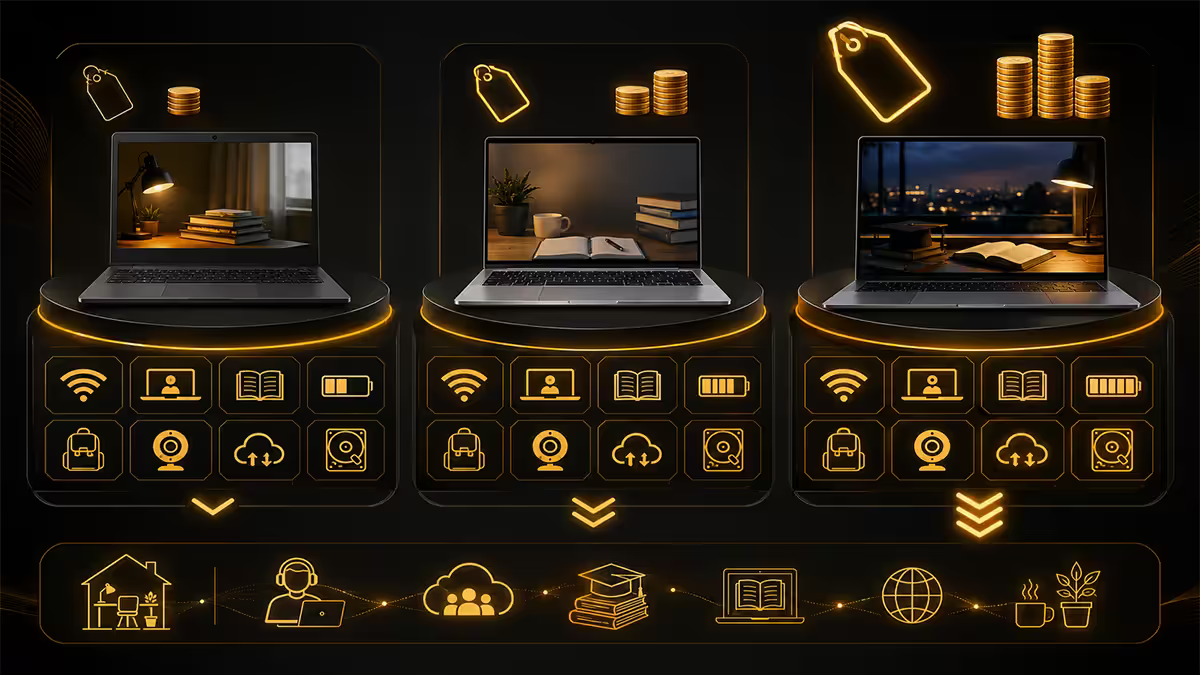
R8,000-R10,500 — the entry tier (recommended for most)
Full UNISA workload handled comfortably. 8GB RAM, 512GB SSD, 14-15.6 inch screen, Ryzen 5 / Core i5, 7-9 hour battery. This is the right tier for BA, BCom (non-IT), BTh, BEd and LLB students.
R12,000-R15,000 — the comfortable tier
Brighter screen, more refined build, often 16GB RAM, longer battery (10-12 hours). Worth the step up for BCom IT, BSc Computer Science, and any student wanting a laptop that lasts the full 3-4 year degree without slowdown.
R18,000-R22,000 — the premium tier
Aluminium build, OLED screen, 16-32GB RAM, 1TB SSD, 14-16 hour battery. Overkill for pure UNISA work but excellent if the laptop also serves work or personal photo/video editing. Apple MacBook Air M5 enters this tier at R22k-R25k.
Top new-laptop picks for UNISA
| Model | Specs | SA price 2026 |
|---|---|---|
| HP Pavilion 15 (Ryzen 5) | 8GB / 512GB / 7-9h battery | R9,500-R10,500 |
| Lenovo IdeaPad Slim 3 | 8GB / 512GB / 8-10h battery | R9,000-R10,000 |
| ASUS Vivobook 15 (Core i5) | 8GB / 512GB / 7-9h battery | R9,500-R10,500 |
| Acer Aspire 5 (Ryzen 5) | 8GB / 512GB / 7-8h battery | R8,500-R9,500 |
| HP ProBook 450 G11 | 16GB / 512GB / 9-11h, Win 11 Pro | R13,500-R15,500 |
| Lenovo ThinkPad E16 Gen 2 | 16GB / 512GB / 10-12h, premium build | R14,500-R17,000 |
| Apple MacBook Air M5 (13") | 16GB / 256GB / 14-18h battery | R22,000-R25,000 |
Chromebook — when it's the right call
A R5,000-R7,000 Chromebook (HP Chromebook 14, Lenovo Chromebook Duet, Acer Chromebook Spin) is enough for 100% of UNISA work on browser-only modules. myUnisa, Word Online, Google Docs, YouTube, Zoom — all work natively.
Chromebook works for:
- BA, BTh, BEd (most modules)
- BCom non-Accounting (with confirmation that Pastel isn't required)
- BPsych at undergrad level
- Diplomas in non-technical fields
Chromebook does NOT work for:
- BSc Computer Science (needs Visual Studio, Linux dev tools)
- BCom IT (needs Windows-only enterprise apps)
- BCom Accounting (needs Pastel / Sage)
- Any module that specifies "must run Microsoft Office desktop version"
The refurbished business-laptop route
Often the best value play for UNISA: a 2-3 year old ex-corporate business laptop refurbished by a reputable SA seller. You get a tougher chassis than entry-level consumer laptops, Windows 11 Pro pre-installed, and a keyboard built to survive 5+ years of typing.
| Refurb model | Typical specs | SA refurb price 2026 |
|---|---|---|
| Lenovo ThinkPad T14 Gen 2/3 | 8/16GB · 256/512GB SSD · i5/i7 | R5,500-R7,500 |
| HP EliteBook 840 G7/G8 | 8/16GB · 256/512GB SSD · i5/i7 | R5,500-R7,500 |
| Dell Latitude 5420/5520 | 8/16GB · 256/512GB SSD · i5/i7 | R5,000-R7,000 |
| Lenovo ThinkPad X1 Carbon Gen 9 | 16GB · 512GB · ultra-light · i7 | R8,000-R10,500 |
Where to buy refurb safely: Evetech, Wootware, Refurb-IT, Hi-Tech Refurbished, or other dealers offering written 6-12 month warranties. Avoid: Gumtree / Facebook Marketplace random sellers, "imported" stock without local support, and anything sold without an itemised invoice.
NSFAS reality for older students in 2026
NSFAS no longer issues laptops directly. Funding is folded into the learning material allowance (roughly R6,500-R8,000 annually in 2026). That budget realistically buys:
- New entry laptop: Acer Aspire 5 or Lenovo IdeaPad Slim 3 at the low end of new pricing.
- Refurbished business laptop: ThinkPad T14 or EliteBook 840 from a reputable SA refurbisher — often better long-term value.
- Chromebook + Wi-Fi UPS combo: R6,500 well-spent if your modules are browser-only.
Key takeaways
- UNISA workload is browser + Word + PDF + occasional Zoom — minimum R8k laptop, 8GB RAM, SSD, 8+ hour battery.
- Load shedding is the real test — pair laptop battery with a R1,200 mini UPS for Wi-Fi router.
- Top new picks: HP Pavilion 15, Lenovo IdeaPad Slim 3, ASUS Vivobook 15, Acer Aspire 5 (R8.5k-R10.5k).
- Refurbished ThinkPad / EliteBook / Latitude at R5.5k-R7.5k often beats new entry-level for longevity.
- Chromebook works for BA / BTh / BEd / BCom non-Accounting. Confirm module pack before buying.
Frequently asked questions
What specs do I need for UNISA?
i3-N305 / Ryzen 3 7335U, 8GB RAM, 256GB SSD, 14-15.6" screen, 6+ hour battery, Wi-Fi 6. R8,000-R10,000 buys this in 2026.Is a Chromebook good enough?
Yes for browser-only modules (BA, BTh, BEd, BCom non-IT/non-Accounting). No for IT, CompSci, Accounting (Pastel) or modules specifying desktop Office. Check the module pack.How important is battery life?
Critical — not for mobility, for load shedding survival. 8+ hour battery plus R1,200 mini UPS for Wi-Fi router = full afternoon of Stage 6 studying.Do I need webcam and microphone?
Yes for online proctored exams, Zoom tutorials, recorded video assignments. Built-in 720p webcam fine. R150 wired earphones with mic beats built-in mic.Refurbished vs new?
Refurb ThinkPad / EliteBook / Latitude at R5,500-R7,500 often outlasts a new R9,500 consumer laptop. Buy with 6-12 month warranty from reputable SA refurbisher.NSFAS-funded laptops in 2026?
NSFAS no longer issues laptops directly — folded into learning material allowance (R6,500-R8,000). Avoid 4GB / eMMC budget models. Prioritise 8GB RAM + SSD.Best budget laptop under R10k?
HP Pavilion 15, Lenovo IdeaPad Slim 3, ASUS Vivobook 15, Acer Aspire 5 — all Ryzen 5 or Core i5, 8GB / 512GB SSD, 7-9 hour battery, R8.5k-R10.5k in 2026.Desktop or laptop for UNISA?
Laptop — better load-shedding survival and workspace flexibility. Desktop only if you already have UPS and reliable home setup.
Get the Evetech app
Exclusive app-only prices, daily flash sales, and free delivery on orders over R4,000 — download the app and start saving.