Webcam Buying Guide
How to choose a webcam. — Resolution is a trap. Sensor is everything.
Every conferencing platform downscales your 4K stream to 720p. The difference between looking professional and looking like a 2010 Skype call isn't the megapixels — it's the sensor size, the autofocus and the field of view.
- conferencing baseline
- 1080p
- talking-head FOV
- 65-90°
- SA price band
- R900-R8k
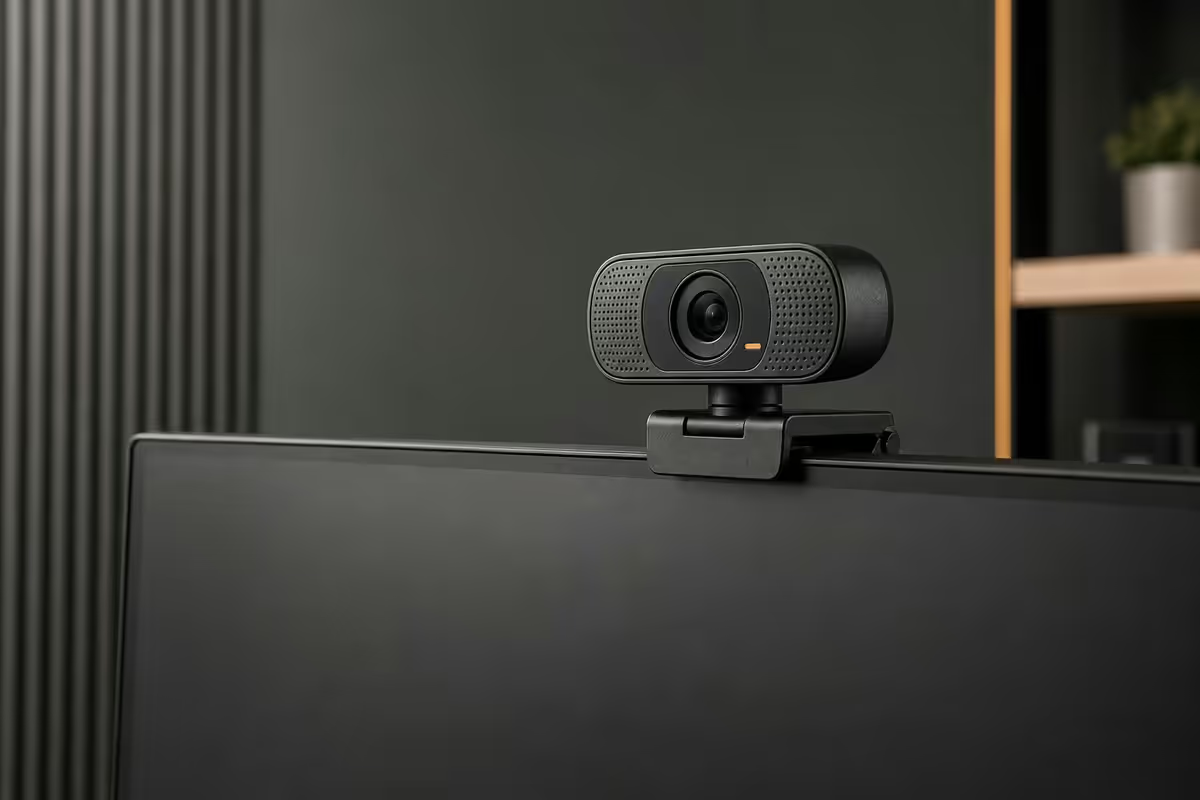
Resolution — 1080p is the real ceiling
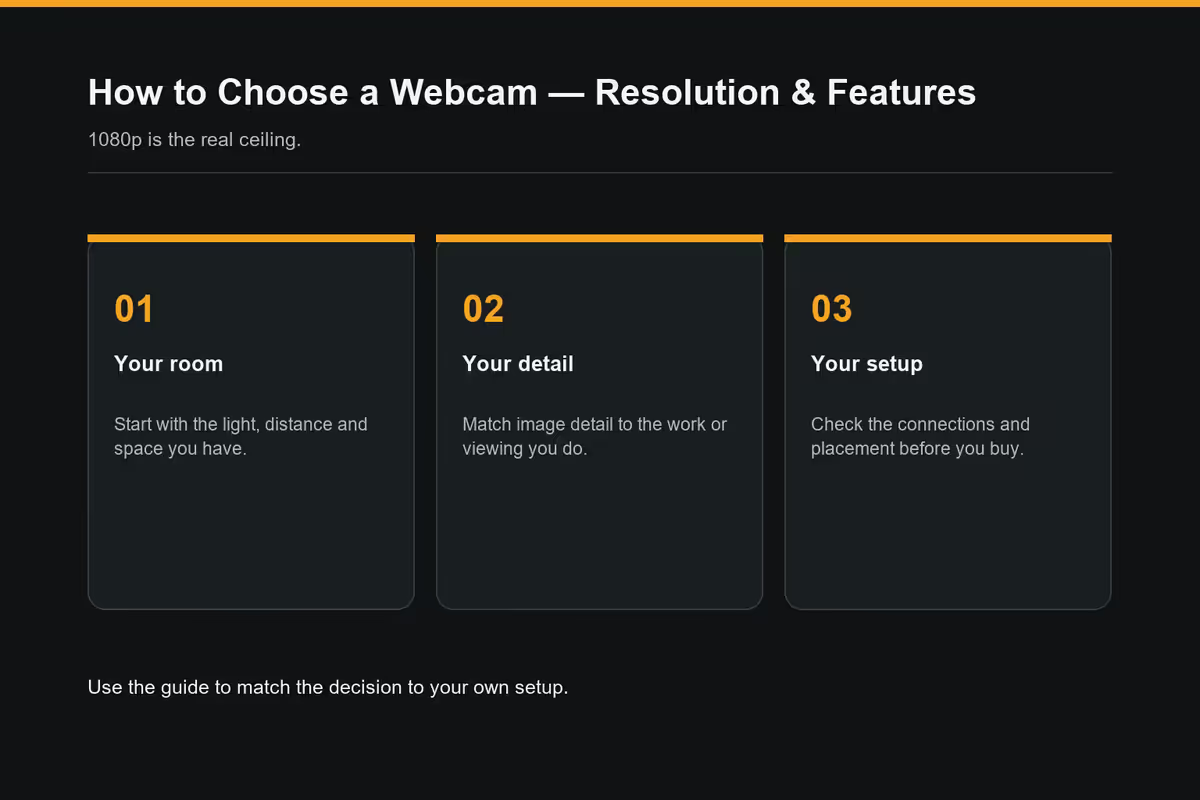
The marketing fixates on 4K. The reality is more interesting: almost every meeting platform throws away the resolution you paid for.
Zoom transmits each participant's video at 720p maximum, sometimes 360p when there are many participants on the call. Microsoft Teams caps individual feeds at 720p outside of premium plans. Google Meet does the same. Your 4K webcam connected to a 1080p Zoom session delivers exactly 1080p — and often 720p once Zoom's bandwidth balancing kicks in.
| Platform | Max participant stream | Typical real-world |
|---|---|---|
| Zoom (free + Pro) | 1080p (host only) | 720p per participant |
| Microsoft Teams | 1080p (Premium plan) | 720p per participant |
| Google Meet | 720p (free) | 360-720p |
| Apple FaceTime | 1080p / 4K (native) | Native resolution |
| OBS / Streamlabs (local) | 4K (whatever camera does) | Native resolution |
| Twitch / YouTube Live | 1080p (most channels) | 1080p |
The conclusion: for conferencing-only use, 1080p webcams (R900-R3,500) are the correct tier. 4K matters for creators recording or streaming locally, where the file is captured at native resolution before any platform compression. It also matters for Apple users on FaceTime, which is the rare exception that respects native resolution.
Sensor size — the spec that actually matters
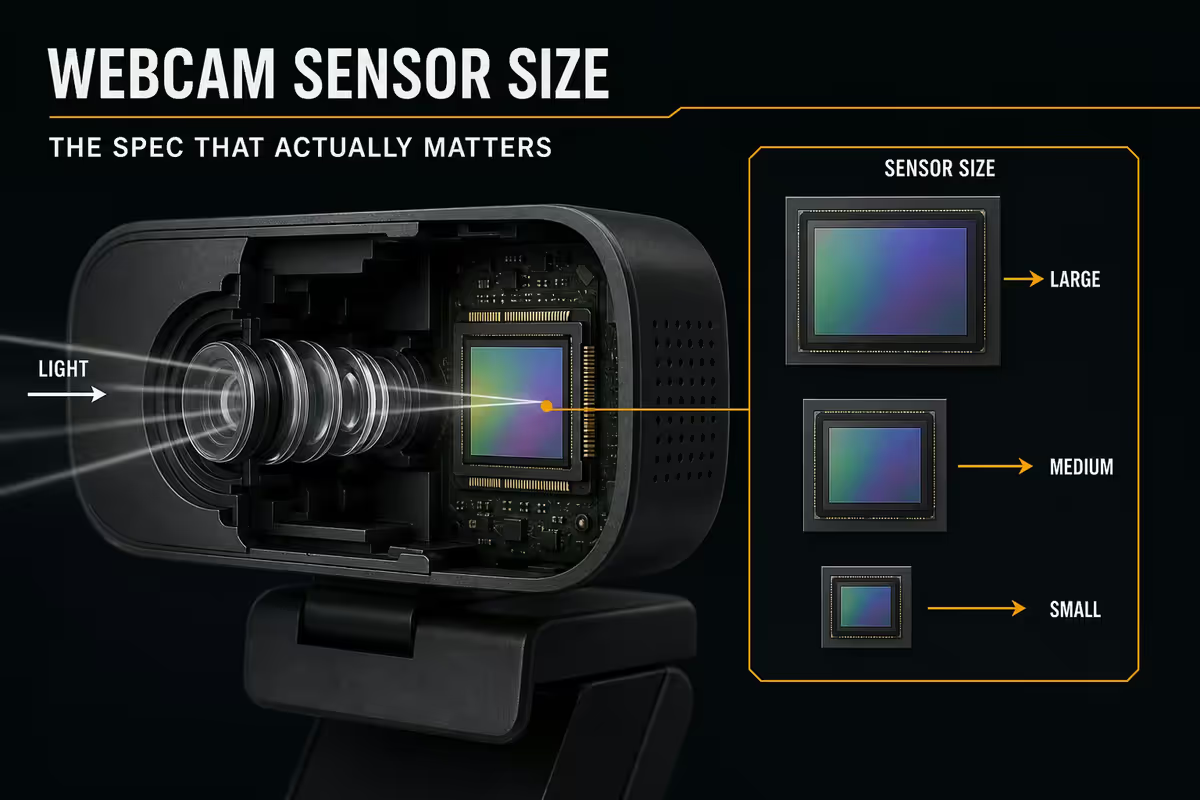
Two webcams listed as “1080p” can produce wildly different video. The reason is sensor size — the physical area of the chip behind the lens that captures light.
| Sensor size | Typical webcam tier | Low-light behaviour |
|---|---|---|
| 1/4 inch | Budget (R400-R900) | Heavy noise, grainy |
| 1/3 inch | Mid (R1,000-R2,500) | Acceptable in good light |
| 1/2.8 inch | Premium consumer (Logitech Brio 500) | Clean in office light |
| 1/2 inch | Top tier (MX Brio, Razer Kiyo Pro Ultra) | Clean in dim light |
| 1/1.7 inch (Sony STARVIS) | Insta360 Link, Kiyo Pro Ultra | Excellent dim-light |
Why bigger sensors look better. A larger sensor captures more photons per pixel, so the camera doesn't need to amplify weak signals. Amplification (ISO boost) introduces visible noise. A 1/2" sensor at f/2.0 needs much less amplification in your home office than a 1/4" sensor does, so the image stays clean.
The practical translation: if you work in a north-facing room with overcast SA light, or you join calls at 5pm in winter, sensor size is the single biggest determinant of how professional you look on camera. More important than resolution by a wide margin.
Autofocus — fixed vs auto vs phase-detect
Webcam autofocus systems fall into three tiers:
Fixed focus (cheap webcams under R600). The lens is fixed at one focal distance, usually 0.5-1 metre. If you sit at that distance, you look sharp. Move closer or further and you blur. Cheap, simple, occasionally the right answer.
Contrast-detect autofocus (most R900-R3,000 webcams). The camera adjusts focus by sampling contrast at the centre of the frame. It works but “hunts” — visibly searches for focus when you move, holding up an object briefly looks soft until the camera catches up. The Logitech C920's famous focus-hunting problem is contrast-detect.
Phase-detect autofocus / PDAF (premium webcams R3,500+). Same technology mirrorless cameras use — far faster, locks focus in 0.1-0.3 seconds without hunting. The Logitech MX Brio, Razer Kiyo Pro Ultra and Insta360 Link all use PDAF. If you hold up products to camera, gesture animatedly or change posture often, PDAF is worth the upgrade.
Field of view — how wide should you go?
Field of view (FOV) is measured in degrees, indicating how much of the scene fits in frame. The number itself isn't intuitive — what matters is the practical translation:
| FOV | What fits in frame | Best for |
|---|---|---|
| 65° | Head and shoulders, close-cropped | Solo, close to camera |
| 78° (standard) | Head + shoulders + space around | Most remote workers |
| 90° | Head + shoulders + desk surface | Demos with products / hands |
| 103°+ | Two people side by side | Couples sharing space / pair calls |
| 120°+ (action cam) | Whole room visible | In-office meetings |
The fish-eye trap. Wide-angle FOV (90°+) introduces visible barrel distortion on a single face — your nose looks bigger, the edges of your head curve. Fine for capturing a room; unflattering for solo head-and-shoulders shots. Premium webcams offer adjustable FOV via software so you can switch between modes.
Frame rate — 30fps vs 60fps
30fps is the conferencing standard and what every platform caps at. There is no benefit to a 60fps stream on Zoom — the platform throws away the extra frames.
60fps matters for streamers, content creators and gamers. Fast head movements, gameplay reactions and gestures look dramatically smoother. Twitch, YouTube Live and TikTok all support 60fps streaming and will preserve the framerate. Premium webcams (Brio 500, MX Brio, Kiyo Pro Ultra, Insta360 Link) all do 1080p at 60fps.
Exposure compensation matters more than you'd think. SA office lighting is unpredictable — afternoon sun streaming through one window, ceiling fluorescents on the other side. Cameras with manual or HDR exposure control let you fix backlit-by-window situations that defeat the automatic exposure on cheaper webcams.
Mirrorless camera as webcam — the creator alternative
If you already own a Sony A6000-series, Fuji X-T or Canon R-series mirrorless camera, you're sitting on better webcam hardware than any consumer USB webcam.
The setup: camera + clean HDMI output + Elgato Cam Link 4K (R3,500) + USB-C to your computer. The camera shows up as a webcam to Zoom, Teams, OBS — anything. Image quality is a step change above any USB webcam — larger sensor, real glass lens, depth-of-field with background blur.
The downsides to know about:
- Battery life. Camera batteries last 60-90 minutes of continuous video. For all-day calls, you need a dummy battery + AC adapter (R400-R700).
- Heat. Many mirrorless cameras throttle after 30-60 minutes of recording. Check your specific model's overheating behaviour before committing.
- The camera has to be on for every meeting. Adds 10-15 seconds of pre-meeting setup vs plug-and-play USB webcam.
- Older HDMI output may have a record indicator overlay. Check that your model supports "clean HDMI" before assuming it works.
When the mirrorless route is worth it: dedicated streamers, YouTubers shooting talking-head content, executive comms where you're on camera for hours daily. For day-to-day Zoom, a Logitech Brio is simpler and within 80% of the quality.
Top picks by use case — South Africa, 2026
| Use case | Pick | SA price |
|---|---|---|
| Best budget | Anker PowerConf C200 | R900-R1,200 |
| Workhorse classic | Logitech C920 (still excellent) | R1,200-R1,500 |
| Mainstream sweet spot | Logitech Brio 500 | R2,800-R3,500 |
| New premium business | Logitech MX Brio (1/2" sensor) | R4,500-R5,500 |
| Creator low-light king | Razer Kiyo Pro Ultra (Sony STARVIS 1/1.7") | R6,500-R8,000 |
| 4K creator with gimbal tracking | Insta360 Link (PTZ AI tracking) | R5,500-R7,500 |
| Portable laptop clip | Opal Tadpole | R4,500-R5,500 |
| Mirrorless route (creator) | Sony ZV-E10 + Cam Link 4K | R18,000+ |
Key takeaways
- 1080p is the conferencing baseline — Zoom, Teams and Meet all downscale 4K anyway.
- Sensor size matters more than resolution. 1/2" or larger for clean low-light output.
- Phase-detect autofocus on premium webcams beats the hunting problem of contrast-detect.
- 78° FOV is the standard talking-head sweet spot. 90°+ causes fish-eye on a single face.
- Lighting beats webcam upgrade. R800 key light + R1,500 webcam > R6,000 webcam alone.
Frequently asked questions
Is 1080p enough for a webcam in 2026?
For Zoom, Teams and Meet — yes. Every major platform downscales to 720p anyway. 1080p webcams (R900-R3,500) are the correct tier for 95% of remote workers.When does 4K webcam resolution actually matter?
Creators recording locally, those who crop in post-production, and Apple users on FaceTime. Outside these cases 4K is wasted budget.Why do webcams look bad in low light?
Tiny sensors. In dim light they over-amplify the signal, which adds noise. Premium webcams with 1/2" or larger sensors handle low light dramatically better.Do I need autofocus on a webcam?
If you sit still, fixed focus works. If you move or hold things up to camera, autofocus is essential. Premium webcams use phase-detect AF that locks fast without hunting.What field of view should I look for?
78° is the standard talking-head sweet spot. 65° crops tighter. 90°+ fits multiple people but distorts solo faces. Premium webcams offer adjustable FOV.30fps vs 60fps webcam — does it matter?
For conferencing, no — 30fps is the platform cap. For streaming and content creation, yes — 60fps looks dramatically smoother on Twitch, YouTube Live and TikTok.Should I use a mirrorless camera as a webcam?
If you already own one with clean HDMI output, yes — quality crushes any USB webcam. Add an Elgato Cam Link 4K. Watch battery, heat throttling and pre-meeting setup time.Which webcam is best for SA remote workers?
Logitech Brio 500 (R2,800-R3,500) for the mainstream sweet spot. Anker C200 (R900-R1,200) for budget. Razer Kiyo Pro Ultra (R6,500+) for creators wanting top-tier low light.
Get the Evetech app
Exclusive app-only prices, daily flash sales, and free delivery on orders over R4,000 — download the app and start saving.