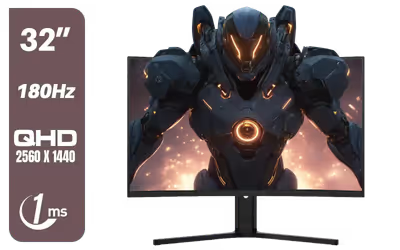
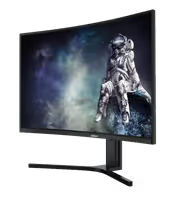
Dahua LM32 E330CA 32 inch 180Hz LED Monitor
Dahua LM32-E330CA 32" 180Hz LED Monitor / Adaptive-Sync Technology / 1ms Response Time / QHD 2560x1440 / 180Hz Refresh Rate / DHI-LM32-E330CA
3 Years Local Warranty
Model No : Dahua DHI-LM32-E330CA
Price Inc. Vat
R 3,999
Save R 2,000
ListR 5,999
3999Change Quantity:
In Stock with Evetech
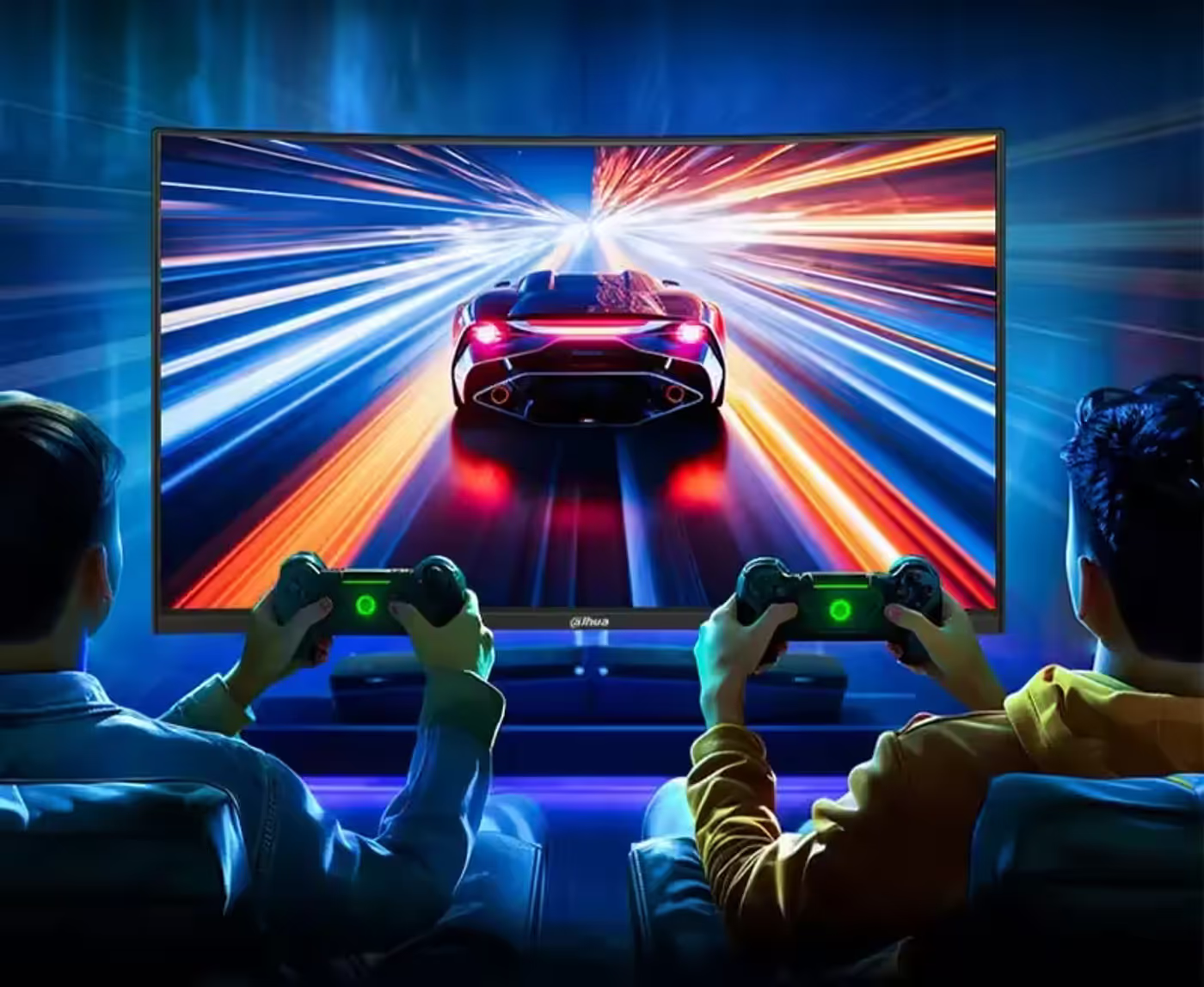
Dahua LM32-E330CA 32" QHD 180Hz Gaming Monitor
32-Inch QHD VA Panel At 180Hz And 1ms
The Dahua LM32-E330CA is a 32-inch LED gaming monitor running 2560x1440 QHD on a VA panel, with a 180Hz refresh rate and a 1ms response time. Those four numbers set what the display can do: enough working area for multitasking, enough pixel count for detail, and enough refresh and response headroom for competitive play rather than office use alone.
32-Inch QHD VA Panel At 180Hz And 1ms
The Dahua LM32-E330CA is a 32-inch LED gaming monitor running 2560x1440 QHD on a VA panel, with a 180Hz refresh rate and a 1ms response time. Those four numbers set what the display can do: enough working area for multitasking, enough pixel count for detail, and enough refresh and response headroom for competitive play rather than office use alone.
Built For Serious Gamers And Multimedia Work
The LM32-E330CA is aimed at serious gamers and multimedia enthusiasts who need one display to do both jobs. The VA panel delivers sharp images with strong colour accuracy for viewing and editing, while the fast refresh and response handle competitive gaming. Wide compatibility with common gaming hardware and accessories means it drops into a new rig or an existing setup without special requirements.
Built For Serious Gamers And Multimedia Work
The LM32-E330CA is aimed at serious gamers and multimedia enthusiasts who need one display to do both jobs. The VA panel delivers sharp images with strong colour accuracy for viewing and editing, while the fast refresh and response handle competitive gaming. Wide compatibility with common gaming hardware and accessories means it drops into a new rig or an existing setup without special requirements.
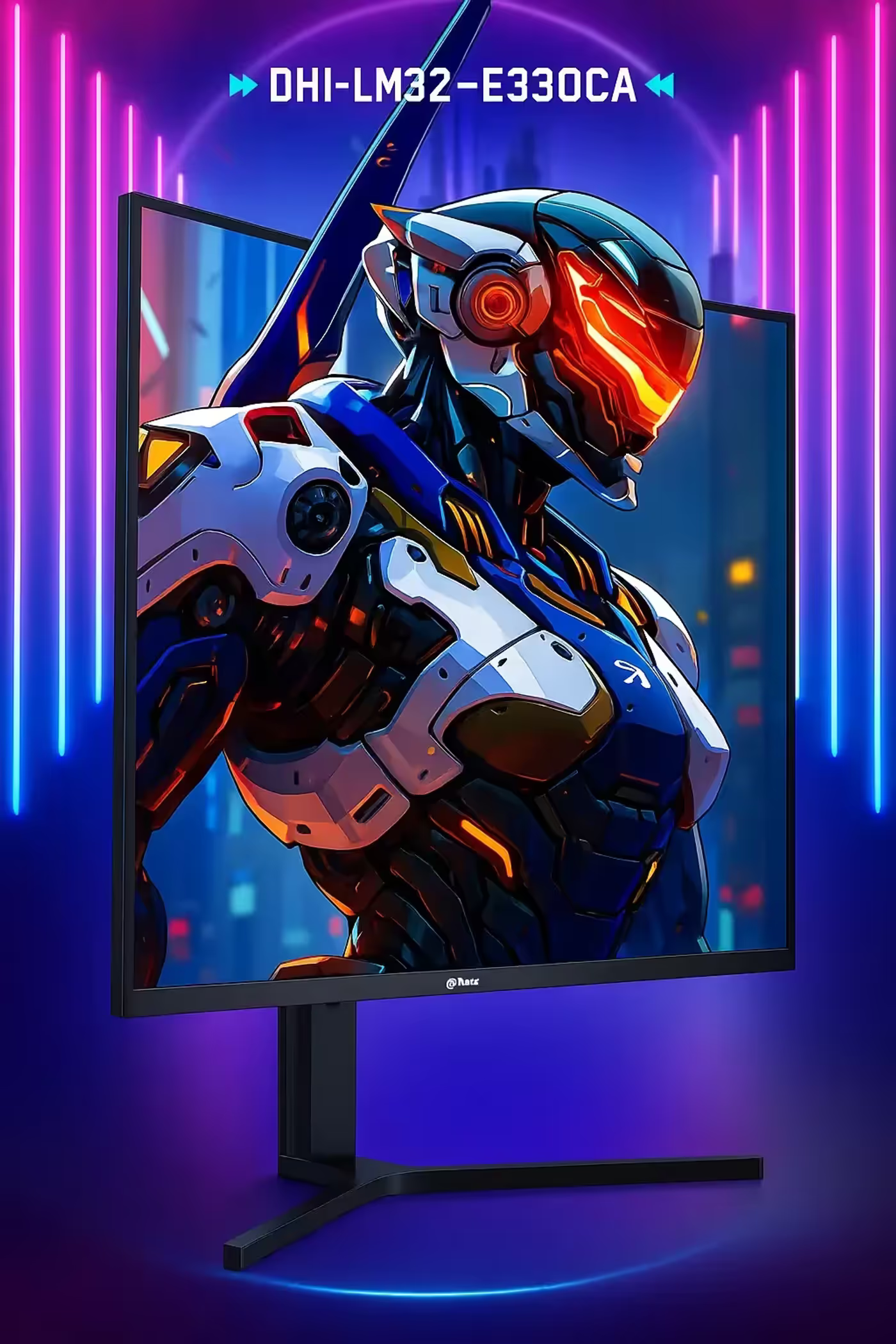
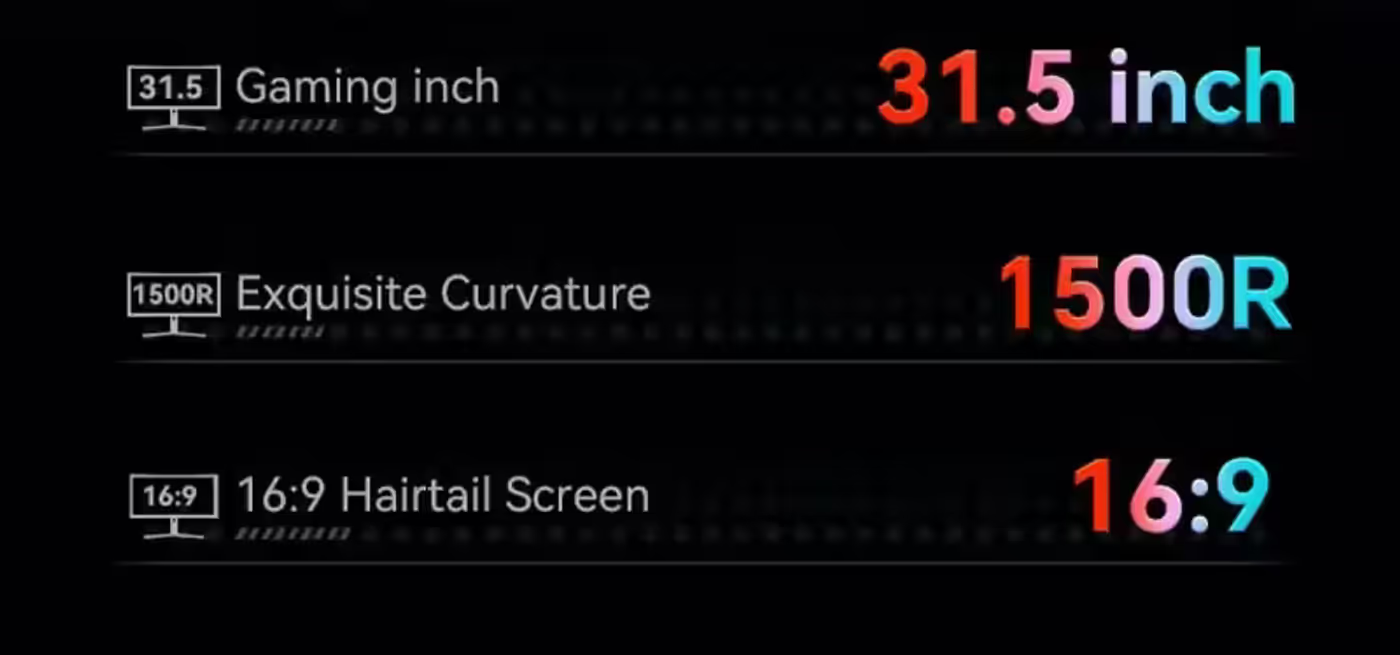
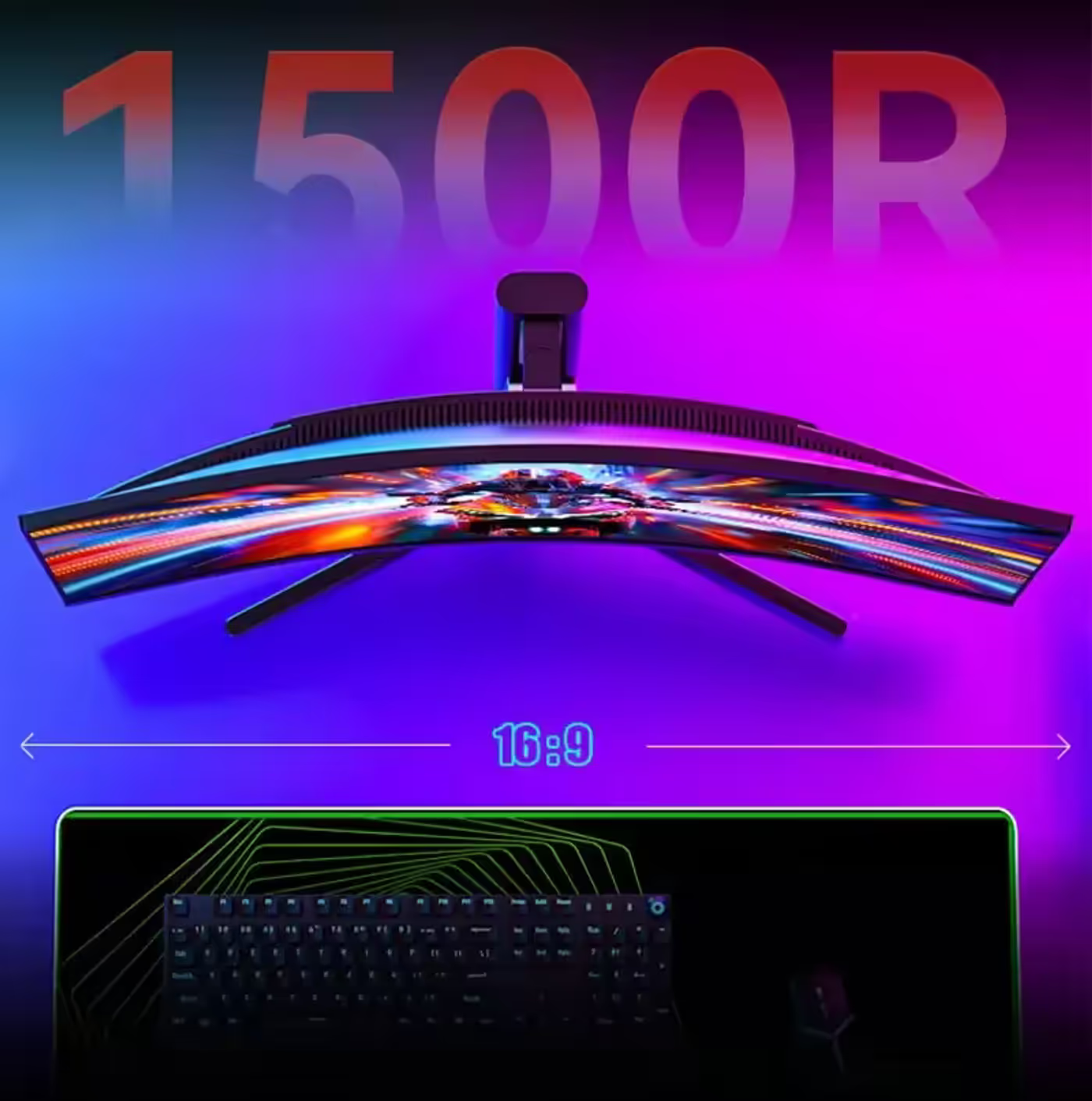
1500R Curved 16:9 Screen Follows Your Eye
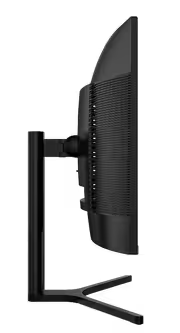
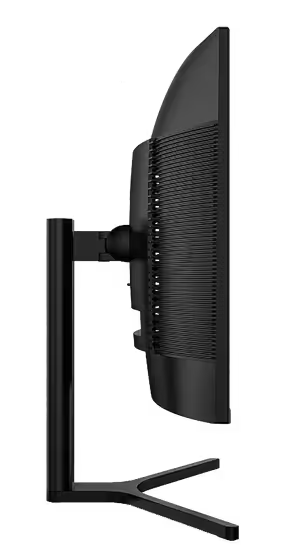
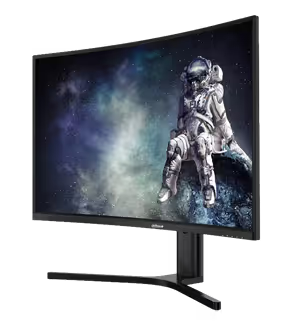
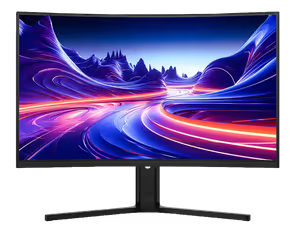
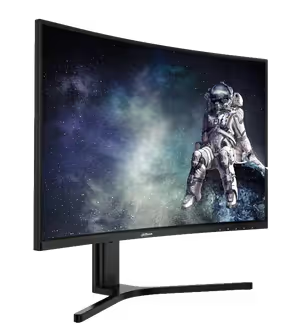
The screen is a 16:9 panel measuring 31.5 inches with a 1500R curve, a radius chosen because it sits closer to the natural viewing habits of the human eye than a flat panel of the same width. The curve wraps the edges of the image slightly towards you, which keeps the corners at a more even viewing distance during long sessions.
1500R Curved 16:9 Screen Follows Your Eye
The screen is a 16:9 panel measuring 31.5 inches with a 1500R curve, a radius chosen because it sits closer to the natural viewing habits of the human eye than a flat panel of the same width. The curve wraps the edges of the image slightly towards you, which keeps the corners at a more even viewing distance during long sessions.
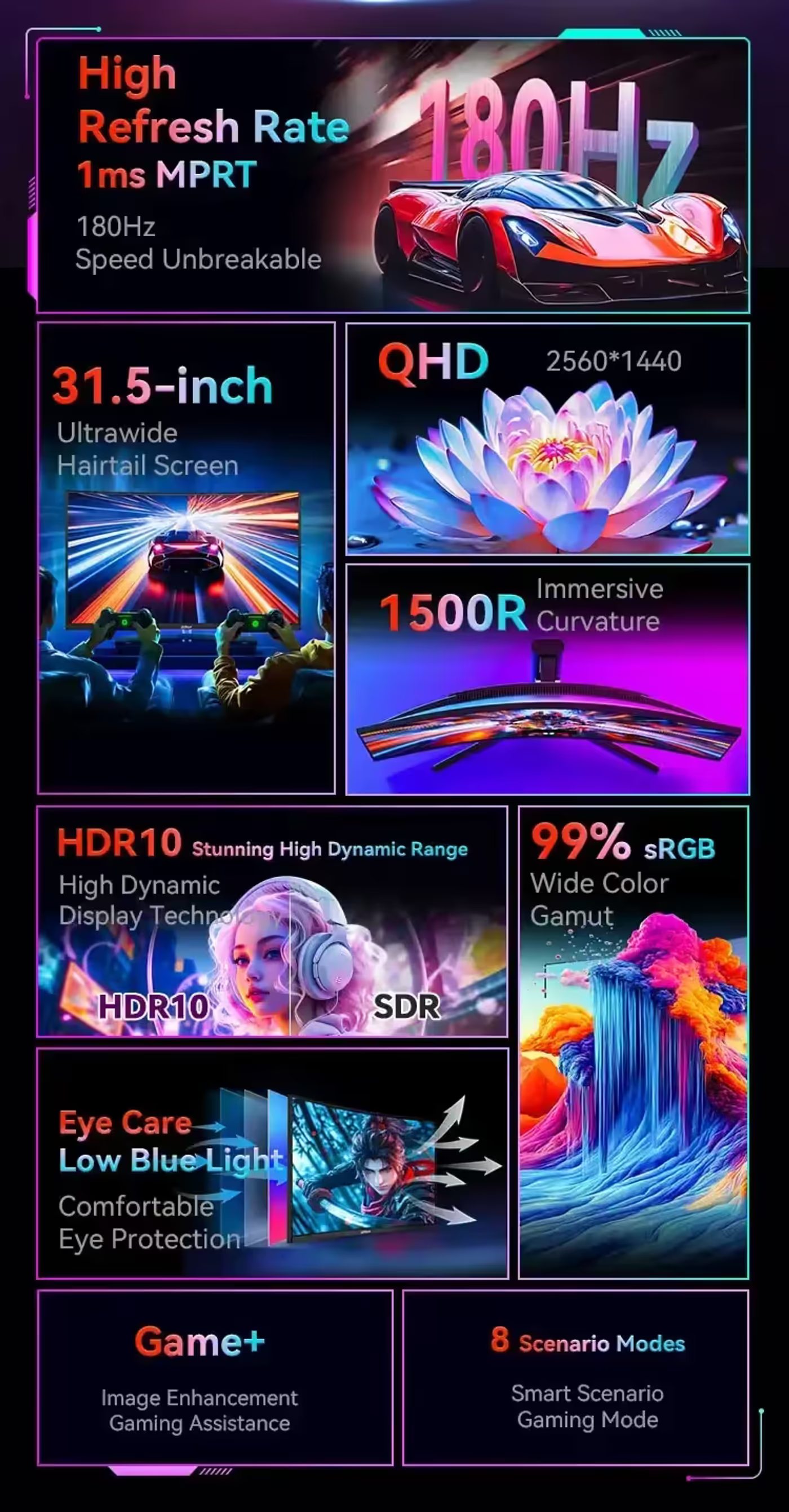
180Hz Refresh Rate Cuts The Sense Of Lag
A 180Hz refresh rate displays more game frames every second, which shrinks the visual gap between one frame and the next and removes the stutter that reads as input lag. The practical result is more fluid dynamic motion in a firefight, where the difference between frames is what your eye is actually tracking when you follow a moving target.
180Hz Refresh Rate Cuts The Sense Of Lag
A 180Hz refresh rate displays more game frames every second, which shrinks the visual gap between one frame and the next and removes the stutter that reads as input lag. The practical result is more fluid dynamic motion in a firefight, where the difference between frames is what your eye is actually tracking when you follow a moving target.
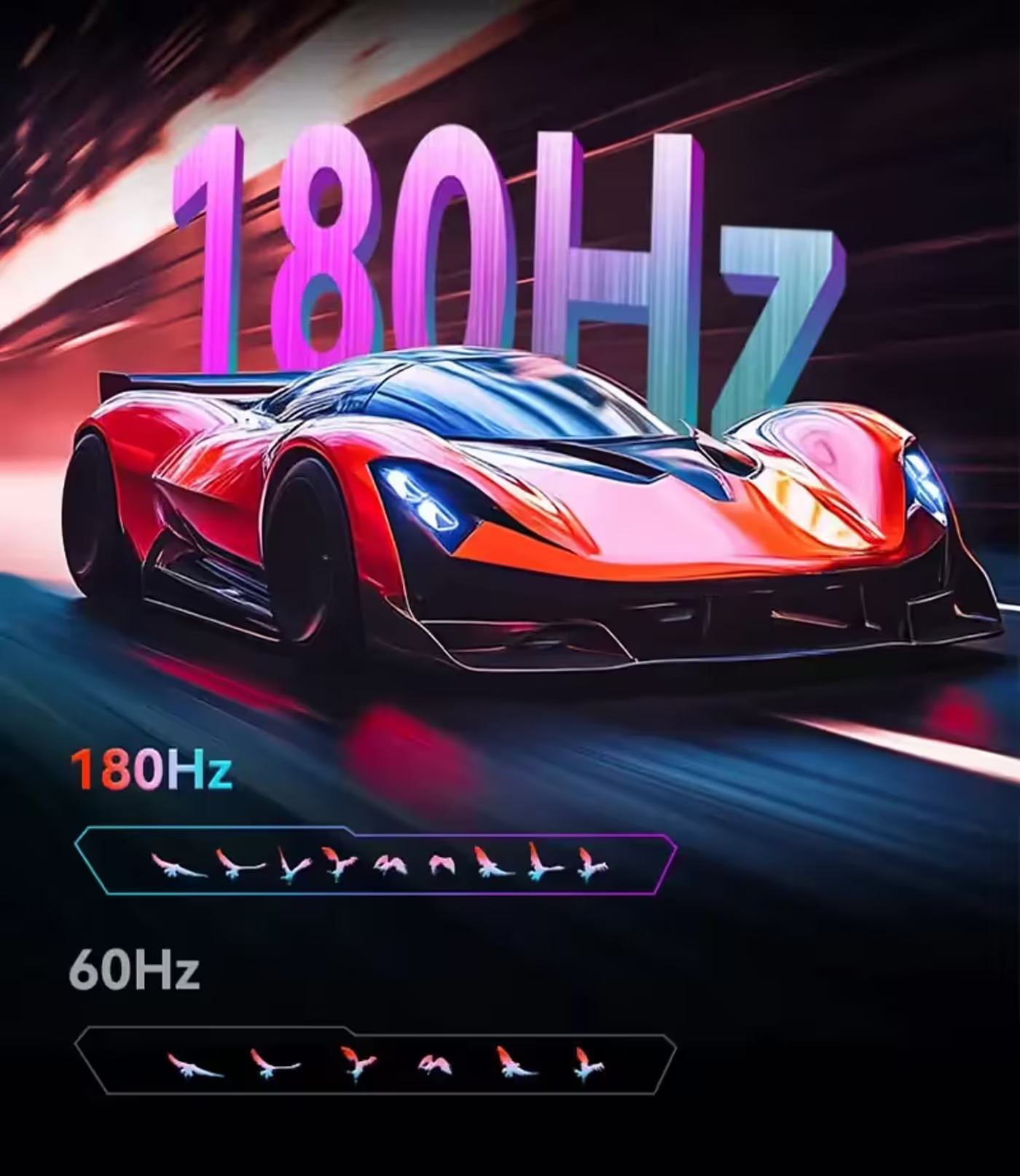
1ms MPRT Ultra-Fast Response Time
The panel is rated at a 1ms MPRT response, the measure of how long a moving object stays visible on screen before the picture moves on. Keeping that number low is what stops a fast pan smearing into a blur, so an enemy crossing the frame remains a defined shape rather than a streak you have to guess at.
1ms MPRT Ultra-Fast Response Time
The panel is rated at a 1ms MPRT response, the measure of how long a moving object stays visible on screen before the picture moves on. Keeping that number low is what stops a fast pan smearing into a blur, so an enemy crossing the frame remains a defined shape rather than a streak you have to guess at.
2560x1440 QHD At 109 PPI Pixel Density
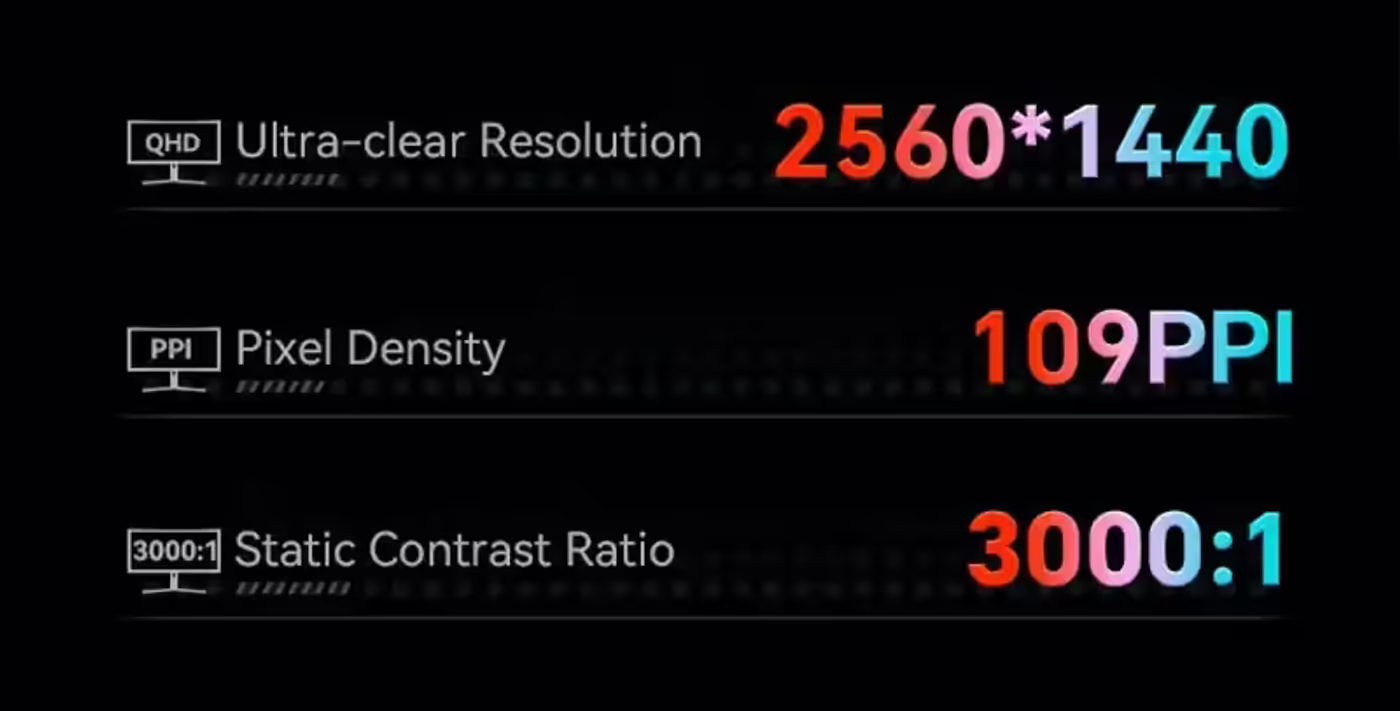
QHD resolution of 2560x1440 across this panel works out to a pixel density of 109 PPI, which is the figure that decides how fine the image looks at a normal desk viewing distance. Higher density brings out more of the detail built into a game scene, so distant objects and small text hold their shape instead of breaking into visible steps.
2560x1440 QHD At 109 PPI Pixel Density
QHD resolution of 2560x1440 across this panel works out to a pixel density of 109 PPI, which is the figure that decides how fine the image looks at a normal desk viewing distance. Higher density brings out more of the detail built into a game scene, so distant objects and small text hold their shape instead of breaking into visible steps.
Native 8-Bit Panel With 99% sRGB Coverage
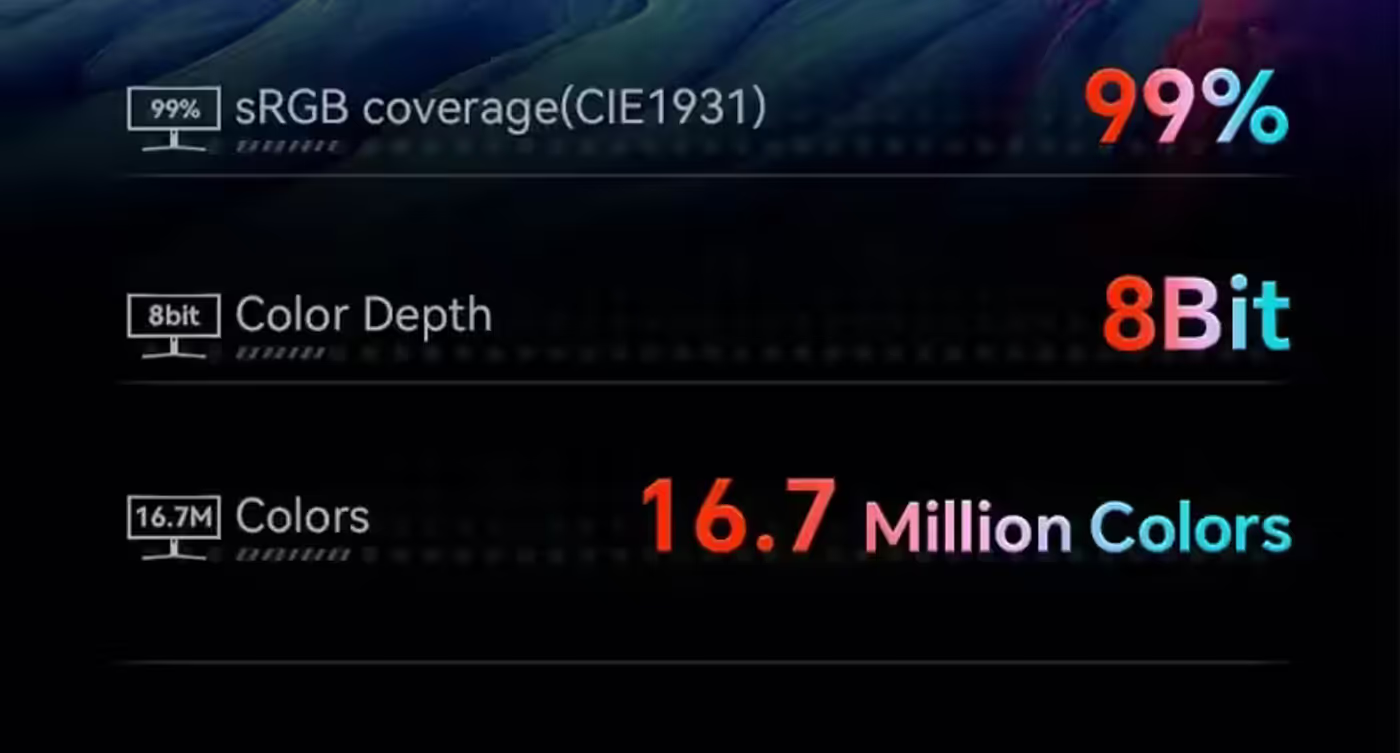
The LM32-E330CA uses a native 8-bit panel covering 99% of the sRGB colour space, which is close to full coverage of the gamut most games, video and web content are authored in. Native 8-bit means the colour depth comes from the panel itself rather than being simulated, so gradients render richly and accurately without banding.
Native 8-Bit Panel With 99% sRGB Coverage
The LM32-E330CA uses a native 8-bit panel covering 99% of the sRGB colour space, which is close to full coverage of the gamut most games, video and web content are authored in. Native 8-bit means the colour depth comes from the panel itself rather than being simulated, so gradients render richly and accurately without banding.
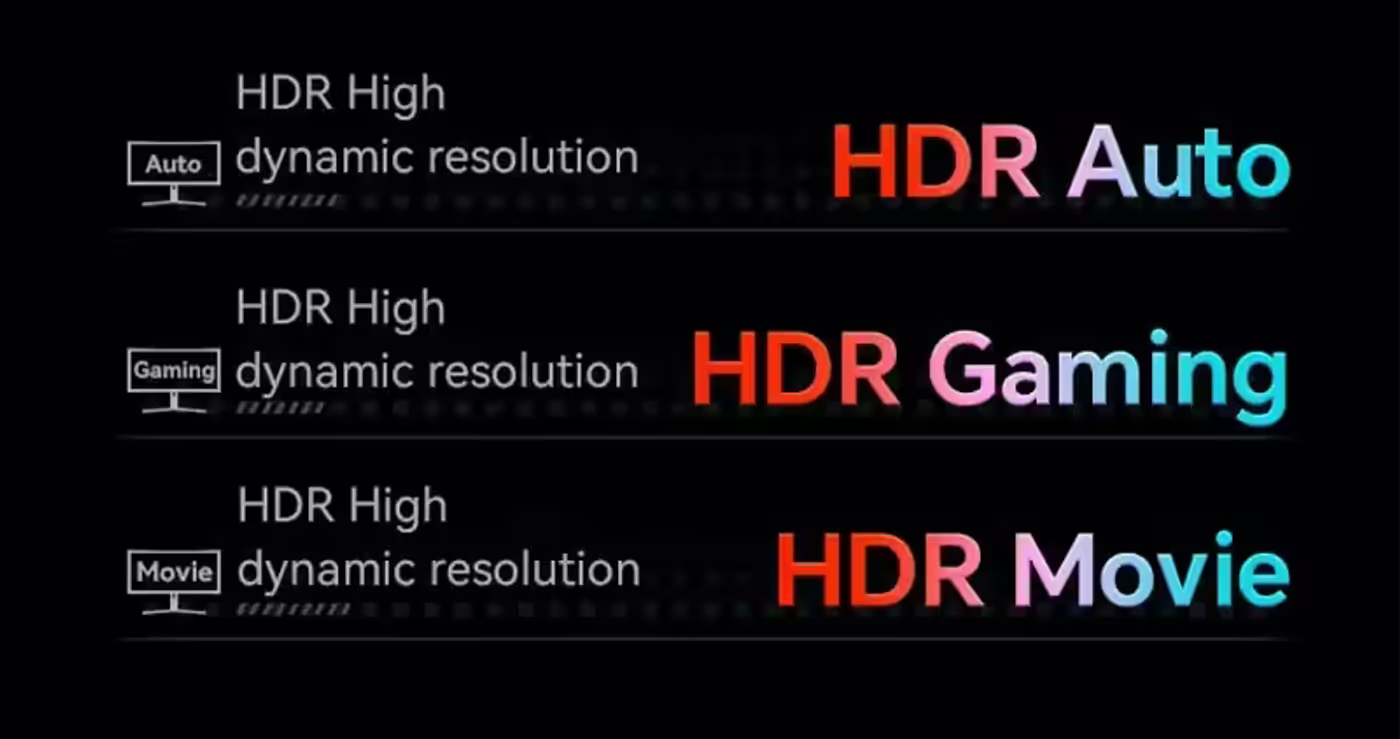
HDR10 With Auto, Gaming And Movie Presets
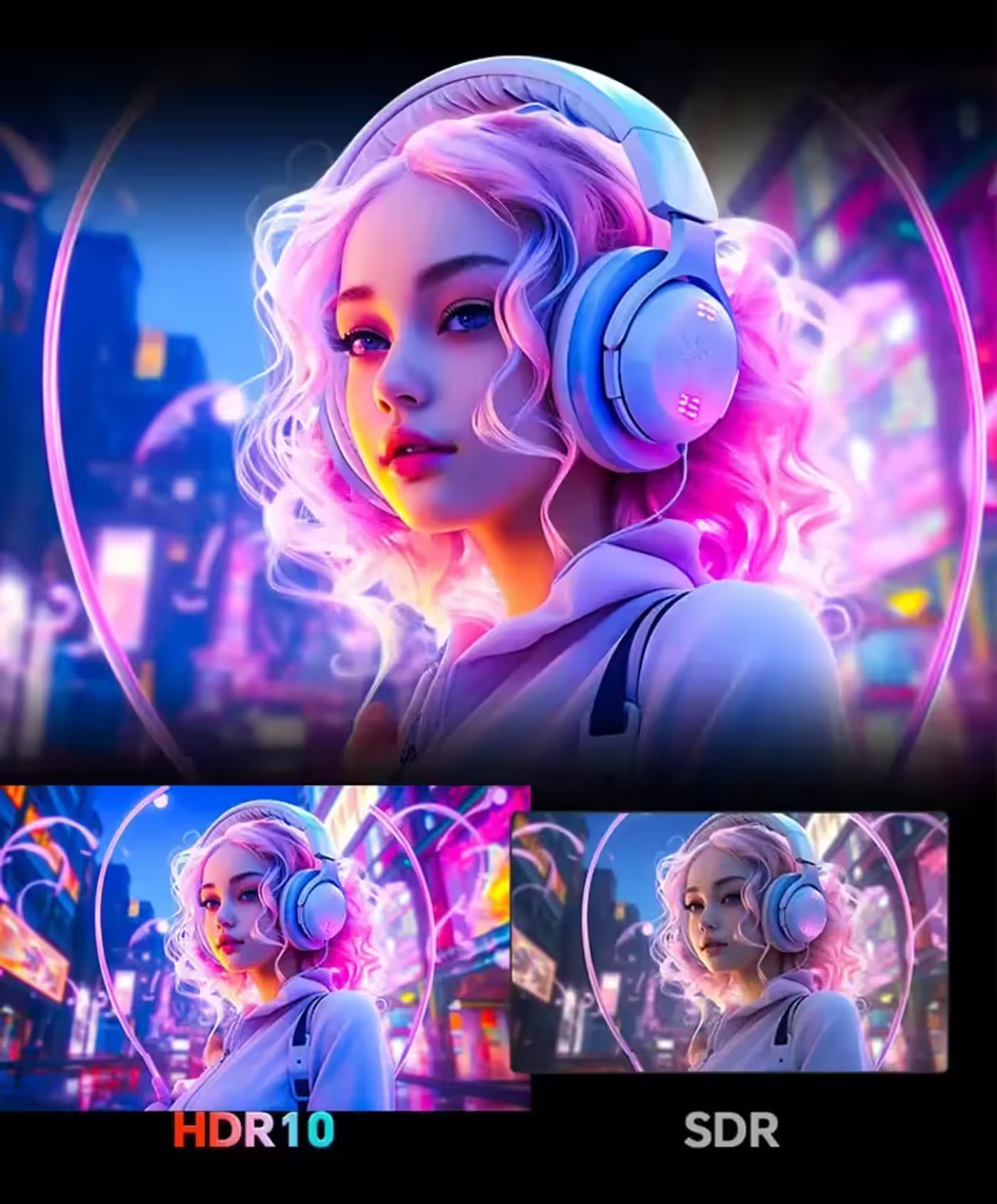
HDR10 support brings out the light and shadow layers in a picture, intensifying the contrast between bright and dark areas so a scene represents the real world more accurately. Three presets ship on the monitor: HDR Auto, HDR Gaming and HDR Movie, so the tone mapping matches whether you are playing, watching a film or leaving the monitor to decide.
HDR10 With Auto, Gaming And Movie Presets
HDR10 support brings out the light and shadow layers in a picture, intensifying the contrast between bright and dark areas so a scene represents the real world more accurately. Three presets ship on the monitor: HDR Auto, HDR Gaming and HDR Movie, so the tone mapping matches whether you are playing, watching a film or leaving the monitor to decide.
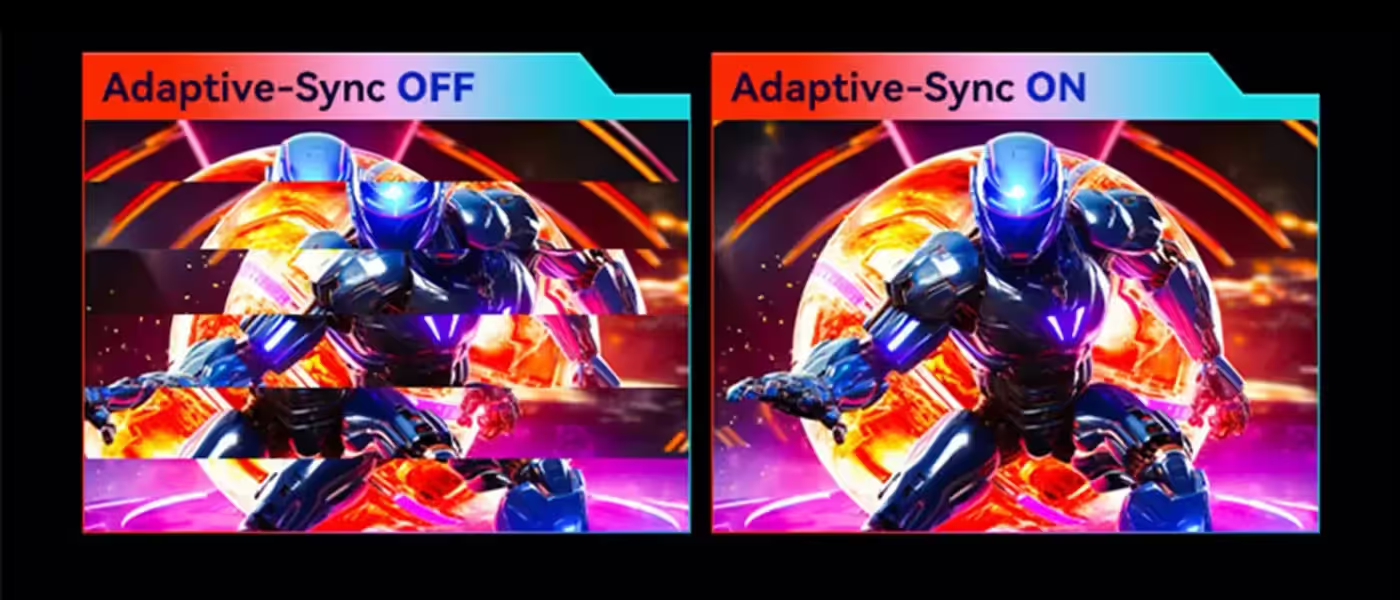
Adaptive-Sync Removes Tearing And Stuttering
Adaptive-Sync ties the monitor's refresh rate to the frame rate coming out of the graphics card, so the panel never draws half of one frame and half of the next. That removes screen tearing and the stuttering that follows when frame rate and refresh rate drift apart, which is most noticeable exactly when the scene gets busy.
Adaptive-Sync Removes Tearing And Stuttering
Adaptive-Sync ties the monitor's refresh rate to the frame rate coming out of the graphics card, so the panel never draws half of one frame and half of the next. That removes screen tearing and the stuttering that follows when frame rate and refresh rate drift apart, which is most noticeable exactly when the scene gets busy.
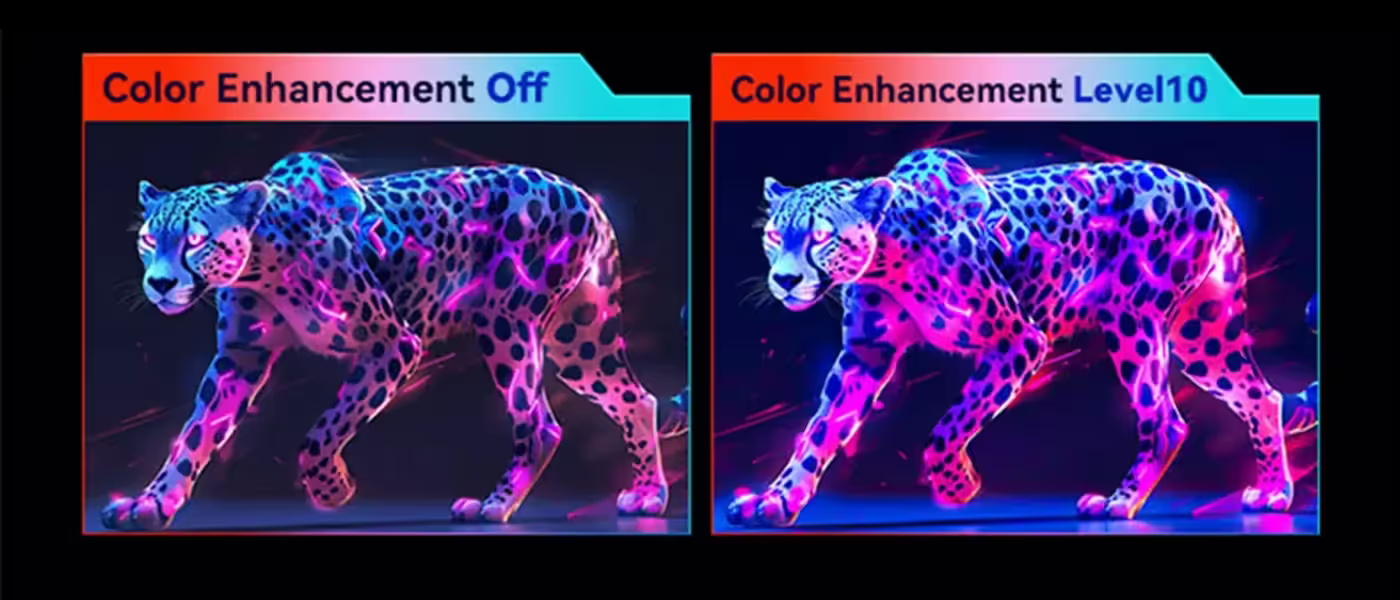
Colour Enhancement Across Ten Precise Levels
Colour Enhancement fine-tunes the picture across up to 10 precise levels, letting you push colours to be more vibrant and rich without blowing out the detail inside them. Because the adjustment is stepped rather than a single toggle, the image can be lifted just enough to suit your taste while staying natural and comfortable to look at.
Colour Enhancement Across Ten Precise Levels
Colour Enhancement fine-tunes the picture across up to 10 precise levels, letting you push colours to be more vibrant and rich without blowing out the detail inside them. Because the adjustment is stepped rather than a single toggle, the image can be lifted just enough to suit your taste while staying natural and comfortable to look at.

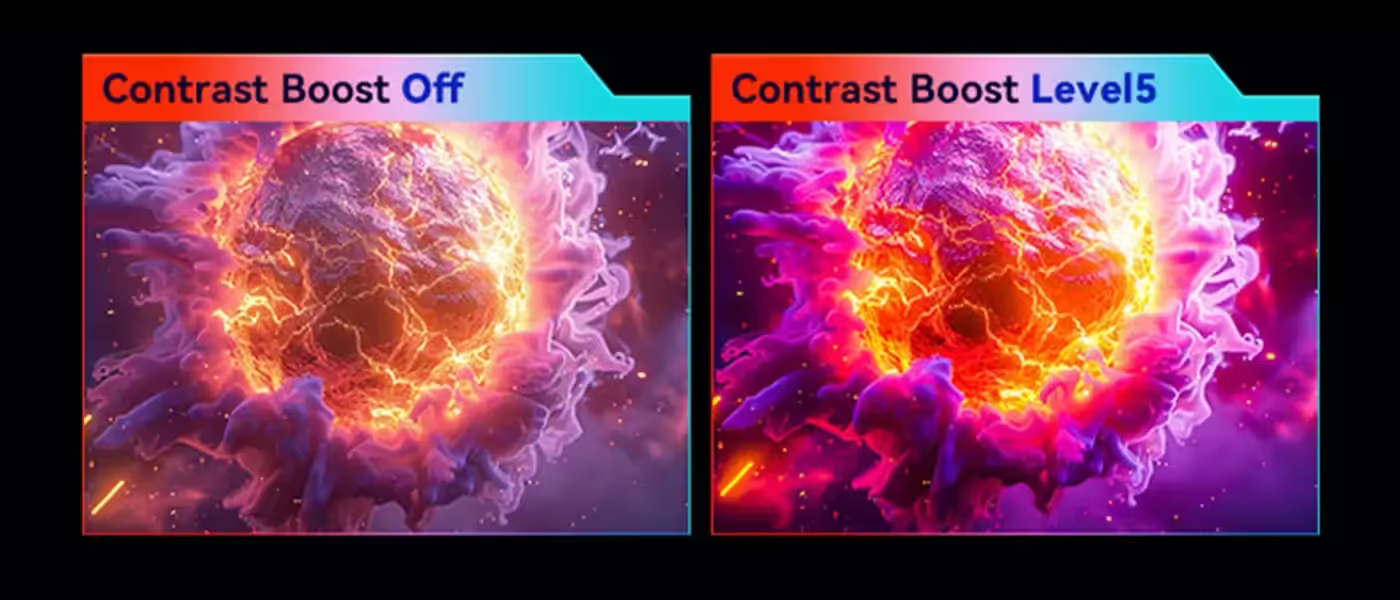
Contrast Boost Deepens Dark Areas Of The Image
Contrast Boost builds on the standard contrast control and keeps enhancing the contrast performance of the image beyond it, making dark areas deeper and purer rather than grey. On a VA panel that already has strong native contrast, this is the setting that pushes night scenes and dark interfaces further towards true black.
Contrast Boost Deepens Dark Areas Of The Image
Contrast Boost builds on the standard contrast control and keeps enhancing the contrast performance of the image beyond it, making dark areas deeper and purer rather than grey. On a VA panel that already has strong native contrast, this is the setting that pushes night scenes and dark interfaces further towards true black.
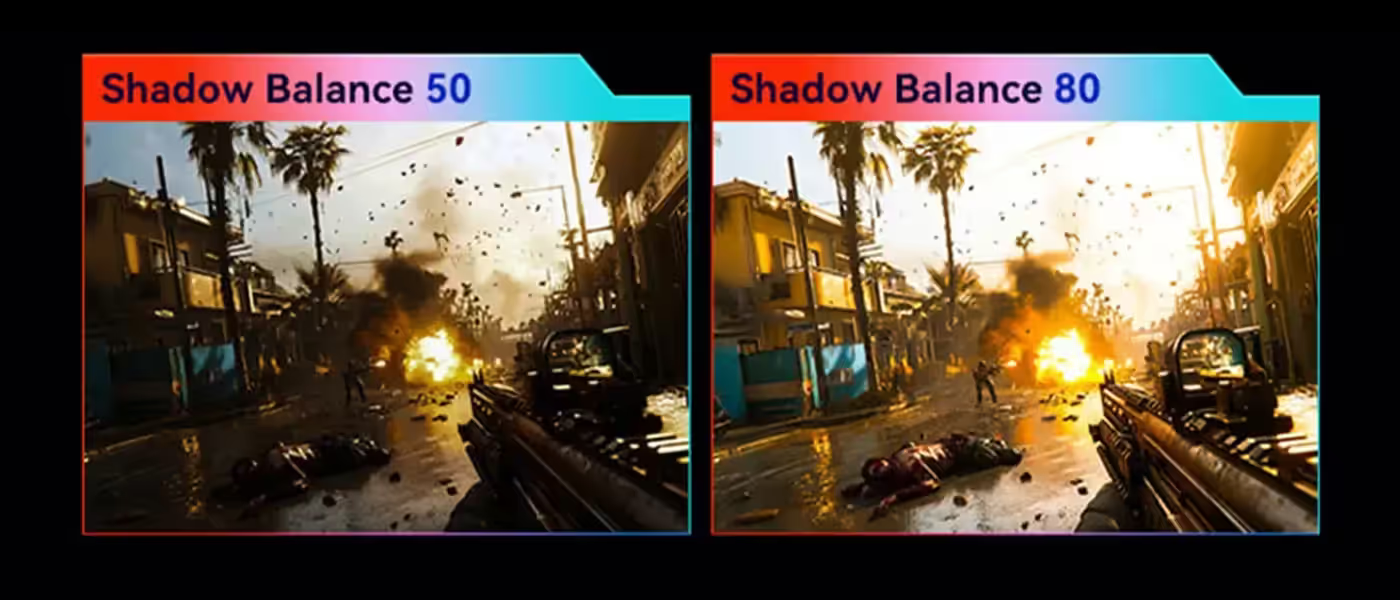
Shadow Balance Adjustable From 0 To 100
Shadow Balance sets the overall brightness of the monitor's dark areas, with dark-detail settings adjustable anywhere from 0 to 100. That range exists for dark-themed games where the default gamma hides information in the shadows, letting you raise just the black end of the image until what is hiding in an unlit corridor becomes visible.
Shadow Balance Adjustable From 0 To 100
Shadow Balance sets the overall brightness of the monitor's dark areas, with dark-detail settings adjustable anywhere from 0 to 100. That range exists for dark-themed games where the default gamma hides information in the shadows, letting you raise just the black end of the image until what is hiding in an unlit corridor becomes visible.
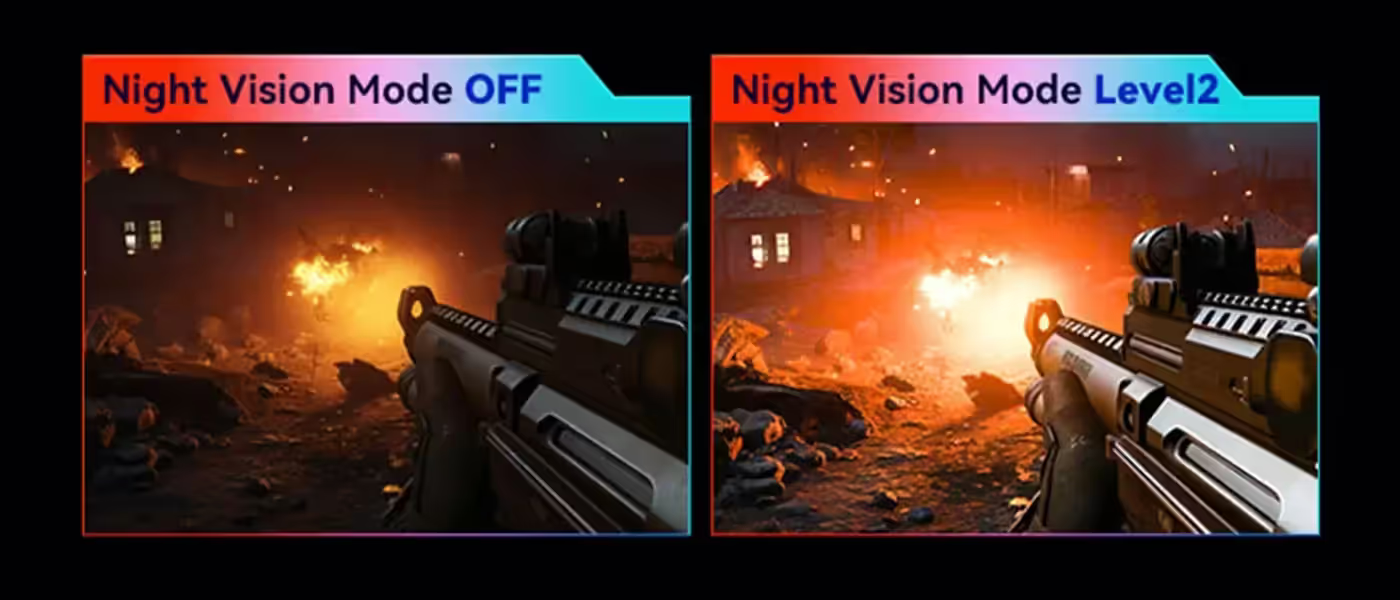
Night Vision Mode Clarifies Dark Detail In Real Time
Night Vision Mode reads the brightness of in-game scenes as they change and adjusts light and dark detail dynamically, so dark regions are clarified while bright areas stay clear of overexposure. Unlike a fixed gamma lift, it responds scene by scene, which is what lets you pick out an enemy hidden in shadow without washing out the rest of the frame.
Night Vision Mode Clarifies Dark Detail In Real Time
Night Vision Mode reads the brightness of in-game scenes as they change and adjusts light and dark detail dynamically, so dark regions are clarified while bright areas stay clear of overexposure. Unlike a fixed gamma lift, it responds scene by scene, which is what lets you pick out an enemy hidden in shadow without washing out the rest of the frame.
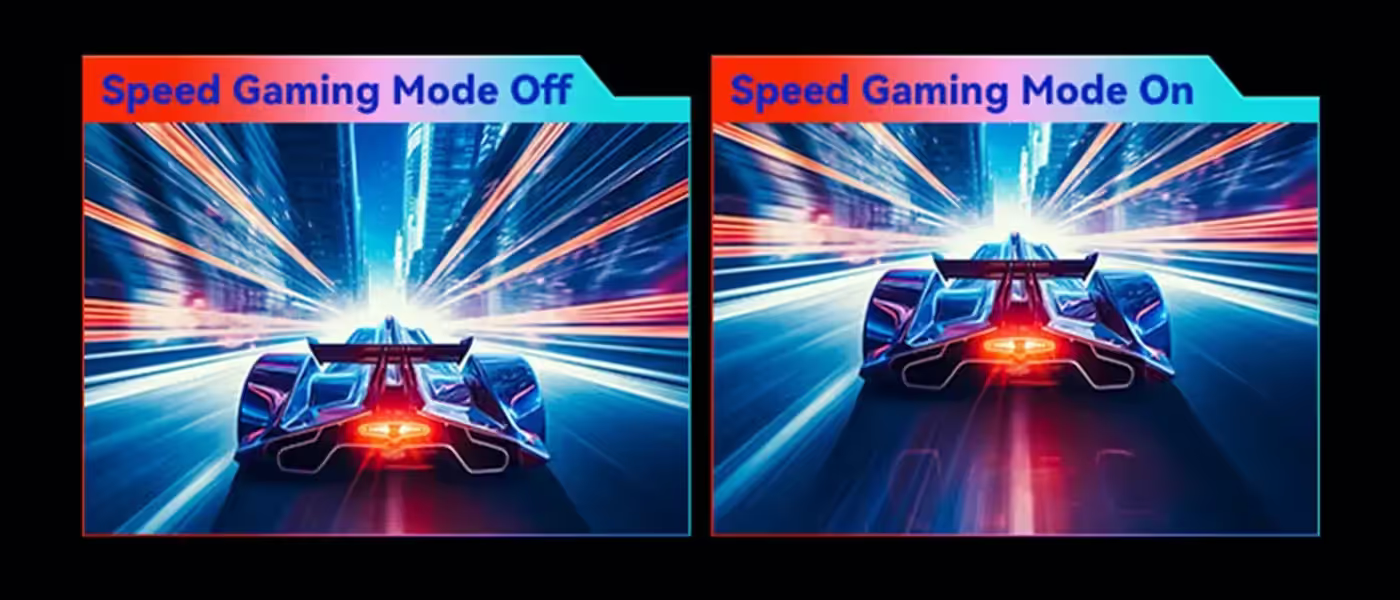
Speed Gaming Mode Puts The Panel In Low Latency
Speed Gaming Mode outputs the image in a low-latency state, cutting signal delay between the graphics card and what appears on screen. Milliseconds of processing that would otherwise sit between an input and its result are removed, which is the margin competitive play is decided in when two players react to the same event at the same time.
Speed Gaming Mode Puts The Panel In Low Latency
Speed Gaming Mode outputs the image in a low-latency state, cutting signal delay between the graphics card and what appears on screen. Milliseconds of processing that would otherwise sit between an input and its result are removed, which is the margin competitive play is decided in when two players react to the same event at the same time.
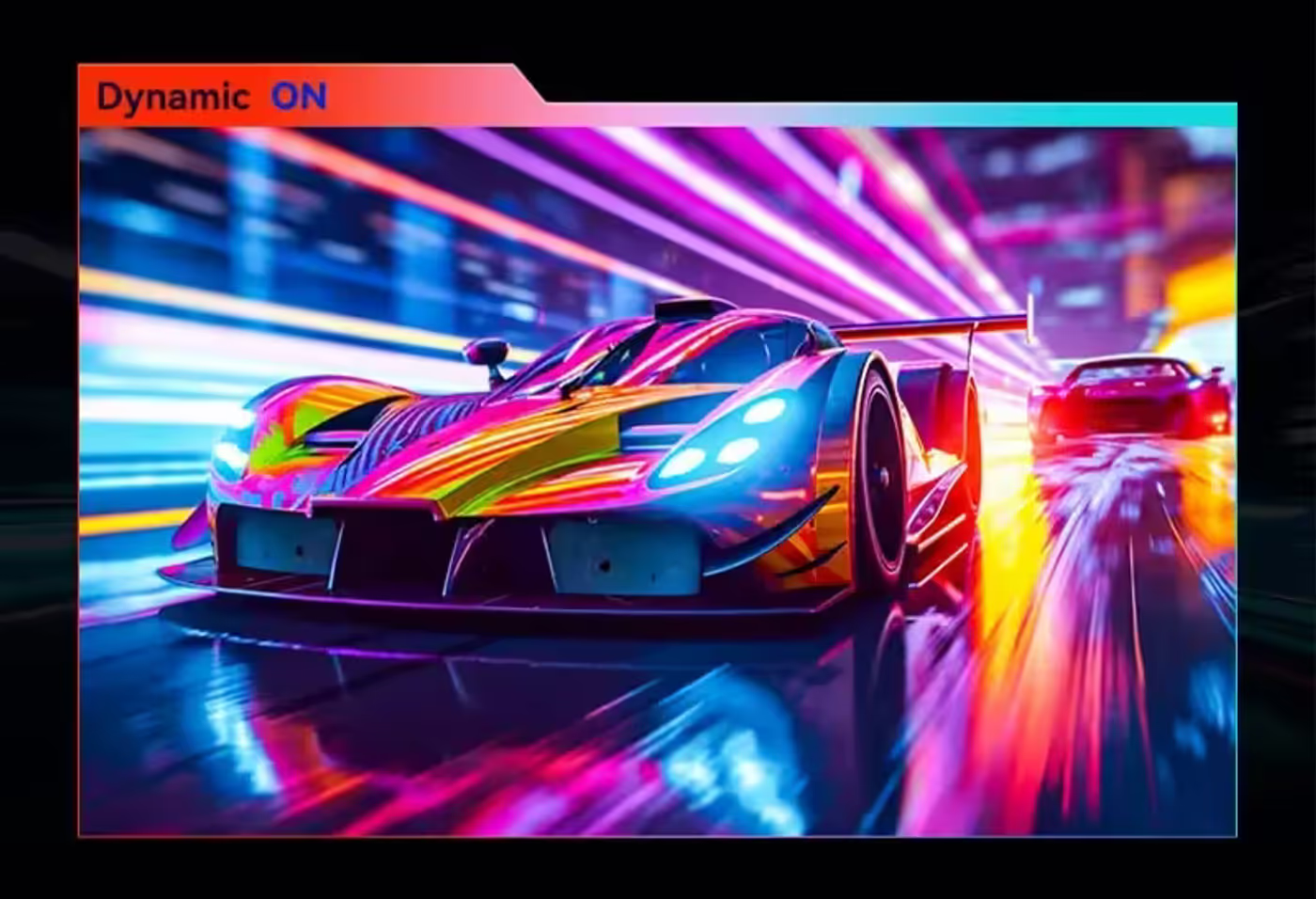
Tournament-Grade Esports OD Calibration Per Unit
Every machine goes through tournament-grade esports overdrive calibration before it ships, so response speed and ghosting control stay consistent across the range of frame rates a game actually runs at. Dynamic OD gives four adjustable levels, Level 1, Level 2, Level 3 and Ultra Fast, rather than a single fixed overdrive setting applied to everything.
Tournament-Grade Esports OD Calibration Per Unit
Every machine goes through tournament-grade esports overdrive calibration before it ships, so response speed and ghosting control stay consistent across the range of frame rates a game actually runs at. Dynamic OD gives four adjustable levels, Level 1, Level 2, Level 3 and Ultra Fast, rather than a single fixed overdrive setting applied to everything.
OD Levels 1 To 3 Match The Live Frame Rate
Under Levels 1, 2 and 3, overdrive acceleration matches itself to the current frame rate automatically, balancing response speed against overshoot instead of forcing one compromise on every scene. That keeps images clear and free of afterimages whether a game is running at a high frame rate or dropping, and the response gets faster as it adapts.
OD Levels 1 To 3 Match The Live Frame Rate
Under Levels 1, 2 and 3, overdrive acceleration matches itself to the current frame rate automatically, balancing response speed against overshoot instead of forcing one compromise on every scene. That keeps images clear and free of afterimages whether a game is running at a high frame rate or dropping, and the response gets faster as it adapts.
Ultra Fast Level For Maximum Response Speed
The Ultra Fast overdrive level pushes response to its extreme, accepting a slight loss of image quality in exchange for the quickest possible pixel transitions. It exists for players who would rather have the sharpest possible motion in a competitive match than the cleanest possible still image, and it can be switched back at any time.
Ultra Fast Level For Maximum Response Speed
The Ultra Fast overdrive level pushes response to its extreme, accepting a slight loss of image quality in exchange for the quickest possible pixel transitions. It exists for players who would rather have the sharpest possible motion in a competitive match than the cleanest possible still image, and it can be switched back at any time.
AI Crosshair Changes Colour Against The Scene
GAME+ Assist includes a crosshair overlay in multiple styles and colours, plus an AI crosshair whose colour changes dynamically based on the middle area of the screen. That means the reticle stays visible when the background behind it shifts from bright sky to dark cover, which is precisely when a fixed-colour crosshair disappears.
AI Crosshair Changes Colour Against The Scene
GAME+ Assist includes a crosshair overlay in multiple styles and colours, plus an AI crosshair whose colour changes dynamically based on the middle area of the screen. That means the reticle stays visible when the background behind it shifts from bright sky to dark cover, which is precisely when a fixed-colour crosshair disappears.
On-Screen Refresh Rate Readout While You Play
A refresh rate readout can be left on screen so you can watch the monitor's refresh fluctuate at any time during play. It is the quickest way to confirm that Adaptive-Sync is doing its job and that a game is genuinely running near the panel's 180Hz ceiling rather than being capped somewhere in the driver or the game settings.
On-Screen Refresh Rate Readout While You Play
A refresh rate readout can be left on screen so you can watch the monitor's refresh fluctuate at any time during play. It is the quickest way to confirm that Adaptive-Sync is doing its job and that a game is genuinely running near the panel's 180Hz ceiling rather than being capped somewhere in the driver or the game settings.
Built-In Stopwatch And Countdown Game Timer
Two timing tools sit in the GAME+ menu: a stopwatch that starts counting up for easy tracking of how long a session has run, and a game timer that starts a countdown for tracking a fixed period. Both run on the monitor itself, so a respawn window or a session limit can be tracked without alt-tabbing or reaching for a phone.
Built-In Stopwatch And Countdown Game Timer
Two timing tools sit in the GAME+ menu: a stopwatch that starts counting up for easy tracking of how long a session has run, and a game timer that starts a countdown for tracking a fixed period. Both run on the monitor itself, so a respawn window or a session limit can be tracked without alt-tabbing or reaching for a phone.
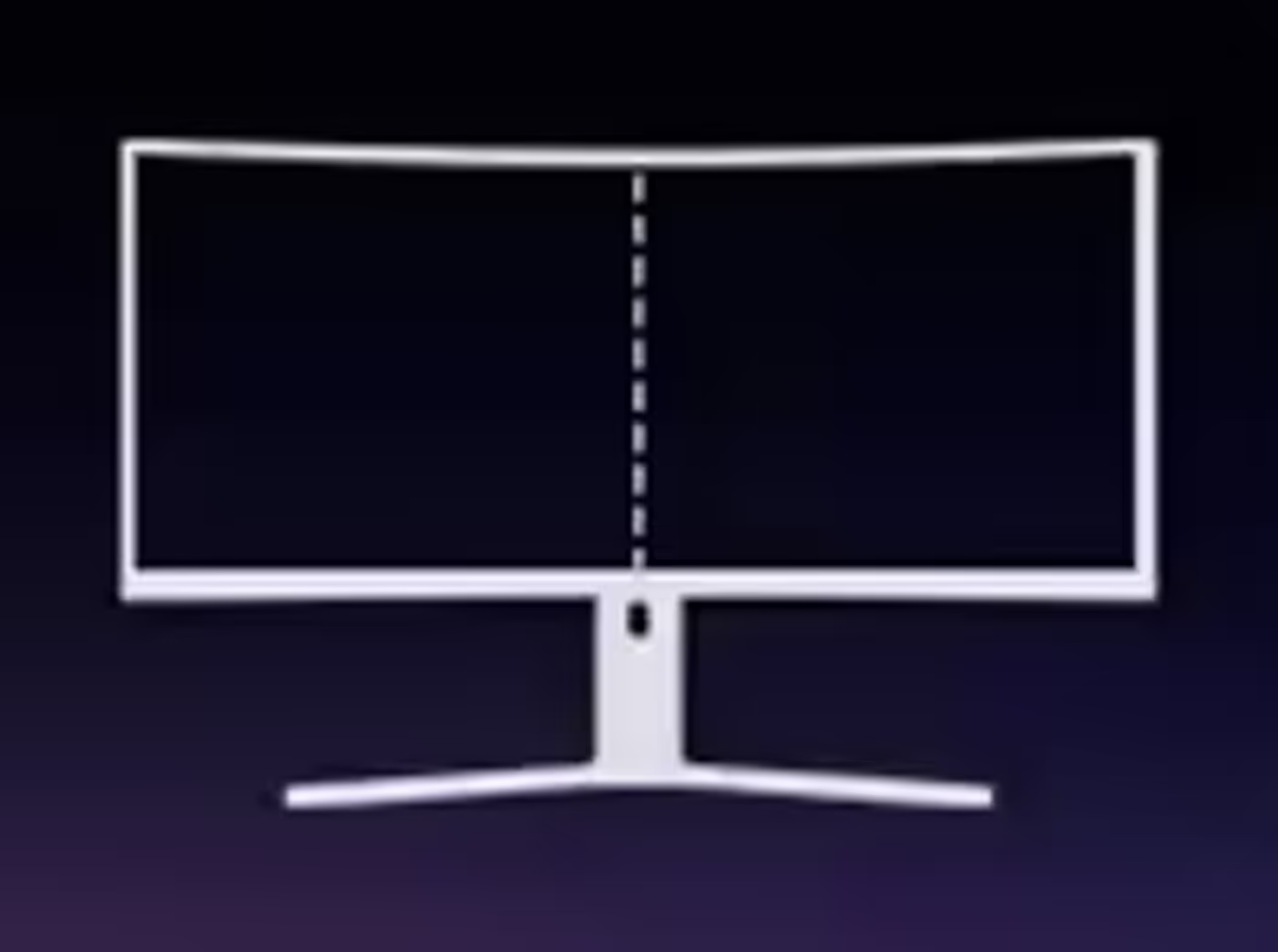
Splicing Assistance Aligns Dual-Screen Setups
Splicing Assistance helps dual-screen players line their monitors up quickly, putting alignment guides on screen instead of leaving you to judge the match by eye. Getting two panels level and square matters as soon as content spans both of them, and doing it from the monitor's own menu is faster than measuring the stands.
Splicing Assistance Aligns Dual-Screen Setups
Splicing Assistance helps dual-screen players line their monitors up quickly, putting alignment guides on screen instead of leaving you to judge the match by eye. Getting two panels level and square matters as soon as content spans both of them, and doing it from the monitor's own menu is faster than measuring the stands.
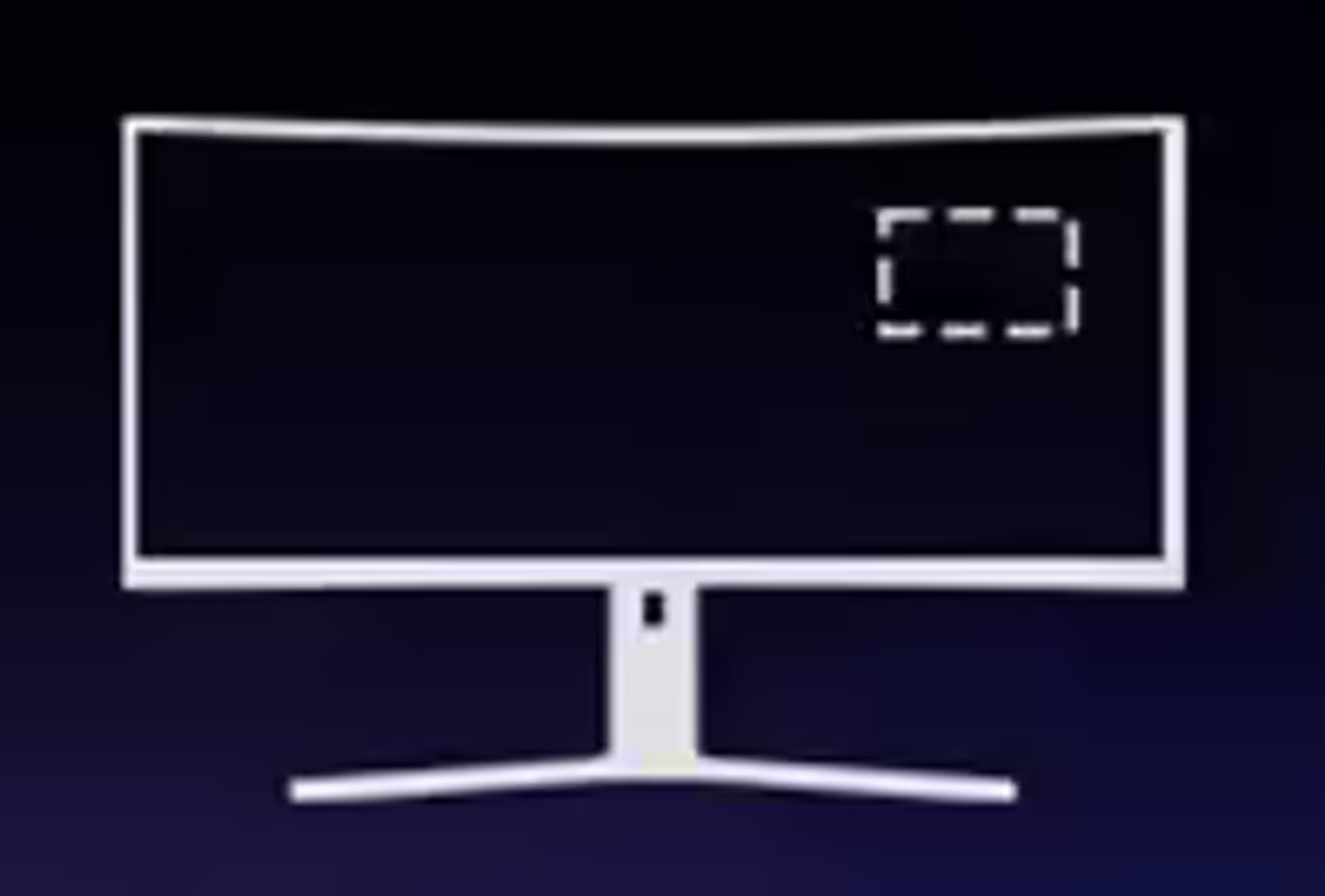
Hawk-Eye Magnifies The Centre Of The Screen
Hawk-eye magnifies the central area of the screen and displays that magnified view in any corner you choose, without obstructing the main picture. It also supports an Eagle Eye Night Vision mode for clear visibility in dark scenes, which turns the zoomed panel into a usable scouting window rather than a black square.
Hawk-Eye Magnifies The Centre Of The Screen
Hawk-eye magnifies the central area of the screen and displays that magnified view in any corner you choose, without obstructing the main picture. It also supports an Eagle Eye Night Vision mode for clear visibility in dark scenes, which turns the zoomed panel into a usable scouting window rather than a black square.
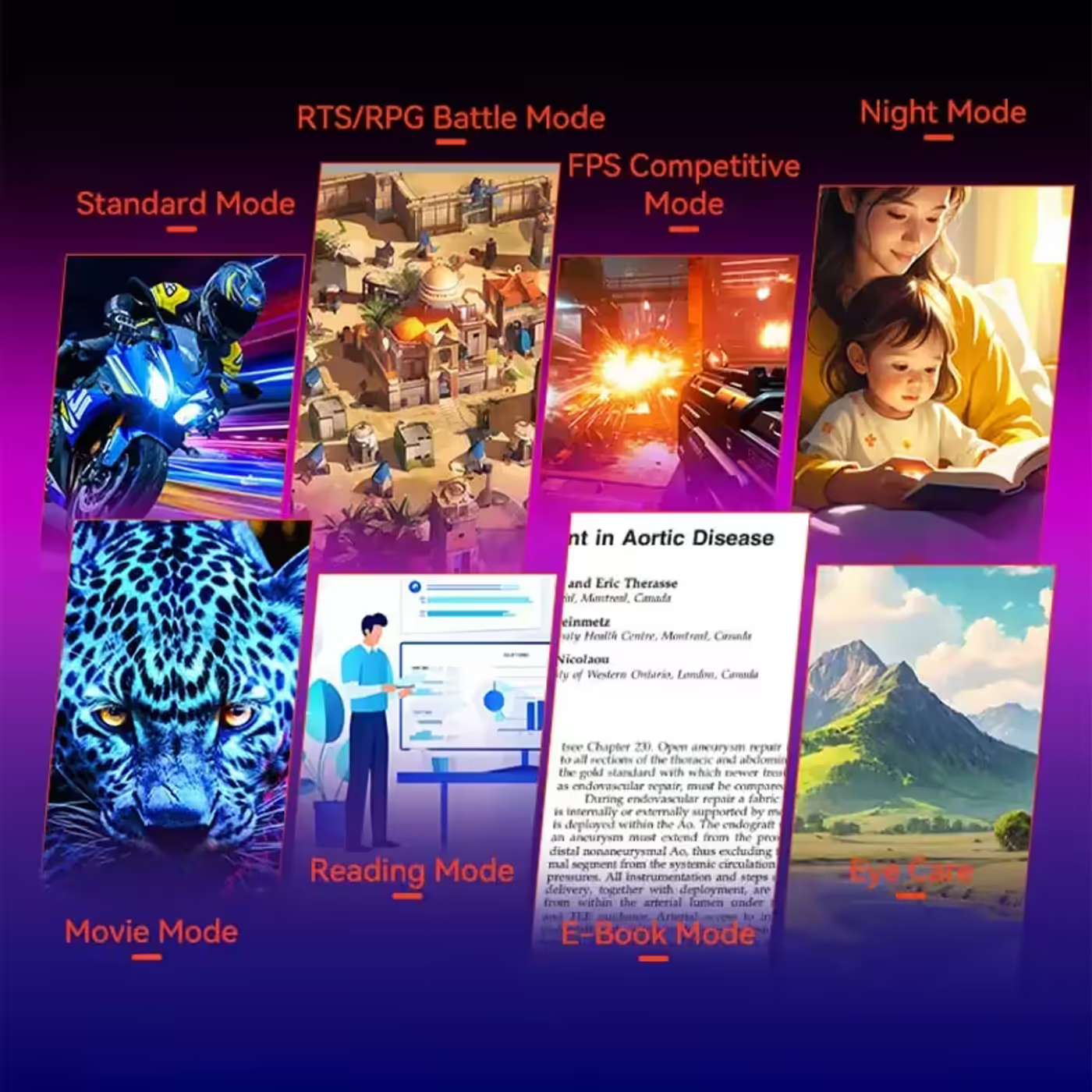
Eight Preset Scenario Modes Stored Independently
Eight preset scenario modes are developed around daily use cases, so the monitor can switch between the picture settings that suit gaming, media and general desk work. Each mode also accepts custom parameter adjustments and stores them independently, which means tuning one scenario does not disturb the settings saved in any of the others.
Eight Preset Scenario Modes Stored Independently
Eight preset scenario modes are developed around daily use cases, so the monitor can switch between the picture settings that suit gaming, media and general desk work. Each mode also accepts custom parameter adjustments and stores them independently, which means tuning one scenario does not disturb the settings saved in any of the others.
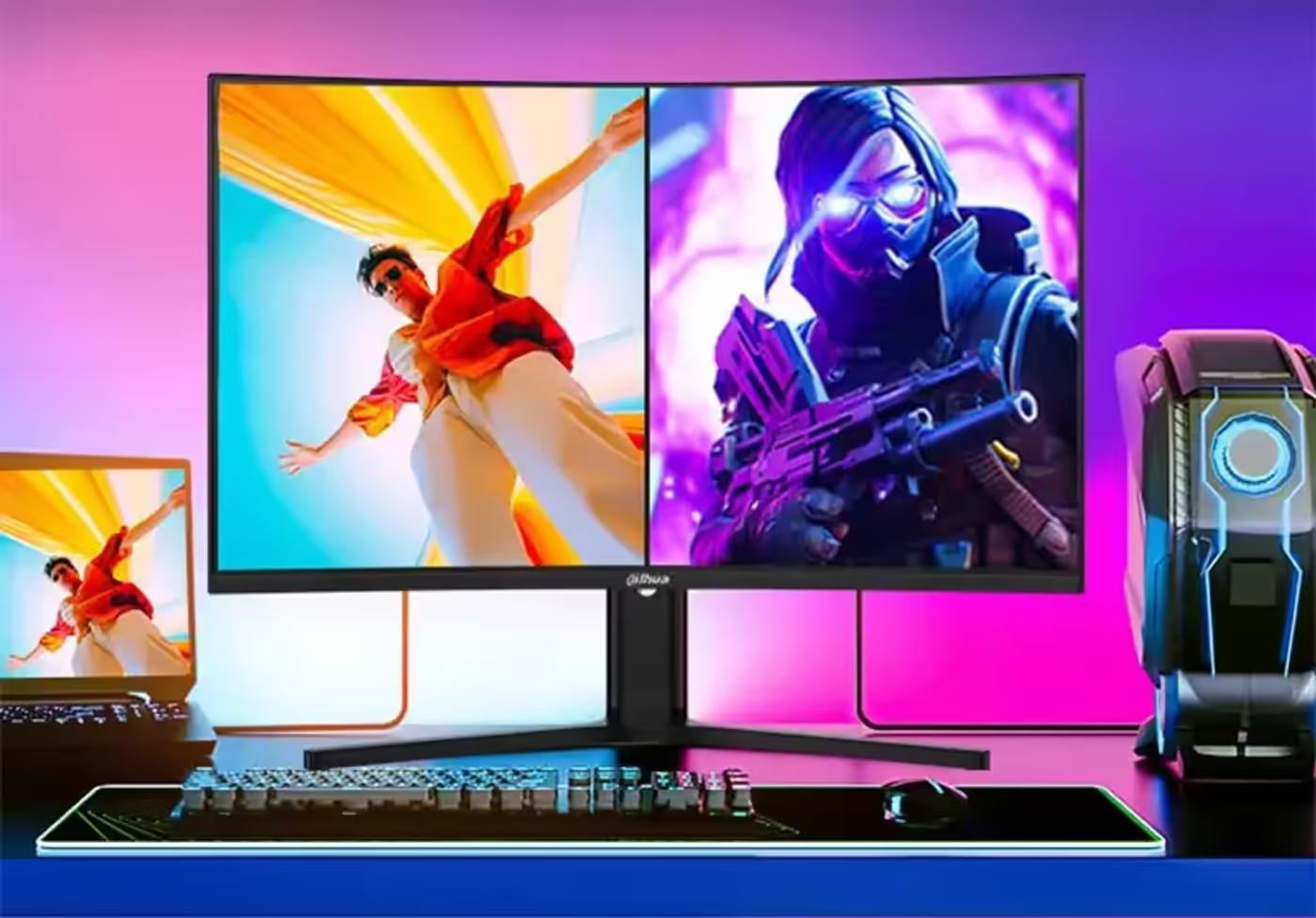
PIP And PBP Take Two Host Signals At Once
PIP and PBP split-screen modes let the LM32-E330CA accept two host signals simultaneously, showing one picture inside the other or the two side by side. That covers a dual console setup or a work machine running alongside a gaming PC, with both visible on the same 32-inch panel instead of one waiting on an input switch.
PIP And PBP Take Two Host Signals At Once
PIP and PBP split-screen modes let the LM32-E330CA accept two host signals simultaneously, showing one picture inside the other or the two side by side. That covers a dual console setup or a work machine running alongside a gaming PC, with both visible on the same 32-inch panel instead of one waiting on an input switch.
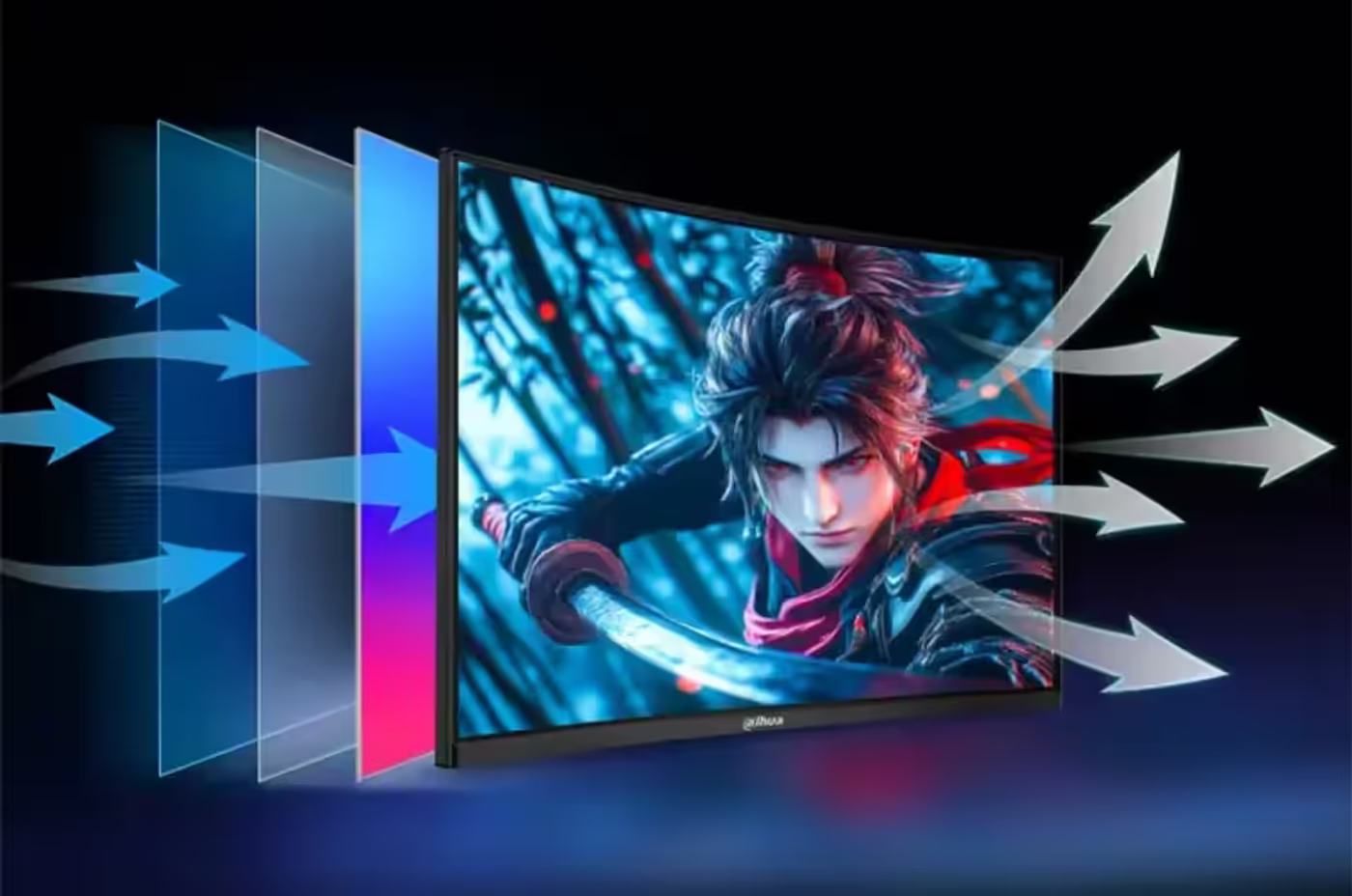
Blue Light Filter Plus DC Flicker-Free Backlight
A software blue light filter reduces the amount of harmful blue light the screen emits, which lessens the eye strain that builds through a long session. It works alongside DC flicker-free technology, which removes the backlight flicker most people never consciously see, and the combination is what makes extended viewing more comfortable.
Blue Light Filter Plus DC Flicker-Free Backlight
A software blue light filter reduces the amount of harmful blue light the screen emits, which lessens the eye strain that builds through a long session. It works alongside DC flicker-free technology, which removes the backlight flicker most people never consciously see, and the combination is what makes extended viewing more comfortable.
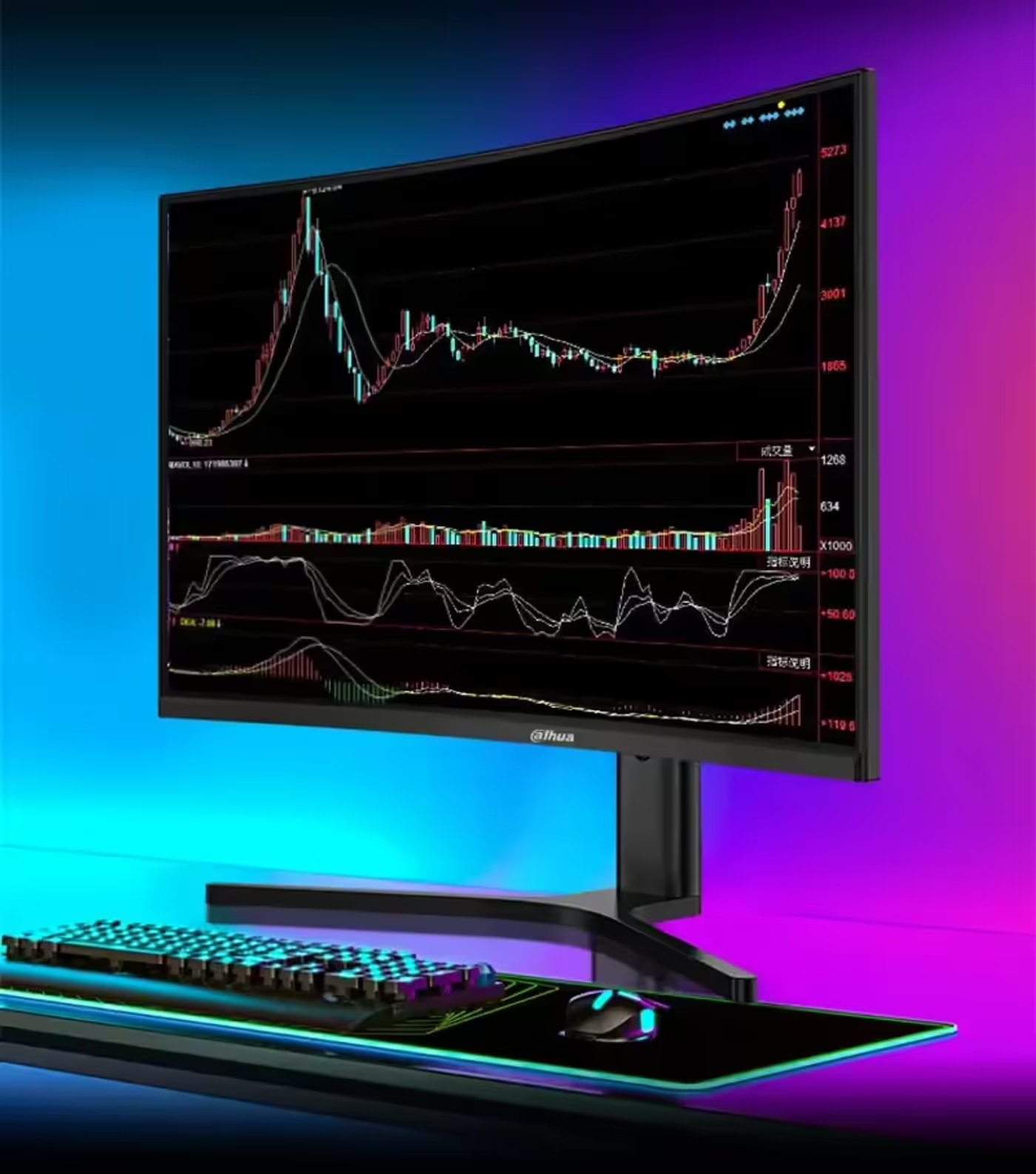
Height-Adjustable Stand With VESA 100x100 Mounting
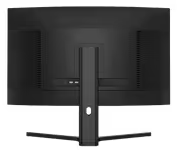
The stand adjusts for height and adds tilt of -5° to +15° and swivel of 40° ± 2°, so the panel can be set to your seated eye level rather than the height the box decided. It also meets the VESA 100*100mm specification, which allows direct wall-mounting installation without needing any separate mounting adapter.
Height-Adjustable Stand With VESA 100x100 Mounting
The stand adjusts for height and adds tilt of -5° to +15° and swivel of 40° ± 2°, so the panel can be set to your seated eye level rather than the height the box decided. It also meets the VESA 100*100mm specification, which allows direct wall-mounting installation without needing any separate mounting adapter.
FAQ
Frequently Asked Questions
Everything you need to know about this product
It runs 2560x1440 QHD at a pixel density of 109 PPI.
The panel refreshes at 180Hz with a 1ms MPRT response time.
It uses a native 8-bit VA panel with 99% sRGB colour coverage.
Yes, it is a 16:9 screen with a 1500R curve that follows the natural viewing habits of the eye.
Yes, it supports HDR10 with preset HDR Auto, HDR Gaming and HDR Movie modes.
Yes, Adaptive-Sync synchronises the refresh rate with the graphics card frame rate to remove tearing and stuttering.
Dynamic OD provides four levels: Level 1, Level 2, Level 3 and Ultra Fast, with Levels 1 to 3 matching the live frame rate.
It includes an AI crosshair, a refresh rate readout, a stopwatch, a game timer, splicing assistance and Hawk-eye zoom.
Shadow Balance adjusts dark-area brightness from 0 to 100 and Night Vision Mode clarifies dark detail in real time.
Yes, PIP and PBP split-screen modes accept two host signals simultaneously.
It adjusts for height with -5° to +15° tilt and 40° ± 2° swivel, and mounts directly to VESA 100*100mm without an adapter.
A software blue light filter reduces harmful blue light and DC flicker-free technology removes backlight flicker.

AI-Generated Content:These FAQs are generated by an automated AI system and may contain inaccuracies or omissions. Evetech makes no warranties, express or implied, regarding their completeness or reliability. For definitive information, please refer to the manufacturer's official specifications.
Please Note: Product images are for illustrative purposes only and may differ from the actual product.
Choose your
own PC
Hand-pick every part with live stock, compatibility, and instant pricing.
Try the new builderPrice Inc. Vat
R 3,999
Save R 2,000
ListR 5,999
3999Change Quantity:
In Stock with Evetech
Choose your
own PC
Hand-pick every part with live stock, compatibility, and instant pricing.
Try the new builderDahua LM32 E330CA 32 inch 180Hz LED Monitor