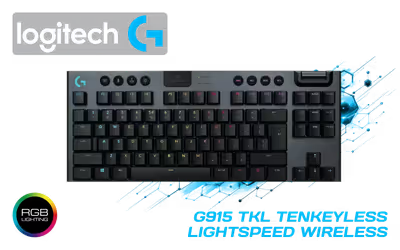
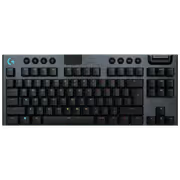
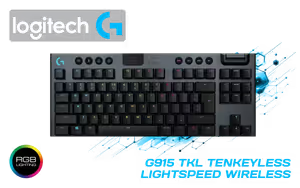
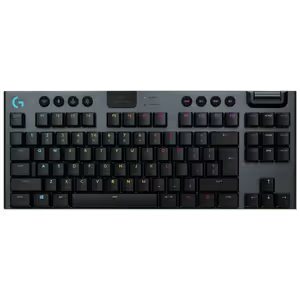
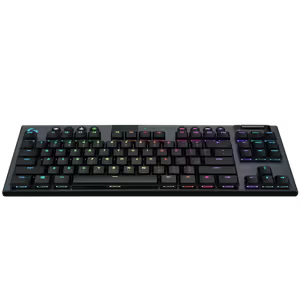
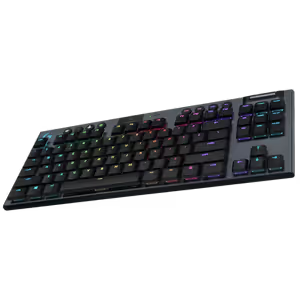
Logitech G915 TKL Wireless RGB Mechanical Gaming Keyboard
Logitech G915 TKL Tenkeyless Lightspeed Wireless RGB Mechanical Gaming Keyboard, Low Profile Switch Options, LIGHTSYNC RGB, Advanced Wireless and Bluetooth Support - Tactile, Black / 920-009503 / 920-009503
2 Years Local Warranty
Model No : Logitech 920-009503
Price Inc. Vat
R 4,499
Save R 700
ListR 5,199
4499Change Quantity:
In Stock with Evetech
Logitech G915 TKL Wireless Low-Profile Mechanical Gaming Keyboard
Tenkeyless Wireless Mechanical Keyboard With LIGHTSYNC RGB
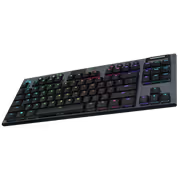
The Logitech G915 TKL Tenkeyless Wireless RGB Mechanical Gaming Keyboard puts low-profile mechanical switches in a body with no numeric keypad, freeing desk width for the mouse and the rest of your kit. LIGHTSYNC RGB handles the lighting, and the board connects over advanced LIGHTSPEED wireless or Bluetooth. It is built to hold up under heavy use for competitive play and everyday typing alike.
Tenkeyless Wireless Mechanical Keyboard With LIGHTSYNC RGB
The Logitech G915 TKL Tenkeyless Wireless RGB Mechanical Gaming Keyboard puts low-profile mechanical switches in a body with no numeric keypad, freeing desk width for the mouse and the rest of your kit. LIGHTSYNC RGB handles the lighting, and the board connects over advanced LIGHTSPEED wireless or Bluetooth. It is built to hold up under heavy use for competitive play and everyday typing alike.
LIGHTSPEED Wireless, LIGHTSYNC RGB, Low-Profile Switches
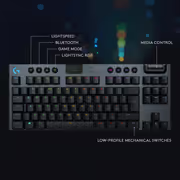
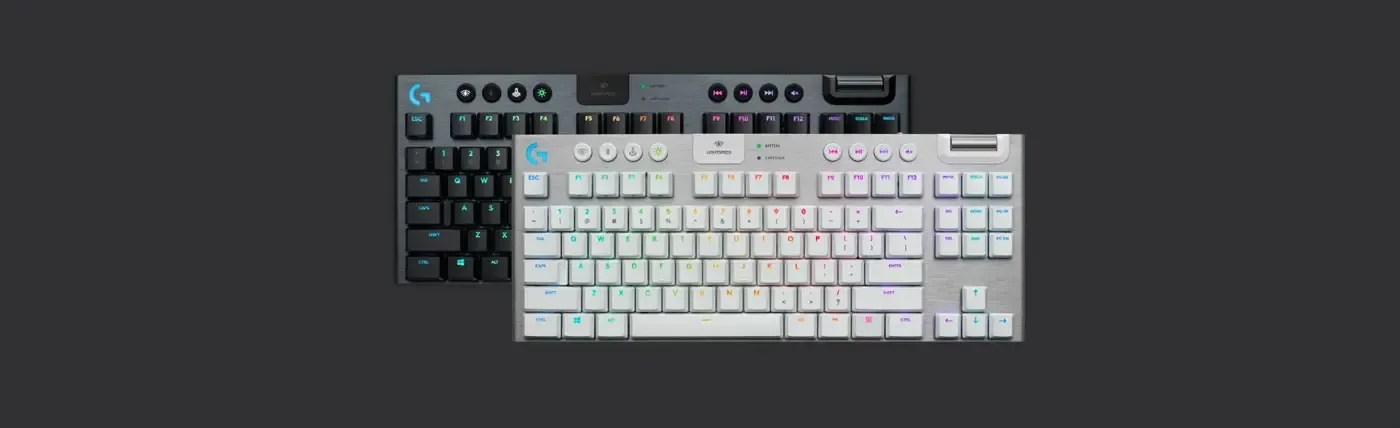
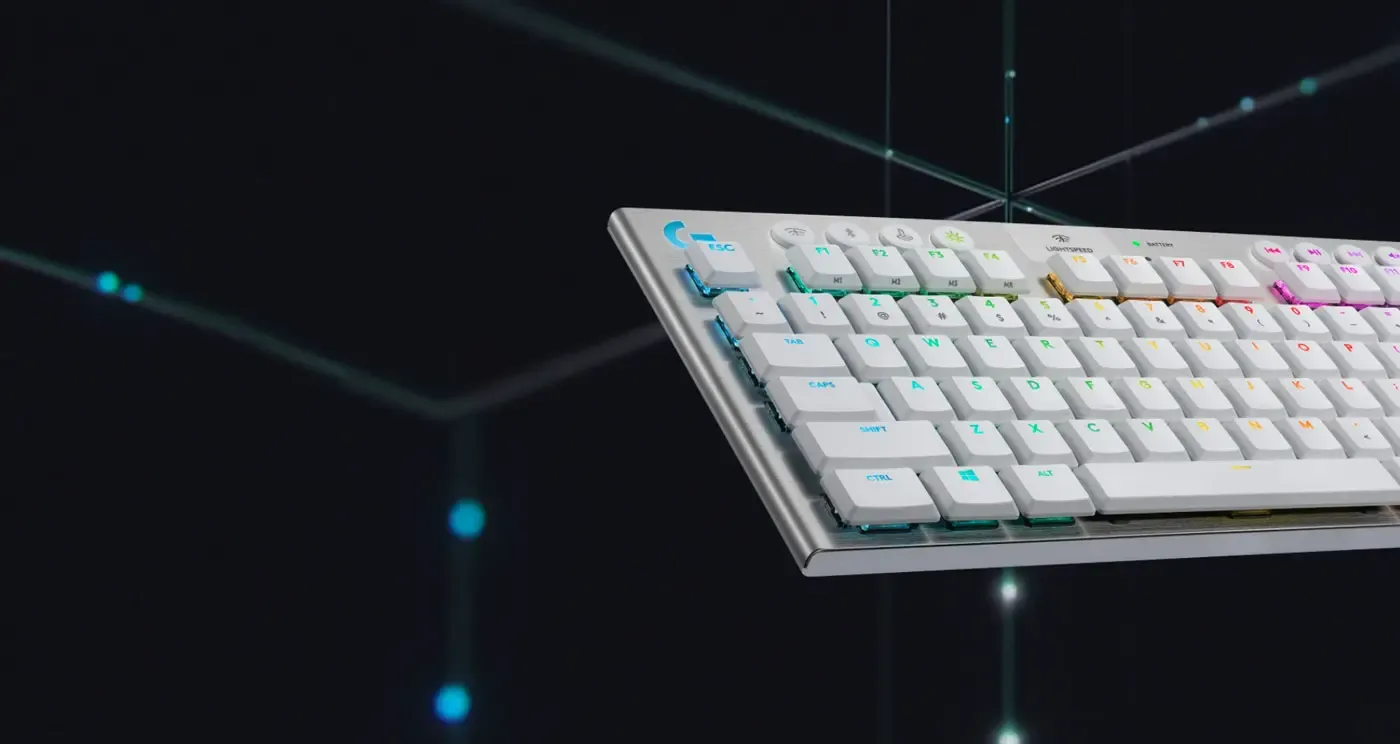
Three things define the G915 TKL: pro-grade LIGHTSPEED wireless performance, dynamic LIGHTSYNC RGB and advanced low-profile switches, all built from premium materials in a compact body. It is offered in black and white, so the board can be matched to a desk rather than dictating its colour. Nothing from the full-size G915 was removed except the numpad.
LIGHTSPEED Wireless, LIGHTSYNC RGB, Low-Profile Switches
Three things define the G915 TKL: pro-grade LIGHTSPEED wireless performance, dynamic LIGHTSYNC RGB and advanced low-profile switches, all built from premium materials in a compact body. It is offered in black and white, so the board can be matched to a desk rather than dictating its colour. Nothing from the full-size G915 was removed except the numpad.
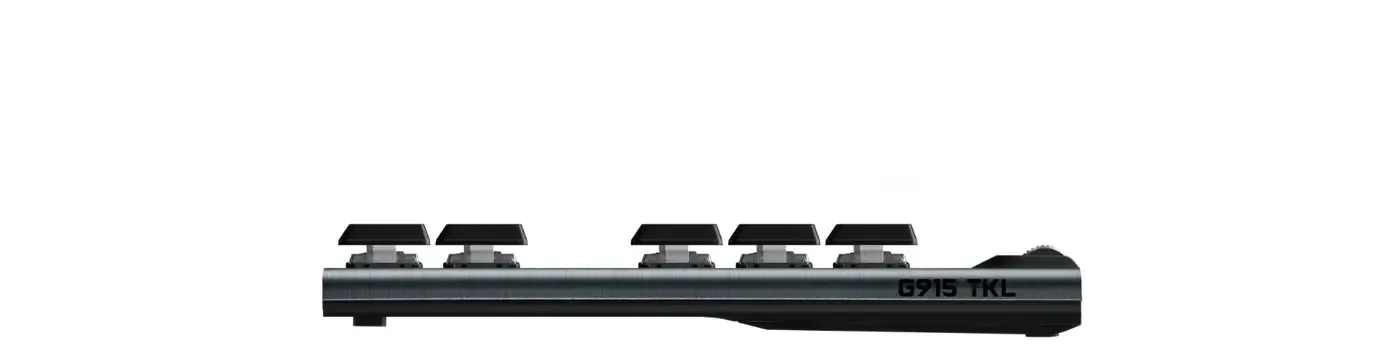
Ultra-Slim Profile Keeps Hands Flat
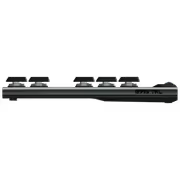
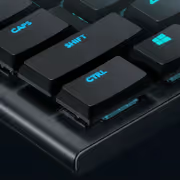
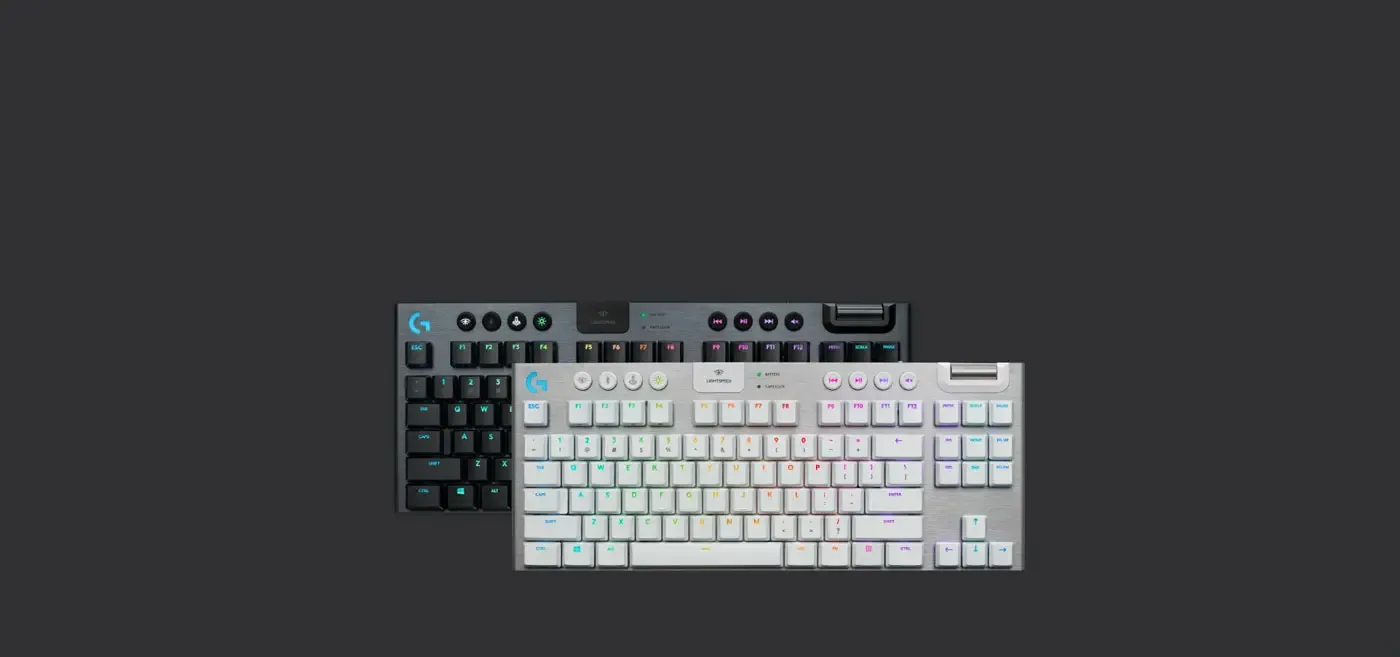
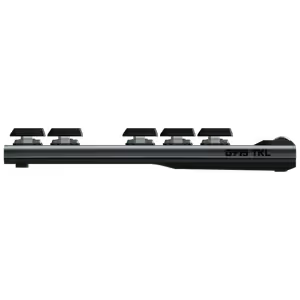
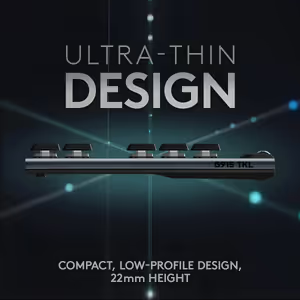
The G915 TKL is an ultra-slim keyboard, which changes how your hands sit on it. A lower key height means less wrist extension to reach the top row and a flatter, more neutral posture across a long session. The thin body also sits closer to the desk surface, so a wrist rest becomes optional rather than necessary.
Ultra-Slim Profile Keeps Hands Flat
The G915 TKL is an ultra-slim keyboard, which changes how your hands sit on it. A lower key height means less wrist extension to reach the top row and a flatter, more neutral posture across a long session. The thin body also sits closer to the desk surface, so a wrist rest becomes optional rather than necessary.
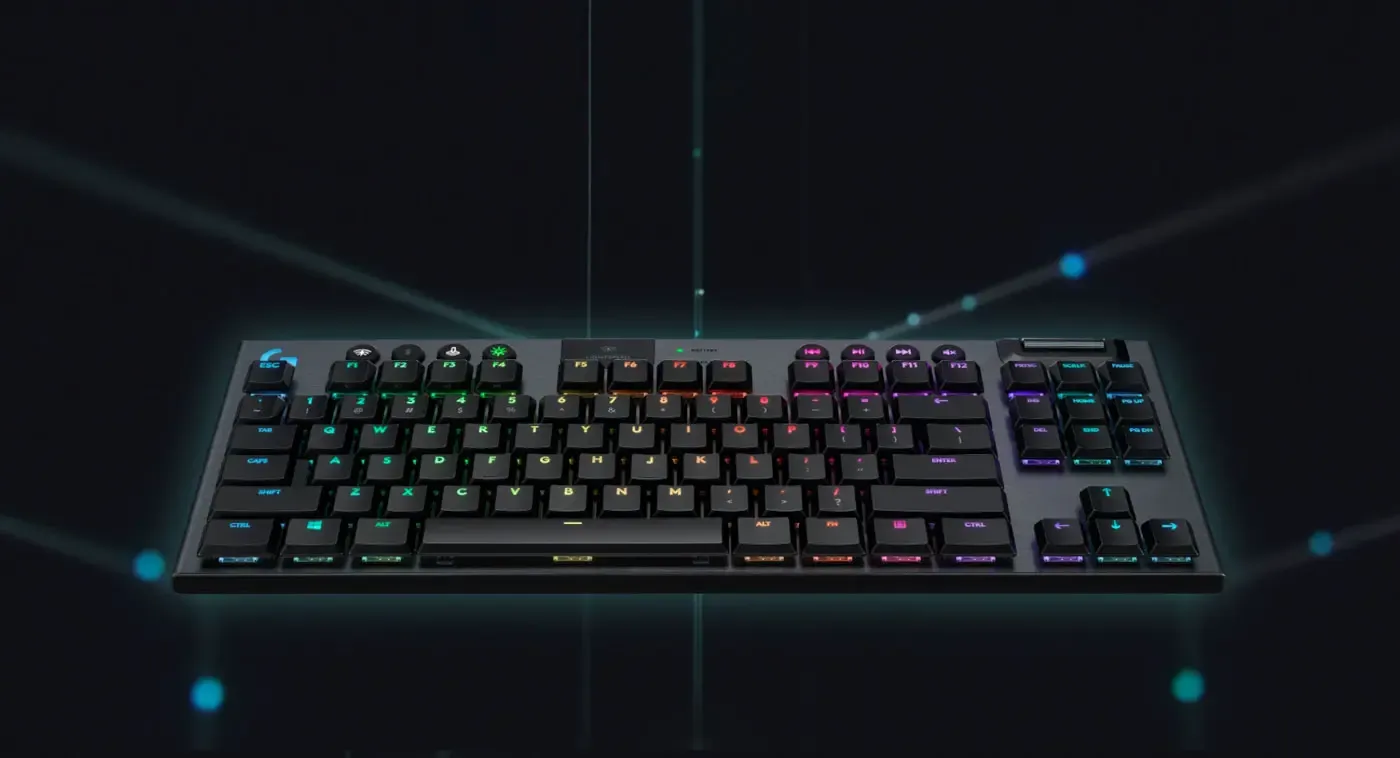
TKL Layout With Receiver Stored On Board
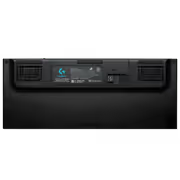
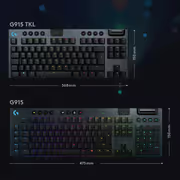
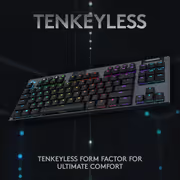
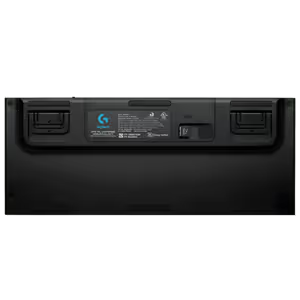
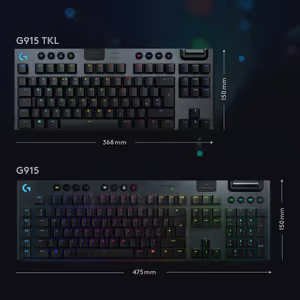
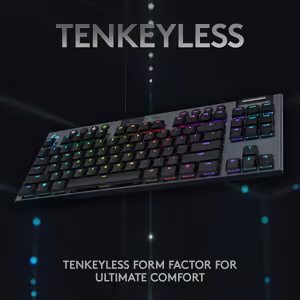
Dropping the number pad gives the G915 TKL a streamlined footprint that maximises the room available for mouse movement, which is what low-sensitivity players run out of first. The USB receiver stores on the back of the keyboard itself, so the one part that is easy to lose travels with the board.
TKL Layout With Receiver Stored On Board
Dropping the number pad gives the G915 TKL a streamlined footprint that maximises the room available for mouse movement, which is what low-sensitivity players run out of first. The USB receiver stores on the back of the keyboard itself, so the one part that is easy to lose travels with the board.
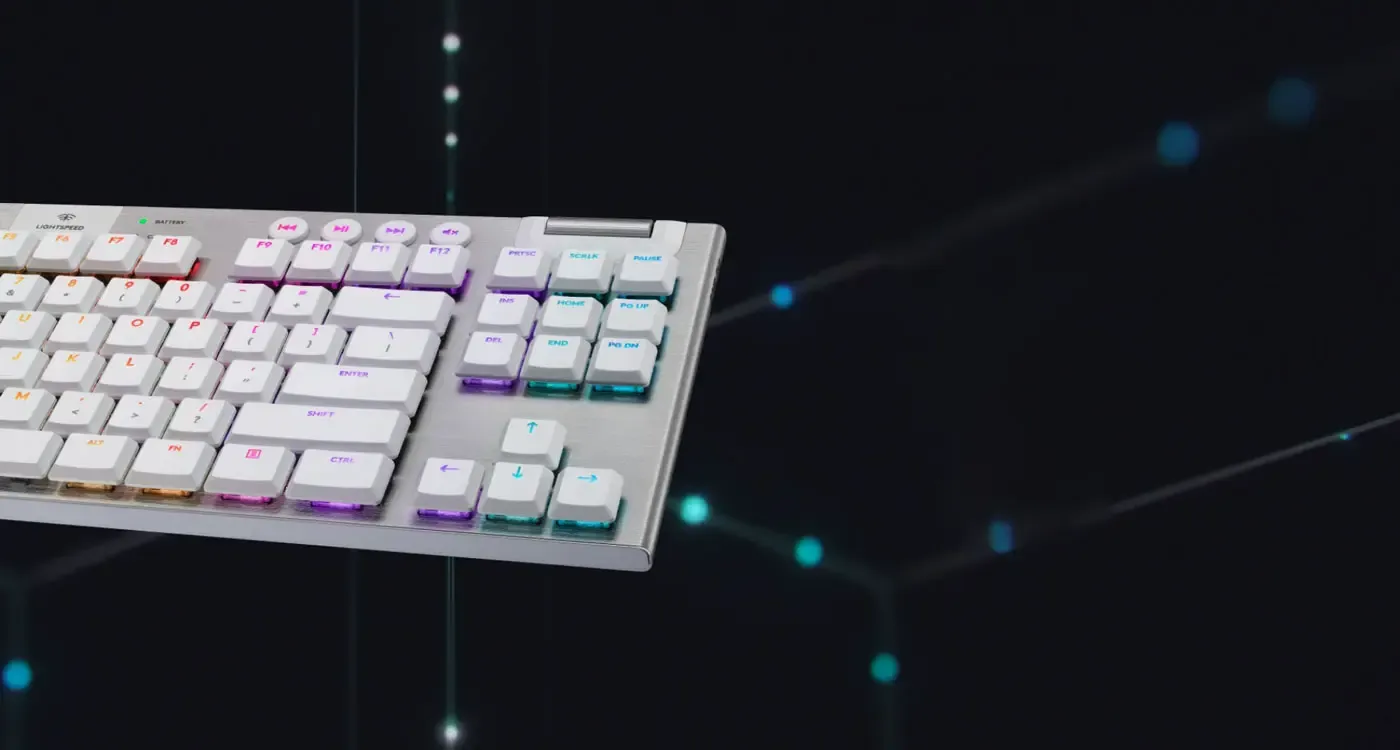
LIGHTSPEED Wireless Delivers 1ms Response
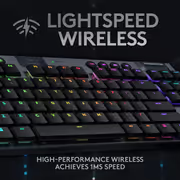
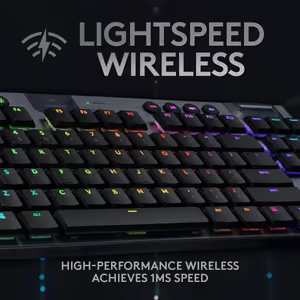
Pro-grade LIGHTSPEED wireless gives the G915 TKL a 1ms response time, which is the figure that decides whether wireless is viable for competitive play at all. The board also switches over to a USB connection when you plug it in, so you can keep playing on the cable while the battery fills.
LIGHTSPEED Wireless Delivers 1ms Response
Pro-grade LIGHTSPEED wireless gives the G915 TKL a 1ms response time, which is the figure that decides whether wireless is viable for competitive play at all. The board also switches over to a USB connection when you plug it in, so you can keep playing on the cable while the battery fills.
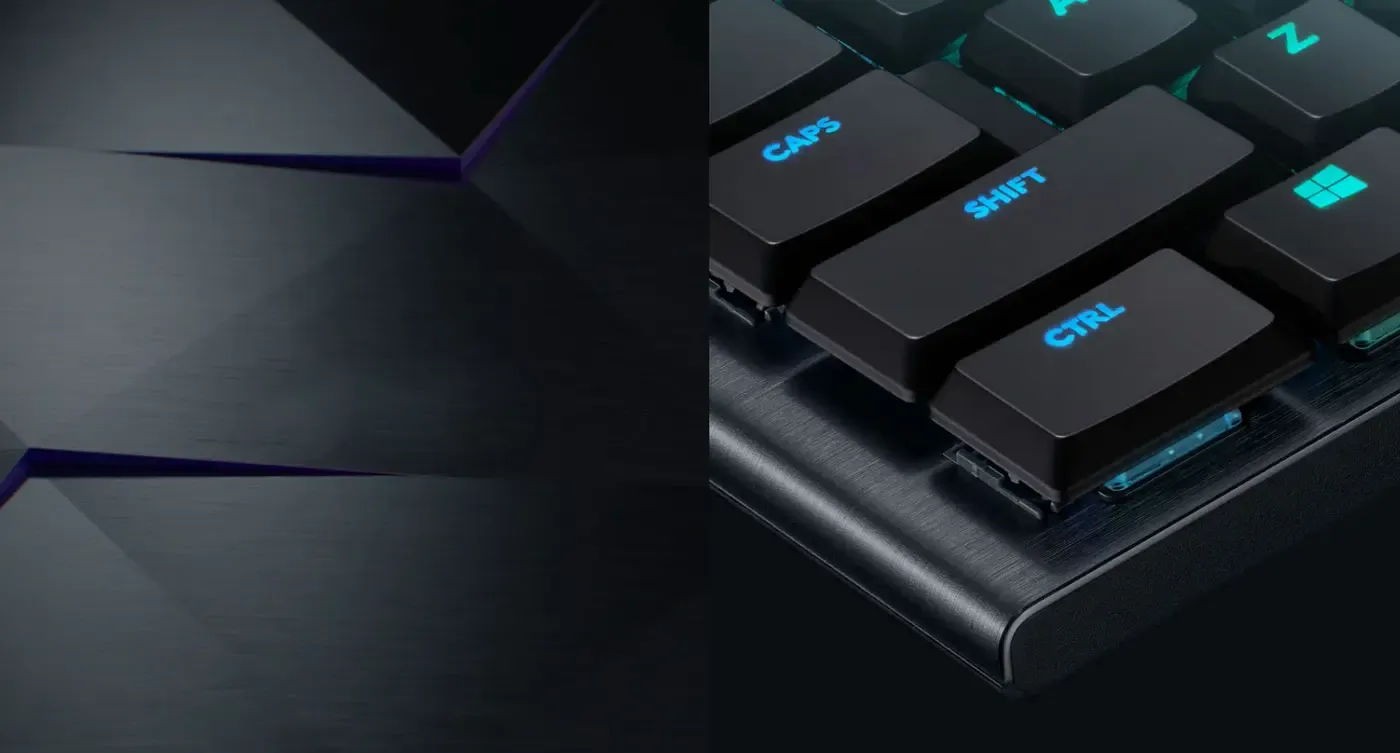
5052 Aluminium Alloy Chassis, Steel Reinforced
The chassis is 5052 aluminium alloy over a steel-reinforced structure, a combination that keeps the G915 TKL light and slim without letting the deck flex under a heavy hand. Metal also holds its finish where plastic wears, which matters on the surface your palms rest against every day.
5052 Aluminium Alloy Chassis, Steel Reinforced
The chassis is 5052 aluminium alloy over a steel-reinforced structure, a combination that keeps the G915 TKL light and slim without letting the deck flex under a heavy hand. Metal also holds its finish where plastic wears, which matters on the surface your palms rest against every day.

GL Low-Profile Switches Without The Height
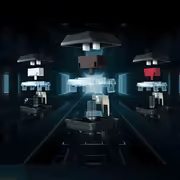
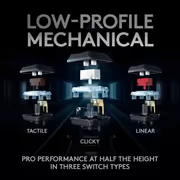
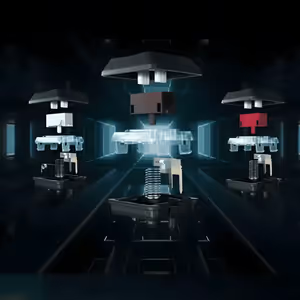
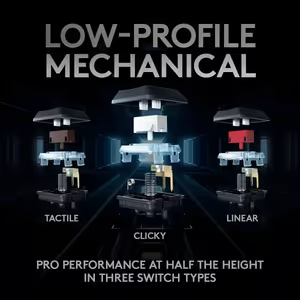
The G915 TKL uses advanced low-profile GL mechanical switches that keep the speed, precision and performance of a traditional mechanical switch in roughly half the height. They have been extensively tested for durability and precision, and the black model is offered in three switch options rather than a single fixed feel.
GL Low-Profile Switches Without The Height
The G915 TKL uses advanced low-profile GL mechanical switches that keep the speed, precision and performance of a traditional mechanical switch in roughly half the height. They have been extensively tested for durability and precision, and the black model is offered in three switch options rather than a single fixed feel.
This Model Ships With GL Tactile Switches
This particular G915 TKL is the Tactile variant, so every key gives a distinct bump at the actuation point. Tactile feedback tells your finger the key has registered without the audible click of a clicky switch, which is why it is the middle option for players who share a room or take voice calls while they play.
This Model Ships With GL Tactile Switches
This particular G915 TKL is the Tactile variant, so every key gives a distinct bump at the actuation point. Tactile feedback tells your finger the key has registered without the audible click of a clicky switch, which is why it is the middle option for players who share a room or take voice calls while they play.
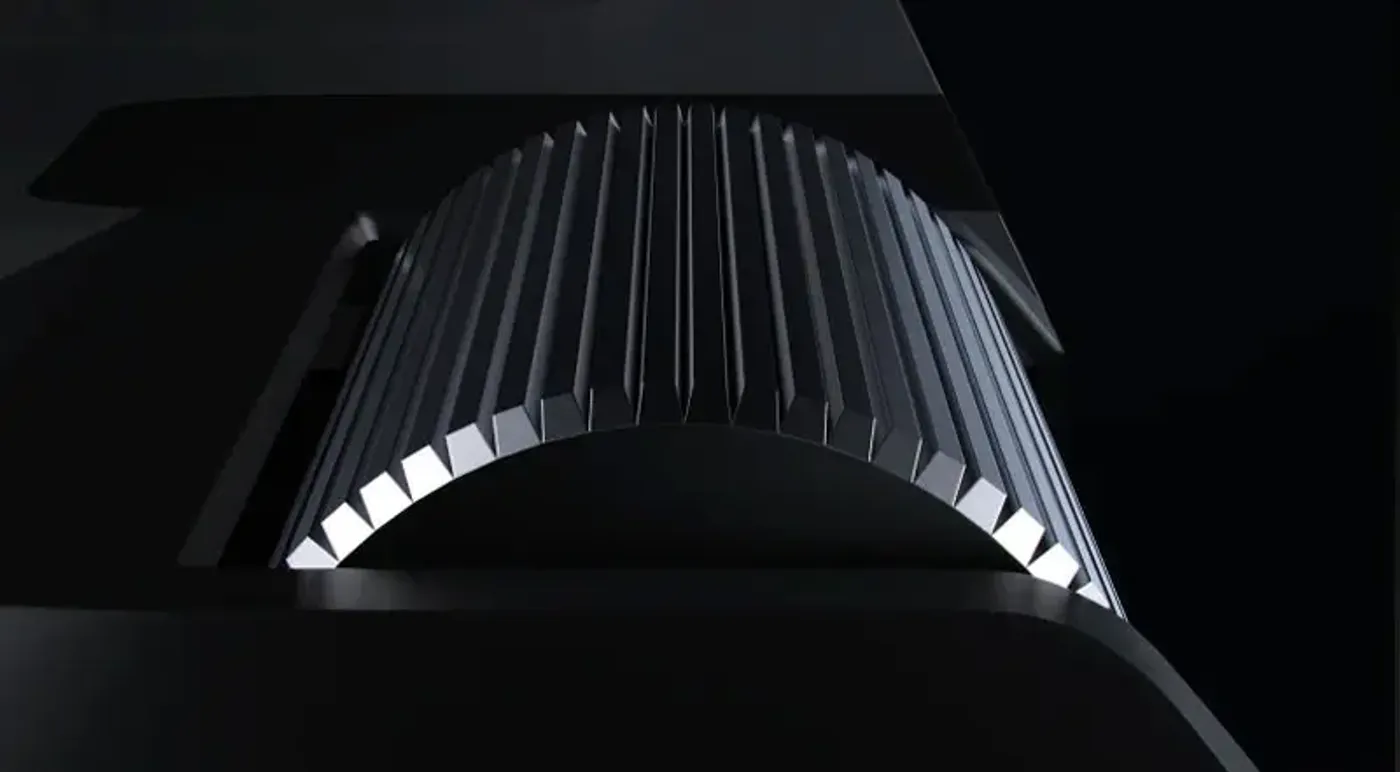
Per-Key LIGHTSYNC RGB In 16.8 Million Colours
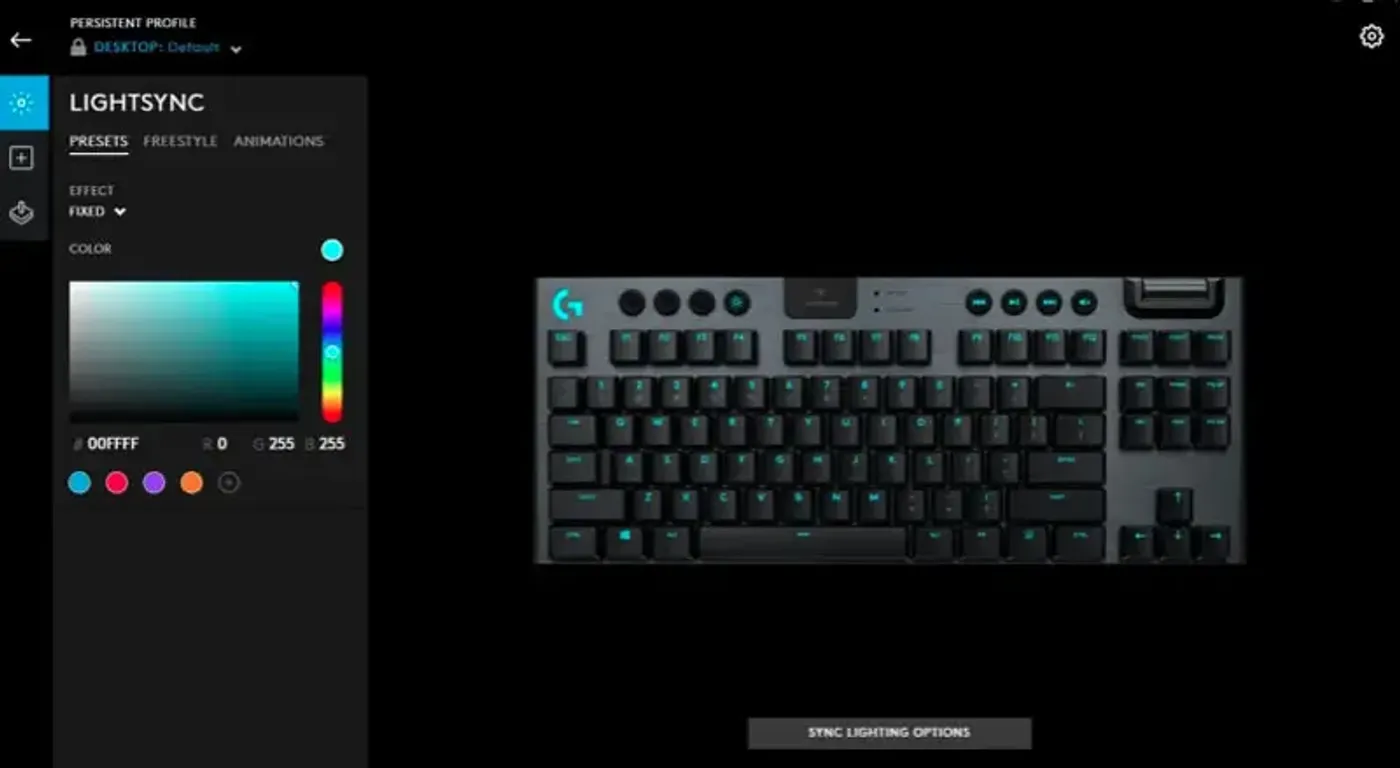
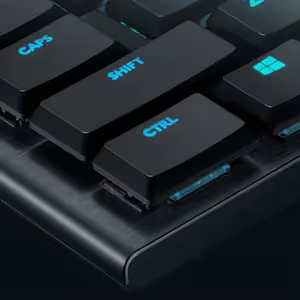
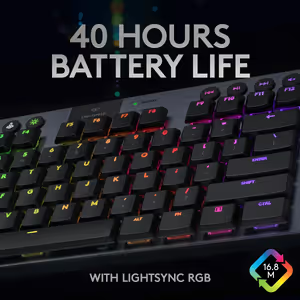
LIGHTSYNC RGB lets you set lighting on a per-key basis across approximately 16.8 million colours. You can load a preset theme or build your own animation, which is how a keyboard ends up marking out movement keys and ability binds in different colours instead of glowing as one block.
Per-Key LIGHTSYNC RGB In 16.8 Million Colours
LIGHTSYNC RGB lets you set lighting on a per-key basis across approximately 16.8 million colours. You can load a preset theme or build your own animation, which is how a keyboard ends up marking out movement keys and ability binds in different colours instead of glowing as one block.
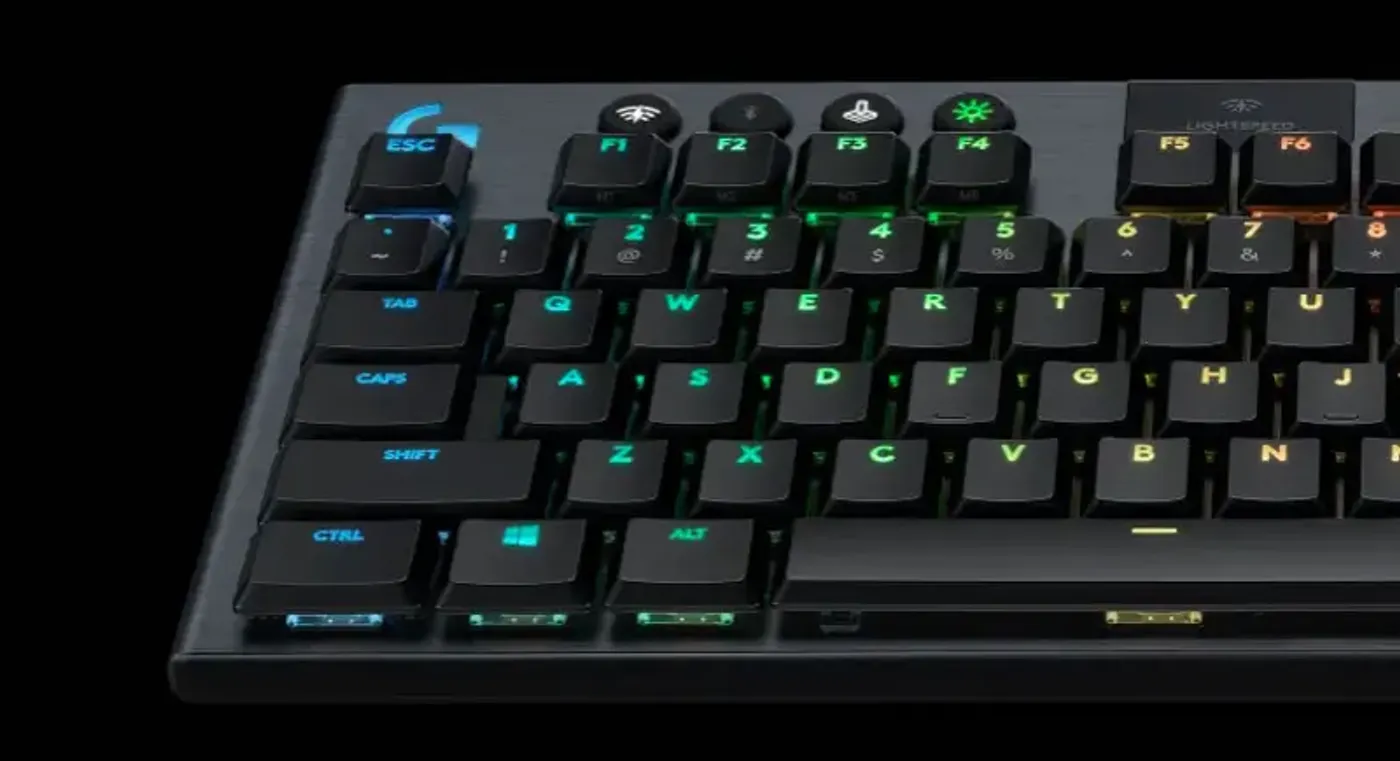
Onboard Controls For Effects And Brightness
Lighting effects and brightness are adjusted from controls on the keyboard itself, without opening software mid-game. Seven preset animations are built in, and Logitech G HUB lets you store two custom lighting profiles on top of those, so a quick brightness change never costs you a tab out.
Onboard Controls For Effects And Brightness
Lighting effects and brightness are adjusted from controls on the keyboard itself, without opening software mid-game. Seven preset animations are built in, and Logitech G HUB lets you store two custom lighting profiles on top of those, so a quick brightness change never costs you a tab out.
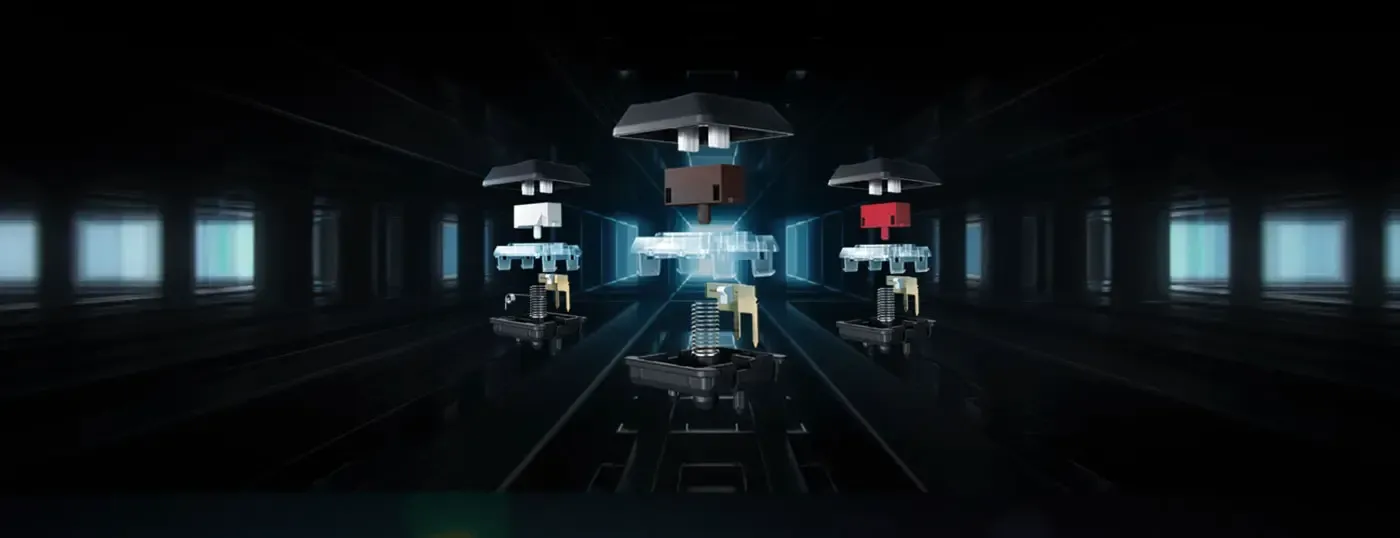
GL Clicky, GL Tactile And GL Linear Explained
Logitech offers the GL switch in three feels. GL Clicky delivers an audible click alongside tactile feedback, GL Tactile provides the bump without the noise, and GL Linear gives a smooth keystroke with no step at all. The choice is about feedback preference rather than speed, since all three share the same low-profile design.
GL Clicky, GL Tactile And GL Linear Explained
Logitech offers the GL switch in three feels. GL Clicky delivers an audible click alongside tactile feedback, GL Tactile provides the bump without the noise, and GL Linear gives a smooth keystroke with no step at all. The choice is about feedback preference rather than speed, since all three share the same low-profile design.
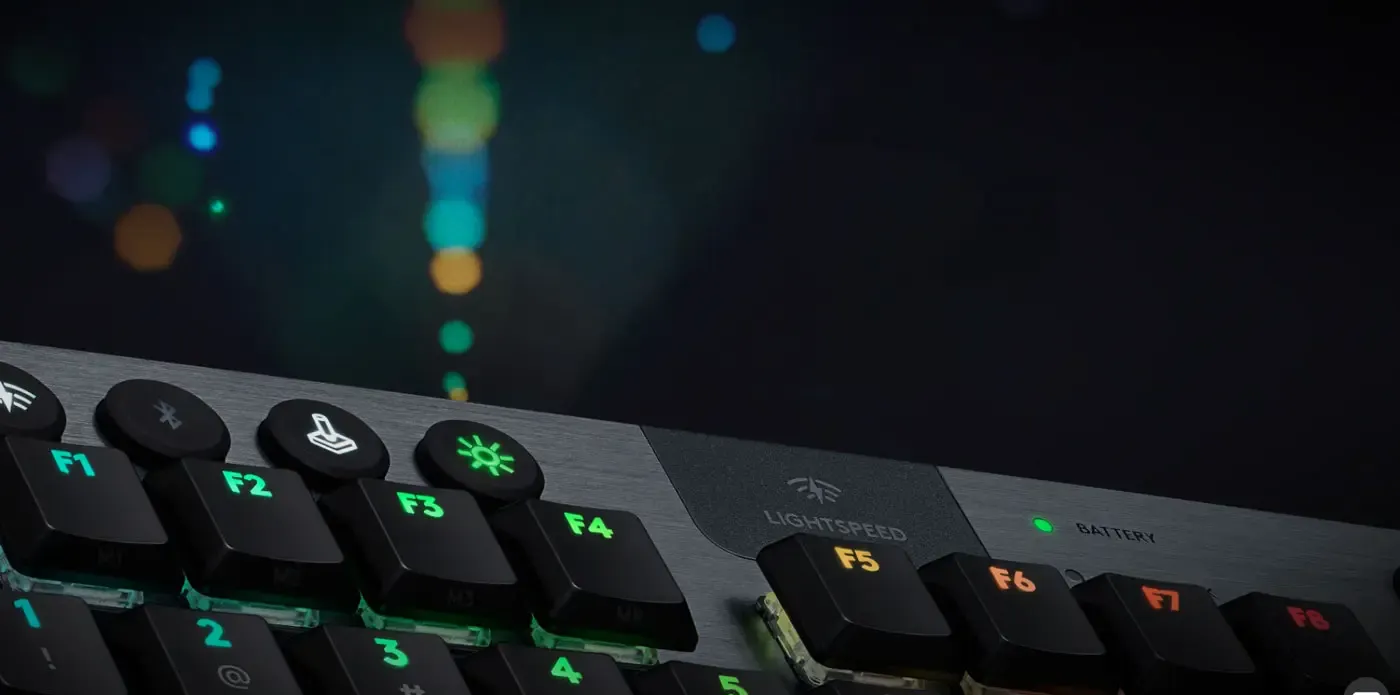
Lighting That Reacts To What You Play
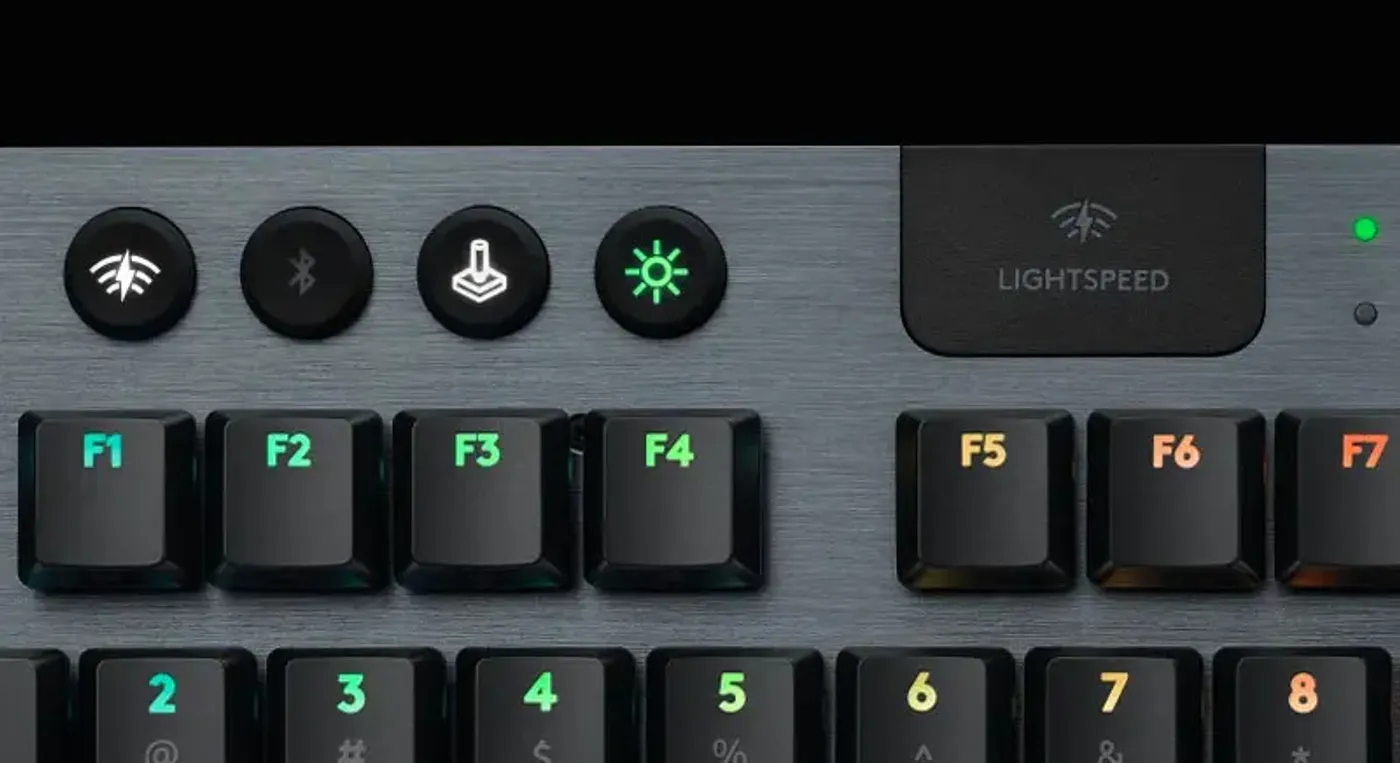
Through Logitech G HUB the G915 TKL can run solid colours, dynamic patterns, or effects that respond in step with gameplay. Tying lighting to game events turns it into information rather than decoration, so the board can flag a state change at the edge of your vision while your eyes stay on the screen.
Lighting That Reacts To What You Play
Through Logitech G HUB the G915 TKL can run solid colours, dynamic patterns, or effects that respond in step with gameplay. Tying lighting to game events turns it into information rather than decoration, so the board can flag a state change at the edge of your vision while your eyes stay on the screen.
Logitech G HUB Handles Macros And Profiles
Logitech G HUB gives you control over the hardware and your game setups together, covering lighting effects, macros and detailed per-device settings. It also connects to external applications and lets you share personalised profiles within the Logitech G community, so a working configuration does not have to be rebuilt from scratch.
Logitech G HUB Handles Macros And Profiles
Logitech G HUB gives you control over the hardware and your game setups together, covering lighting effects, macros and detailed per-device settings. It also connects to external applications and lets you share personalised profiles within the Logitech G community, so a working configuration does not have to be rebuilt from scratch.
Three Profiles Stored In Onboard Memory
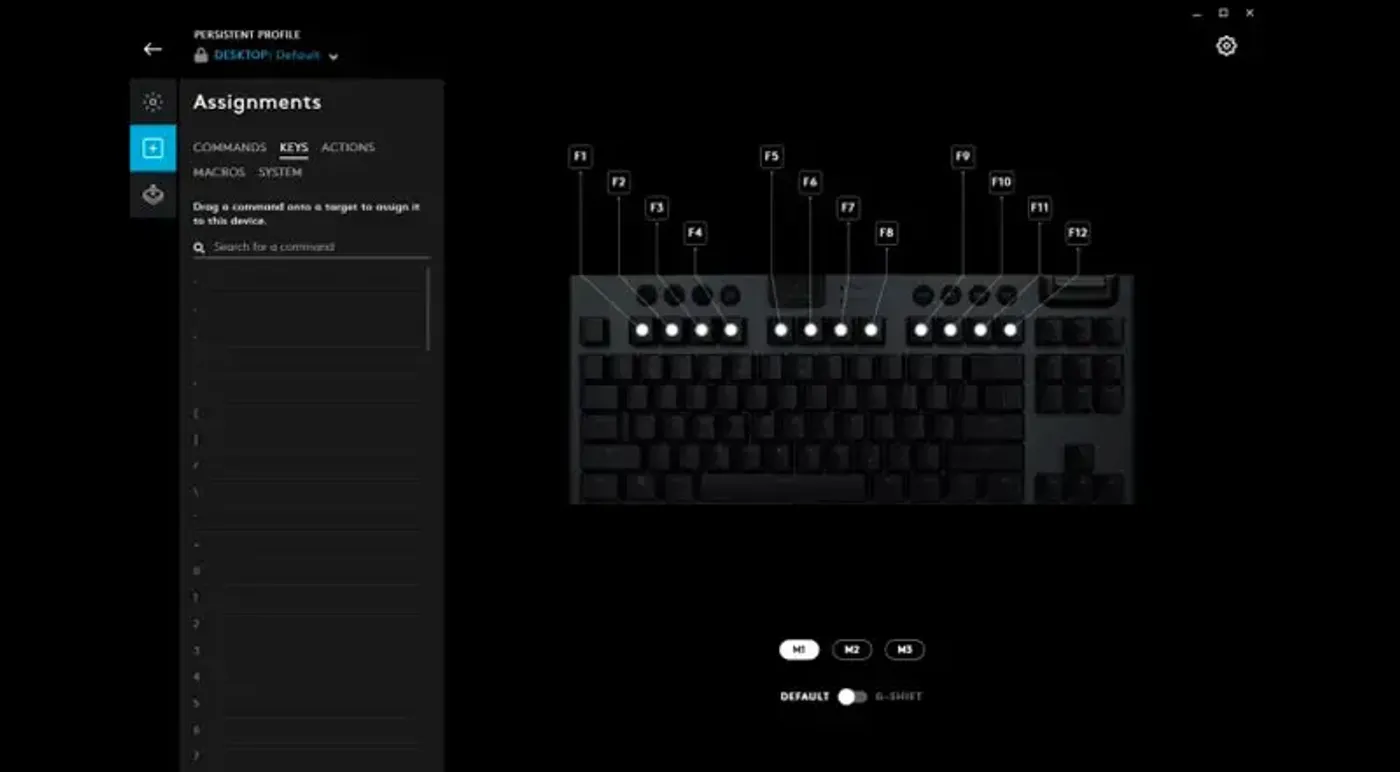
The G915 TKL stores up to three separate profiles in its own onboard memory and switches between them using dedicated function keys. Because the profiles live on the keyboard rather than in software, your macros and lighting travel with the board to a different PC without reinstalling anything.
Three Profiles Stored In Onboard Memory
The G915 TKL stores up to three separate profiles in its own onboard memory and switches between them using dedicated function keys. Because the profiles live on the keyboard rather than in software, your macros and lighting travel with the board to a different PC without reinstalling anything.
Game Mode Button Sits In The Centre
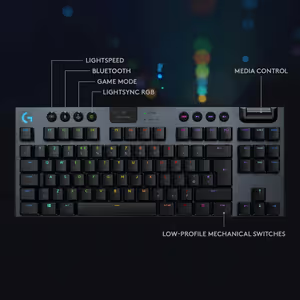
A Game Mode button is placed centrally on the G915 TKL so it can be hit without hunting for it. Pressing it disables the keys that would otherwise interrupt a match, and Game Mode itself is configured in Logitech G HUB rather than being a fixed behaviour you have to live with.
Game Mode Button Sits In The Centre
A Game Mode button is placed centrally on the G915 TKL so it can be hit without hunting for it. Pressing it disables the keys that would otherwise interrupt a match, and Game Mode itself is configured in Logitech G HUB rather than being a fixed behaviour you have to live with.
Extended Hours Of Play On One Charge
Battery life on the G915 TKL is built for extended use from a single charge, so a wireless keyboard stops being something you plan your evening around. That endurance is what makes the wireless connection worth having, because a board that needs charging daily ends up permanently tethered anyway.
Extended Hours Of Play On One Charge
Battery life on the G915 TKL is built for extended use from a single charge, so a wireless keyboard stops being something you plan your evening around. That endurance is what makes the wireless connection worth having, because a board that needs charging daily ends up permanently tethered anyway.
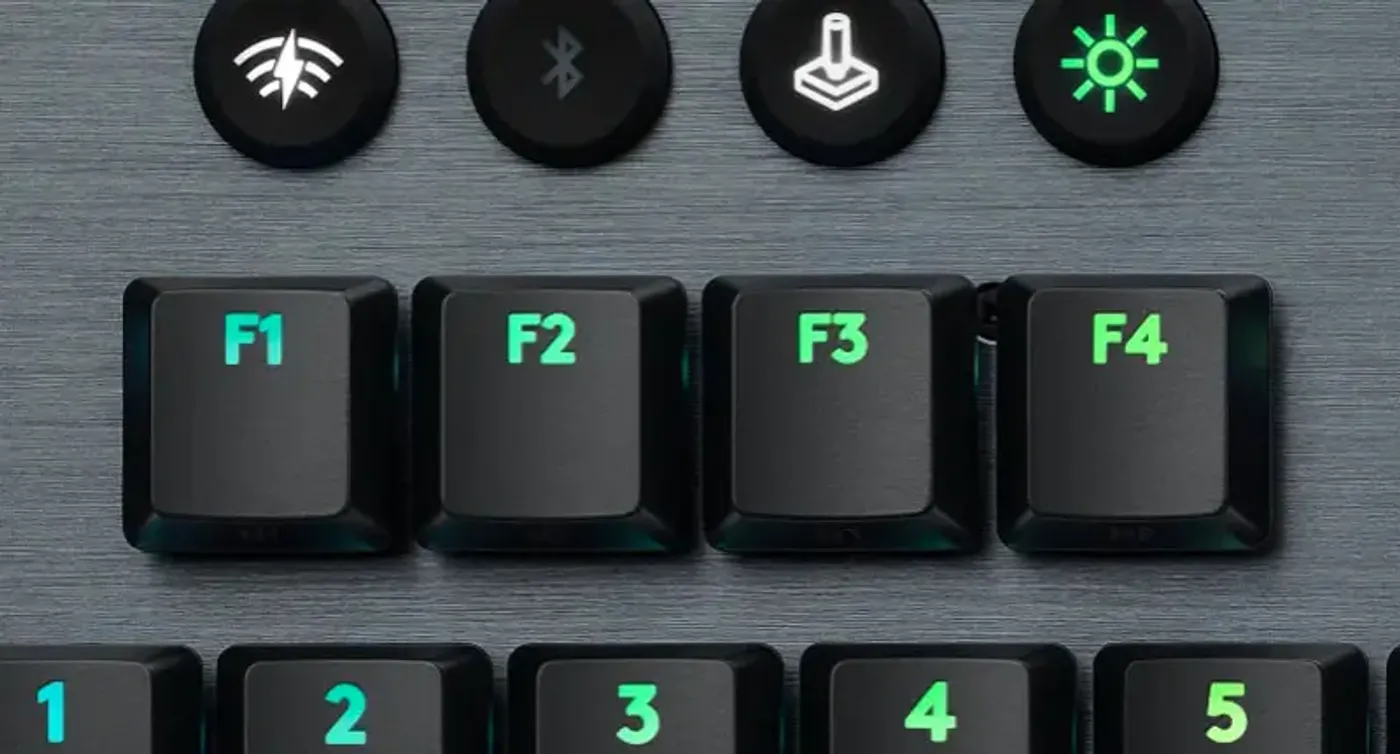
Recharges In Under Four Hours Via Micro USB
A battery indicator light tells you when the G915 TKL needs power, and a full recharge takes under four hours over micro USB. You can keep playing on the cable the whole time it charges, so the low-battery warning never turns into a stop in play.
Recharges In Under Four Hours Via Micro USB
A battery indicator light tells you when the G915 TKL needs power, and a full recharge takes under four hours over micro USB. You can keep playing on the cable the whole time it charges, so the low-battery warning never turns into a stop in play.
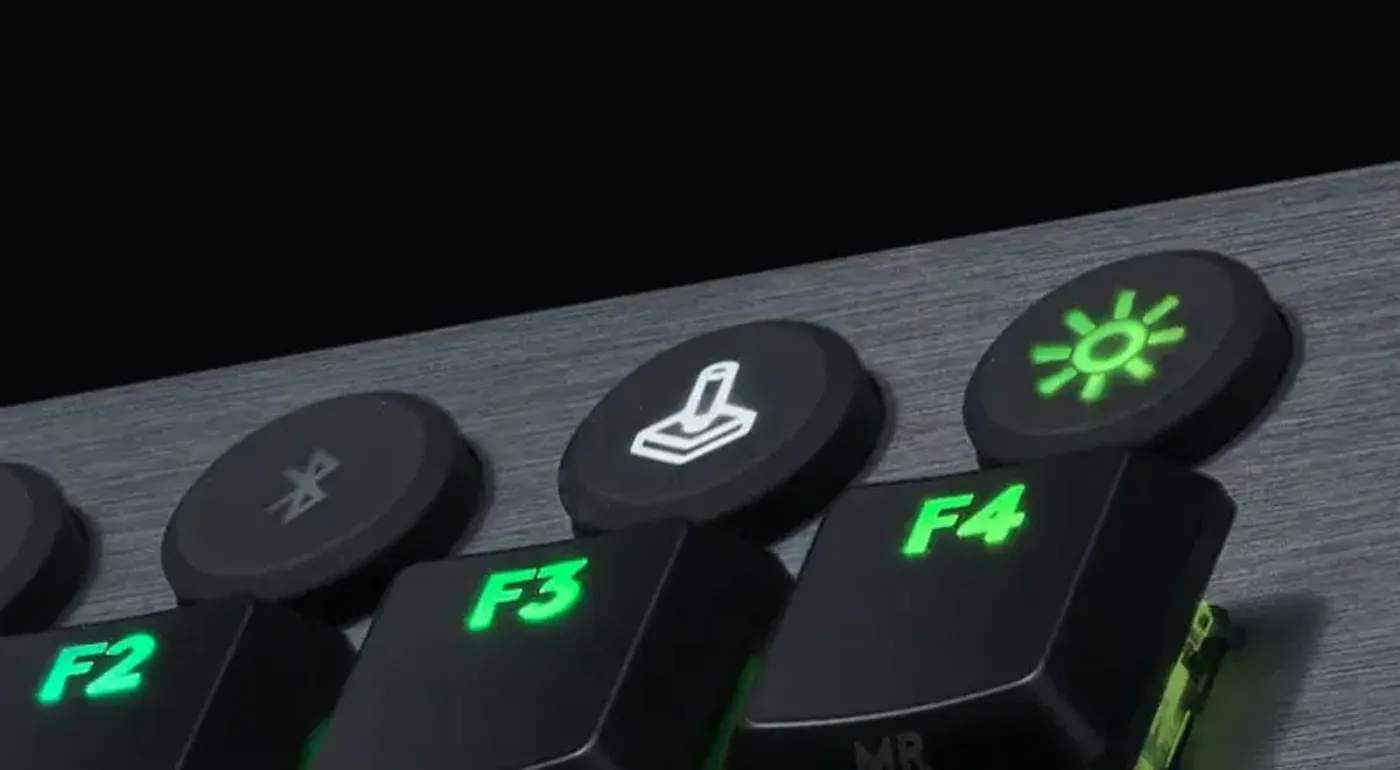
Choose Exactly Which Keys Game Mode Disables
By default Game Mode disables the Windows key, the single most common cause of an accidental drop to desktop. Logitech G HUB lets you extend that list to any key you find distracting, so a bind you keep mis-hitting can be switched off for the duration of a match and restored afterwards.
Choose Exactly Which Keys Game Mode Disables
By default Game Mode disables the Windows key, the single most common cause of an accidental drop to desktop. Logitech G HUB lets you extend that list to any key you find distracting, so a bind you keep mis-hitting can be switched off for the duration of a match and restored afterwards.
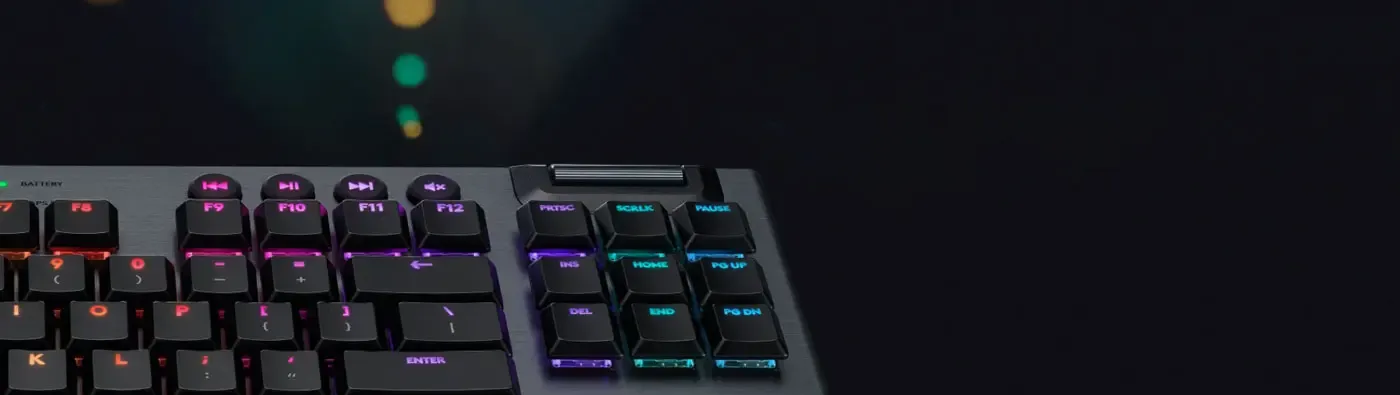
Bluetooth Connects It To A Second Device
Alongside LIGHTSPEED, the G915 TKL supports Bluetooth, which covers the machines where you would rather not give up a USB port or cannot use a receiver at all. That gives the keyboard a second connection route for a laptop or tablet without the board losing its place on your main gaming PC.
Bluetooth Connects It To A Second Device
Alongside LIGHTSPEED, the G915 TKL supports Bluetooth, which covers the machines where you would rather not give up a USB port or cannot use a receiver at all. That gives the keyboard a second connection route for a laptop or tablet without the board losing its place on your main gaming PC.
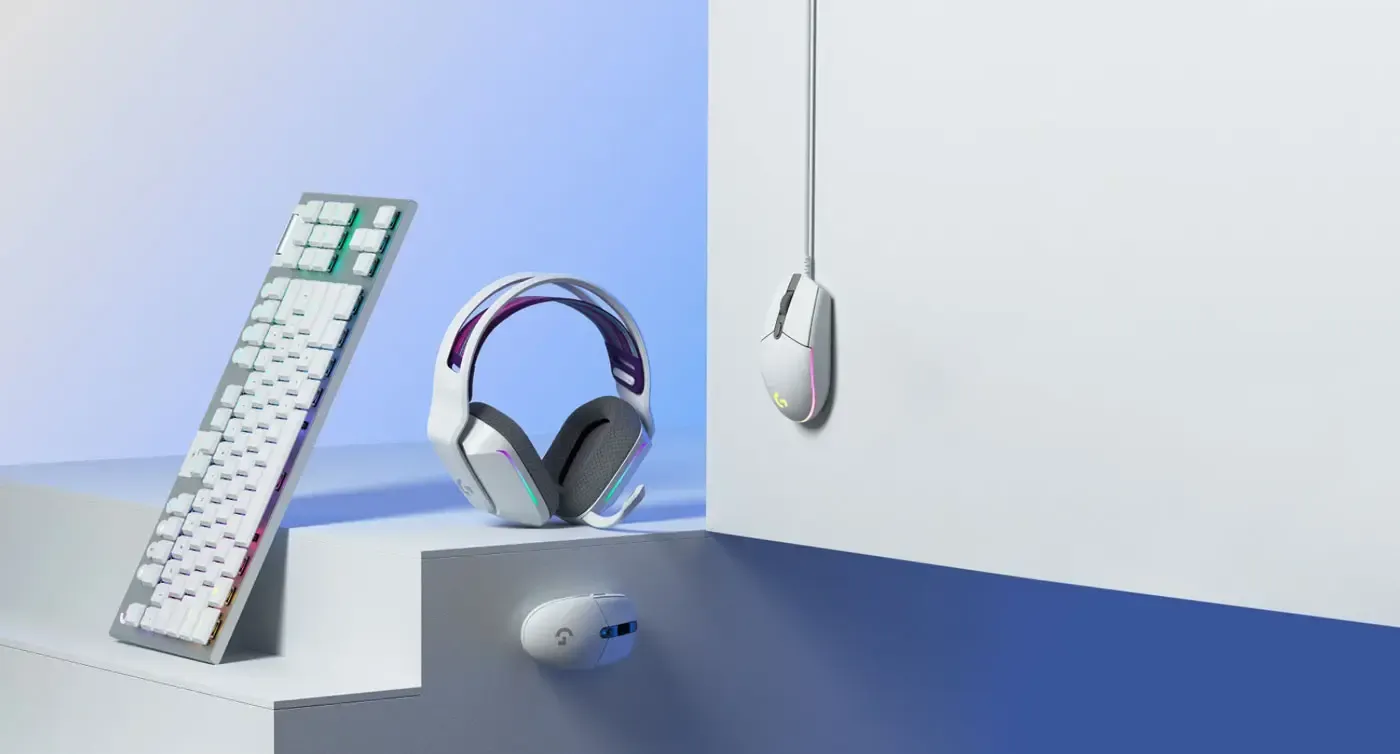
Built For Competitive Play And Daily Work
The G915 TKL is durable enough for intense use and comfortable enough to type on all day, which is the combination most gaming keyboards force you to choose between. The same low-profile switches that keep response times short also make long documents less tiring, so one board covers the match and the work that follows it.
Built For Competitive Play And Daily Work
The G915 TKL is durable enough for intense use and comfortable enough to type on all day, which is the combination most gaming keyboards force you to choose between. The same low-profile switches that keep response times short also make long documents less tiring, so one board covers the match and the work that follows it.
FAQ
Frequently Asked Questions
Everything you need to know about this product
LIGHTSPEED pro-grade wireless technology gives it a 1ms response time.
It uses LIGHTSPEED wireless or Bluetooth, and switches to USB when you plug it in.
This is the Tactile version, using low-profile GL Tactile mechanical switches.
GL Clicky gives an audible click, GL Tactile a bump, and GL Linear a smooth keystroke.
It uses a 5052 aluminium alloy chassis over a steel-reinforced internal structure.
LIGHTSYNC RGB covers approximately 16.8 million colours with per-key control.
There are seven preset animations, plus two custom profiles you can build in G HUB.
Up to three profiles sit in onboard memory, switched with dedicated function keys.
A full recharge takes under four hours over micro USB, and you can play while charging.
The USB receiver stores on the back of the keyboard, which helps when travelling.
It disables keys that could interrupt play, with the Windows key switched off by default.
Logitech G HUB handles lighting, macros, Game Mode settings and profile sharing.

AI-Generated Content:These FAQs are generated by an automated AI system and may contain inaccuracies or omissions. Evetech makes no warranties, express or implied, regarding their completeness or reliability. For definitive information, please refer to the manufacturer's official specifications.

Please Note: Product images are for illustrative purposes only and may differ from the actual product.
Choose your
own PC
Hand-pick every part with live stock, compatibility, and instant pricing.
Try the new builderPrice Inc. Vat
R 4,499
Save R 700
ListR 5,199
4499Change Quantity:
In Stock with Evetech
Choose your
own PC
Hand-pick every part with live stock, compatibility, and instant pricing.
Try the new builderLogitech G915 TKL Wireless RGB Mechanical Gaming Keyboard