


2 Years Local Warranty
Model No : Logitech 920-011587
Price Inc. Vat
R 1,999
Save R 600.00
ListR 2,599
1999Out of Stock
Price Inc. Vat
R 1,999
Save R 600.00
ListR 2,599
1999Out of Stock
Trusted Partners
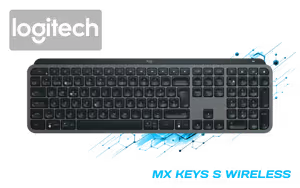
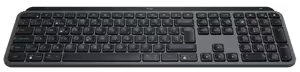


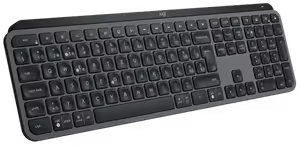
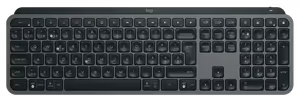
Please Note: Product images are for illustrative purposes only and may differ from the actual product.
Hand-pick every part with live stock, compatibility, and instant pricing.
Try the new builderLogitech® MX Keys S Wireless Keyboard

The MX Keys S is engineered for fast, fluid typing with smart illumination and programmable keys. Those who need to conserve desk space without giving up performance can also choose the minimalist MX Keys Mini.
The MX Keys S is engineered for fast, fluid typing with smart illumination and programmable keys. Those who need to conserve desk space without giving up performance can also choose the minimalist MX Keys Mini.
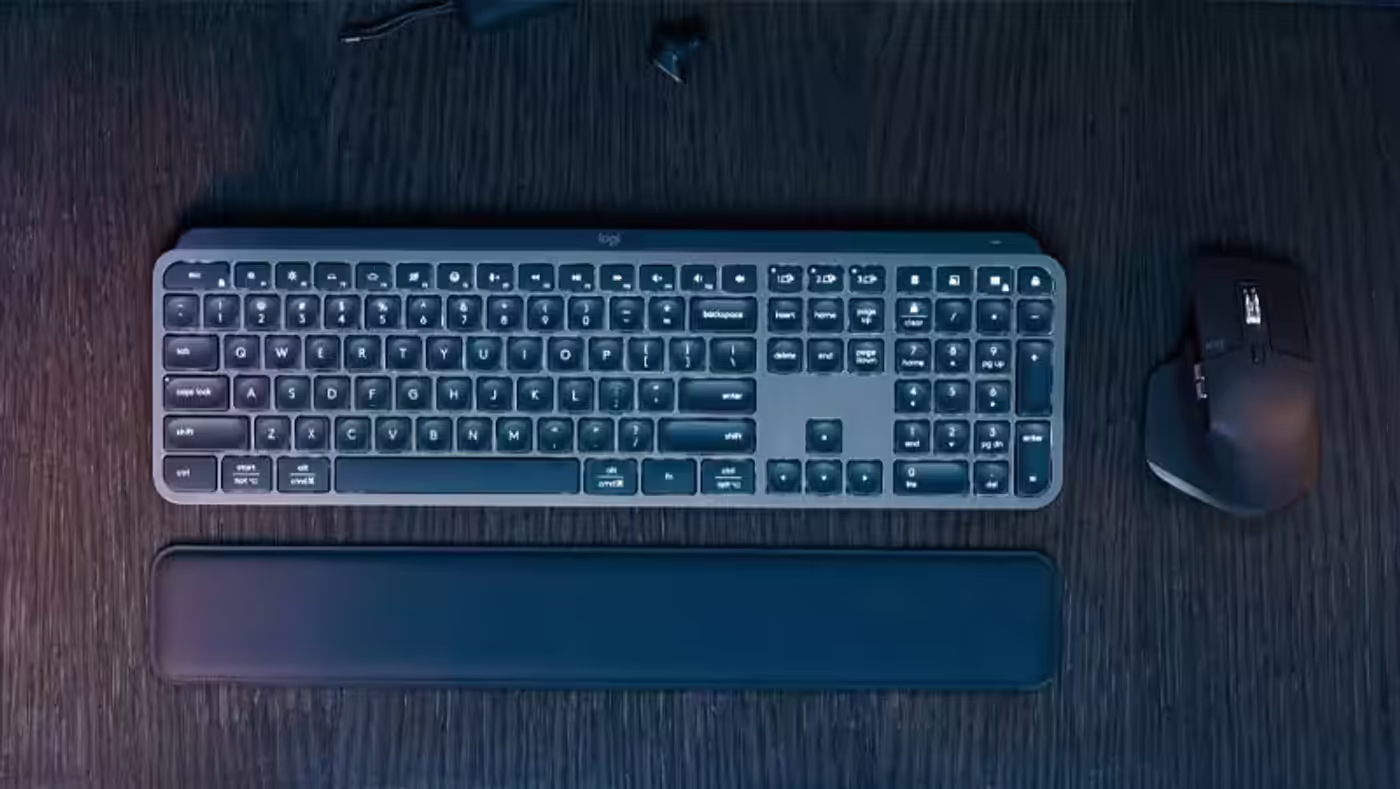
Spherically dished keys are shaped around your fingertips to support confident, speedy typing and reduce mistypes. Improved key stability also helps lower typing noise.
Spherically dished keys are shaped around your fingertips to support confident, speedy typing and reduce mistypes. Improved key stability also helps lower typing noise.
The backlit keys activate as your hands approach and adjust their brightness or fade according to the surrounding environment. Logi Options+ lets you manage the backlighting duration and brightness on the MX Keys S.
The backlit keys activate as your hands approach and adjust their brightness or fade according to the surrounding environment. Logi Options+ lets you manage the backlighting duration and brightness on the MX Keys S.

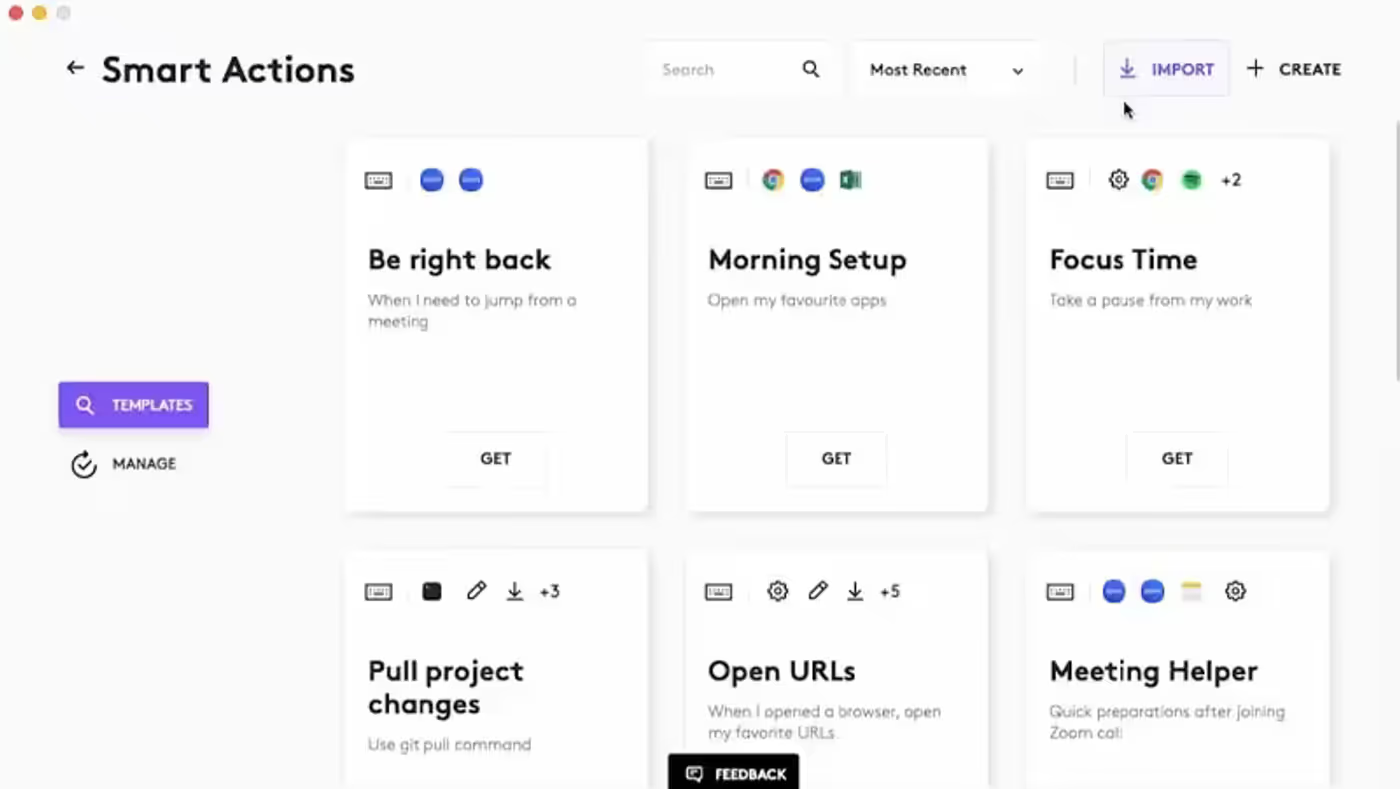
Smart Actions in the Logi Options+ App can combine multiple tasks and trigger them with a single keystroke, helping you bypass repetitive actions.
Smart Actions in the Logi Options+ App can combine multiple tasks and trigger them with a single keystroke, helping you bypass repetitive actions.
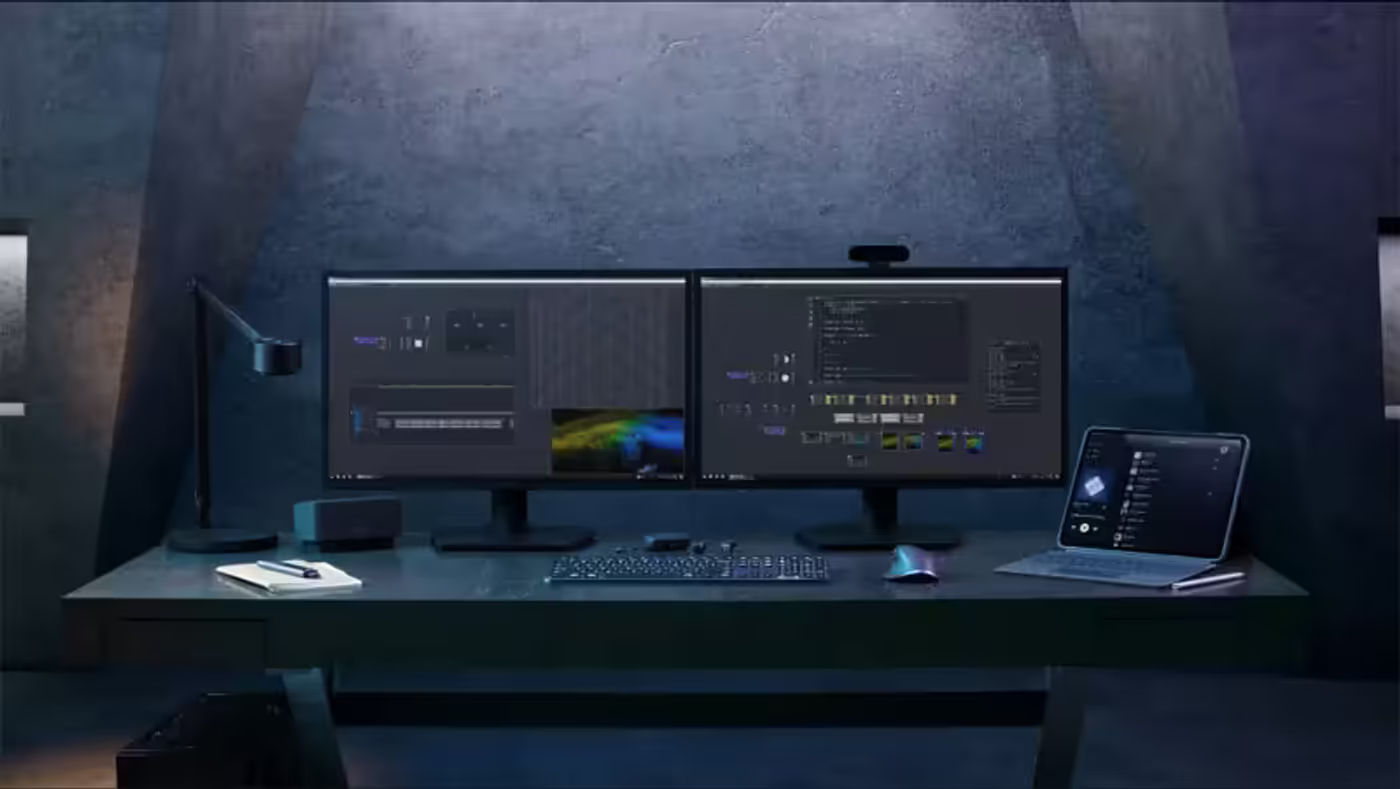
Its low-profile construction and carefully positioned angle encourage a natural wrist position, supporting precise input and more comfortable typing over longer periods.
Its low-profile construction and carefully positioned angle encourage a natural wrist position, supporting precise input and more comfortable typing over longer periods.
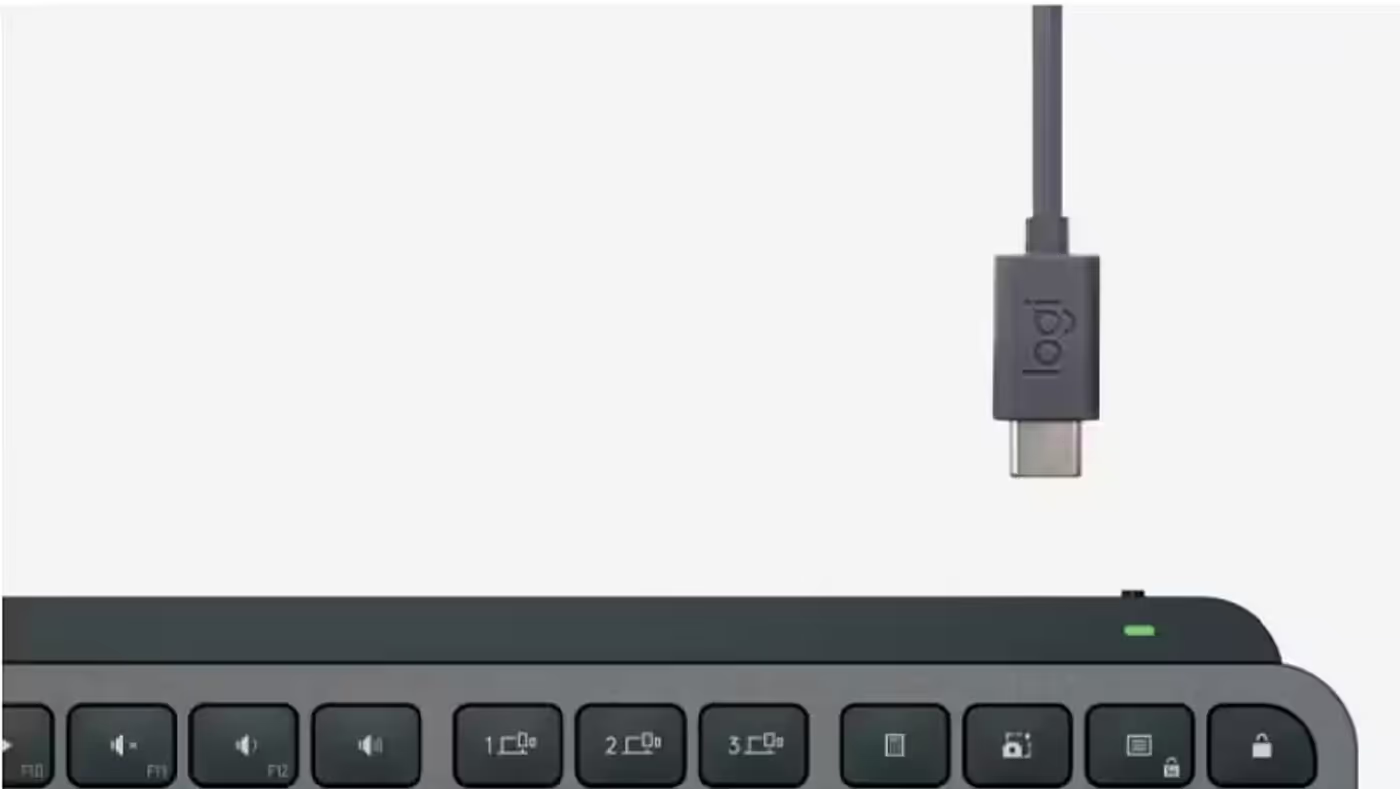
Switch between up to 3 devices using the dedicated button. The keyboard is compatible with Windows, macOS, ChromeOS, Linux, and iPadOS.
Switch between up to 3 devices using the dedicated button. The keyboard is compatible with Windows, macOS, ChromeOS, Linux, and iPadOS.
Everything you need to know about this product
The Logitech MX Keys S connects through Bluetooth or a 2.4GHz Logi Bolt USB receiver.
You can switch between up to 3 devices using the keyboard's dedicated button.
It is compatible with Windows, macOS, ChromeOS, Linux, and iPadOS.
Yes. The backlit keys illuminate when your hands approach and automatically adjust to the surrounding environment.
Yes. Logi Options+ allows you to control the MX Keys S backlighting duration and brightness.
The keyboard lasts up to 10 days on a full charge, or up to 5 months with backlighting turned off.
Yes. You can charge it while working with the included USB-C charging cable.
The low-profile design, angled position, and finger-shaped keys are intended to support comfortable typing over longer periods.
Spherically dished keys are shaped for your fingertips to reduce mistypes, while increased key stability helps reduce noise.
Yes. Smart Actions in the Logi Options+ App can automate multiple tasks with a single keystroke.

AI-Generated Content:These FAQs are generated by an automated AI system and may contain inaccuracies or omissions. Evetech makes no warranties, express or implied, regarding their completeness or reliability. For definitive information, please refer to the manufacturer's official specifications.
Hand-pick every part with live stock, compatibility, and instant pricing.
Try the new builder