
Trusted Partners

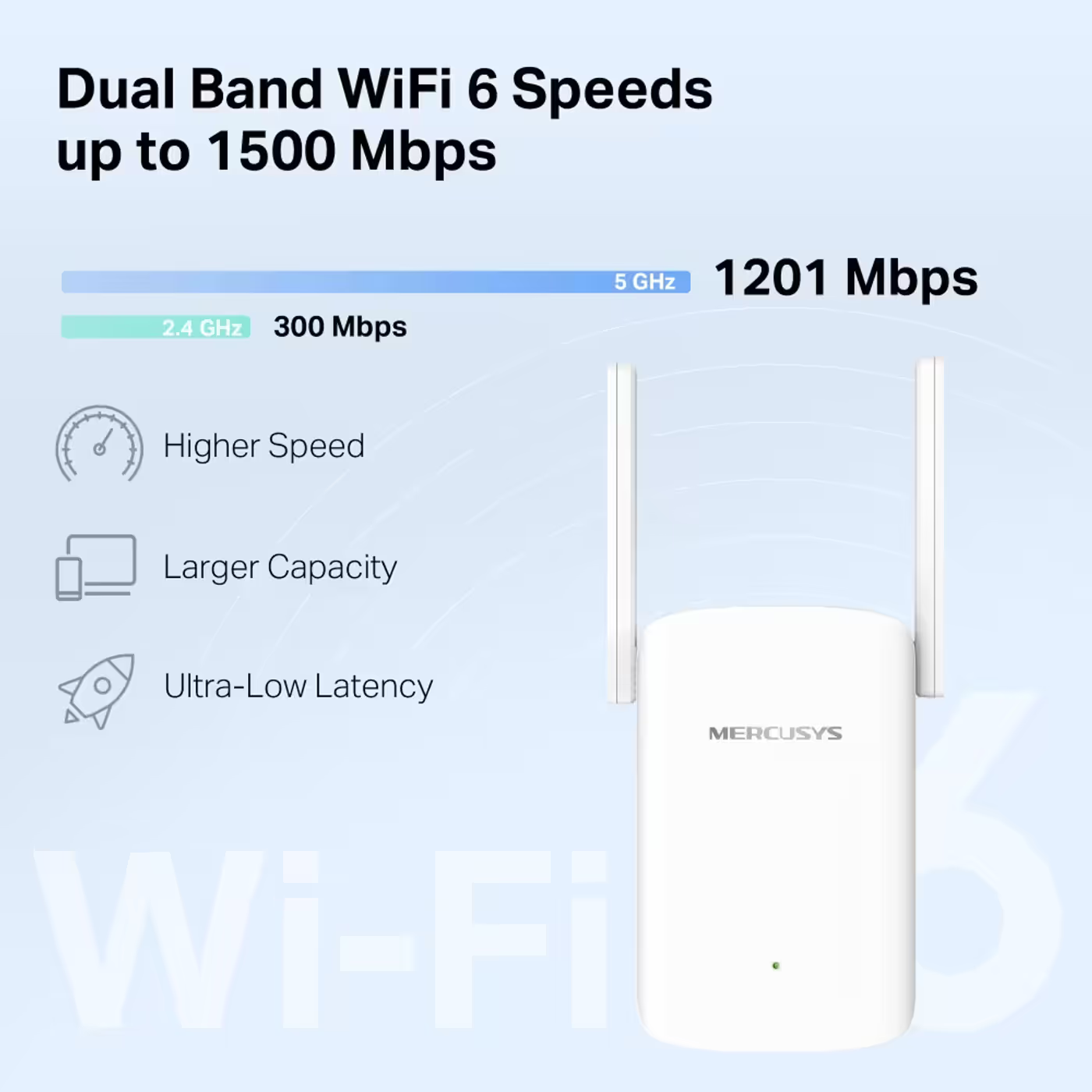
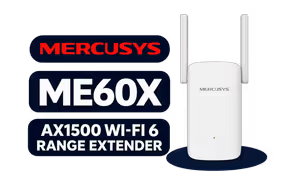
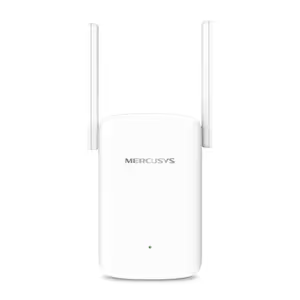
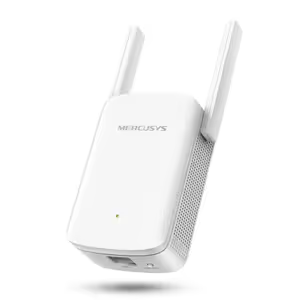
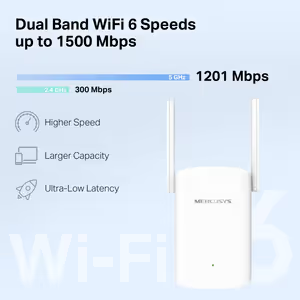
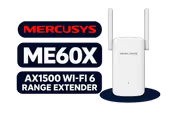
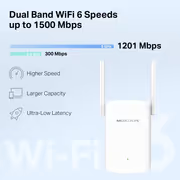
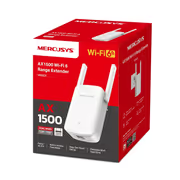
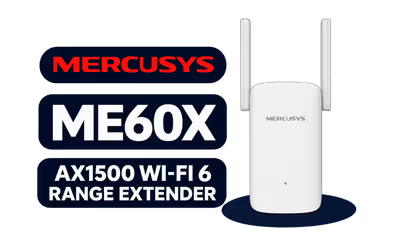
The Mercusys ME60X is a dual-band Wi-Fi 6 range extender that plugs into a wall socket and repeats your router's Wi-Fi further into the house. It runs at up to 1201Mbps on 5GHz and 300Mbps on 2.4GHz, works with any router, and has a Gigabit Ethernet port.

Up to 1201Mbps on 5GHz and 300Mbps on 2.4GHz, with 1024-QAM and beamforming. Mercusys lists higher speed, more capacity and lower latency as the Wi-Fi 6 gains over an older extender.

Up to 1201Mbps on 5GHz and 300Mbps on 2.4GHz, with 1024-QAM and beamforming. Mercusys lists higher speed, more capacity and lower latency as the Wi-Fi 6 gains over an older extender.

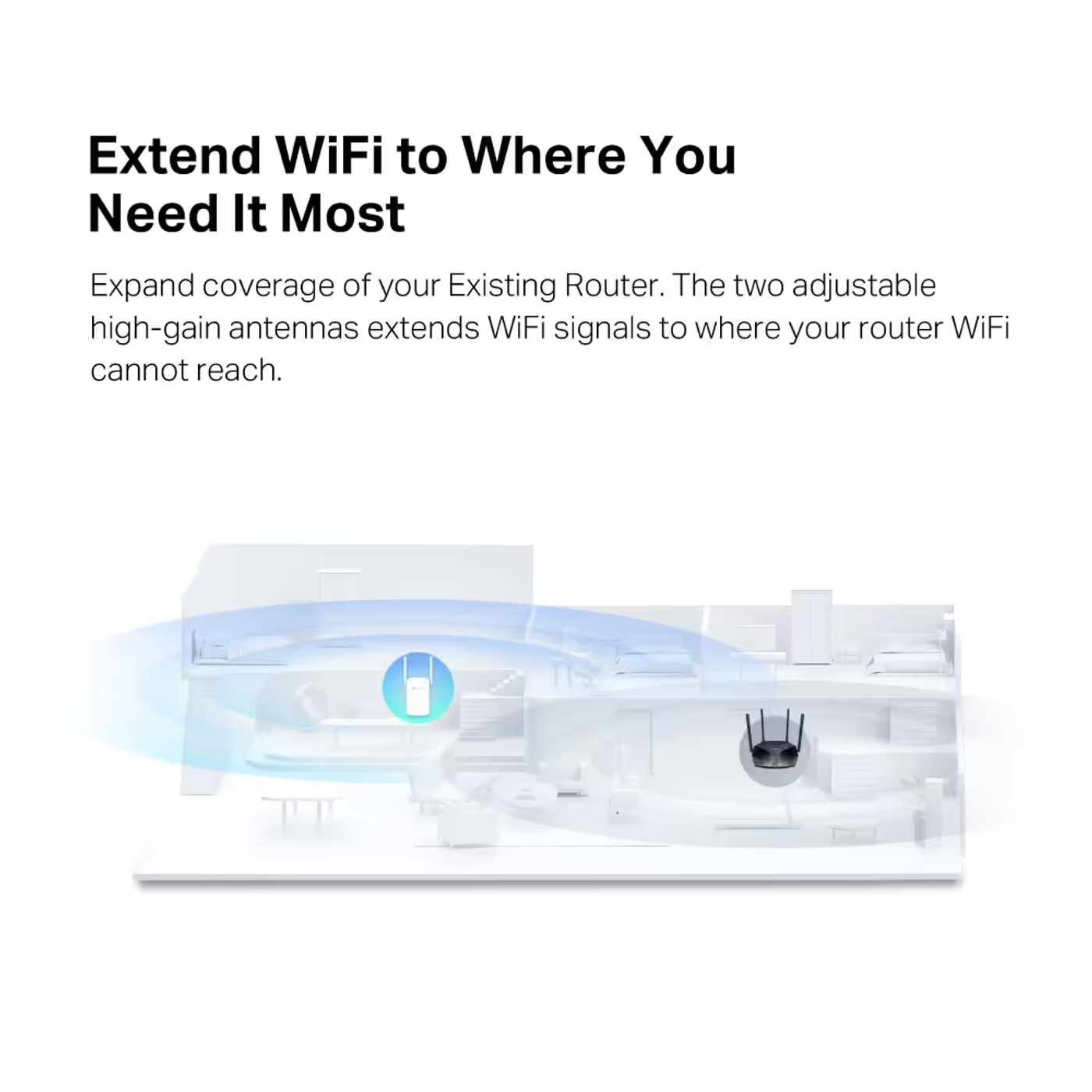
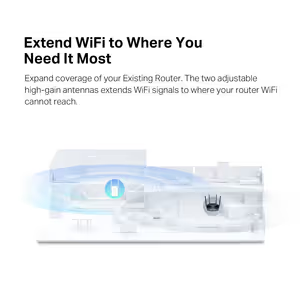
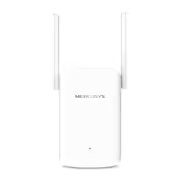
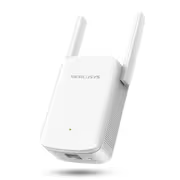
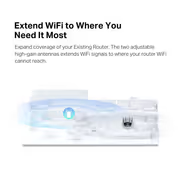
Point the ME60X's two external high-gain antennas towards the area that needs coverage. It picks up your router's signal and carries it to rooms the router cannot reach on its own.


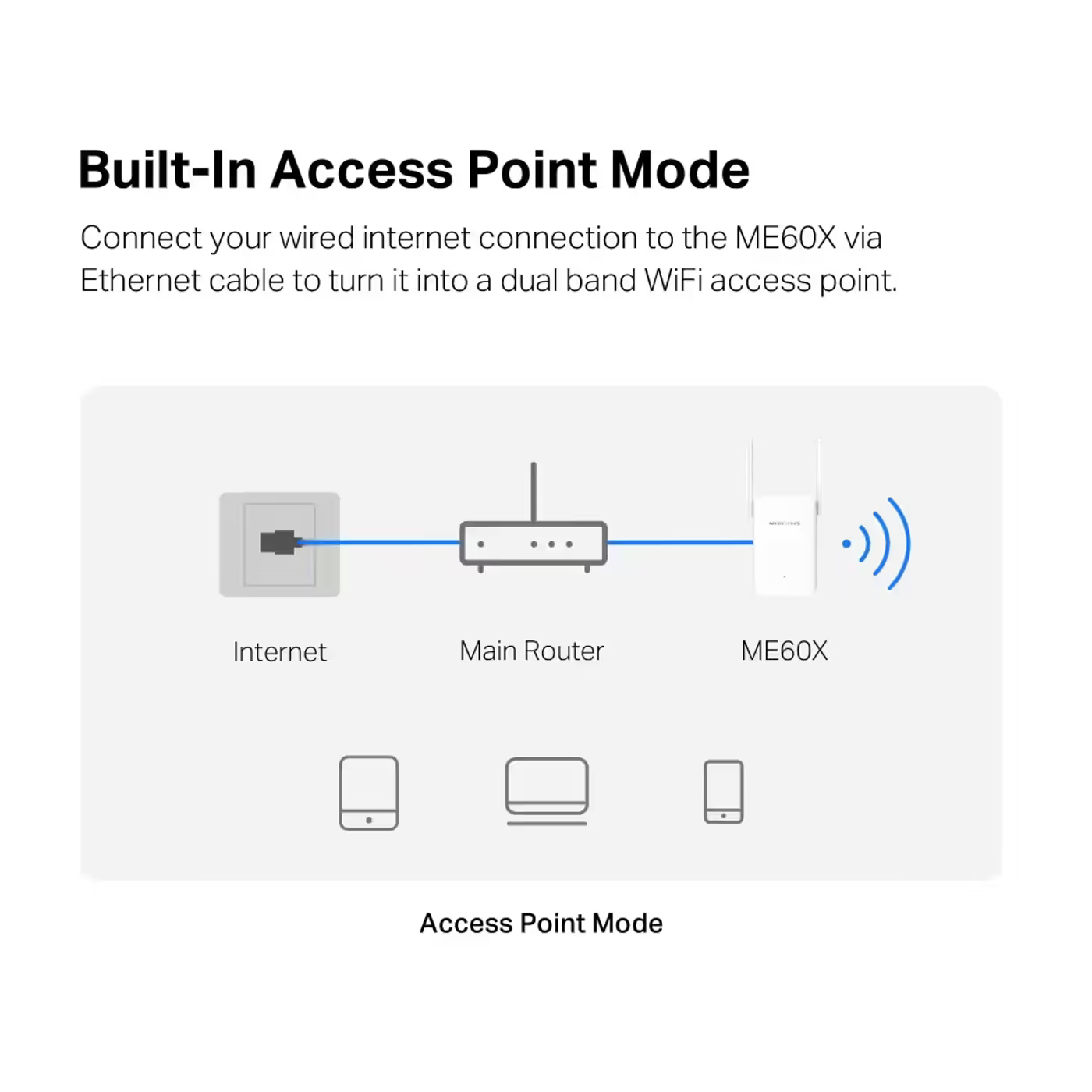
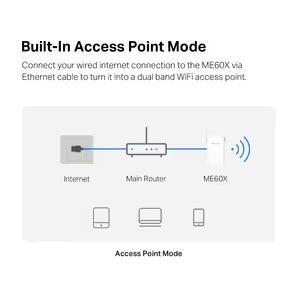
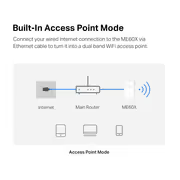
Run an Ethernet cable from the router to the ME60X's Gigabit port, switch it to access point mode, and it broadcasts its own dual-band Wi-Fi from that spot instead of repeating a weaker signal.

Run an Ethernet cable from the router to the ME60X's Gigabit port, switch it to access point mode, and it broadcasts its own dual-band Wi-Fi from that spot instead of repeating a weaker signal.

Press WPS on your router and then on the ME60X, or follow the steps in the MERCUSYS app on iOS or Android. The ME60X is also EasyMesh compatible, so it can join an EasyMesh router's network.


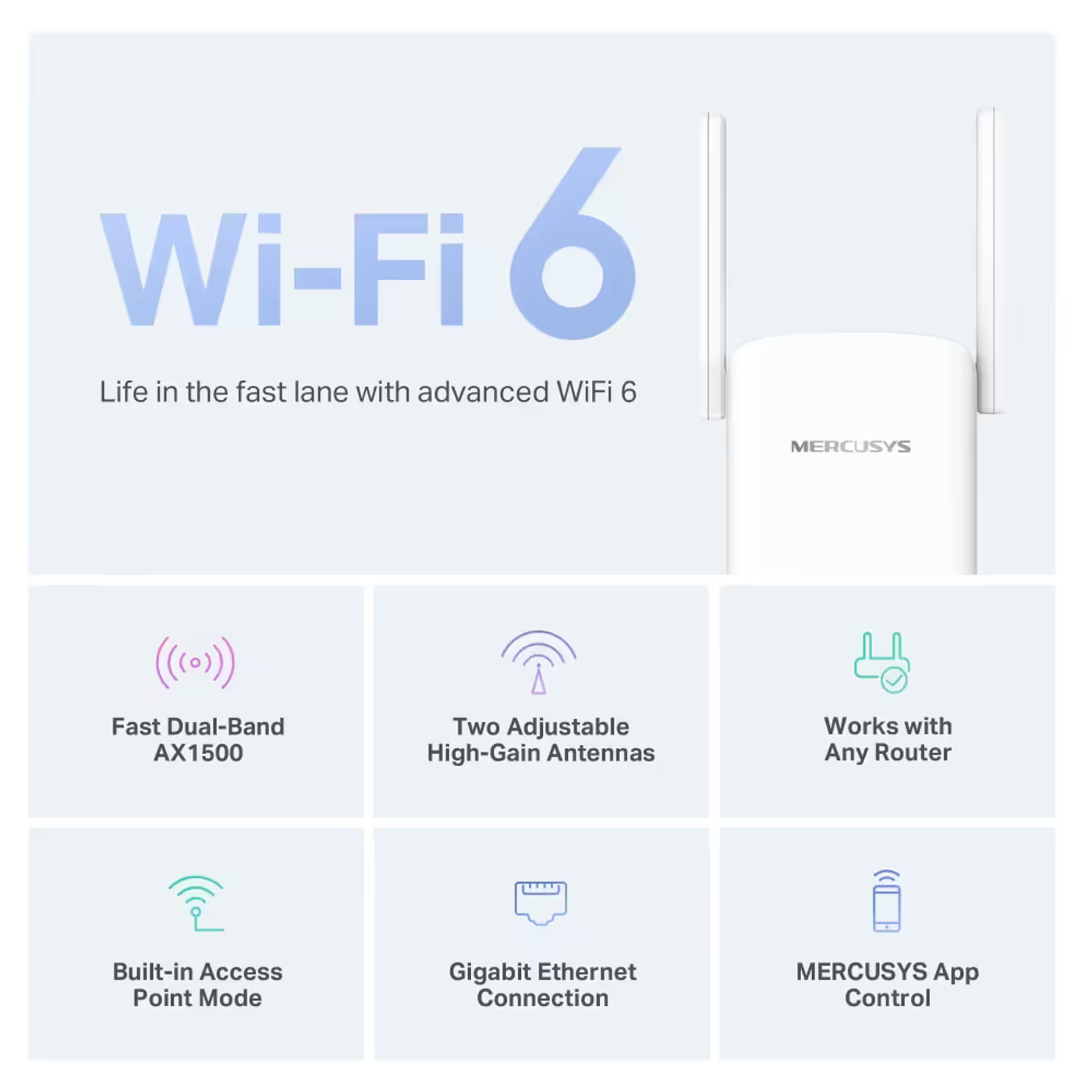
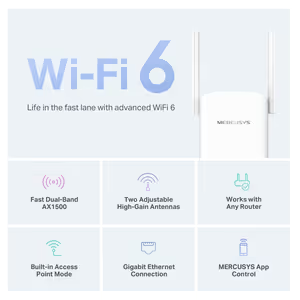
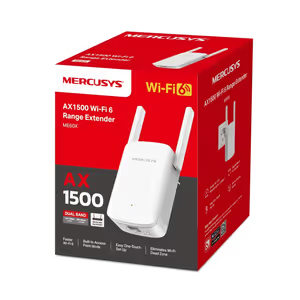
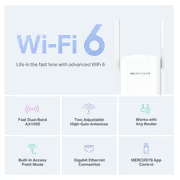
Mercusys's summary: fast dual-band AX1500, two adjustable high-gain antennas, works with any router, built-in access point mode, a Gigabit Ethernet connection and MERCUSYS app control.

Mercusys's summary: fast dual-band AX1500, two adjustable high-gain antennas, works with any router, built-in access point mode, a Gigabit Ethernet connection and MERCUSYS app control.
Everything you need to know about this product
Yes. Mercusys says it works with any router: it picks up your router's Wi-Fi and repeats it further. It does not need a Mercusys router.
It is rated AX1500: up to 1201Mbps on 5GHz and 300Mbps on 2.4GHz with Wi-Fi 6. An extender shares its airtime between your router and your devices, so real speeds are lower than these link rates.
Yes. Connect it to your router with an Ethernet cable and switch it to access point mode, and it broadcasts dual-band Wi-Fi from that spot.
Yes, one Gigabit Ethernet port. It connects a wired device in extender mode, or takes the cable from the router in access point mode.
Press the WPS button on your router and then on the ME60X, or follow the steps in the MERCUSYS app on iOS or Android.
Yes. Mercusys lists it as EasyMesh compatible, so it can join an EasyMesh router's network as a mesh node.
In a wall socket about halfway between the router and the area with weak Wi-Fi, where it still gets a good signal from the router.
The ME60X range extender and a quick installation guide.
AI-Generated Content: These FAQs are generated by an automated AI system and may contain inaccuracies or omissions. Evetech makes no warranties, express or implied, regarding their completeness or reliability. For definitive information, please refer to the manufacturer's official specifications.


Please Note: Product images are for illustrative purposes only and may differ from the actual product.
Hand-pick every part with live stock, compatibility, and instant pricing.
Try the new builderMercusys ME60X AX1500 Wi-Fi 6 Range Extender
Hand-pick every part with live stock, compatibility, and instant pricing.
Try the new builder