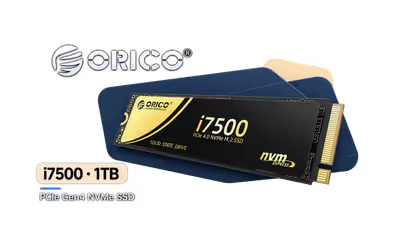
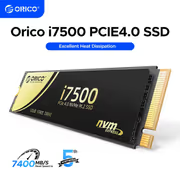
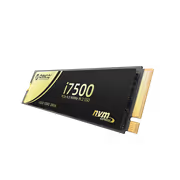
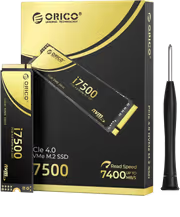
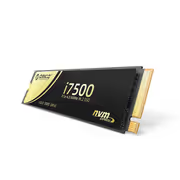
ORICO i7500 M2 NVMe SSD 1TB
ORICO i7500 M.2 NVMe SSD - 1TB / 3D NAND Flash / PCIe Gen4.0 x4 / Up to 7,200MB/s Read and 6,100MB/s Write Speeds / ORICO-i7500-1TB-GD-BP + FREE DELIVERY !
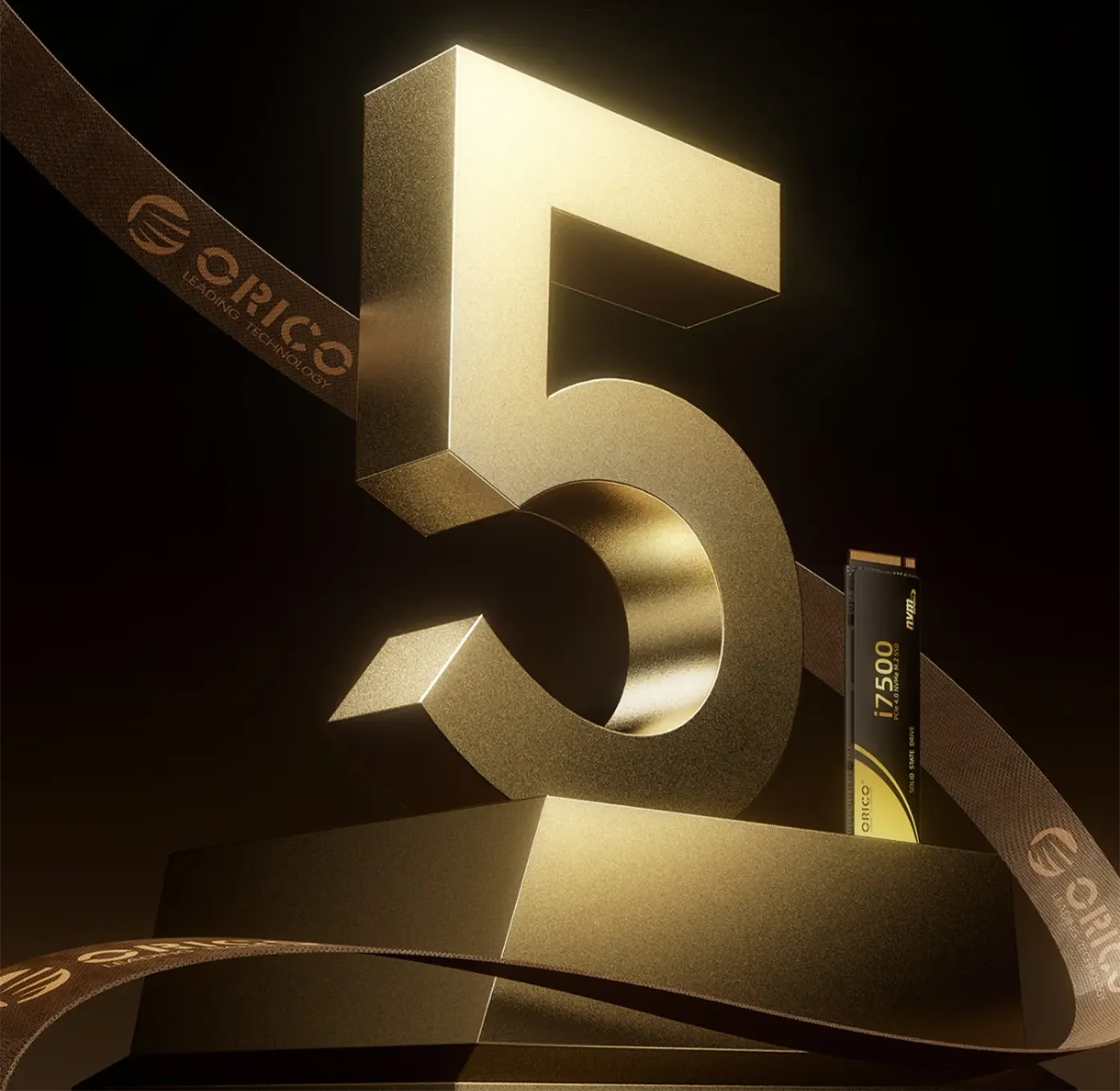
5 Years Local Warranty
Model No : Orico ORICO-i7500-1TB-GD-BP
Price Inc. Vat
R 3,699
Save R 300
ListR 3,999
3699Free Delivery
Qty:
In Stock with Evetech
ORICO i7500 1TB M.2 NVMe SSD — PCIe Gen4, 7,200MB/s
1TB PCIe Gen 4 NVMe Drive For Desktops And Laptops
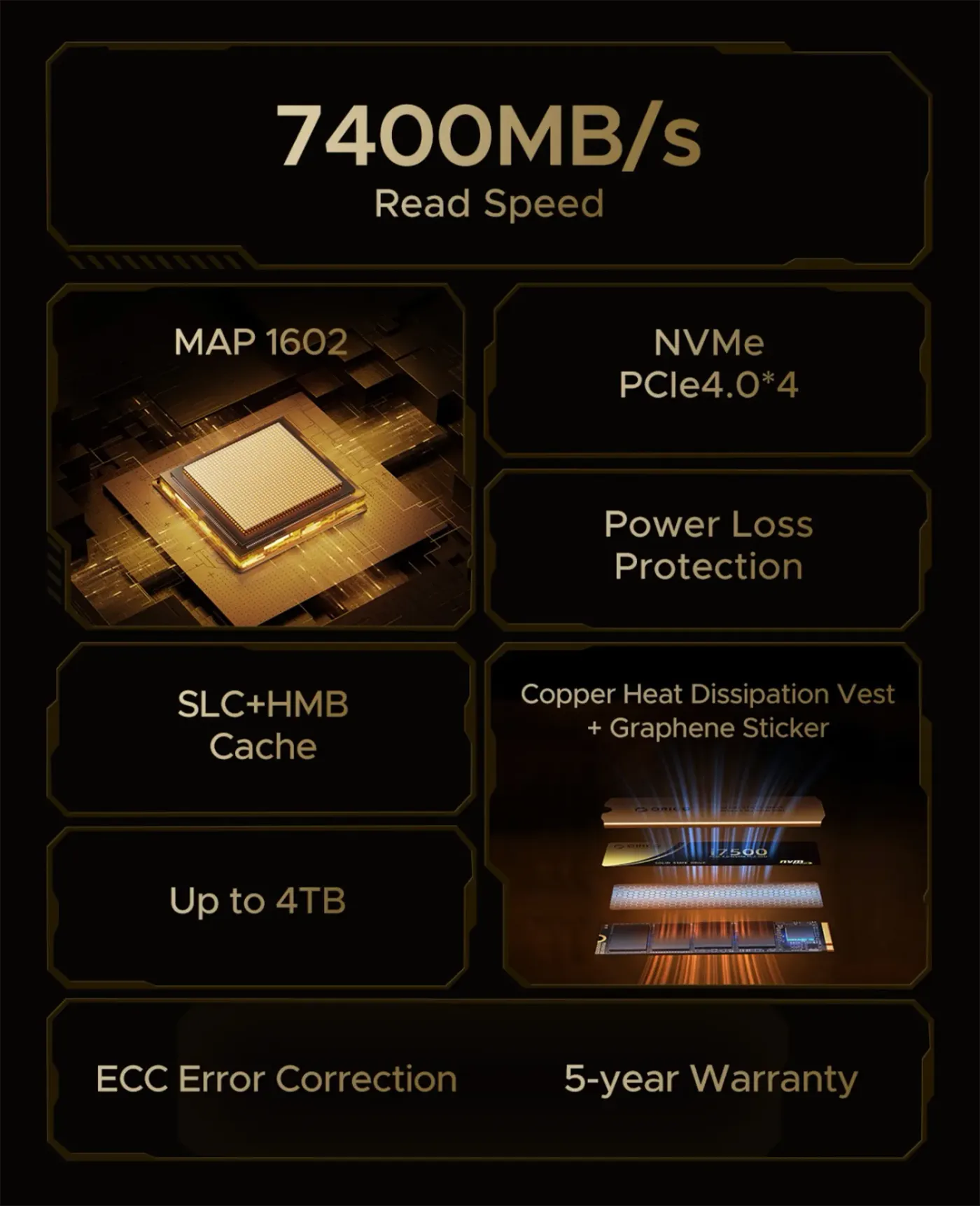
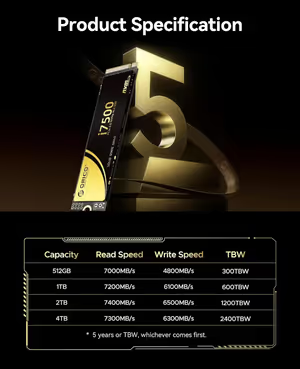
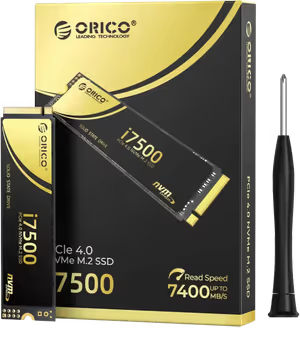
The ORICO i7500 M.2 NVMe SSD is a 1TB drive on a PCIe Gen 4 x4 interface, rated up to 7,400MB/s read and 6,100MB/s write on 3D NAND Flash. Those speeds shorten boot and game load times and move large files quickly. The M.2 2280 form factor fits desktops and laptops with NVMe Gen 4 slots, and the drive is backward compatible with Gen 3 at Gen 3 speeds.
1TB PCIe Gen 4 NVMe Drive For Desktops And Laptops
The ORICO i7500 M.2 NVMe SSD is a 1TB drive on a PCIe Gen 4 x4 interface, rated up to 7,400MB/s read and 6,100MB/s write on 3D NAND Flash. Those speeds shorten boot and game load times and move large files quickly. The M.2 2280 form factor fits desktops and laptops with NVMe Gen 4 slots, and the drive is backward compatible with Gen 3 at Gen 3 speeds.
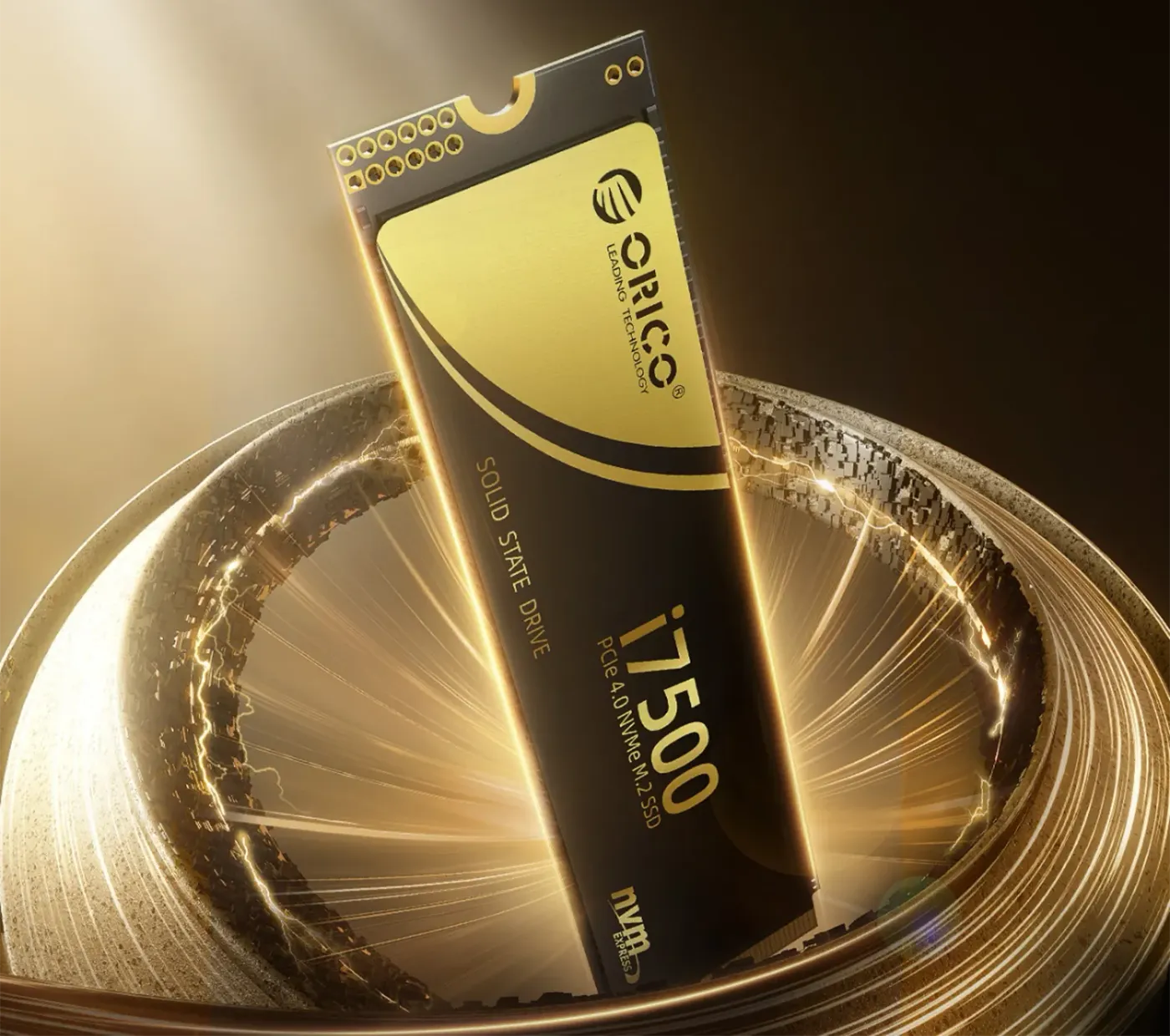
M.2 2280 Form Factor For PCIe 4.0 x4 Slots
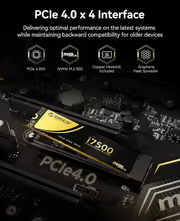
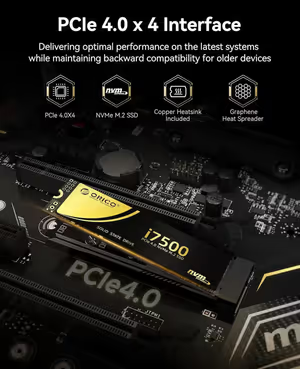
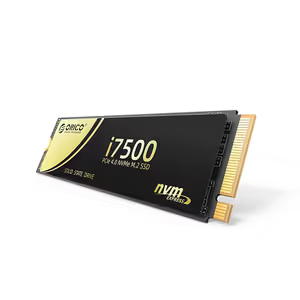
The i7500 uses the M.2 2280 form factor with a PCIe 4.0 x4 NVMe interface, the standard layout on desktop motherboards and laptops built for Gen 4 storage. Because it is a single stick rather than a cabled drive, it occupies no drive bay and adds no wiring inside the case, which is what keeps an NVMe upgrade simple in a compact build.
M.2 2280 Form Factor For PCIe 4.0 x4 Slots
The i7500 uses the M.2 2280 form factor with a PCIe 4.0 x4 NVMe interface, the standard layout on desktop motherboards and laptops built for Gen 4 storage. Because it is a single stick rather than a cabled drive, it occupies no drive bay and adds no wiring inside the case, which is what keeps an NVMe upgrade simple in a compact build.
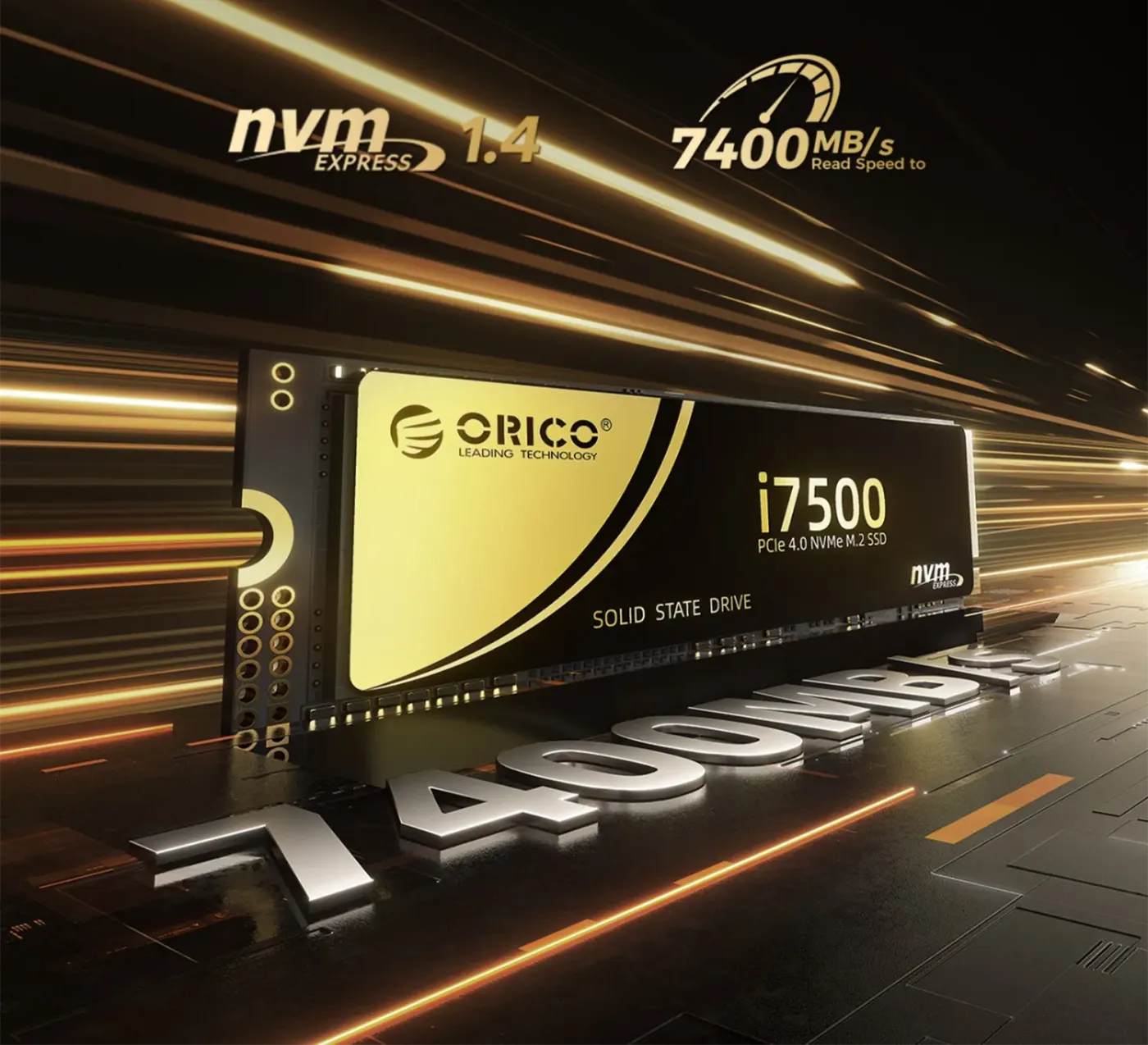
Reaches Up To 7,400MB/s Sequential Read
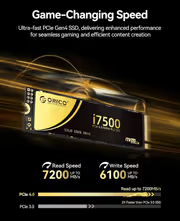
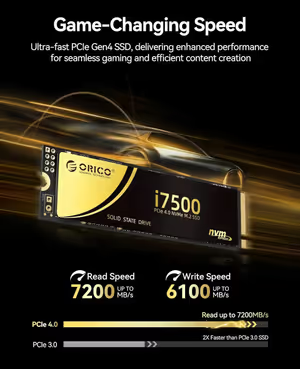
Running the NVMe protocol over PCIe 4.0 x4, the i7500 reaches up to 7,400MB/s on reads. In daily use that shows up as quick Windows boots, shorter game loading screens and rapid transfers of large files. Read speed is the figure that governs how fast applications and game levels launch, which is where a boot drive spends most of its working life.
Reaches Up To 7,400MB/s Sequential Read
Running the NVMe protocol over PCIe 4.0 x4, the i7500 reaches up to 7,400MB/s on reads. In daily use that shows up as quick Windows boots, shorter game loading screens and rapid transfers of large files. Read speed is the figure that governs how fast applications and game levels launch, which is where a boot drive spends most of its working life.
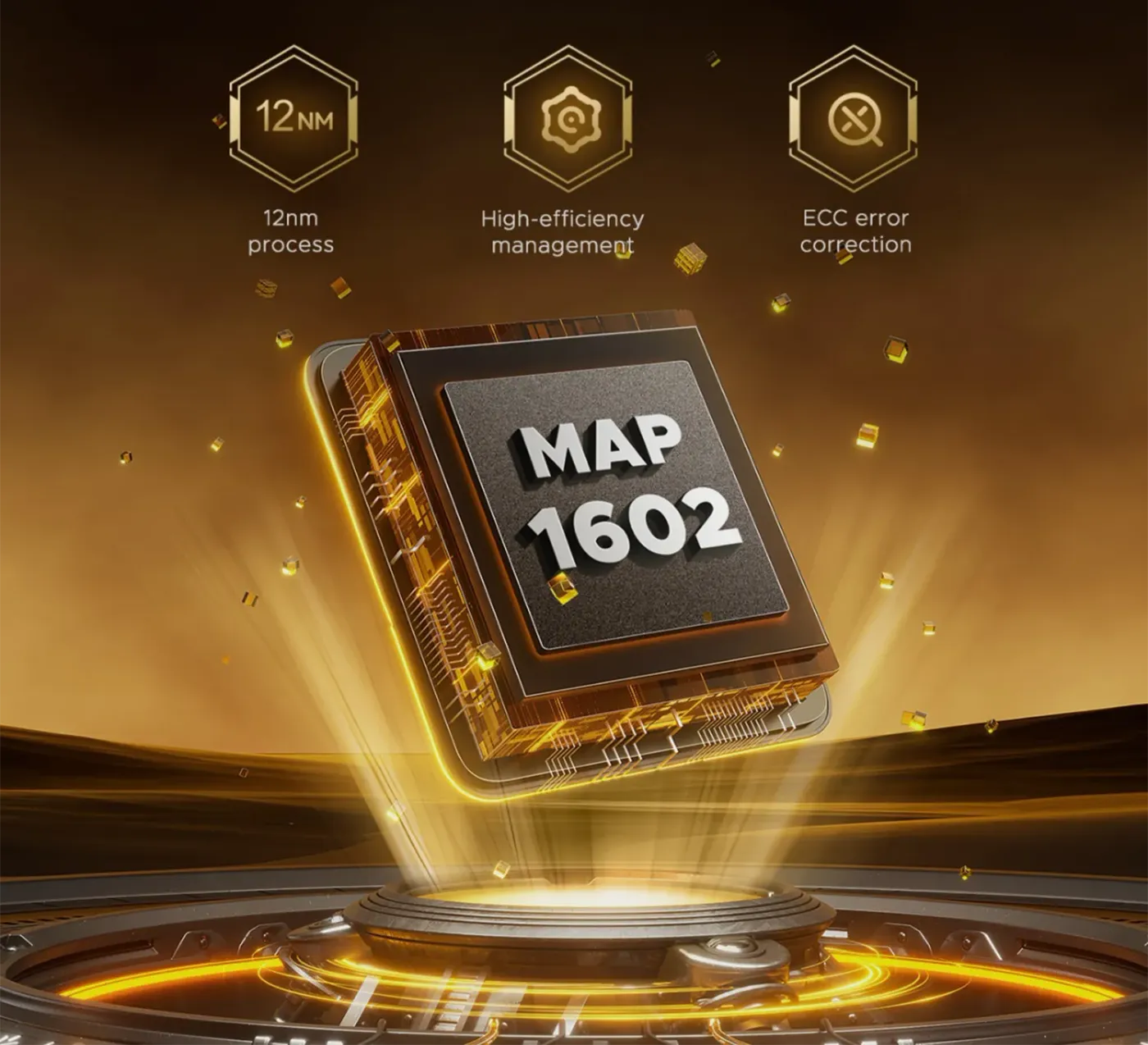
MAP1602 Controller Saturates The Gen 4 x4 Channel
A fourth-generation MAP1602 controller drives the i7500 and is efficient enough to saturate the full PCIe Gen 4 x4 channel. Saturating the link is what keeps throughput steady instead of spiking and falling away, and it holds latency low. The controller is the component that decides whether a Gen 4 drive actually delivers Gen 4 figures under sustained load.
MAP1602 Controller Saturates The Gen 4 x4 Channel
A fourth-generation MAP1602 controller drives the i7500 and is efficient enough to saturate the full PCIe Gen 4 x4 channel. Saturating the link is what keeps throughput steady instead of spiking and falling away, and it holds latency low. The controller is the component that decides whether a Gen 4 drive actually delivers Gen 4 figures under sustained load.
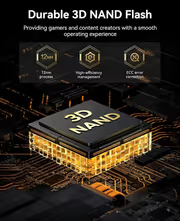
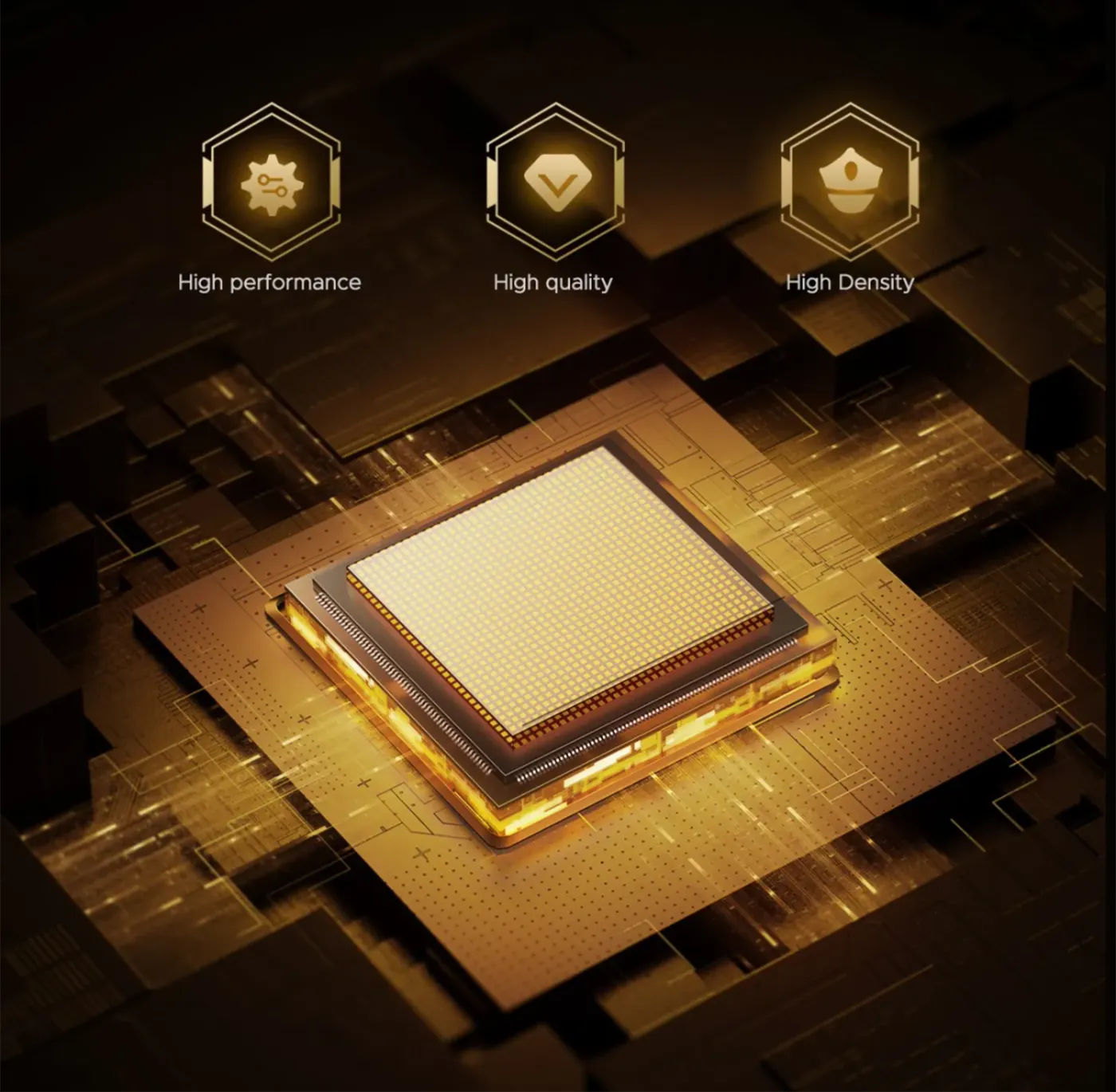
Premium 3D NAND Flash For Endurance And Density
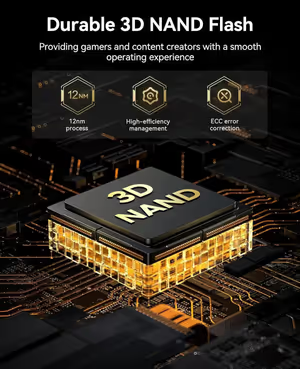
Premium 3D NAND Flash sits behind the i7500's performance, density and endurance. Endurance is what lets the drive absorb years of daily writes without degrading, and density is what fits 1TB of storage into a stick this small. For a boot drive written to constantly by the operating system and by game updates, endurance is the specification that determines service life.
Premium 3D NAND Flash For Endurance And Density
Premium 3D NAND Flash sits behind the i7500's performance, density and endurance. Endurance is what lets the drive absorb years of daily writes without degrading, and density is what fits 1TB of storage into a stick this small. For a boot drive written to constantly by the operating system and by game updates, endurance is the specification that determines service life.
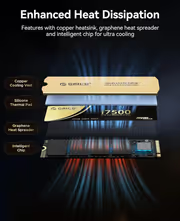
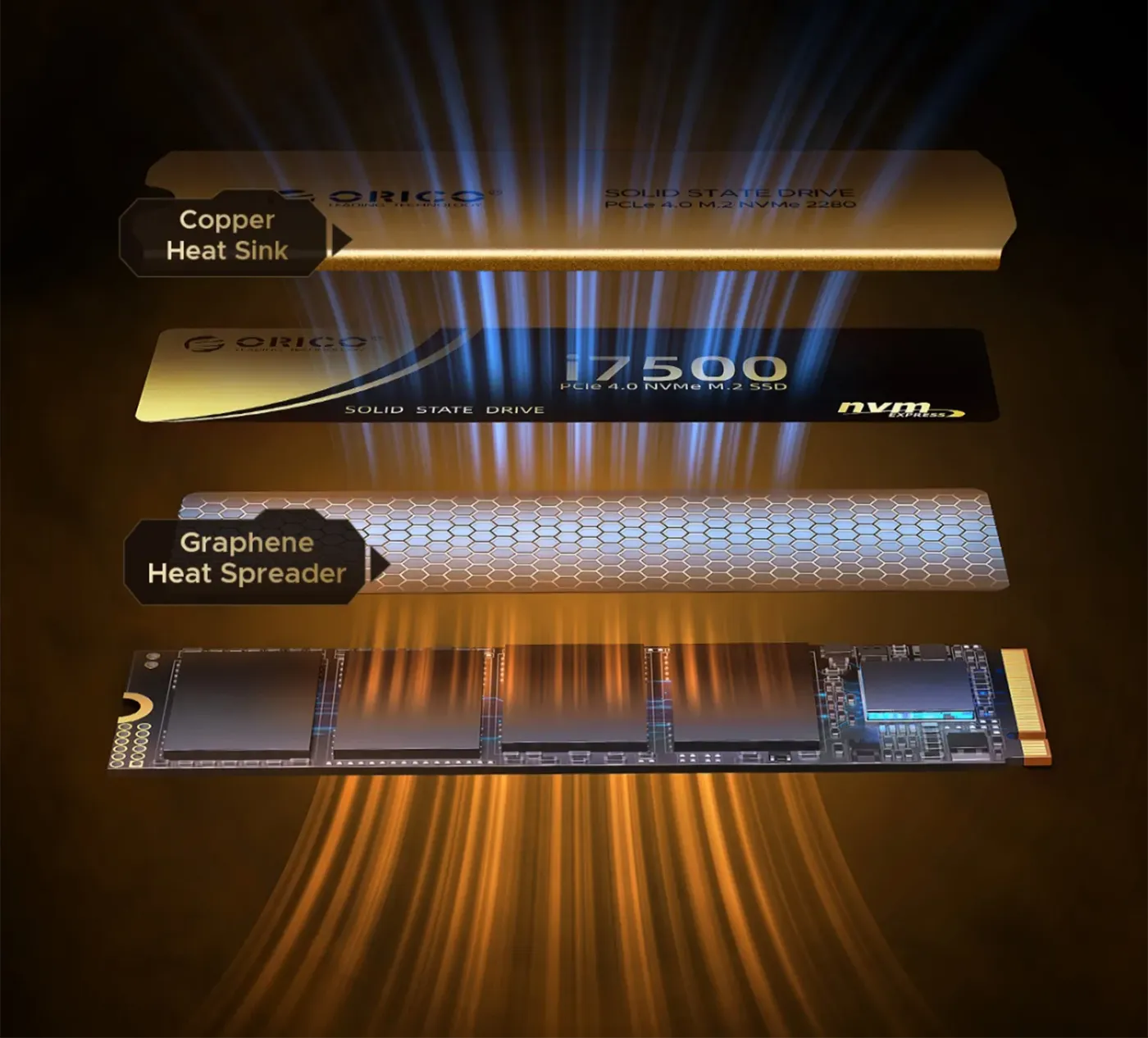
Graphene Sheets And Copper Heat Sinks Keep It Cool
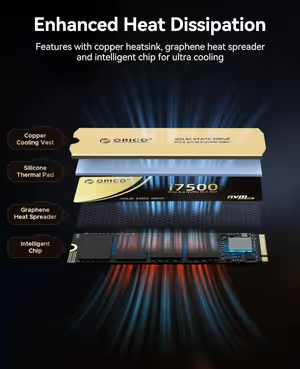
Graphene sheets and copper heat sinks pull heat away from the i7500 during long sessions. Heat is what forces an NVMe drive to throttle, so moving it off the controller and NAND is what preserves peak speed through a long file transfer or an extended gaming session rather than only for the first few seconds of a benchmark run.
Graphene Sheets And Copper Heat Sinks Keep It Cool
Graphene sheets and copper heat sinks pull heat away from the i7500 during long sessions. Heat is what forces an NVMe drive to throttle, so moving it off the controller and NAND is what preserves peak speed through a long file transfer or an extended gaming session rather than only for the first few seconds of a benchmark run.
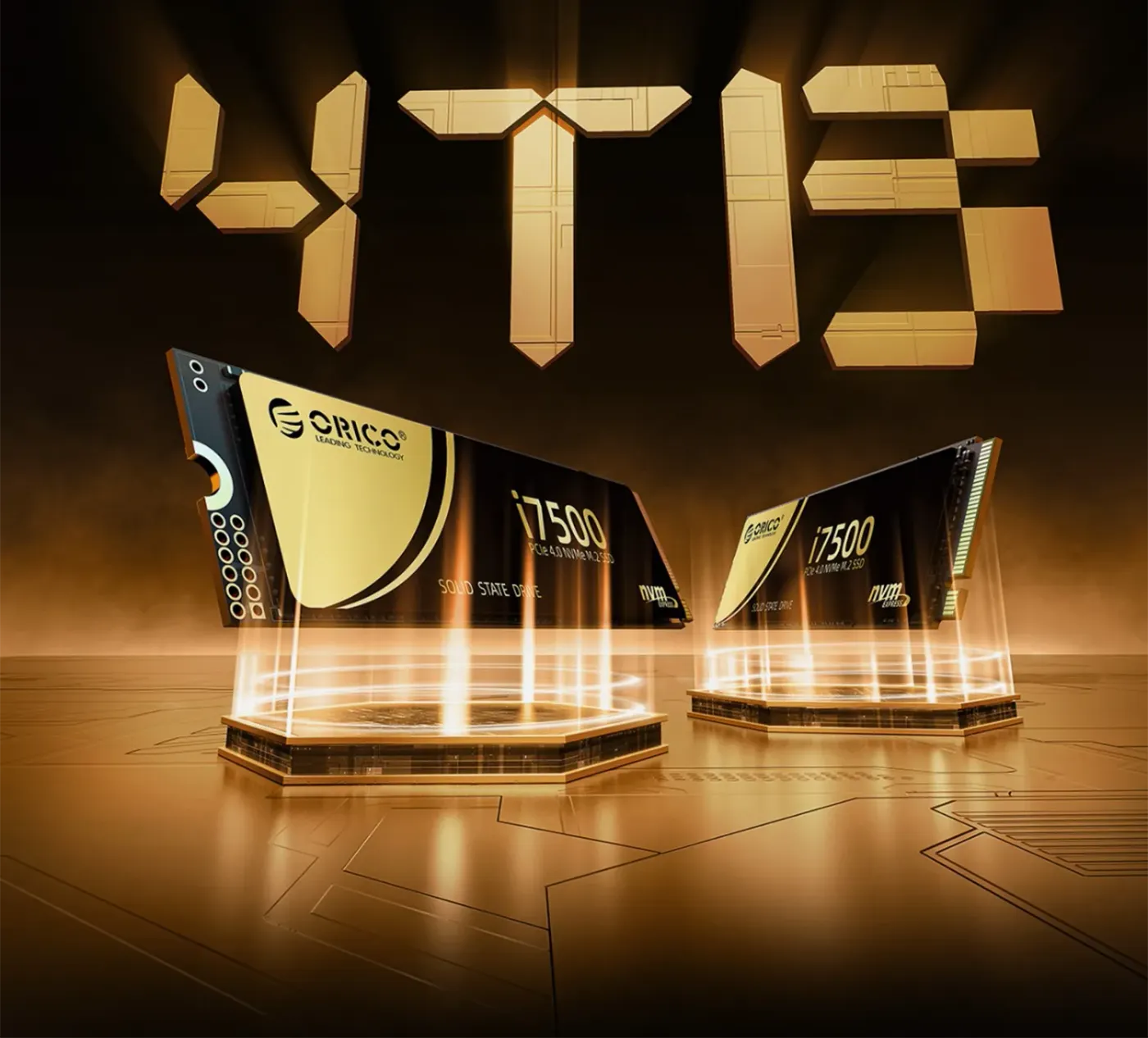
1TB Here, With Capacities Up To 4TB
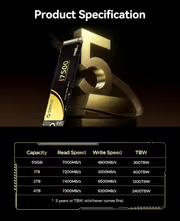
This is the 1TB i7500, and the range extends to 4TB for larger libraries. A terabyte holds a substantial modern game collection, 4K video footage and project files with room to grow, which matters because single-title install sizes now run to well over a hundred gigabytes. Buying capacity headroom up front avoids reshuffling installs later.
1TB Here, With Capacities Up To 4TB
This is the 1TB i7500, and the range extends to 4TB for larger libraries. A terabyte holds a substantial modern game collection, 4K video footage and project files with room to grow, which matters because single-title install sizes now run to well over a hundred gigabytes. Buying capacity headroom up front avoids reshuffling installs later.
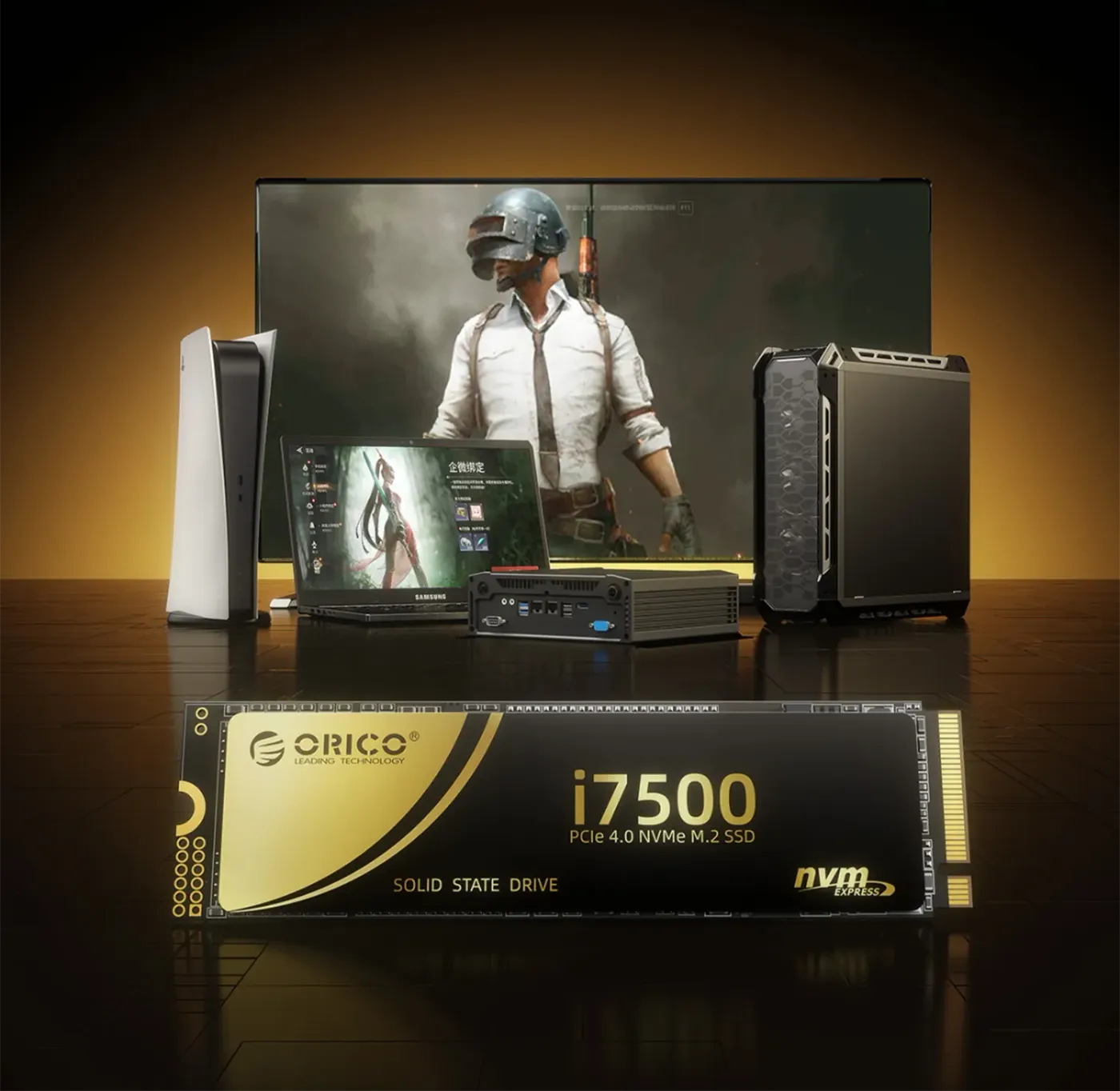
Works With Desktops, Laptops And The PS5
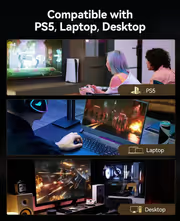
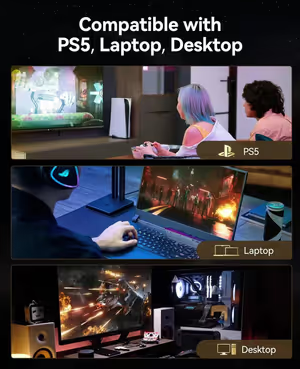
The i7500 works in desktops, laptops and game consoles including the PS5, and runs smoothly on all major operating systems. That covers a Windows gaming build, a work laptop and a console expansion bay from the same M.2 2280 stick, so the drive is not locked to the machine you first install it in.
Works With Desktops, Laptops And The PS5
The i7500 works in desktops, laptops and game consoles including the PS5, and runs smoothly on all major operating systems. That covers a Windows gaming build, a work laptop and a console expansion bay from the same M.2 2280 stick, so the drive is not locked to the machine you first install it in.
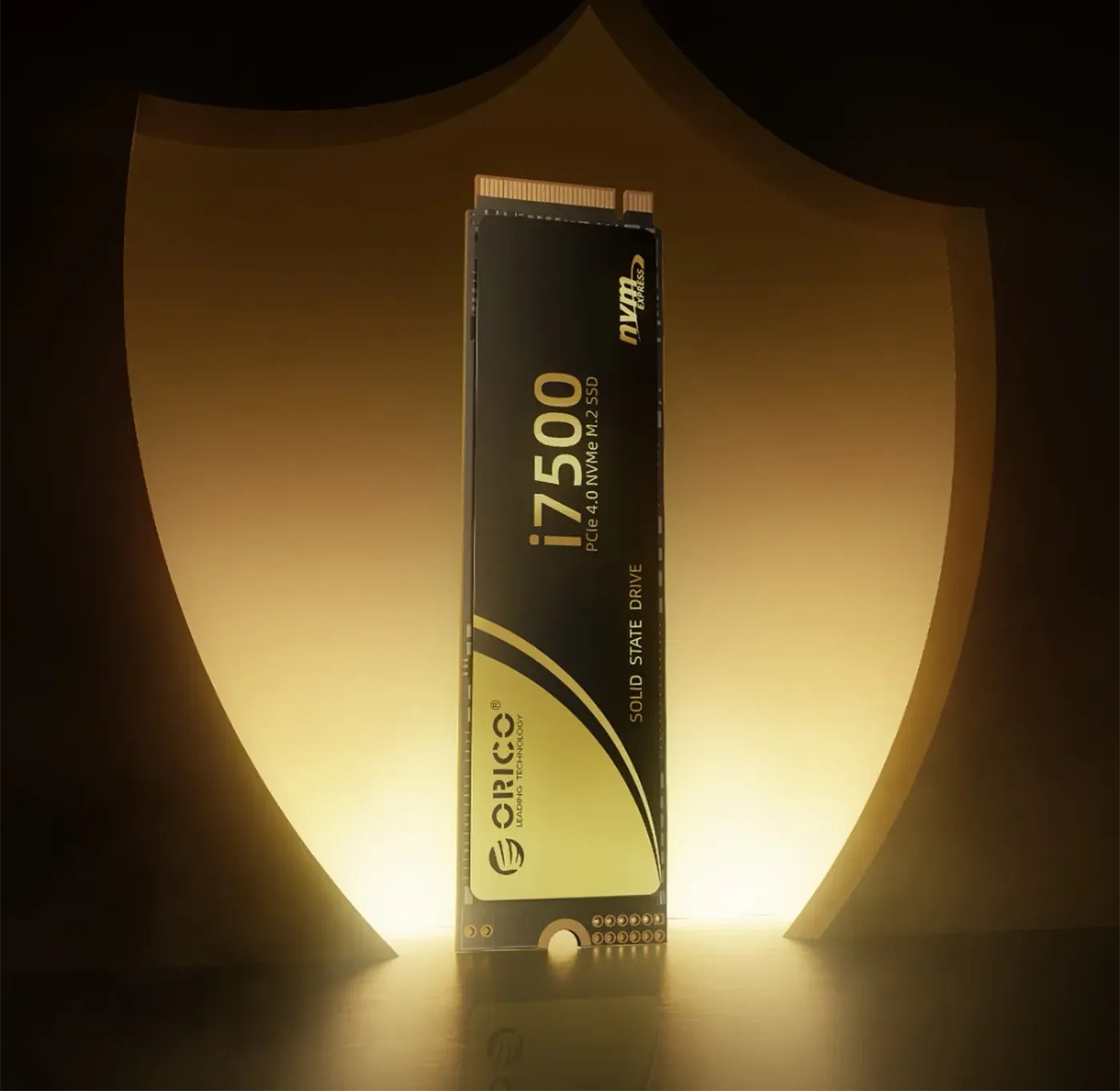
Power Loss Protection And Wear Levelling Built In
Several safety designs protect data on the i7500, including power loss protection and wear levelling. Power loss protection guards against corruption when a machine cuts out mid-write, and wear levelling spreads writes evenly across the NAND so no single area is worn out early. Together they keep the SSD operating stably rather than degrading unpredictably over time.
Power Loss Protection And Wear Levelling Built In
Several safety designs protect data on the i7500, including power loss protection and wear levelling. Power loss protection guards against corruption when a machine cuts out mid-write, and wear levelling spreads writes evenly across the NAND so no single area is worn out early. Together they keep the SSD operating stably rather than degrading unpredictably over time.
Up To 6,100MB/s Write For Large File Work
Write speed on the i7500 reaches up to 6,100MB/s, and that is the figure that governs how quickly large files land on the drive. Copying a game install, moving 4K video footage or saving out a project file are all write-bound jobs, which makes the drive as relevant to content creation as it is to gaming and everyday work.
Up To 6,100MB/s Write For Large File Work
Write speed on the i7500 reaches up to 6,100MB/s, and that is the figure that governs how quickly large files land on the drive. Copying a game install, moving 4K video footage or saving out a project file are all write-bound jobs, which makes the drive as relevant to content creation as it is to gaming and everyday work.
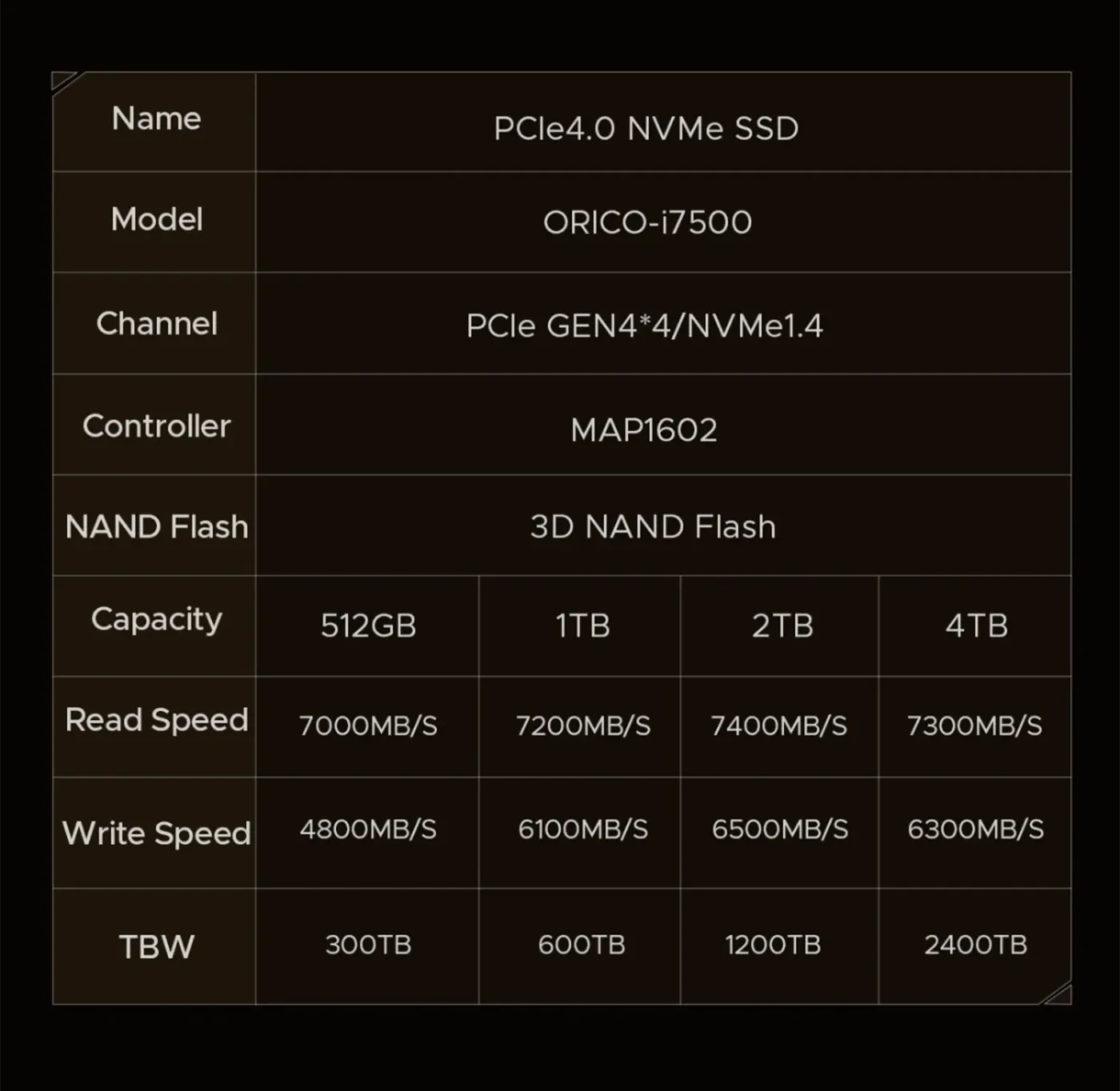
Technical Specifications At A Glance
The i7500 specification set covers 1TB of capacity, the M.2 2280 form factor, a PCIe 4.0 x4 NVMe interface, the MAP1602 controller and 3D NAND Flash, with rated speeds of up to 7,400MB/s read and 6,100MB/s write. Check the M.2 slot on your motherboard or laptop against those figures first, since some slots are wired for Gen 3 only.
Technical Specifications At A Glance
The i7500 specification set covers 1TB of capacity, the M.2 2280 form factor, a PCIe 4.0 x4 NVMe interface, the MAP1602 controller and 3D NAND Flash, with rated speeds of up to 7,400MB/s read and 6,100MB/s write. Check the M.2 slot on your motherboard or laptop against those figures first, since some slots are wired for Gen 3 only.
Backward Compatible With PCIe Gen 3 Slots
The i7500 is backward compatible with PCIe Gen 3 and runs in a Gen 3 slot at Gen 3 speeds. That makes it a sensible purchase for an older board you intend to replace, because the same drive carries into the next build and picks up full Gen 4 bandwidth the moment it lands in a Gen 4 x4 slot.
Backward Compatible With PCIe Gen 3 Slots
The i7500 is backward compatible with PCIe Gen 3 and runs in a Gen 3 slot at Gen 3 speeds. That makes it a sensible purchase for an older board you intend to replace, because the same drive carries into the next build and picks up full Gen 4 bandwidth the moment it lands in a Gen 4 x4 slot.
Installs With One Screw And A Format
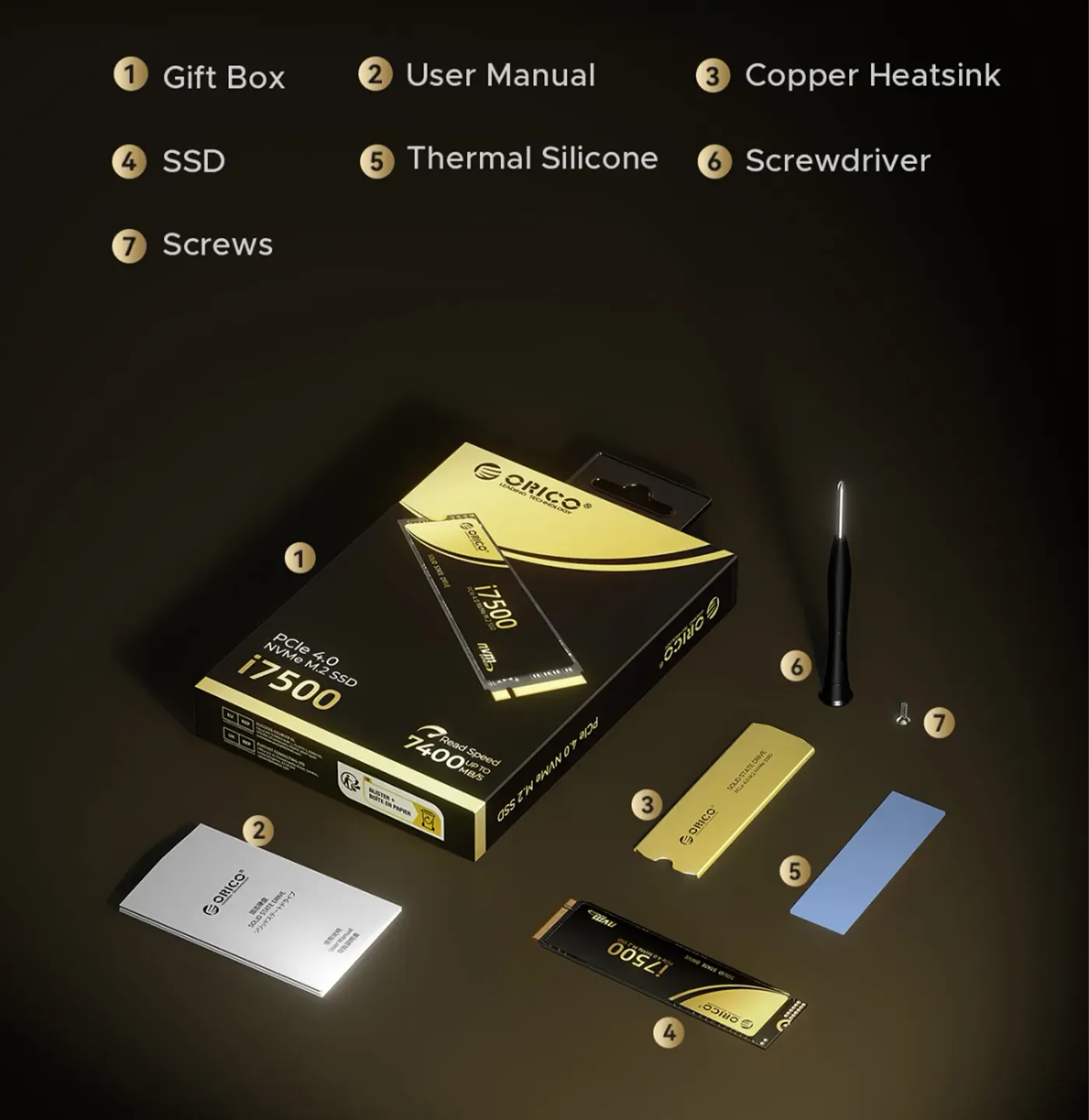
Fitting the i7500 is a three-step job: slide the SSD into the M.2 slot, secure the retaining screw, then format the drive. There is no cabling and no drive bay to work around, which is why an NVMe upgrade is one of the quicker changes to make to a desktop or laptop that already has a free M.2 slot.
Installs With One Screw And A Format
Fitting the i7500 is a three-step job: slide the SSD into the M.2 slot, secure the retaining screw, then format the drive. There is no cabling and no drive bay to work around, which is why an NVMe upgrade is one of the quicker changes to make to a desktop or laptop that already has a free M.2 slot.
FAQ
Frequently Asked Questions
Everything you need to know about this product
This is the 1TB version of the i7500, and the range extends up to 4TB.
It is rated at up to 7,400MB/s read and 6,100MB/s write over PCIe 4.0 x4.
It is an M.2 2280 drive using the NVMe protocol over a PCIe Gen 4 x4 interface.
Yes, it is backward compatible with Gen 3 and runs in a Gen 3 slot at Gen 3 speeds.
It uses the fourth-generation MAP1602 controller, which saturates the PCIe Gen 4 x4 channel.
It uses premium 3D NAND Flash for performance, density and long-term endurance.
Graphene sheets and copper heat sinks draw heat away so the drive holds peak speed during long sessions.
Yes, it works with desktops, laptops and game consoles such as the PS5.
It runs smoothly on all major operating systems, not just Windows.
It includes power loss protection, wear levelling and other safeguards that keep operation stable.
Slide the SSD into a free M.2 slot, secure the screw, then format the drive before use.

AI-Generated Content:These FAQs are generated by an automated AI system and may contain inaccuracies or omissions. Evetech makes no warranties, express or implied, regarding their completeness or reliability. For definitive information, please refer to the manufacturer's official specifications.
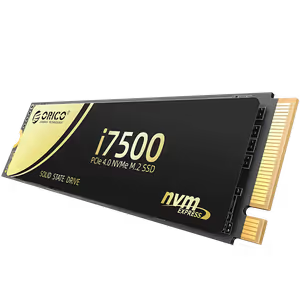
Please Note: Product images are for illustrative purposes only and may differ from the actual product.
Choose your
own PC
Hand-pick every part with live stock, compatibility, and instant pricing.
Try the new builderPrice Inc. Vat
R 3,699
Save R 300
ListR 3,999
3699Free Delivery
Qty:
In Stock with Evetech
Choose your
own PC
Hand-pick every part with live stock, compatibility, and instant pricing.
Try the new builderORICO i7500 M2 NVMe SSD 1TB